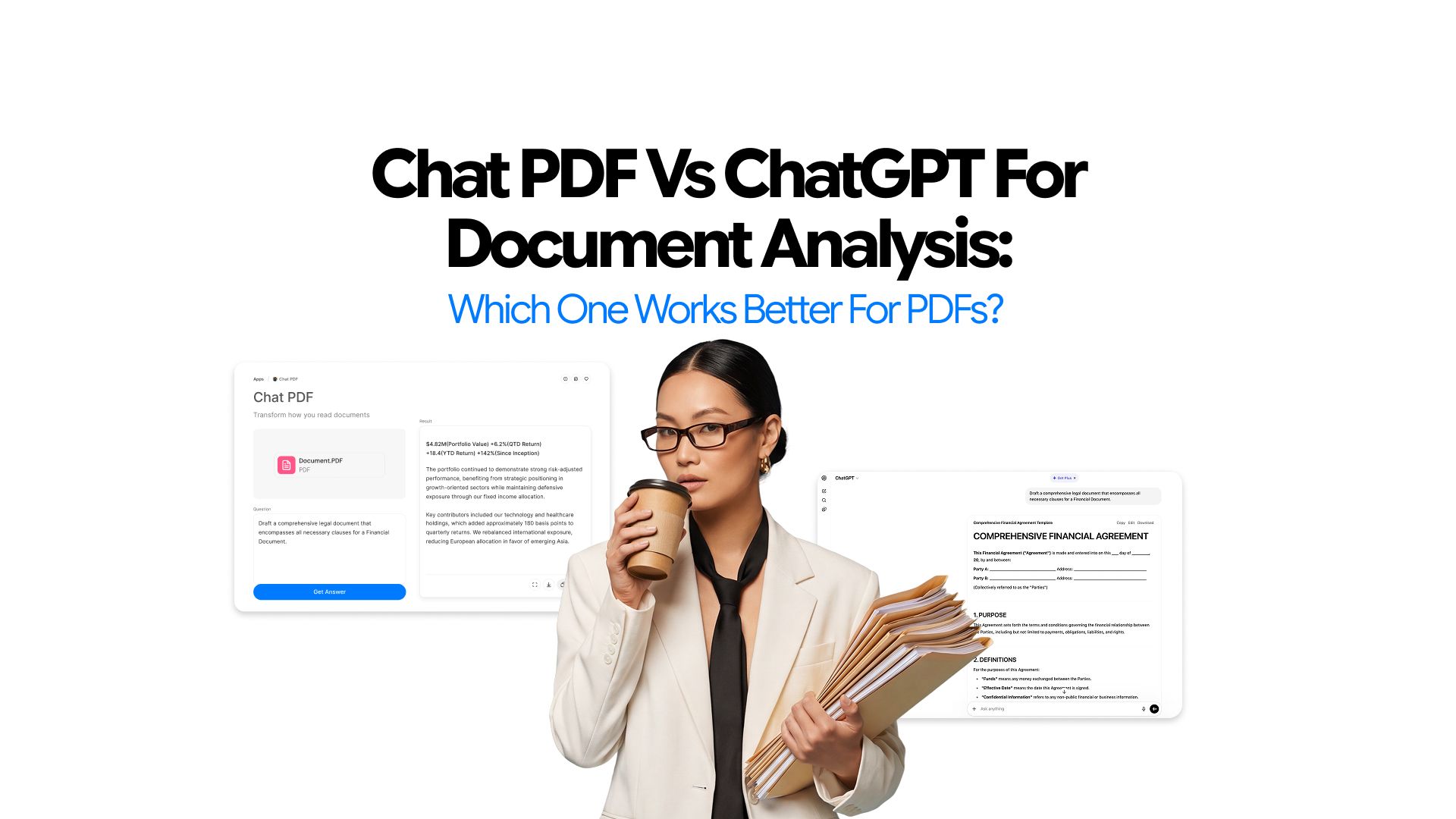
Chat PDF vs ChatGPT for Document Analysis: Which One Works Better for PDFs?
You uploaded the PDF. You asked your question. You got an answer that sounded right, until you checked the source and found it was not quite what the document said.
Chat PDF and ChatGPT are not the same tool.
They produce different results on the same file for the same question, and the gap widens the more specific the task gets. One is built to stay inside a document. The other is a general assistant that can handle documents alongside everything else.
This comparison maps both tools against the tasks people actually use them for – summarizing, retrieval, research review, and follow-on work – and explains how to choose based on what the task actually requires.
One ground rule: neither tool should be treated as final authority for legal, financial, medical, or compliance documents. Both are reading and retrieval aids. Verification still falls on the human.
What This Comparison Covers
This article focuses on how Chat PDF and ChatGPT perform in actual PDF workflows. It covers:
- how each tool handles PDF documents
- where each one performs better
- which tool is stronger for common document tasks
- where both tools still fall short
- how to choose based on the workflow
- where Chatly fits for users who want PDF analysis inside a broader AI workspace
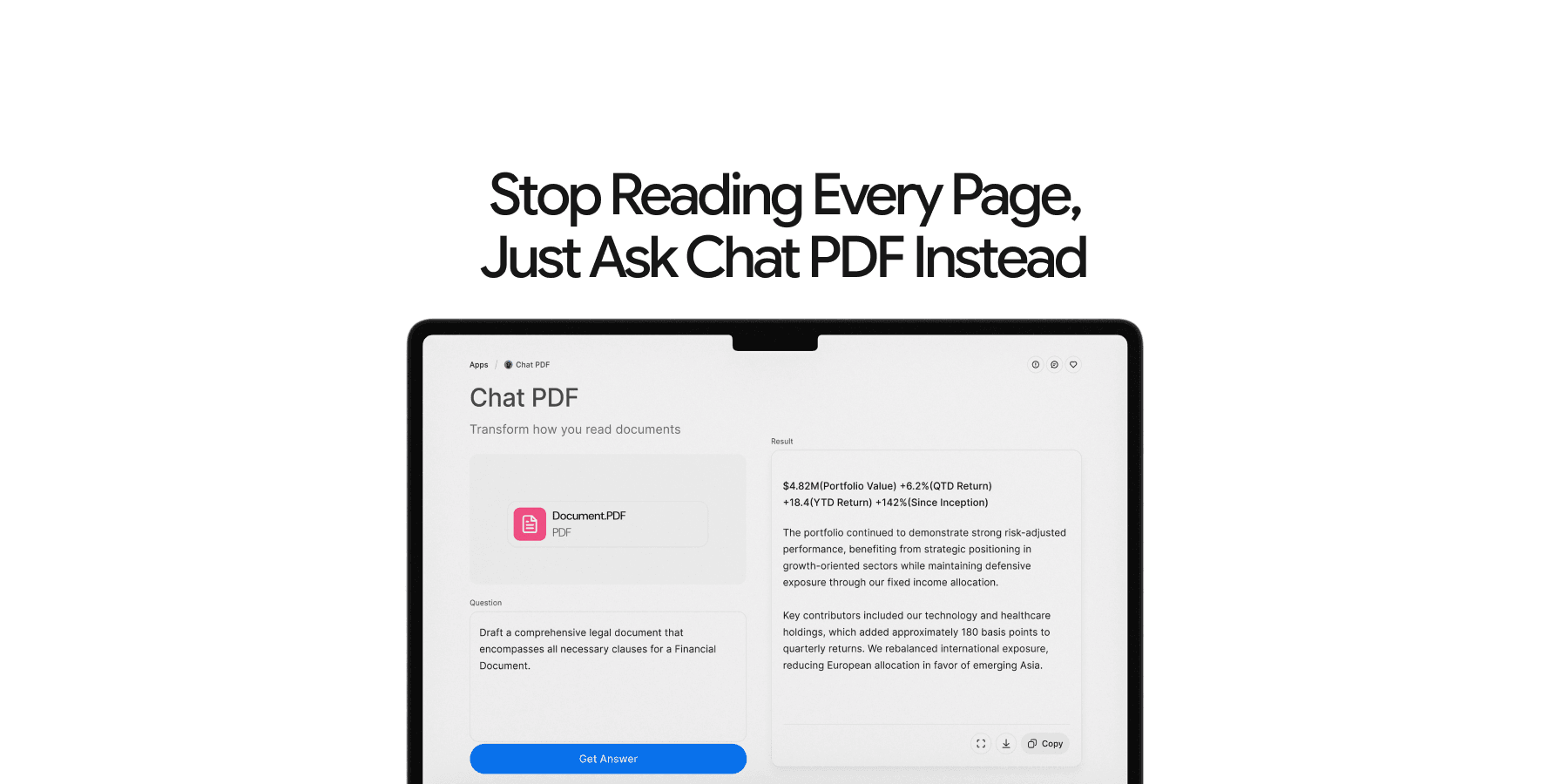
What Is Chat PDF?
Chat PDF is a dedicated tool built specifically for document interaction.
Users who need to summarize a report, extract a clause from a contract, review findings in a research paper, or ask section-by-section questions about a manual get a tight, purpose-built experience. The tool does not drift into broader tasks. It stays anchored to the file.
That narrowness should be treated as a feature and not a limitation. When the document is the main task, a tool designed entirely around that task performs better than one that treats it as one use case among dozens.
What Is ChatGPT for PDF Analysis?
ChatGPT is a general-purpose AI assistant (and arguably the most used tool worldwide). It can accept uploaded PDFs and analyze their content, but document analysis sits inside a broader environment built for writing, reasoning, planning, synthesis, and open-ended conversation.
The core value is flexibility. Users who need to explain something from a document in plain language, rewrite insights for a different audience, turn PDF content into a structured email or presentation, or use a document as one input in a larger task will find ChatGPT better suited to that kind of work.
The trade-off is worth naming directly. When the document is the only thing that matters, ChatGPT's generalist design works against it. Answers tend to be less anchored to the source. The workflow does not constrain itself to the file. For users who need tight, document-specific retrieval, that looseness is a real cost.
That is where ChatGPT alternative tools like ChatPDF come in handy.
How Chat PDF Handles PDFs
PDFs usually are hard to play with and while there are many tools available in the market, Chatly’s Chat PDF tool handles these files with clear authority.
Document-First Workflow
The workflow in a Chat PDF tool is built entirely around the uploaded file. Users upload a document, ask questions tied directly to that file, and stay inside a document-centered experience from start to finish. There is no ambient conversation pulling the session in other directions.
The tool is focused on one thing: the PDF.
Best Use Cases of Chat PDF
Chat PDF performs best when the task is directly tied to the document. Common examples include:
-
Summarizing long reports, research papers, or policy documents
-
Finding specific clauses, figures, definitions, or dates
-
Reviewing a document section by section without reading the whole file
-
Asking follow-up questions that go deeper into the same document
-
Quickly triaging a set of files to identify which ones need careful reading
How ChatGPT Handles PDFs
The way ChatGPT handles these PDFs is, although, not very different from the earlier tool we discussed, it is, however, a different approach. Let’s explore in detail.
Assistant-First Workflow
ChatGPT's approach to PDFs starts from a different position. Users upload a file and can ask questions about it, but the conversation is not constrained to the document. From there, it can move into explanation, reframing, writing, synthesis, or any other direction the user takes it. The PDF is an input. It is not necessarily the frame for the entire session.
Best Use Cases of ChatGPT for PDF
ChatGPT is at its strongest when the task extends beyond the document itself. Common examples include:
-
Explaining difficult or technical sections in simpler language
-
Rewriting key insights for a team, client, or non-specialist audience
-
Turning document content into structured notes, emails, or presentation slides
-
Using the PDF as one reference point in a broader research or writing task
-
Asking questions that blend document content with general knowledge
Chat PDF vs ChatGPT for Common PDF Tasks
This is where the distinction becomes practical. Each tool handles the same tasks differently, and knowing which one performs better for each job makes the choice clearer.
Summarizing a Long PDF
For direct, file-focused summaries, Chat PDF is usually the stronger choice. The tool is built to stay close to the source and return summaries that reflect what the document actually says.
ChatGPT is usually the better option when the summary needs to be adapted. If the goal is a plain-language executive summary for a non-technical audience, or a structured briefing formatted for a specific output, ChatGPT's flexibility handles that better.
Finding a Specific Clause, Figure, or Answer
Chat PDF is typically the better choice here. Focused retrieval from a single document is its core use case. When users need to know what a contract says about renewal terms, what a report says about a specific metric, or where a particular definition appears in a manual, a document-first tool is faster and more precise.
Explaining Difficult Language
ChatGPT is usually the stronger choice for simplification and reframing. It handles dense technical or legal language well and can explain concepts in multiple ways depending on the audience. Chat PDF can produce explanations, but explanation and reframing are not where it is optimized.
Reviewing Research Papers
Chat PDF is stronger for first-pass review: extracting findings, reviewing methods, identifying limitations, and asking focused questions about specific sections. For researchers triaging a stack of papers, it reduces the time spent on initial orientation.
ChatGPT is stronger when the task moves into synthesis. Connecting findings across sources, writing a literature review section, or evaluating a paper's argument against prior work are tasks that benefit from a broader assistant.
Working Through Reports and Manuals
Chat PDF is the better choice for extracting what the document says. For anyone who needs to understand the content of a long report or locate relevant sections in a technical manual, a document-first tool is more efficient.
ChatGPT is stronger for turning that information into something else. Converting report findings into a decision memo, translating manual steps into a training guide, or summarizing insights for a stakeholder are tasks where writing and reframing capability matters more than retrieval precision.
Where Chat PDF Is the Better Choice?
Chat PDF is the right tool when the document is the main task and the goal is to work through it efficiently. It is the better choice when:
-
The PDF is the primary source of truth for the task
-
The goal is summarization, retrieval, or document-based question-answering
-
A focused, purpose-built workflow produces better results than a general assistant
-
Speed and directness matter more than broader flexibility
Where ChatGPT Is the Better Choice?
ChatGPT is the right tool when the task extends beyond the document. It is the better choice when:
-
Explanation, rewriting, or synthesis is needed alongside document analysis
-
The PDF is one input among several in a larger research or writing task
-
Generating new content from document insights is part of the workflow
-
A single assistant is needed for multiple kinds of tasks in the same session
Using Both Tools Together: The Ultimate Combo?
Some workflows benefit from both tools at different stages, and it is worth being specific about what that actually looks like in practice.
The most effective two-stage approach is this: use Chat PDF first for fast document retrieval, targeted questions, and first-pass orientation. Once you know what the document contains and which parts matter, move into ChatGPT for the follow-on work – rewriting a summary for a specific audience, turning findings into a presentation structure, drafting a response to a legal clause, or synthesizing insights across multiple sources.
This split makes sense when the document is dense and the downstream task is substantial. It is less necessary for straightforward reading jobs where one tool will do. The point is not to use both tools by default. It is to recognize that retrieval and output generation are different jobs, and treating them that way produces better results.
Accuracy, Trust, and Verification in PDF Management
Using either tool well means understanding what it handles reliably and where the user still carries the responsibility.
What Both Tools Do Well
Both Chat PDF and ChatGPT can reduce the time it takes to get oriented in a long or complex document. They surface relevant information faster than manual searching, help users identify which sections matter before reading everything, and reduce the cognitive load of working through dense material.
What Users Still Need to Do
Regardless of which tool is used, verification is not optional for anything that matters. Users should:
-
Verify important clauses, figures, and claims against the source document
-
Check exact wording when precision matters, such as in contracts, specifications, or research findings
-
Treat AI output as a reading and retrieval aid, not as a final authority
-
Apply independent judgment before acting on any AI-generated interpretation
How to Choose Between Chat PDF and ChatGPT
The right choice comes down to one question: is the PDF the task, part of the task, or the start of a larger workflow?
Choose Chat PDF If
The task is document-centered and the goal is to work through a specific file efficiently. Chat PDF is the better choice when:
-
The primary need is reading, searching, summarizing, or questioning a PDF
-
The work is anchored to a single document or a defined set of files
-
A tighter, purpose-built workflow produces better results than a general assistant
Choose ChatGPT If
The task goes beyond the document or requires broader assistant capability. ChatGPT is the better choice when:
-
Explanation, rewriting, or synthesis is needed alongside document analysis
-
The PDF is one input among several in a larger task
-
Generating new content from document insights is part of the workflow
Use Both If
The work has two distinct phases: retrieval first, output second. Use Chat PDF to get oriented, extract what matters, and answer focused questions. Then move into ChatGPT for writing, reframing, synthesis, or any follow-on task that goes beyond the document. Each tool handles its phase better than the other would.
Where Chatly Fits In
Chatly takes a different approach to this problem. Rather than offering a standalone Chat PDF tool or a general assistant in isolation, Chatly is a broader AI workspace that includes a dedicated Chat PDF app alongside a suite of connected tools.
That matters for users whose work does not stop at the document. Inside Chatly, document analysis is one part of a connected workflow. Users can move from PDF analysis into AI Chat, AI Slides, AI Docs, or AI Image Generation without switching platforms or rebuilding context. The session carries forward.
For users who want the focus of a dedicated Chat PDF tool without being locked into a single-purpose app, Chatly offers a practical middle ground: document-first analysis inside an environment built for what comes next.
Exploring Chat PDF by Chatly
Chat PDF by Chatly is Chatly's dedicated document analysis app. The workflow is direct: upload a file, ask targeted questions, request summaries, and work through long or dense documents without reading every page.
It handles reports, research papers, technical manuals, contracts, policy documents, and other dense files where getting to the relevant information quickly matters. Users can start with a broad question to get oriented, then narrow by section, topic, or specific term. Follow-up questions allow for deeper exploration without losing the thread.
For researchers managing a stack of papers, professionals reviewing business documents, or students working through assigned readings, Chat PDF by Chatly fits naturally into a document-heavy workflow without adding unnecessary friction.
As with any AI document tool: important answers should be verified against the source. The tool handles retrieval and summarization well. The judgment about what to do with that information stays with the user.
Final Verdict
Chat PDF is usually the stronger choice for focused PDF interaction. When the document is the task and the goal is to read, search, summarize, or question a file efficiently, a purpose-built document tool does that better than a general assistant.
ChatGPT is usually the stronger choice when the work around the document matters as much as the document itself. Explanation, rewriting, synthesis, and follow-on content generation are where its broader capabilities produce better results.
Chatly is the stronger option for users who want both without the friction of switching tools. A dedicated Chat PDF app inside a broader AI workspace means document analysis can be the start of something, not just the end of it._
Frequently Asked Question
Find out more differences between these tools through online queries.
More topics you may like
We Asked AI to Explain One of the Most Important and Complex Research Papers. Here's What Happened.

Daniel Mercer
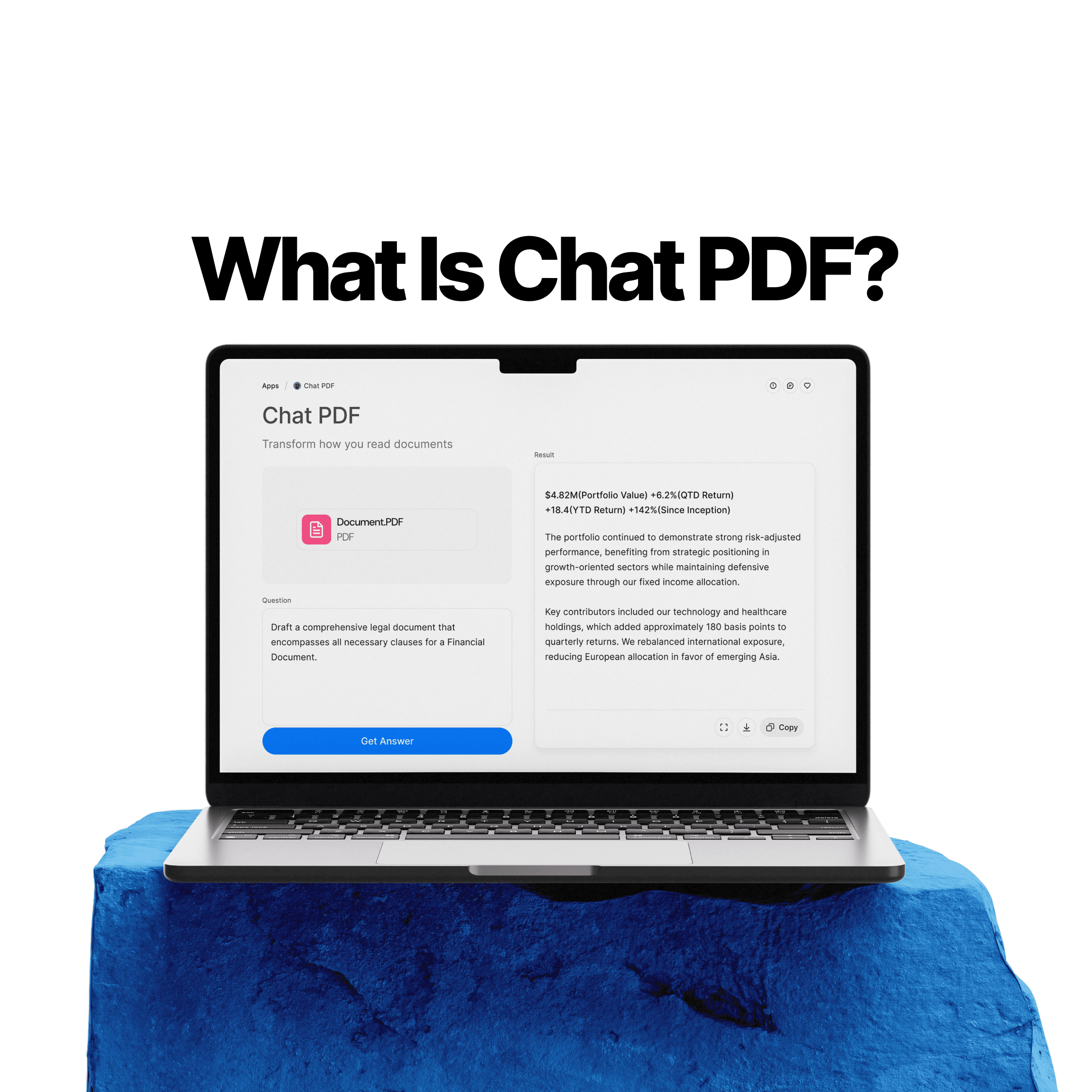
What Is Chat PDF? How to Chat With PDFs, Summarize Files, and Find Answers Faster

Elena Foster
Why PDFs Are Hard to Read, Search, and Understand
Elena Foster
Why Document Creation Is Still Broken in 2026 — How AI Document Generators Are Fixing It

Faisal Saeed
Why Ask AI Is Replacing Google Search
Daniel Mercer