Website
AI website builder from a plain description
Say what the site is for. EverAsk builds it, from the copy to the images.
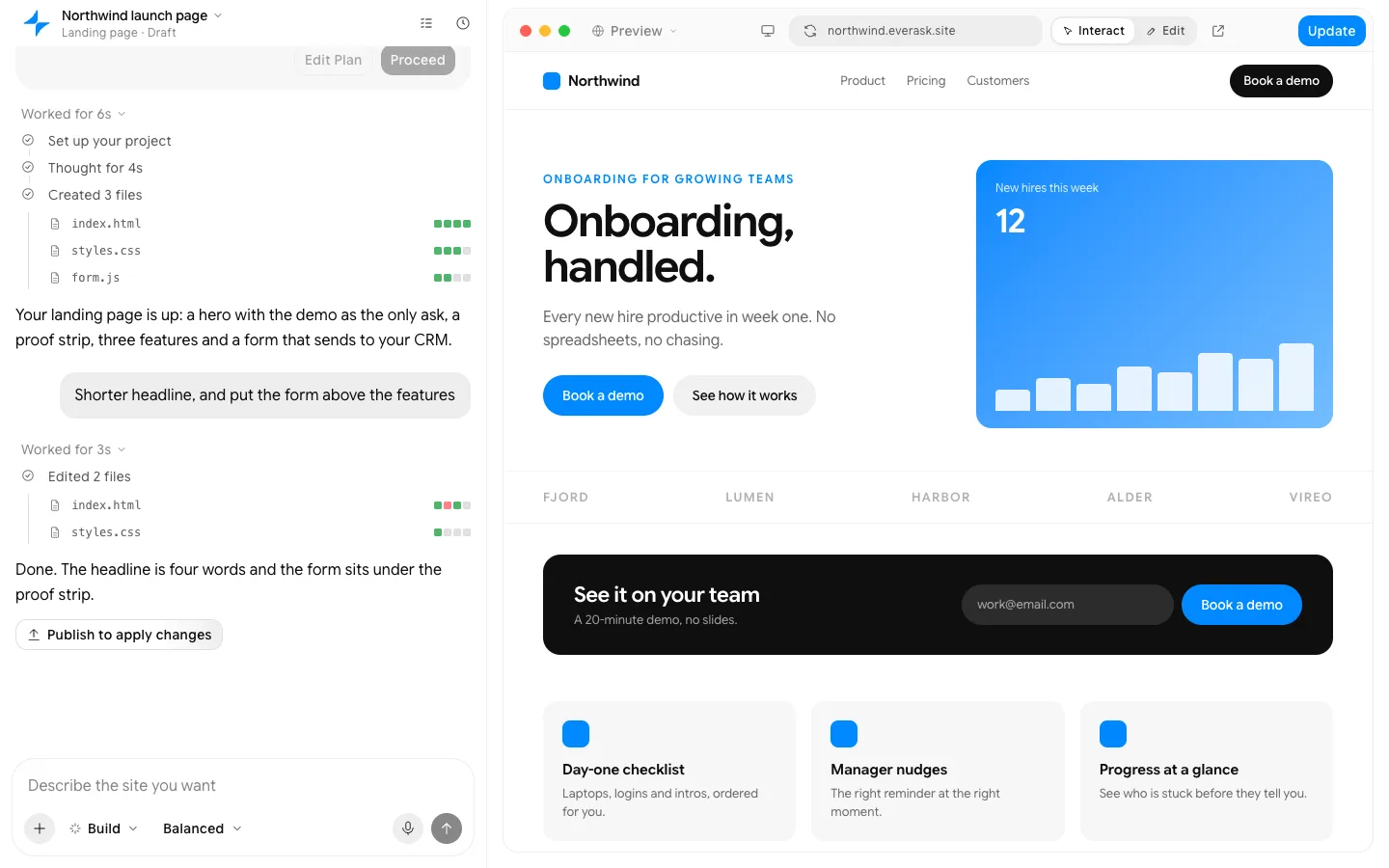
Describe the site you want, and EverAsk builds it. Tell it what the business does, who it is for and what visitors should do, and the agent writes the pages and the copy, makes the images, lays it out and publishes it. You review a real site, not a mock-up.
You do not start from a blank template. You can start from a sentence, from a Figma file or from a screenshot, and you can ask for changes in plain words afterwards. EverAsk is free to start, and building and publishing sites is included on every plan.
How it works
- Step 1
Describe it
Say what the site is for, who it is for and what you want visitors to do. Paste your copy, upload a logo, or share a Figma file or a screenshot if you have one.
- Step 2
Review the build
EverAsk writes the pages, makes the images and lays out the site. Open it, scroll it, and ask for changes the way you would ask a designer.
- Step 3
Publish
Publish the site, then keep editing in the same chat. Ask for a new page, a new section or a different look.

AI Landing Page Builder
Describe the offer. Get a page with the copy, layout and form done.

AI Knowledge Base
A help centre that answers in plain words and cites the source.

AI Chatbot Builder
An assistant that knows your product and hands off when it should.

Resume Website Template
Your CV, turned into a one-page site with its own link.
AI Portfolio Builder
Your strongest work, written up and assembled into a portfolio.

AI Portfolio Website
A site designed around your work, with the domain set up.

AI Dashboard Builder
Say what to watch. Get a dashboard that keeps itself current.

AI Form Builder
Describe the form. Every response goes where it needs to.

Portfolio Website Template
Pick a template. Your work, bio and contact page are filled in for you.

AI Ecommerce Website Builder
Describe the brand. Get product pages, a cart and checkout, built.

AI Quiz Maker
Give it a topic or a file. Get a quiz with answers and explanations.

AI App Builder
Describe the app. Get working screens, data and logins, deployed.
Figma to Website
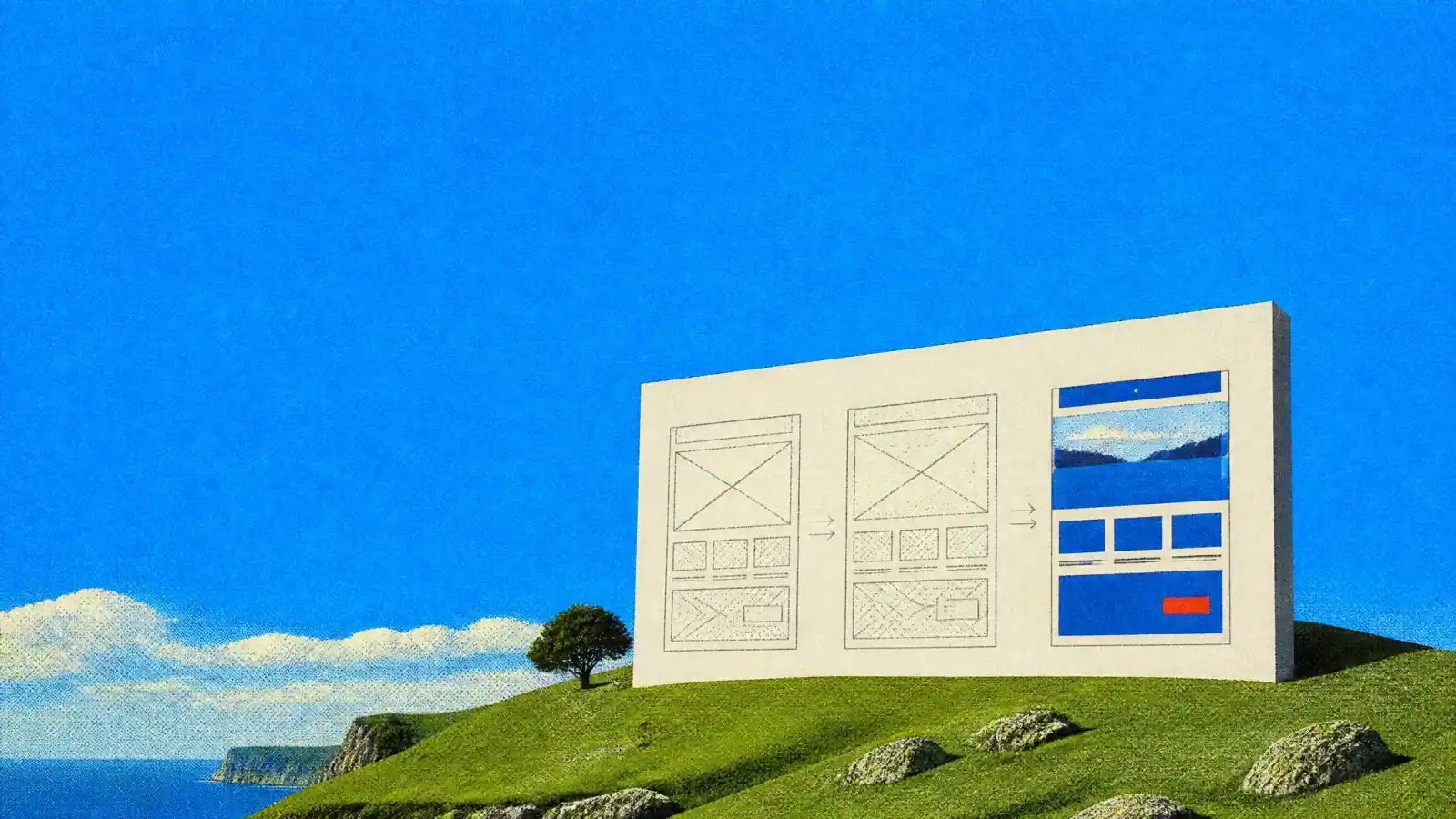
Share the Figma file. Get a responsive, live website that matches it.

AI Online Store Builder
Tell it what you sell. Get a simple online shop that takes payments.

AI Documentation Generator
Point it at the code. Get a docs site with guides and API reference.

AI Web Design
Describe the business. Pick a design direction. Get the whole site.

Screenshot to Code
Upload a screenshot. Get clean, responsive code and a live preview.

AI Real Estate Website
Describe the agency. Get listings, search and viewing bookings, built.

AI Wedding Website Builder
Tell it about the day. Get your wedding site with RSVPs built in.

AI Restaurant Website Builder
Upload the menu. Get a site with hours, location and bookings.
What you can build
Pick the page closest to what you are making. Each one explains the steps, what is included and what to prepare.
- Marketing sites and landing pages
- AI landing page builder: a campaign page with the copy, layout and form done. AI web design: describe the business, pick a design direction and get the whole site. Figma to website: share the file and get a responsive site that matches it. Screenshot to code: upload a screenshot and get clean code and a live preview.
- Shops and local businesses
- AI ecommerce website builder: product pages, a cart and checkout. AI online store builder: a simple online shop that takes payments. AI restaurant website builder: menu, hours, location and bookings. AI real estate website: listings, search and viewing bookings. AI wedding website builder: the story, the schedule and RSVPs.
- Portfolios and CVs
- AI portfolio builder: your strongest work, written up and assembled. AI portfolio website: a site designed around your work. Portfolio website template: pick a template and fill in your work. Resume website template: your CV as a one-page site with its own link.
- Apps, forms and tools
- AI app builder: screens, data and logins, deployed. AI dashboard builder: say what to watch and get a dashboard that stays current. AI form builder: describe the form and send each response where it needs to go. AI quiz maker: a quiz from a topic or a file, with answers and explanations.
- Help and documentation
- AI knowledge base: a help centre that answers in plain words and cites the source. AI documentation generator: point it at the code and get a docs site. AI assistant builder: an assistant that knows your product and hands off when it should.
Why build your site in EverAsk
- The site comes with its words and images
- Most builders give you a layout and leave the writing to you. EverAsk writes the copy from your description and makes images to fit, so the first version is already readable. Expect to edit it. You know your business better than the first draft does.
- One chat, from idea to launch
- You do not switch tools between the brief, the copy, the design and the changes. Ask for a change in the same conversation, and the site updates.
- Every top model
- EverAsk runs Claude, GPT, Gemini and other models, more than 25 in all, and the agent picks what fits the job.
- Ranking takes time
- A new site needs time and links before it ranks, and no builder can promise a position.
Who it is for
- Small businesses
- A site for a shop, a studio or a service, without hiring a designer first.
- Freelancers and creators
- A portfolio or a CV site that you can update in a minute.
- Marketers
- Landing pages for a campaign, made fast and changed often.
- Founders
- A first version of a product site or a simple app to test an idea.
- Designers and developers
- A quick start from a Figma file or a screenshot, then the code is yours to refine.
Start from a prompt
A starting sentence is enough. These work well:
"A website for a two-chair barbershop in Leeds. Services, prices, opening hours and a booking button." "A one-page portfolio for a freelance illustrator, with six project cards and a contact form." "A landing page for a budgeting app, with a short hero, three benefits and an email sign-up."
Not for everyone: if you need a custom enterprise platform with complex back-end rules, a builder like this will get you a start, not the finished system. Open AI chat first if you want to talk the idea through. When it takes shape, ask for the site in the same conversation, and add docs or slides for the rest of the launch.
Frequently asked questions
Can AI build a whole website?
Yes. Describe the business and what visitors should do, and EverAsk builds the pages, writes the copy, makes the images and publishes the site. Plan to review and edit the first version.
Is the AI website builder free?
You can start for free. Building and publishing websites is included in every EverAsk plan. Standard is $20 a month, and Professional and Ultra add more credits.
Do I need to know how to code?
No. You ask for what you want in plain words, and for changes in the same way. If you do code, you can start from a Figma file or a screenshot and refine the result.
Can I sell products on the site?
Yes. Describe what you sell and EverAsk builds product pages, a cart and checkout. Check the online store builder for what to prepare first, such as prices and photos.
Will my site show up on Google?
It can. No tool can promise a ranking, and a new site needs time and links first.
Can I edit the site after it is published?
Yes. Ask for a change in the chat, such as a new page or a different headline, and publish again.
EverAsk on your Mac
EverAsk for Mac
The builder on your desktop, with the files, screenshots and Figma frames you already have to hand.
Download for macOS