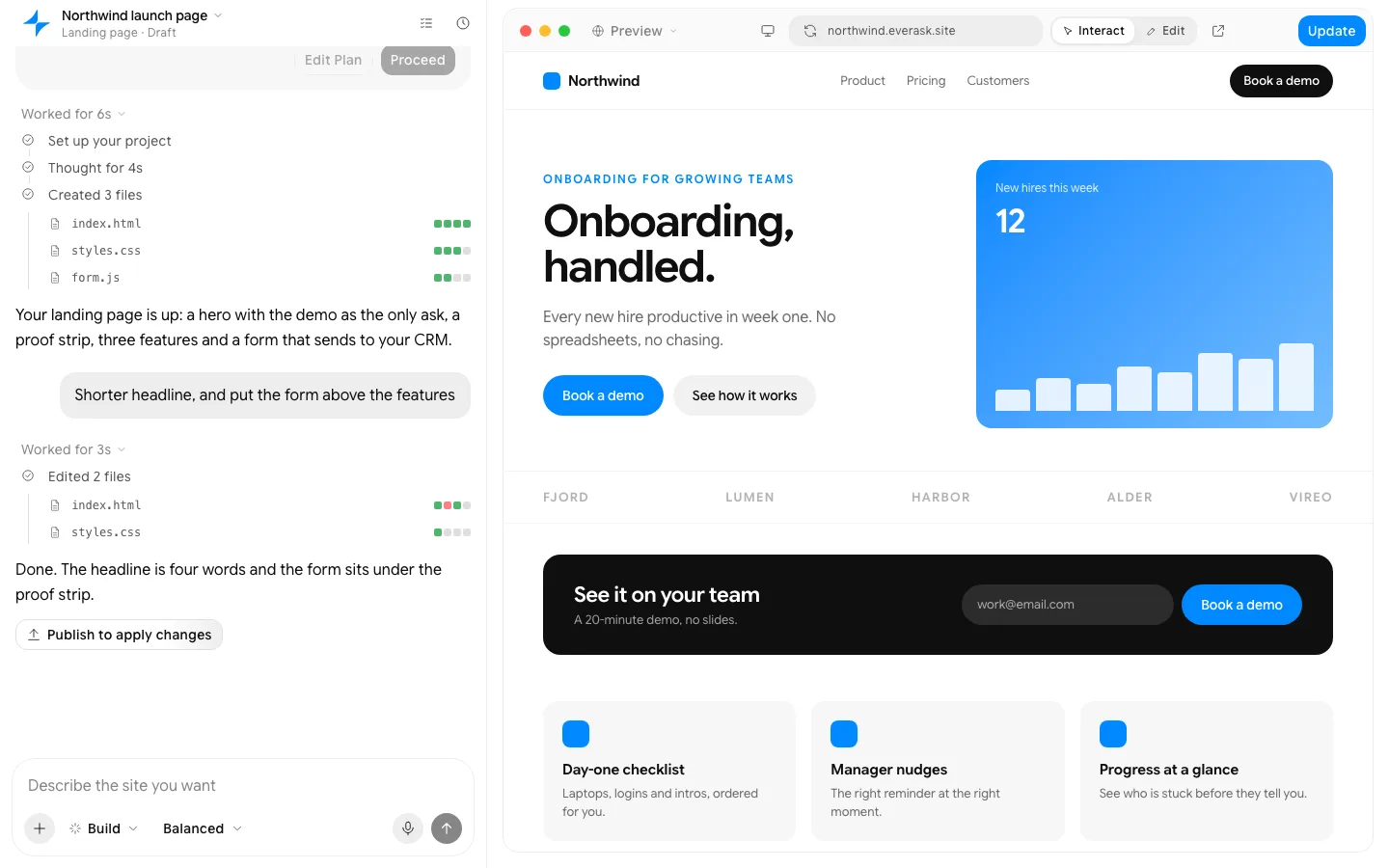
Screenshot to code
Upload a screenshot. Get clean, responsive code and a live preview.
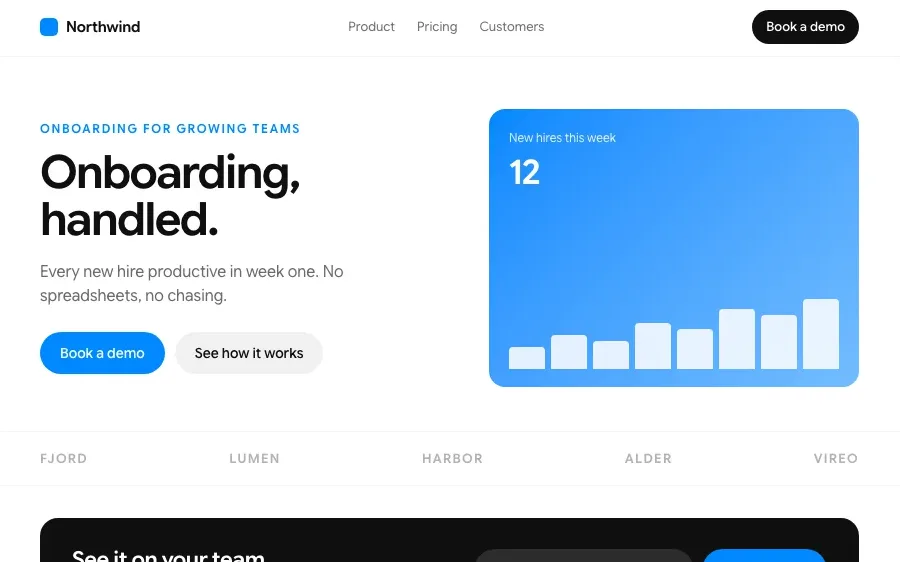
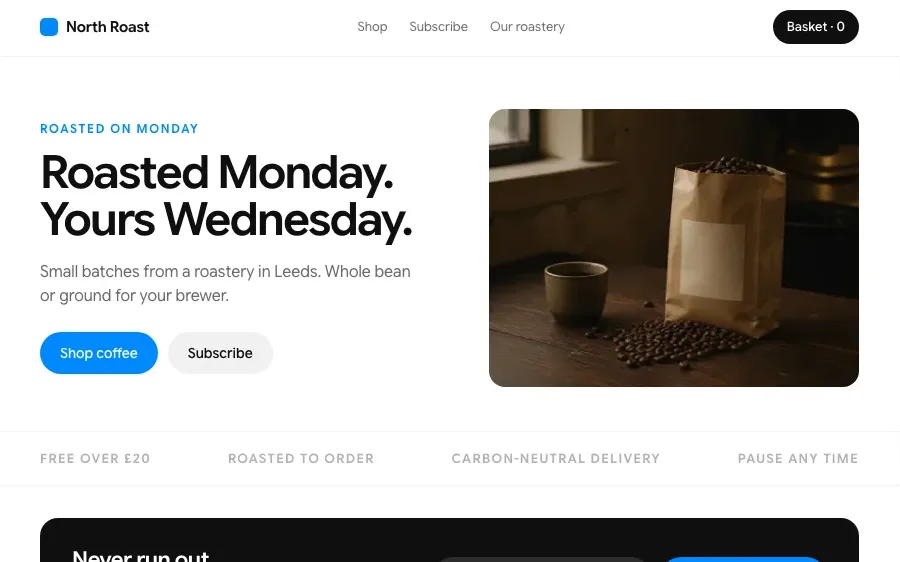
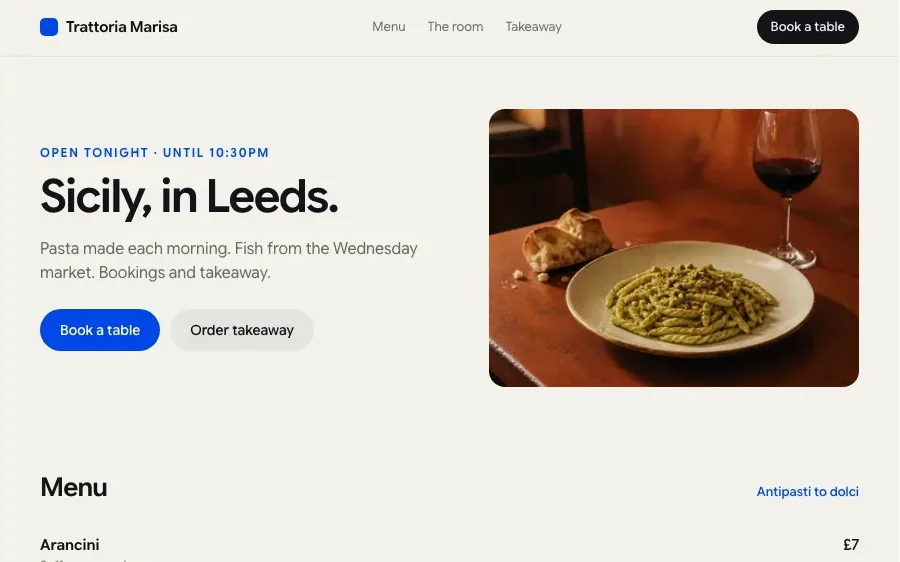
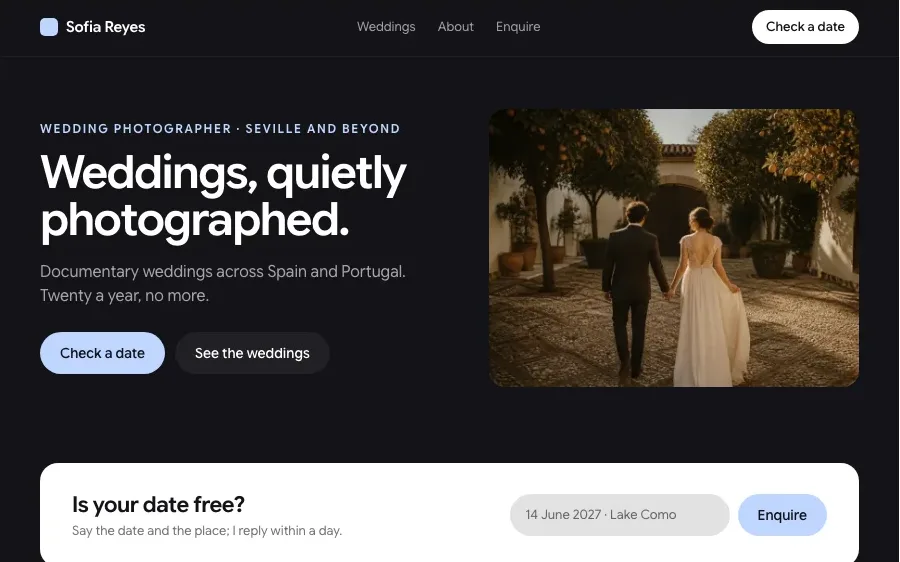
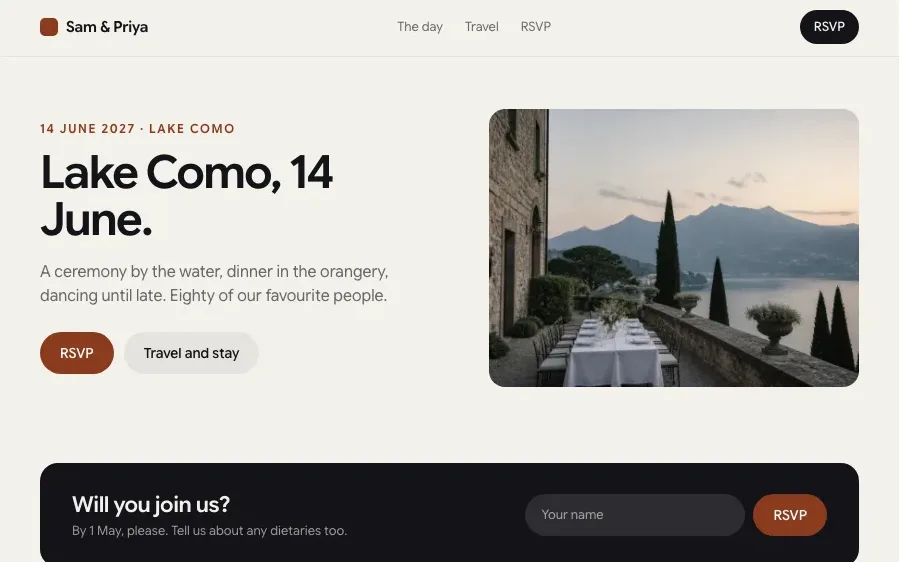
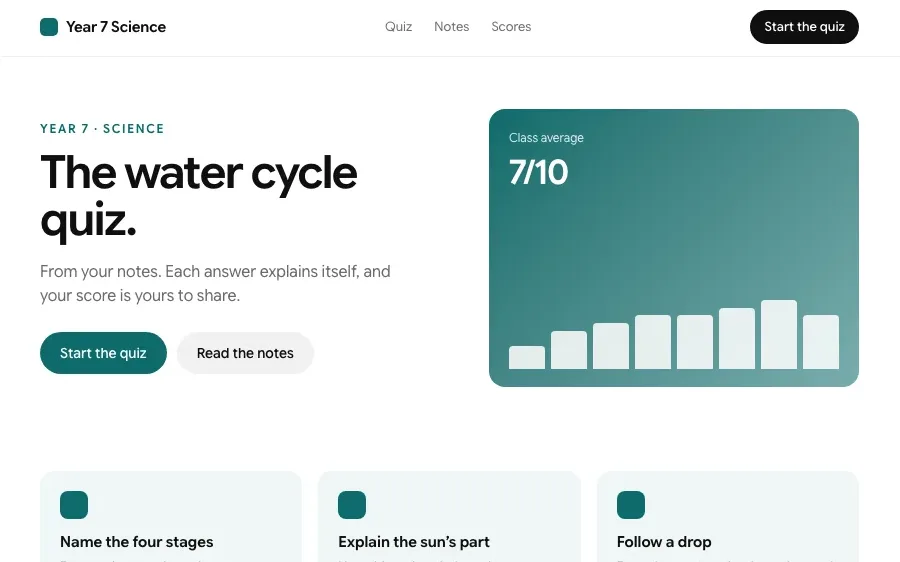
Sites built with EverAsk
Every one of these is a page type the builder makes. Open one to build it.
How it works

Upload the screenshot
A full page, a single component or a hand-drawn mockup. Say which framework you want and whether it should match your existing styles.

Compare the preview
The code renders next to the original, so you can see the differences at a glance. Point at anything that is off and EverAsk fixes it.

Take the code
Copy it, download it or publish the result as a page. The markup is responsive and readable, ready to drop into your project.
Features
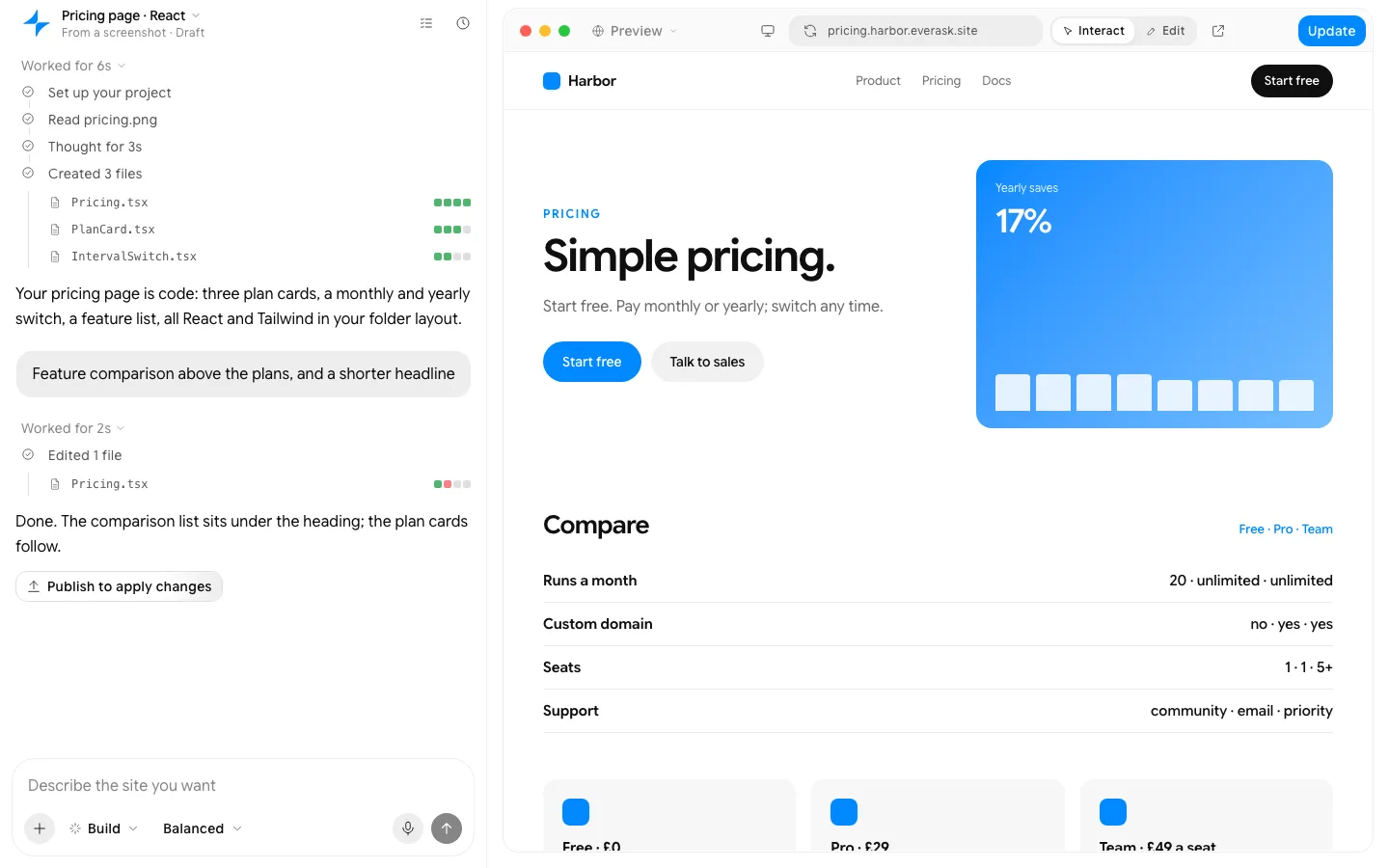
React and Tailwind, in your folder layout, because that is your stack.
What people build with it

Front-end developers
Skip the first hour of rebuilding a layout from a screenshot and start from working markup. Spend the time on state, data and the edge cases instead.

Designers prototyping
Turn a design screenshot into a clickable page you can test on a real phone. Show stakeholders something that behaves like the product, not a static image.

Teams rebuilding old pages
Recreate a legacy page in a modern stack from a screenshot when the original code is a mess or lost. Keep the look users know with code you can maintain.
Everything a site needs, built in
Hosting and a custom domain
Publish to an everask.site address, then connect your own domain. SSL is handled.
Forms that go somewhere
Submissions land in EverAsk, your email, a spreadsheet or your CRM, with spam filtered.
SEO, Open Graph and schema
Pages ship as static HTML with meta tags, share images and structured data from day one.
Analytics from the first visit
Visits, sources and conversions, collected without a tag manager.
Edit by clicking, or in the chat
Rewrite a headline where it sits, or describe the change and watch it land.
Your code, exportable
Drop in custom HTML, CSS or scripts, and export the static files whenever you want.
Pay for finished work
Every plan runs the same agent. The difference is how much of it you use.
Pro
The whole agent, with a monthly credit allowance.
$18.33
per month
$55 every 3 months
Upgrade to Pro- 7K credits a month
- Latest GPT, Claude and Gemini models
- Build websites, slides, images and videos
- Deep research with citations
- Parallel agent tasks and automations
- Custom knowledge bases
Prices in US dollars; the app shows yours in your currency. EverAsk for Teams: pooled credits and shared seats, from three seats. Talk to us
Frequently asked questions
How does screenshot to code work?
EverAsk reads the screenshot's layout, text, colours and spacing, then writes code in the framework you choose and renders it beside the original so you can compare and correct it.
Which frameworks does it support?
HTML and CSS, Tailwind, React, Vue and Svelte. You can also ask it to follow your project's existing component library and conventions.
Is the code responsive?
Yes. Layouts use flex and grid rather than fixed pixel positions, and you can check the result at phone, tablet and desktop widths.
Can it convert a whole page?
Yes. Upload a full-page screenshot or several screenshots of the same site, and EverAsk builds the page with shared components.
Is the screenshot to code converter free?
Yes. There is a free plan available, and converting screenshots to code works on it.
EverAsk on your phone and your Mac
EverAsk for iPhone
Brief a site on the train, approve the plan, and watch it publish. Every project you start here is on your phone.
Download on the App Store

EverAsk for Mac
The builder on your desktop, with the files, screenshots and Figma frames you already have to hand.
Download for macOS