Image
Free AI image generator with every top model
Type what you want, pick a model, and get an image you can use today.
Chatly is an AI image generator that puts every top image model in one place. Describe a picture and get it back. Try the same prompt on GPT Image, Nano Banana, Seedream, Grok Imagine or Midjourney, and keep the one you like. It is free to start.
You do not have to stop at the image. Fix a photo with the AI photo editor, or turn images into video in the same chat. Logos, headshots, flyers and mockups have their own tools below.
How it works
- Step 1
Describe it
Say what is in the picture, the style and the shape. "A ceramic mug on a wooden desk, morning light, square" is enough.
- Step 2
Pick a model
Use the default, or choose a model that suits the job. Run the same prompt on a second one to compare.
- Step 3
Refine and download
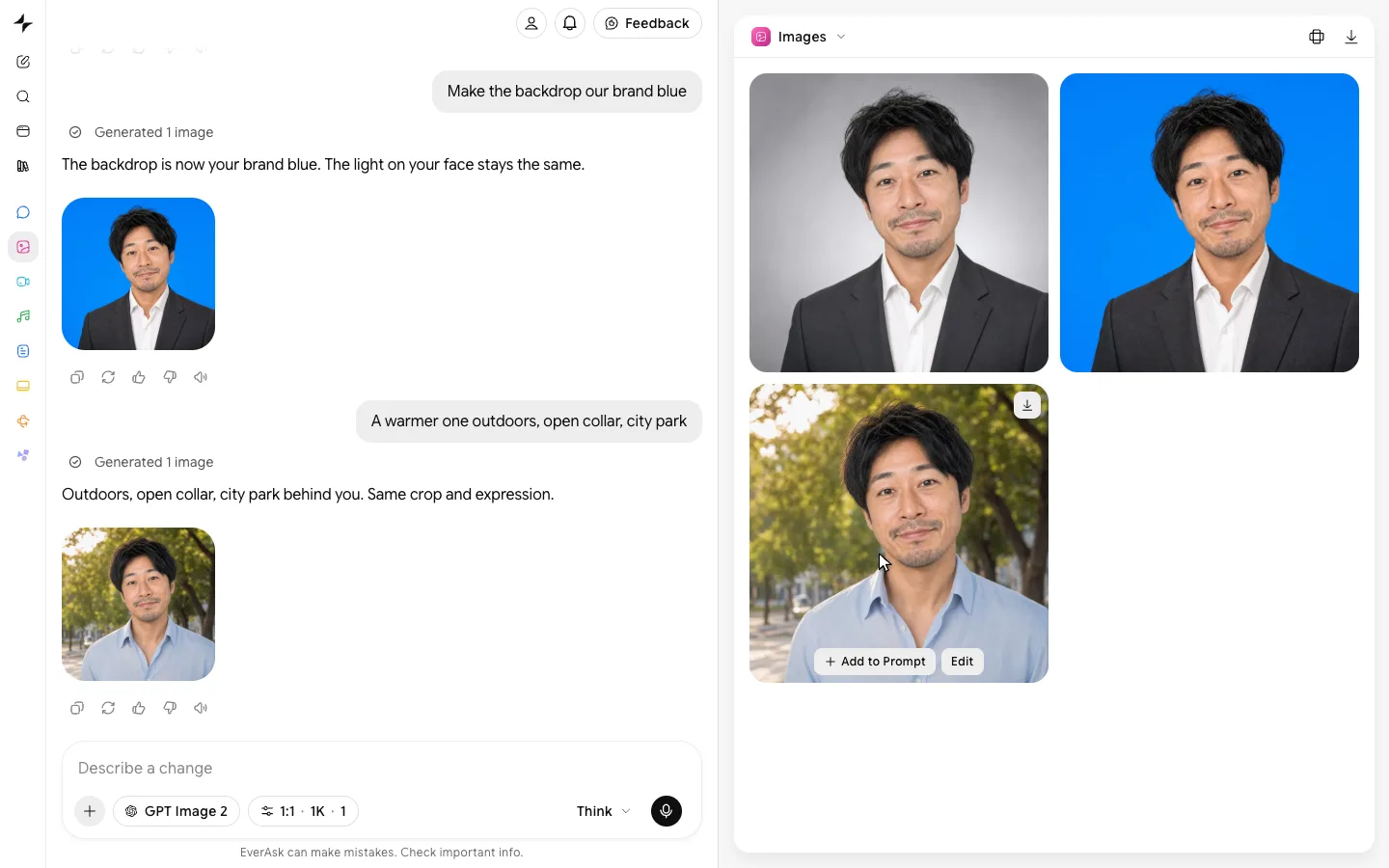
Ask for a change in plain words, such as "make the background blue". Then download the image or drop it into a deck, doc or page.
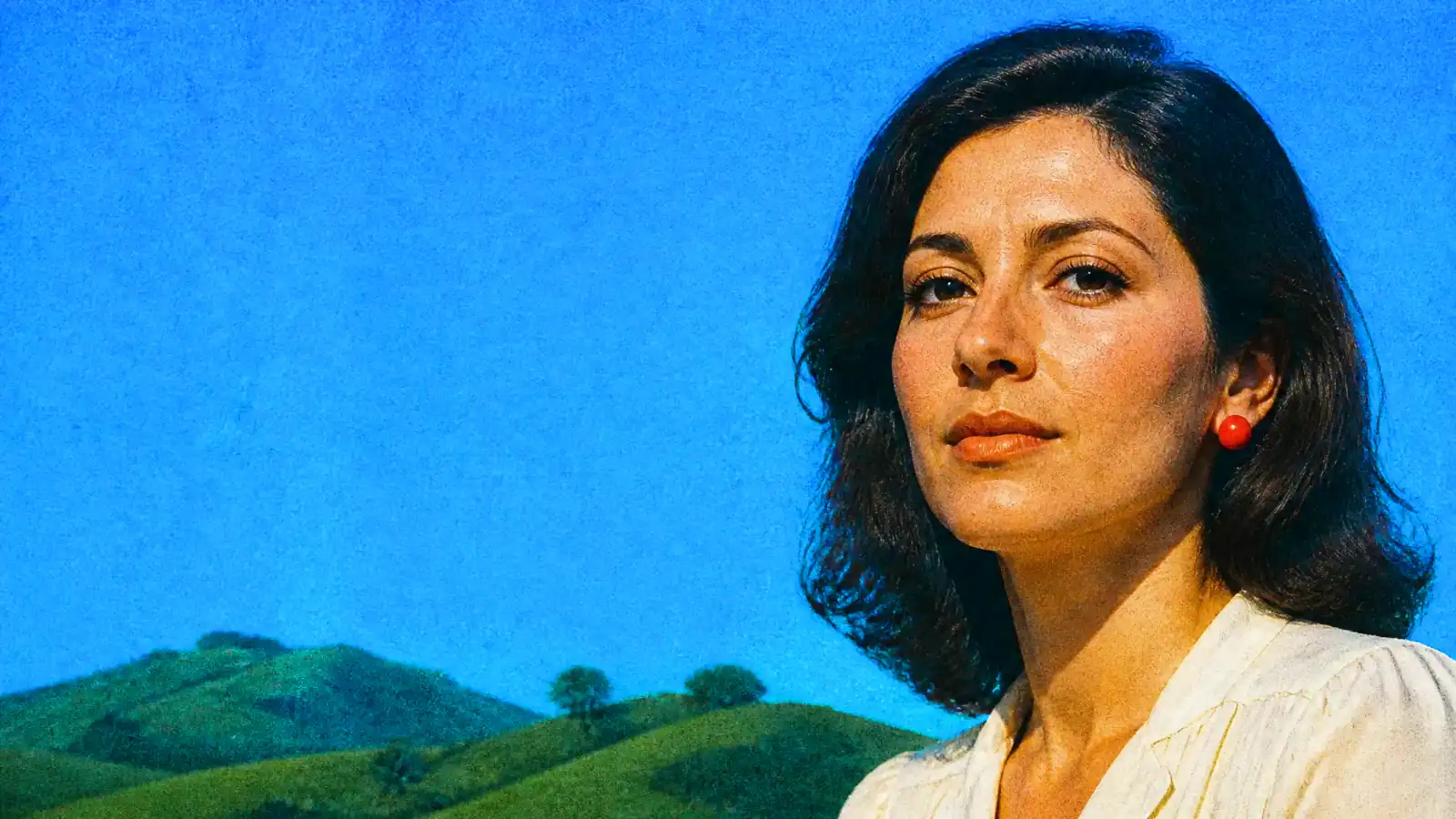
AI Headshot Generator
Studio-quality headshots from the selfies on your phone.
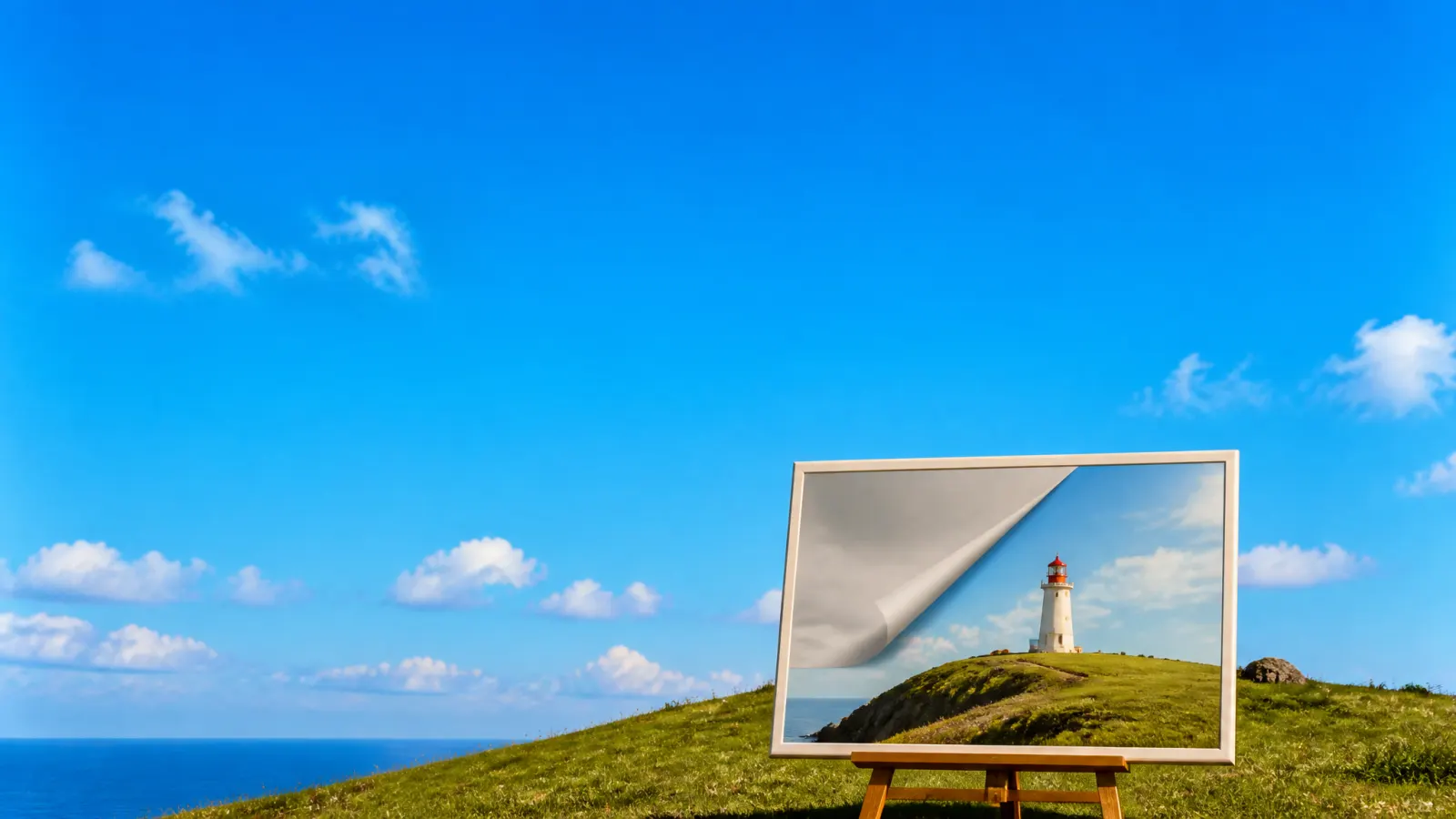
AI Photo Editor
Say what to change. Everything else stays exactly as it was.
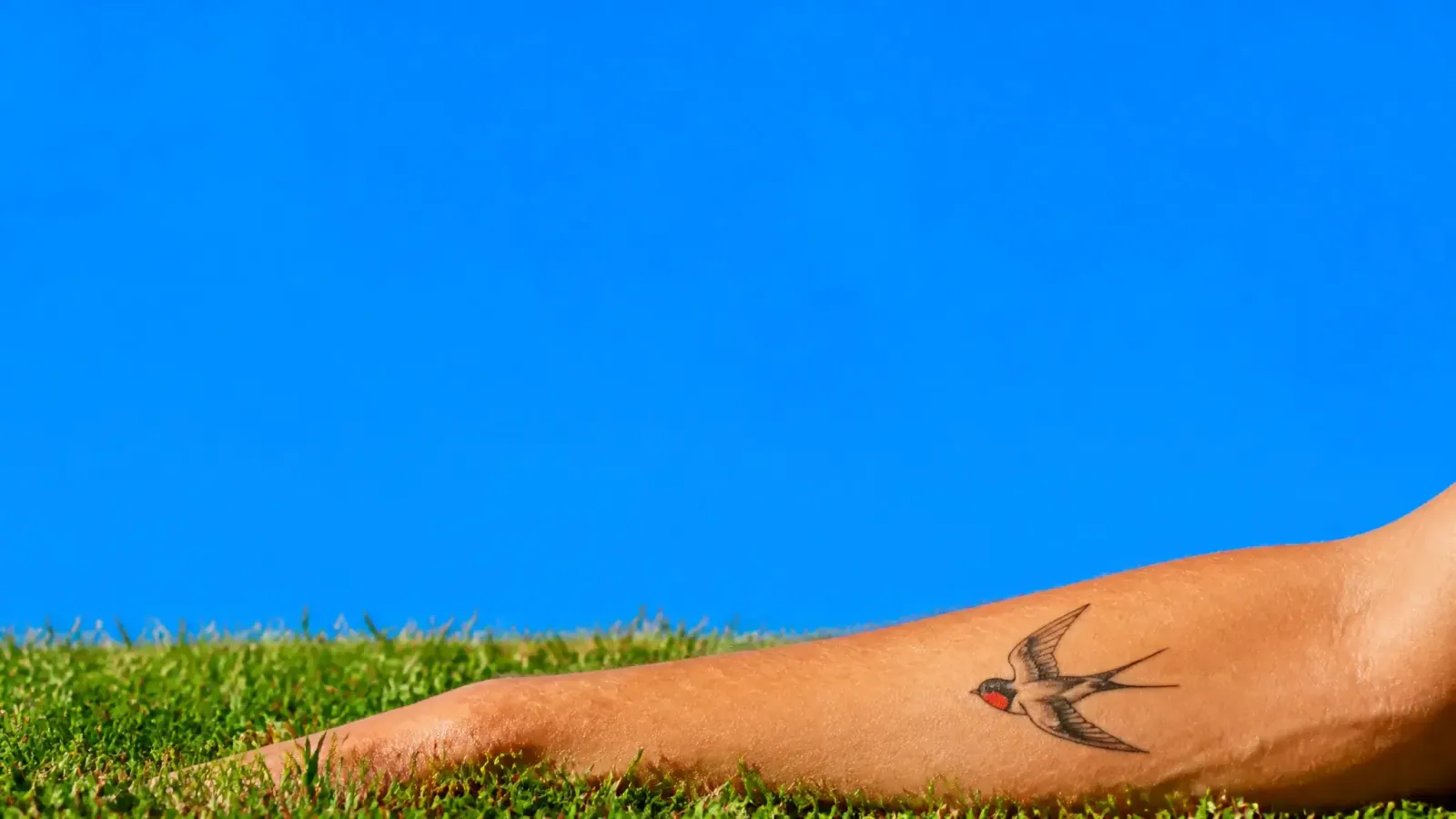
AI Tattoo Generator
Design the tattoo before you sit in the chair.
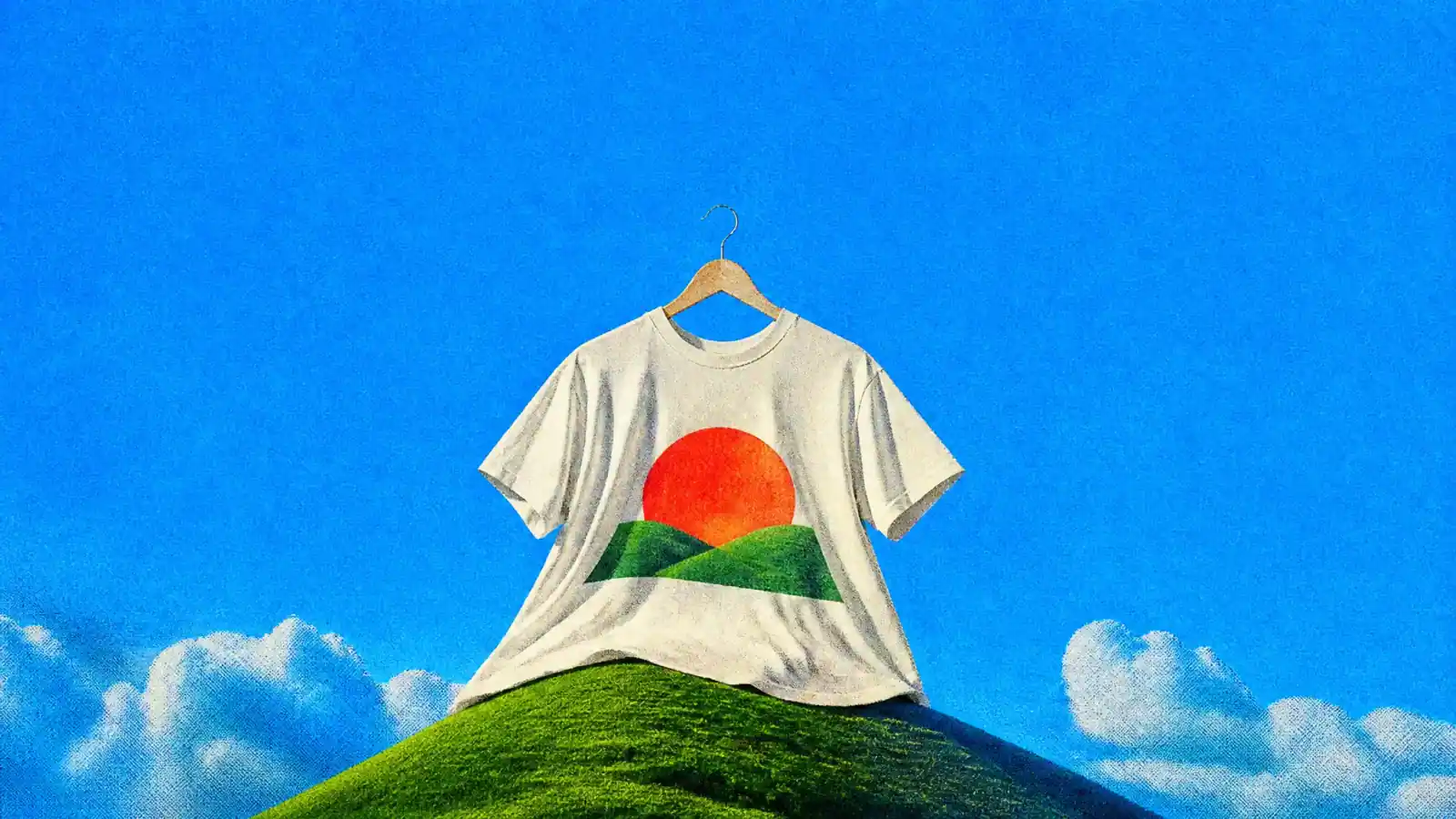
AI T-Shirt Design Generator
Print-ready t-shirt artwork, separated and clean.
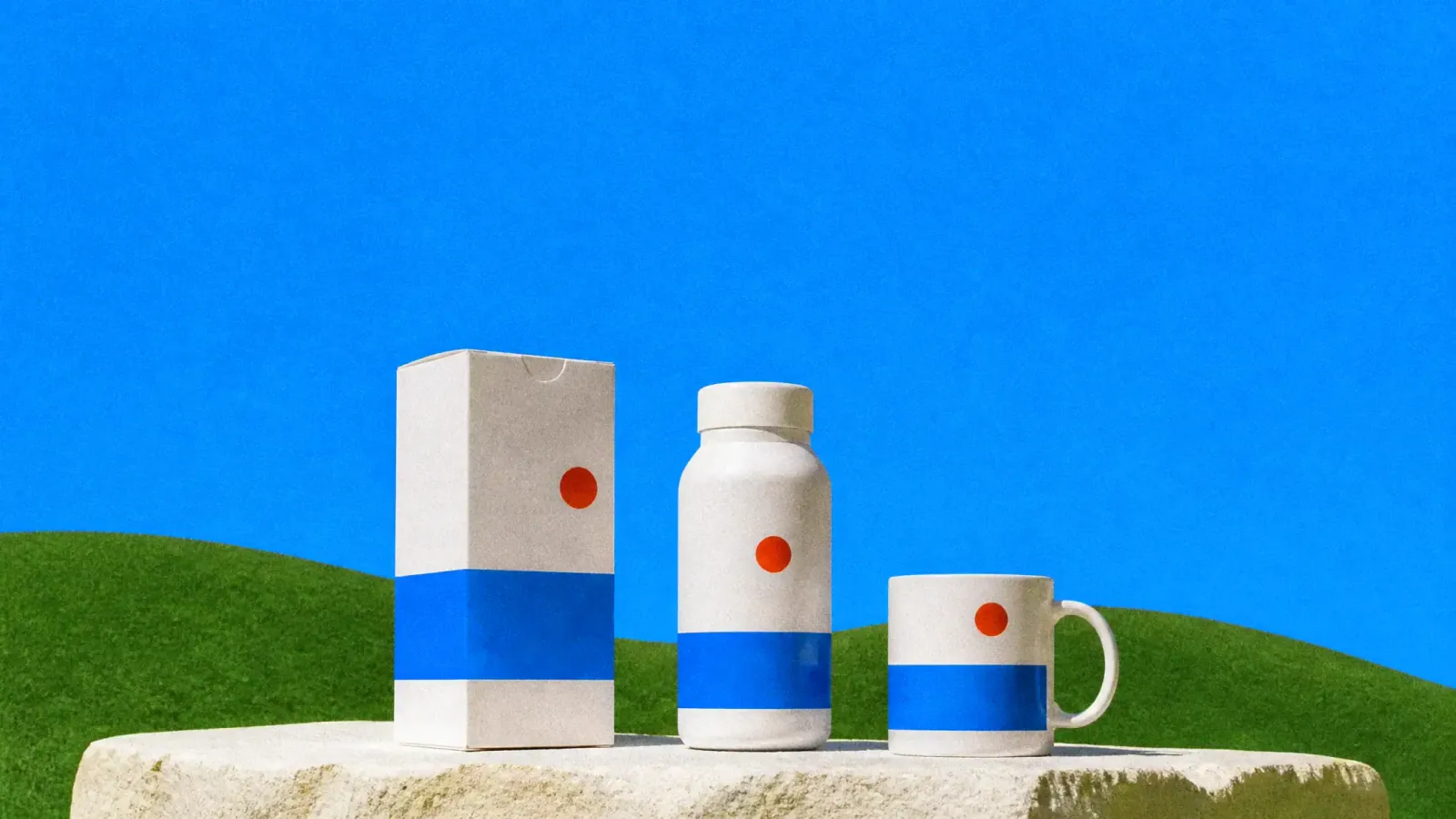
AI Mockup Generator
Your design on the real product, lit like a photograph.
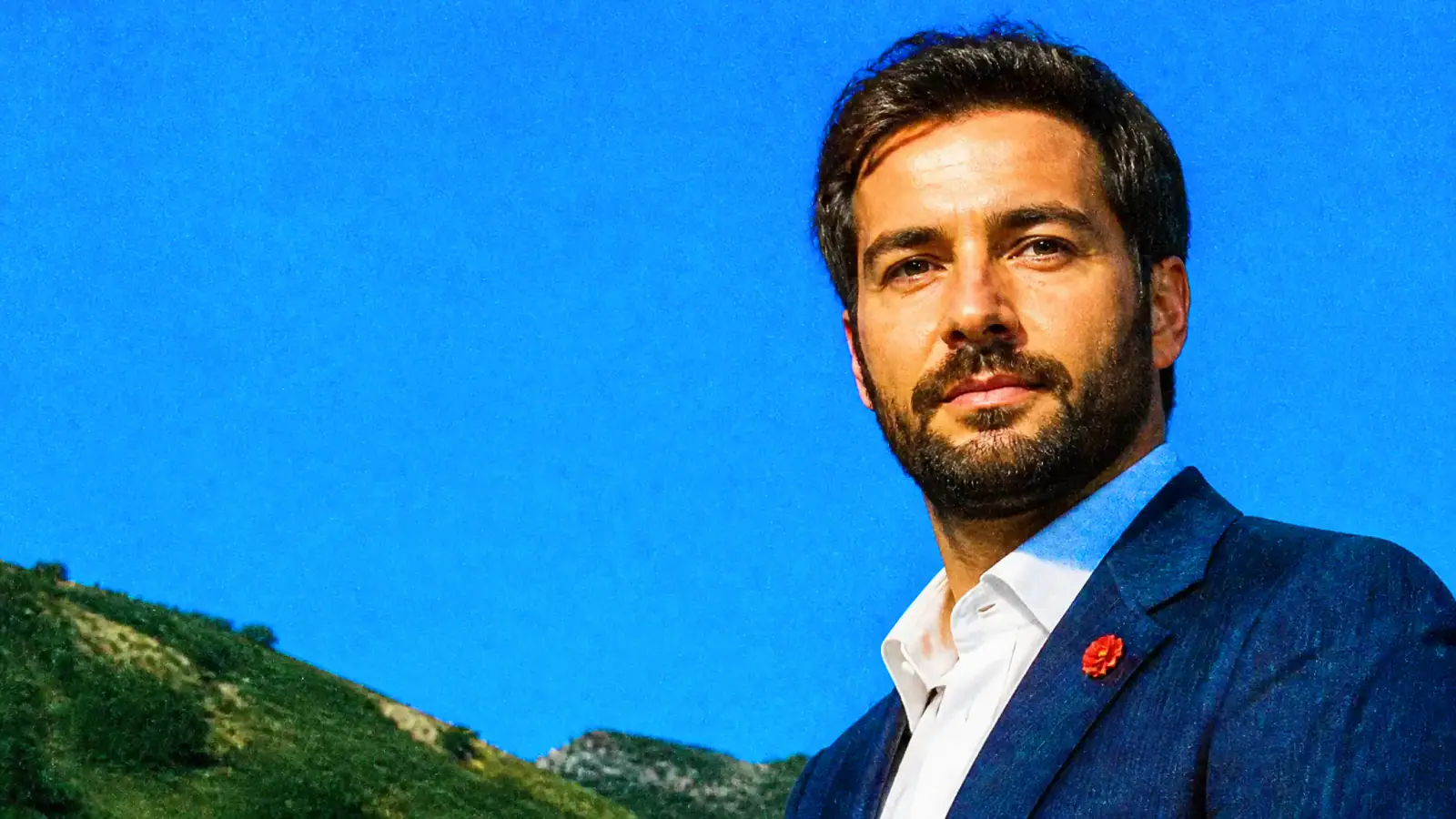
AI LinkedIn Headshot
A profile photo that still reads at thumbnail size.
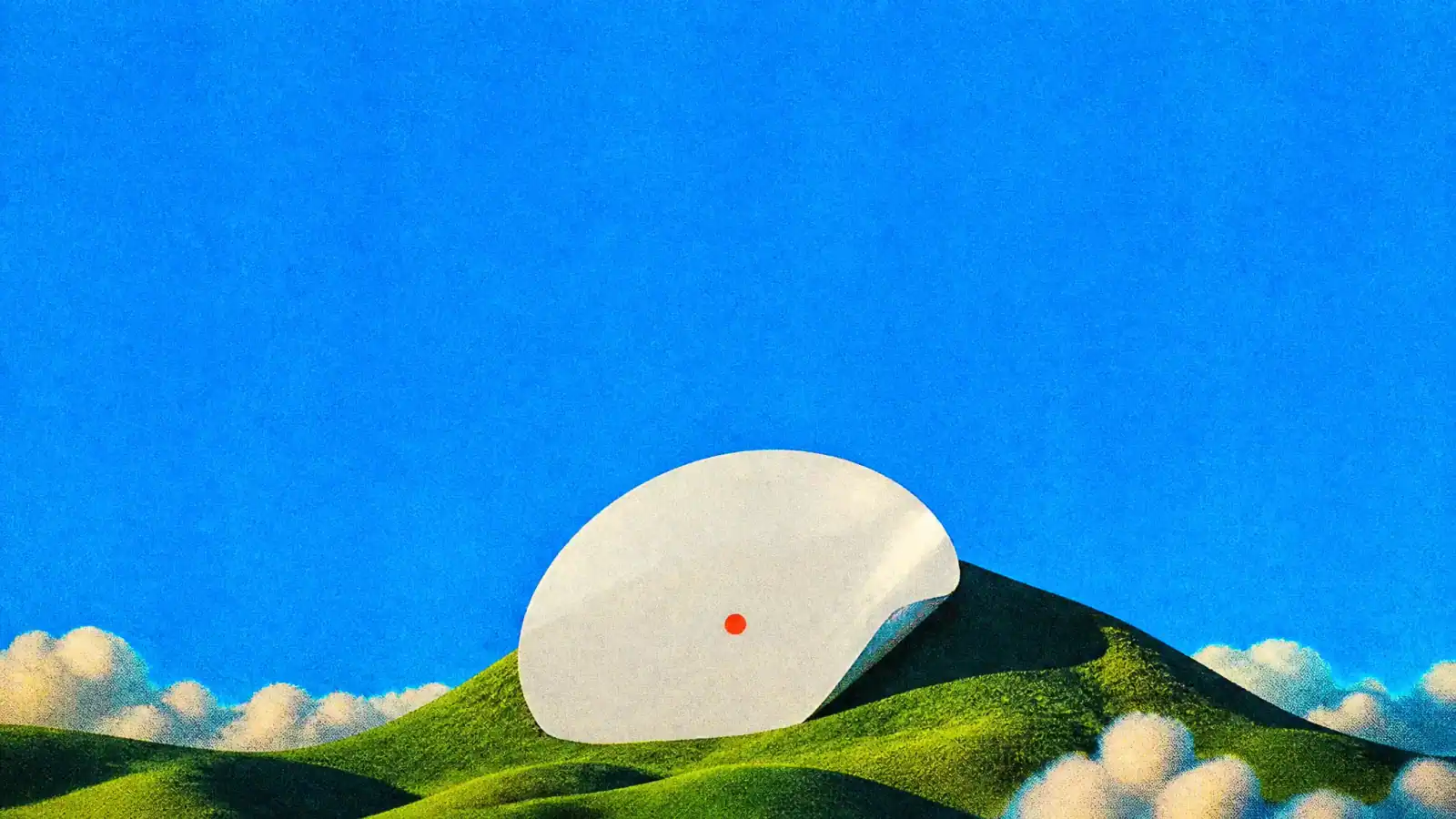
AI Sticker Generator
Stickers with a clean border, ready to cut.
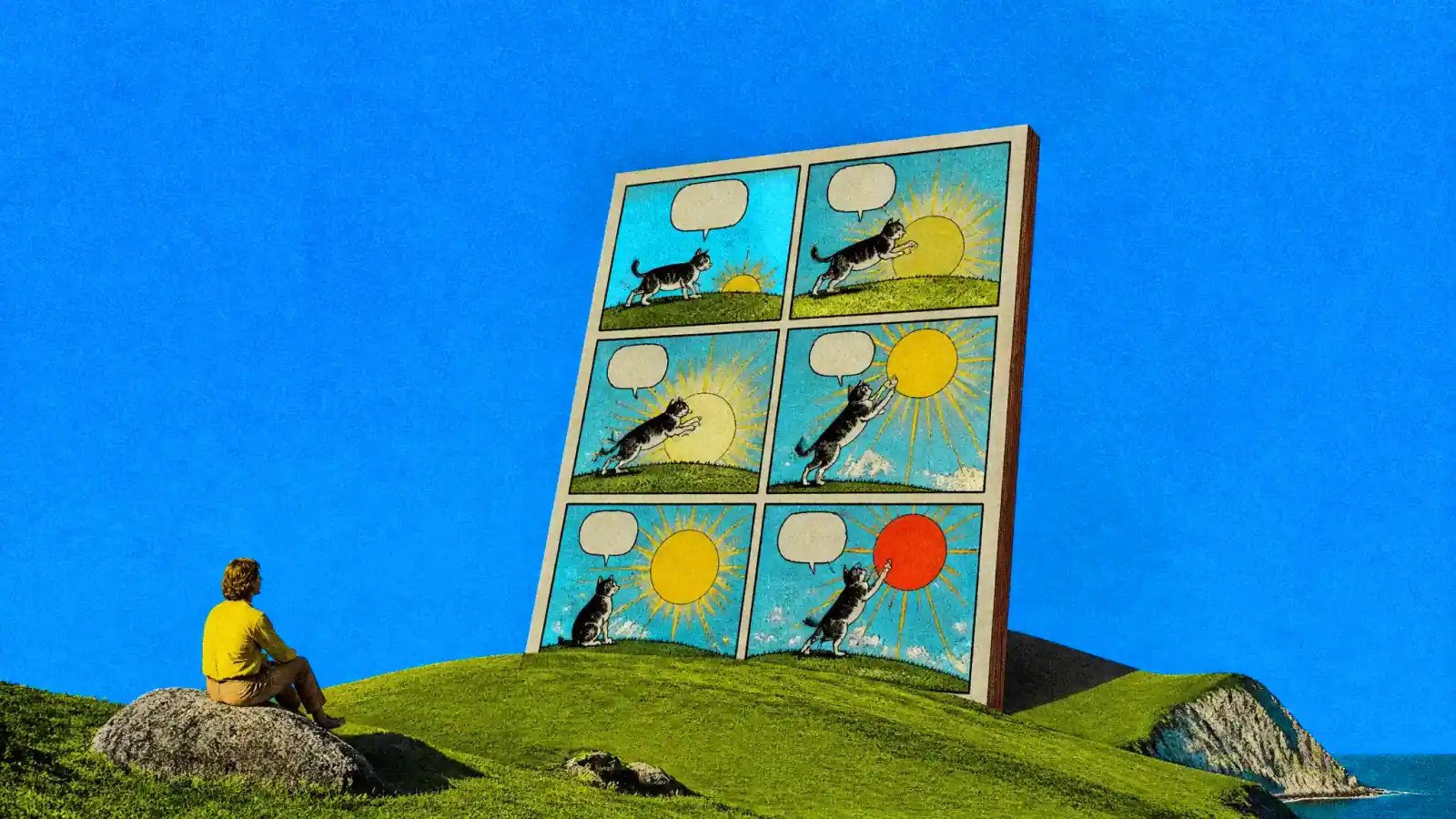
AI Comic Generator
Finished panels, with the same characters in every one.
AI Floor Plan Generator
Clean, labelled floor plans, and layouts to compare.
AI Book Cover Generator
Covers that read as their genre, titles spelled right.
AI Infographic Generator
Infographics with charts drawn to your numbers.
AI Flyer Maker
Flyers with every date, time and price spelled right.
AI Icon Generator
Icon sets that match, ready as SVG and PNG.
AI Logo Generator
Logo concepts from one line, refined until they are yours.
AI Coloring Page Generator
Clean line art, ready to print and colour in.
Every top image model, one place
Each image model has its own strengths. Chatly lets you try them on your own prompt, so you do not have to guess. The full list is on the image models page.
- GPT Image
- Follows long, detailed briefs and renders words that read correctly. Try GPT Image 2.5, GPT Image 2 or GPT Image for posters, charts and mockups.
- Nano Banana
- Edits your own photos in plain words and keeps the subject the same. See Nano Banana Pro, Nano Banana 2, Nano Banana and Nano Banana Lite for quick variations.
- Seedream
- High-resolution images that hold one look across a set. See Seedream 5.5 for photoreal detail, Seedream 5 Pro for landscapes and key art, and Seedream 5 Lite for quick social images. Seedream 4.5 and Seedream 4 are there too.
- Grok Imagine
- Bold, surreal and playful images from one line. See Grok Imagine 1 and Grok Imagine.
- Midjourney
- Painterly and cinematic looks. See Midjourney V7.
- Verdict
- Use GPT Image when words must be right, Nano Banana when you are editing a photo, and Seedream when you need fine detail or a consistent set.
Five prompts to try
Each prompt is a real one to paste. The note says what you should get back.
- Product shot
- "An ivory perfume bottle on travertine, soft azure light, editorial photography, portrait." You get a clean studio photo with the bottle sharp and the background soft.
- Poster with words
- "A concert poster that says SUMMER NIGHTS in bold type, orange sun over a lake." Use a GPT Image model. The headline should spell right, so check it before you share it.
- Photo edit
- Upload a portrait and write "replace the background with a plain grey wall, keep my face the same." You get the same person on a new background.
- Consistent set
- "Four flat icons for a fitness app: run, sleep, water, weights, same colours." A Seedream model keeps the style the same across the four.
- Wild idea
- "A whale made of clouds drifting over a quiet city at dawn." Try it on Grok Imagine and Midjourney, and compare the two.
Edit and upscale
Most first results are close, not final. Ask for one change at a time: a different background, warmer light, a tighter crop. The rest of the image stays as it was.
If you need a bigger file, Chatly also has upscaling models, such as Magnific and Topaz. You can see all of them on the upscaling models page.
What people make
- Marketing
- Ad images, social posts, banners and product shots. Start with a flyer maker or an infographic generator.
- Brand and product
- A logo, an icon set, or your design on a real product with the mockup generator.
- People
- A headshot from your selfies, or a LinkedIn photo that still reads at thumbnail size.
- Stories
- A comic, a book cover or a coloring page.
- T-shirt art, stickers and tattoo ideas.
Can I use the images commercially?
Paid Chatly plans include commercial usage rights. Read the short rules below before you publish, because the model matters too.
Check the result for anything that looks like a real brand, logo or person. Do not use it if it does.
Keep the prompt with the image, so you can make the same look again.
Say it is AI-made where a platform or client asks for that.
Pricing in one line
It is free to start. Standard is $20 a month and includes 7K credits a month. Professional and Ultra add more credits. See pricing.
Go further
Turn an image into a clip with image to video, or read about the AI video generator.
Frequently asked questions
Is there a free AI image generator on Chatly?
Yes. You can start free and make images with top models. Free credits are limited, and when they run out you can move to a paid plan. Standard is $20 a month.
Which AI image models can I use?
GPT Image, Nano Banana, Seedream, Grok Imagine and Midjourney, in several versions. New models are added as they launch. The image models page has the current list.
Can I use the images for business?
Paid plans include commercial usage rights. Check each result before you publish. Avoid anything that copies a real brand, logo or person.
Can it put readable text in an image?
Often, yes. GPT Image models are the best choice for posters and charts with words. Always read the text on the result before you share it.
Can I edit my own photos?
Yes. Upload a photo and describe the change, such as a new background or different light. The rest of the photo stays the same.
How is Chatly different from other image generators?
You get many models in one place, so you can compare them on one prompt. You can also turn the image into a video, a slide or a page without leaving the chat.
EverAsk on your Mac
EverAsk for Mac
AI Images on your desktop, with the reference photos and brand files you already have to hand.
Download for macOS