
Video
AI video generator for text, images and scripts
Describe the video, or bring a photo or a script. Get a cut you can post.
Chatly is an AI video generator that turns a prompt, a script or a photo into a finished video. Write what you want to see, or upload a product photo, and get a clip back. You can try the same idea on Veo, Kling, Seedance, Runway and other top video models. It is free to start.
Most tools stop at one clip. In Chatly, the clips land on a timeline, so you can cut them, add captions and a voice, and export. Need a still first? Make it with the AI image generator, then bring it to life with image to video.
How it works
- Step 1
Describe the video
Write a prompt or paste a script. Say the shot, the mood and where it will be posted.
- Step 2
Pick a model and review
Use the default, or choose a model. Read the plan before you render, so credits go on the take you want.
- Step 3
Cut and export
Ask for changes in plain words, such as "make the first shot shorter". Then add captions and export.
AI Product Video Generator
From product photos to a video that sells.
AI Video Face Swap
A swap that holds when the head turns and the light changes.

AI Video Upscaler
Real detail back at 4K, not just sharper edges.

AI Video Background Remover
Cut out the subject on every frame, no green screen.

AI B-Roll Generator
A cutaway for every line that needs one, placed on the timeline.

AI Explainer Video
From the doc you already wrote to a voiced, captioned explainer.

AI TikTok Video Generator
Vertical videos built around a hook that lands in two seconds.

AI Subtitle Generator
Subtitles timed to the word, with every speaker labelled.
UGC Ads Generator
Creator-style ads without recruiting a single creator.

AI Anime Video Generator
Characters that stay on-model from shot to shot.

AI Music Video Generator
A music video cut to your track, beat by beat.

AI Storyboard Generator
From script to a frame for every shot.
AI Trailer Generator
A trailer that builds to the title, from a logline or your footage.
AI Reels Maker
Vertical reels with a hook, captions and a beat, ready to post.

Text to Video AI
Describe the shot. Get the clip, with the camera move you asked for.
Image to Video AI
Bring a photo to life, keeping it as the first frame.
AI Video Translator
One video, every language, timed to the speech.
AI Video Dubbing
The same speaker, heard in another language.
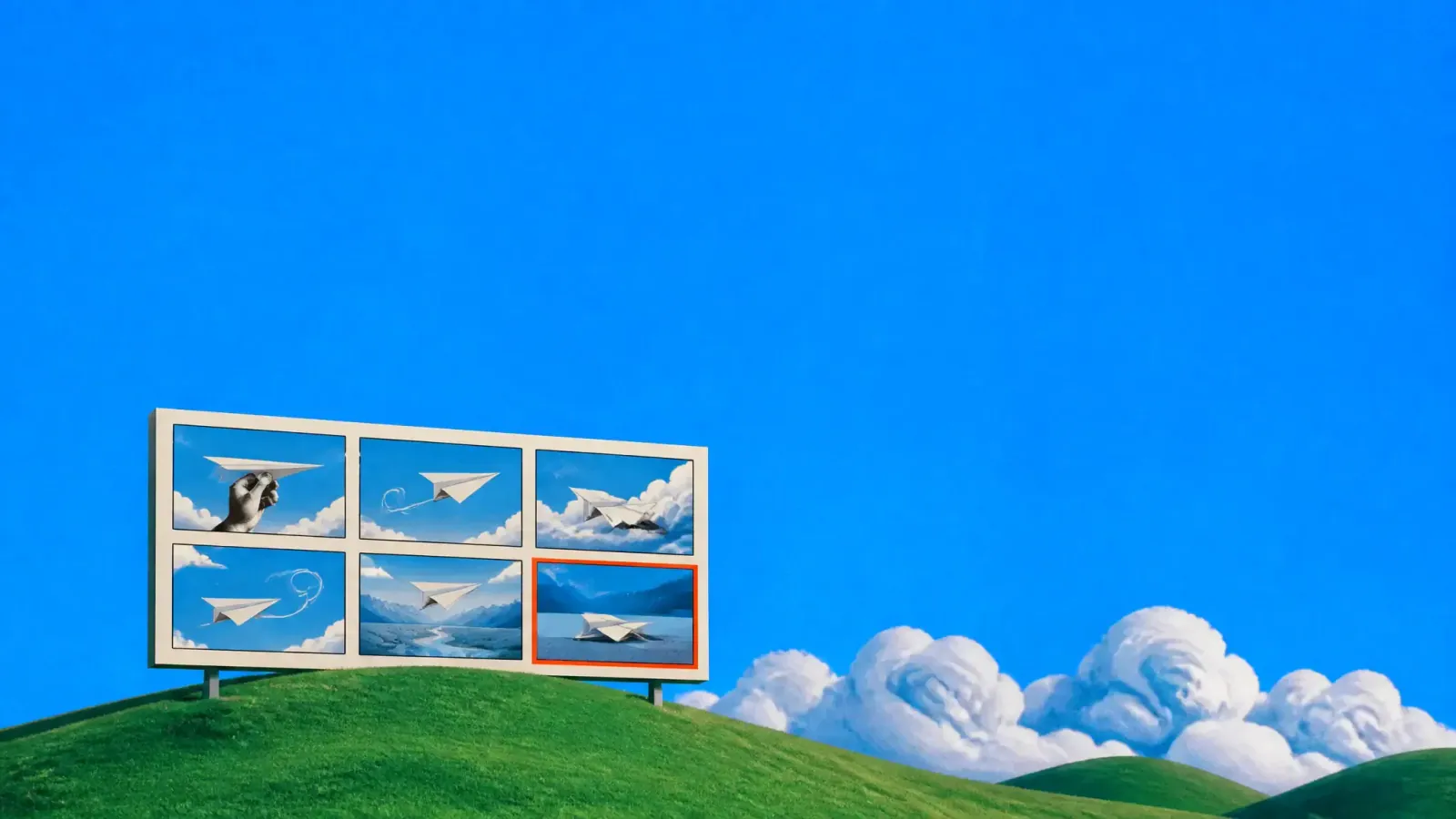
AI Video Editor
Say the edit you want, and review the cut it makes.
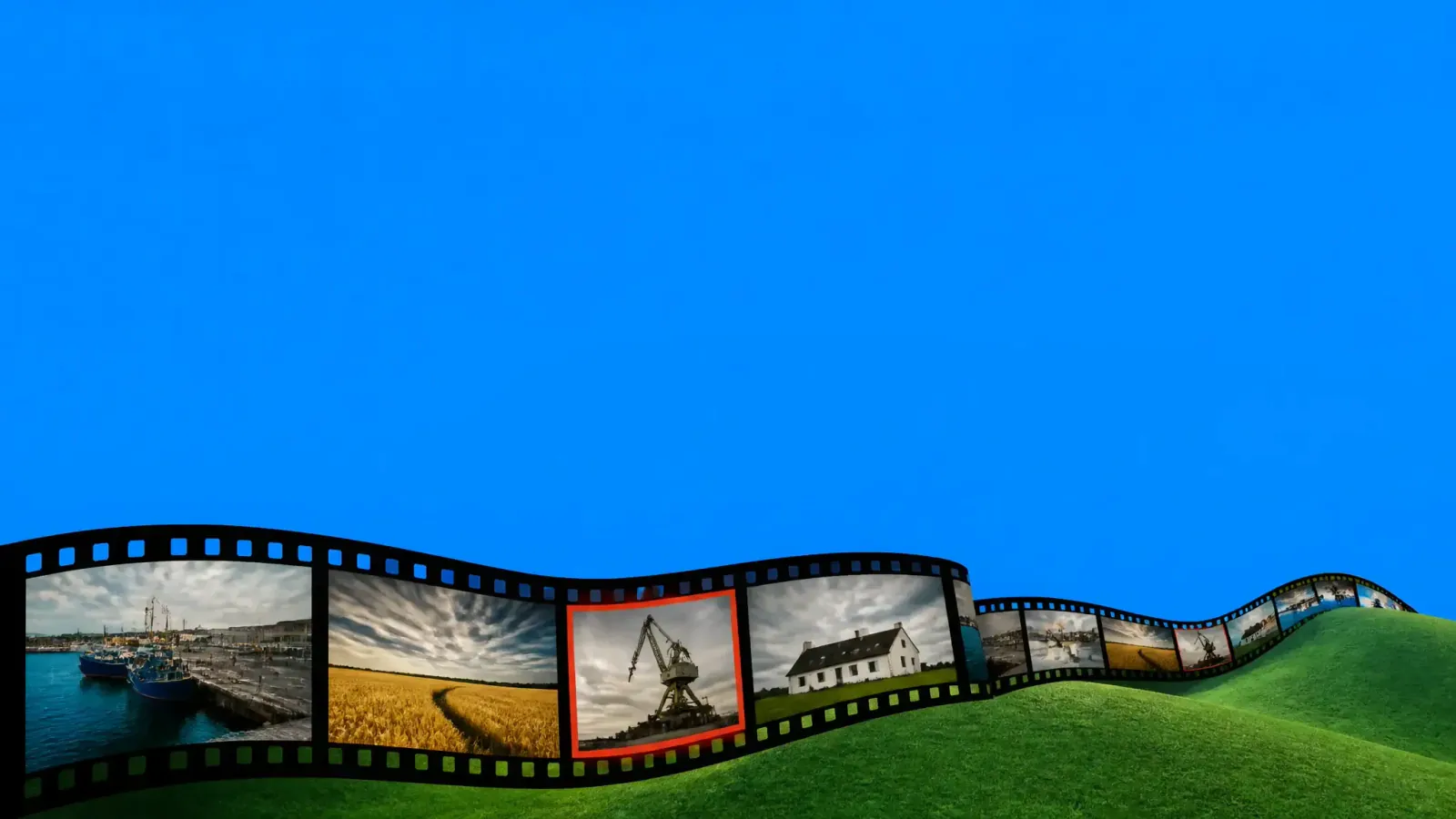
AI Slideshow Maker
Your photos, brought to life and cut to music.
Three ways to start
- From a script
- Paste a script or an outline. Chatly breaks it into shots, finds or makes the visuals, and cuts them to the voice. See the explainer video maker and the storyboard generator.
- From a product photo
- Upload photos of a product and get an ad. Try the product video generator or the UGC ads generator.
- From one image
- Keep your photo as the first frame and ask for movement. See image to video. To start from words only, use text to video.
Every top video model, one place
Video models differ in motion, sound and length. Chatly lets you run your idea on several and keep the best take. The full list is on the video models page.
- Seedance
- ByteDance's video models for text, image and reference to video. Seedance 2.5 makes 30-second single takes at 1080p. See also Seedance 2 and Seedance.
- Runway
- Shots you can compare with every other model. See Runway Gen-4 and Runway.
- More
- Gemini Omni Flash for takes with their own sound, LTX Video for fast tries, and MiniMax too.
- Verdict
- Pick Veo or Gemini Omni Flash when you want sound from the model, Seedance 2.5 for longer takes, and LTX Video when you want to try many ideas fast.
What you can make
- Ads and social
- A TikTok video, reels with a hook and captions, or a creator-style ad with the UGC ads generator.
- Stories and music
- A trailer built from a logline, an anime video, or a music video cut to your track.
- Editing
- Ask for the cut you want with the AI video editor, add B-roll, or turn photos into a slideshow.
- Language
- Translate a video, dub it in the same voice, or add subtitles.
- Fixing footage
- Upscale a video, remove the background or try a face swap.
Three prompts to try
Each prompt is a real one to paste. The note says what you should get back.
- Product ad
- "Thirty-second ad for a steel water bottle, three photos, upbeat, ends on the logo." You get a short cut to review.
- Image to video
- Upload a photo of a street and write "slow push in, people walking, light rain." You get a clip that starts on your photo.
- Explainer
- Paste a one-page doc and write "make a 60-second explainer with captions." You get a voiced, captioned draft to review.
Write a prompt that works
Short, specific prompts give the best first take. Use this order: subject (who or what is in the shot), action (what moves, and how fast), camera (push in, pan left, hold still, handheld), light and mood (golden hour, soft studio light, rainy night), and shape (vertical for reels and TikTok, wide for YouTube).
Change one thing per try. If the motion is right but the light is wrong, say only that. Then compare the same prompt on a second model before you spend more credits.
Can I use the videos commercially?
Paid Chatly plans include commercial usage rights. Check the clip before you publish. Do not use faces or voices you do not have the right to use.
Pricing in one line
It is free to start. Standard is $20 a month and includes 7K credits a month. Professional and Ultra add more credits. See pricing.
Go further
Make a still with the AI image generator, then animate it. Or chat with the models first to write the script.
Frequently asked questions
Is there a free AI video generator on Chatly?
Yes. You can start free and make video with top models. Free credits are limited, and when they run out you can move to a paid plan. Standard is $20 a month.
How long can a video be?
It depends on the model. Seedance 2.5 makes 30-second single takes. Longer videos are built from several clips on a timeline and cut together.
What resolution does it export?
It depends on the model. Seedance 2.5 renders at 1080p. You can also raise the quality of a finished video with the AI video upscaler.
Can I use the videos for ads and business?
Paid plans include commercial usage rights. Check each clip before you publish, and only use faces, voices and music you have the right to use.
Can it make video with sound?
Some models can. Veo and Gemini Omni Flash make takes with their own sound. For other models, add a voice or music in the same project.
Can I start from a photo?
Yes. Upload a photo and Chatly keeps it as the first frame, then animates it. See image to video.
EverAsk on your Mac
EverAsk for Mac
Video on your desktop, with the product photos and footage you already have to hand.
Download for macOS