30-second single takes
Seedance 2.5 films one continuous shot of up to 30 seconds, so a scene plays out without a cut.
ByteDance's Seedance 2.5 and Seedance 2, for text, image and reference to video.
Generate a videoSeedance 2.5
Action movie car chase at night: a black muscle car tears through a rain-slicked city street, sliding sideways around a corner as a police car behind it crashes through stacked crates, sparks and glass flying, headlights flaring. Low camera mounted beside the wheel, then whip pan. Hollywood blockbuster, teal and orange grade, anamorphic lens.
Seedance 2.5 films one continuous shot of up to 30 seconds, so a scene plays out without a cut.
Write the shot, animate a still, or guide it with reference images, video and audio.
Multi-shot scenes keep the same person from shot to shot, so a story holds together.
Ask for a tracking shot, a crane or a whip pan, and the camera moves the way you wrote it.

Describe subject, motion and camera. Or start from a still and let Seedance move it, keeping your composition as frame one.

Generate a few, and put Seedance alongside other models on the same brief so you choose on footage rather than on preference.

Sequence the takes, add audio and captions, and export the sizes each platform needs from a single edit.
Every image and video model in EverAsk, each with its own strengths. Open one to see what it makes.
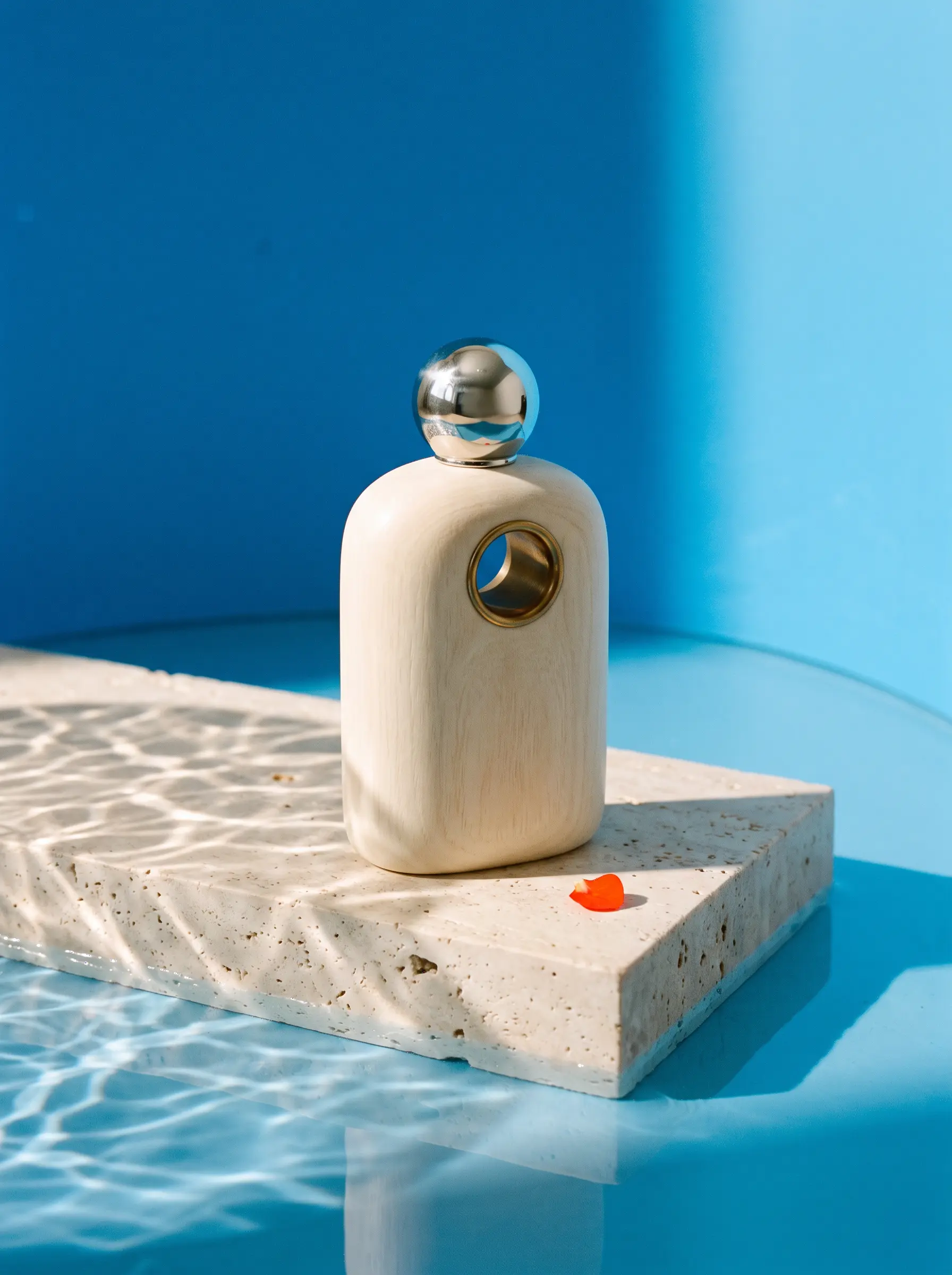 Nano Banana 2Generate images with Nano Banana 2 in EverAsk. Start from a prompt or reference, refine the result in conversation, and use it in your next page, deck or post.
 GPT Image 2Generate images with GPT Image 2 in EverAsk. Write a detailed brief with the words you need in the picture, edit it in plain language, and use it in your work.
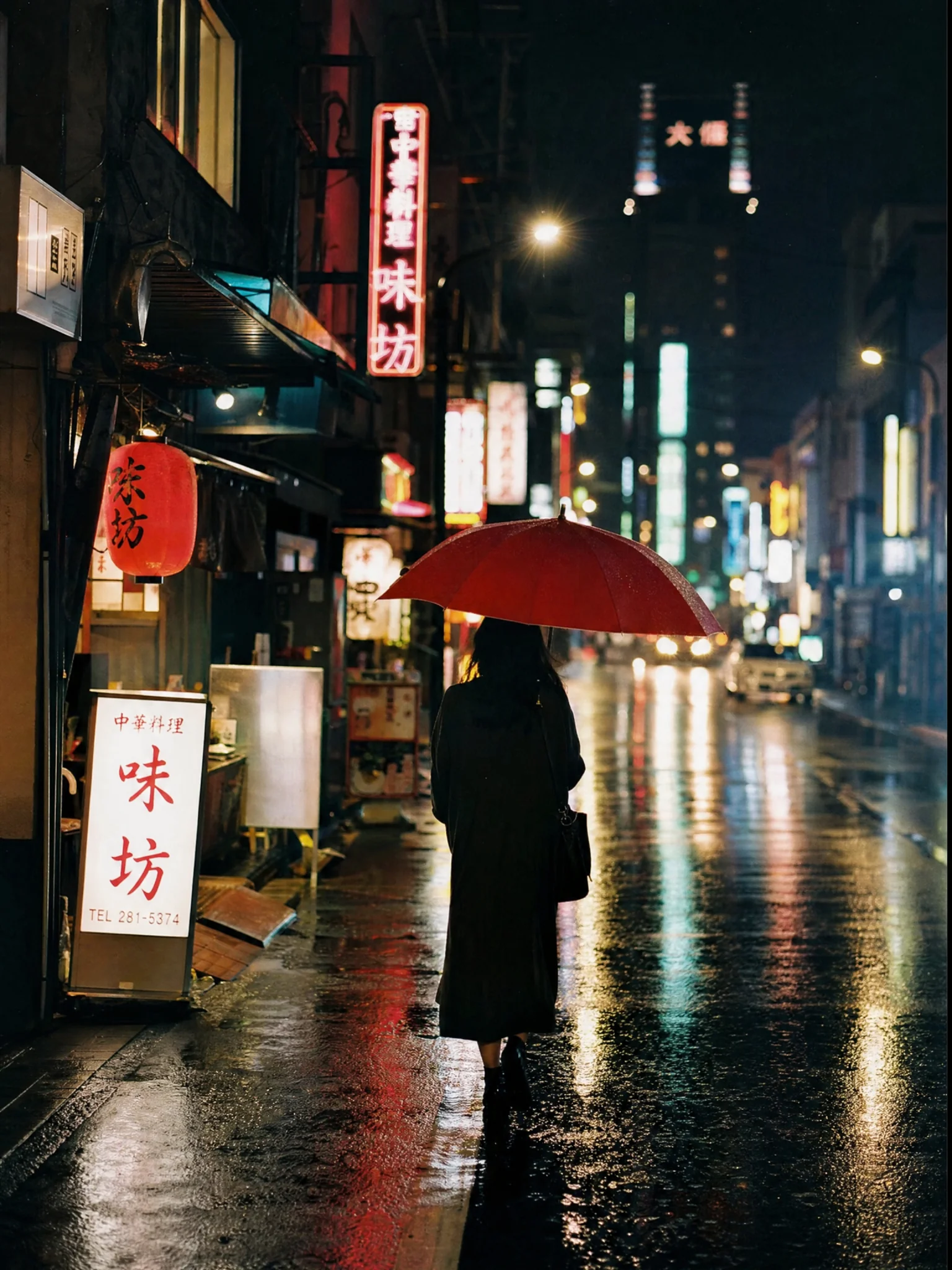 Grok ImagineRun Grok Imagine in EverAsk alongside every other image model. Same prompt, side-by-side results, and the output drops straight into your page, deck or post.
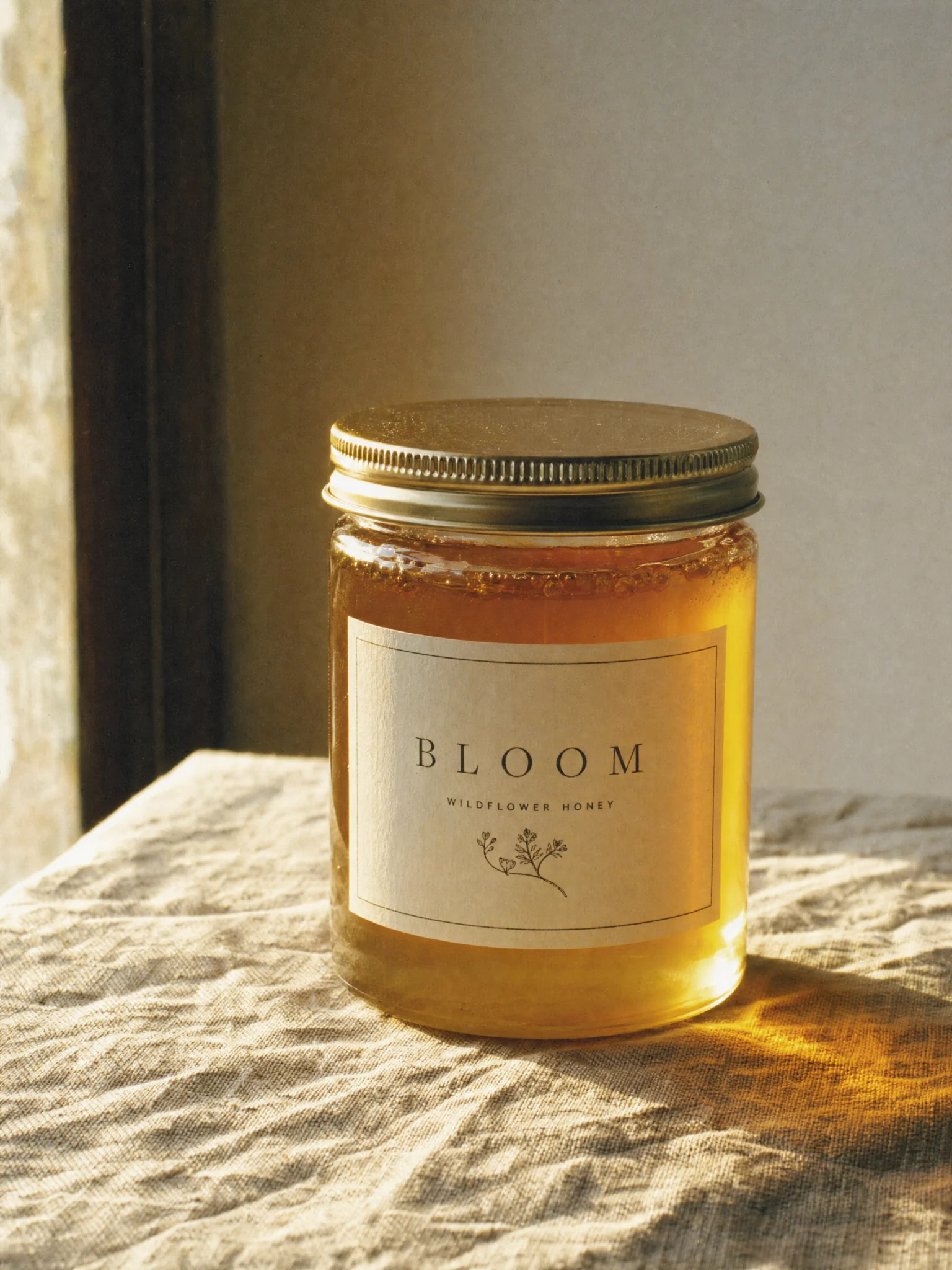 FluxUse Flux inside EverAsk for photoreal images and text that renders correctly. Compare with other models, then drop the result into your page or deck.
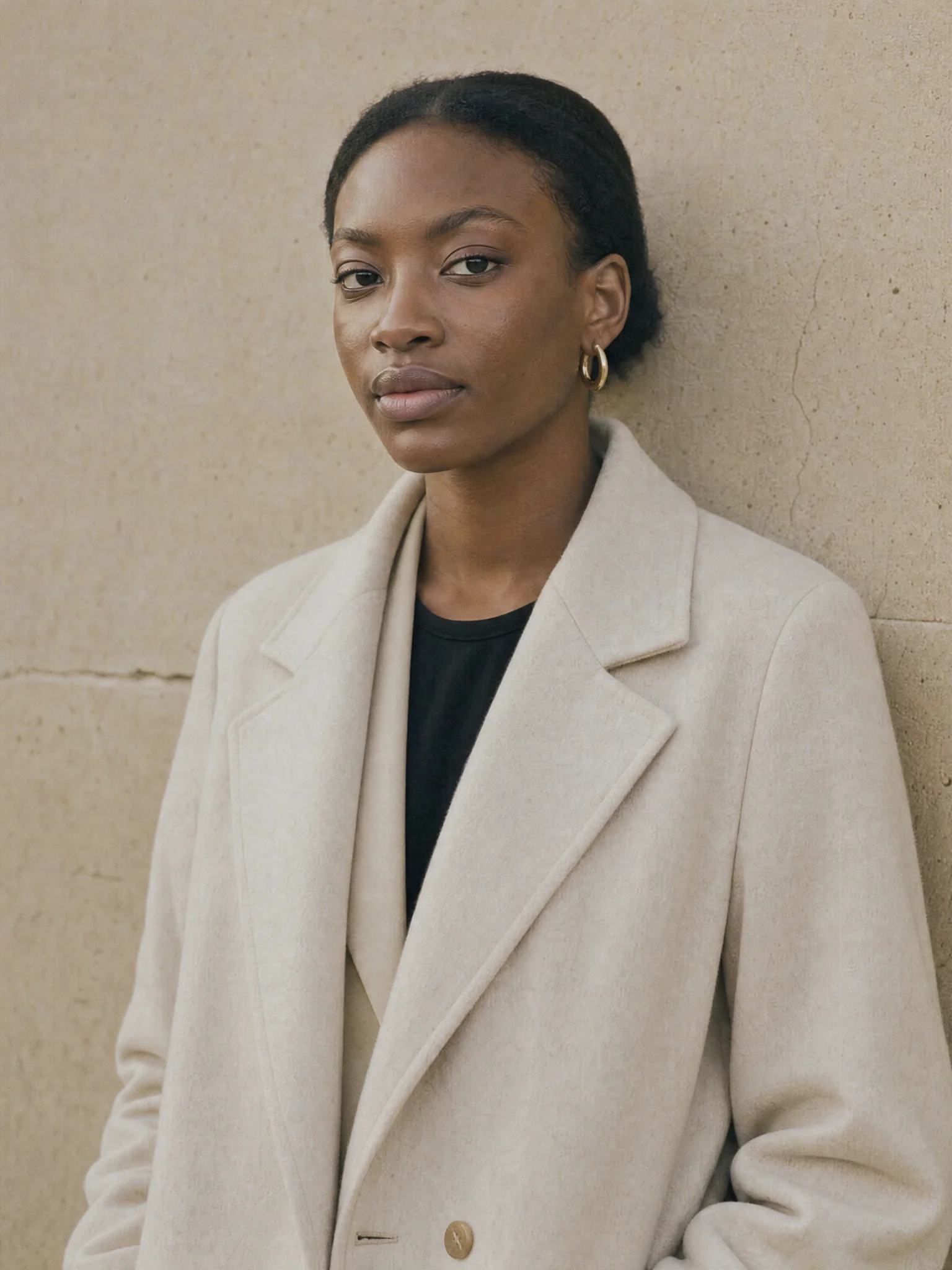 SeedreamRun Seedream in EverAsk for high-fidelity image generation and editing. Compare models on one prompt and place the result straight into your work.
 GPT ImageUse GPT Image in EverAsk for images that follow detailed instructions. Compare it with other models on one prompt, then place the result in your work.
 Nano Banana ProUse Nano Banana Pro in EverAsk for detailed compositions, product visuals and images with carefully placed text, then refine the result in conversation.
 Nano BananaUse Nano Banana in EverAsk to generate images and edit your own photos in plain words, keeping the subject the same from one version to the next.
 Nano Banana LiteUse Nano Banana Lite in EverAsk to try ideas and visual variations quickly, then take the one you like further.
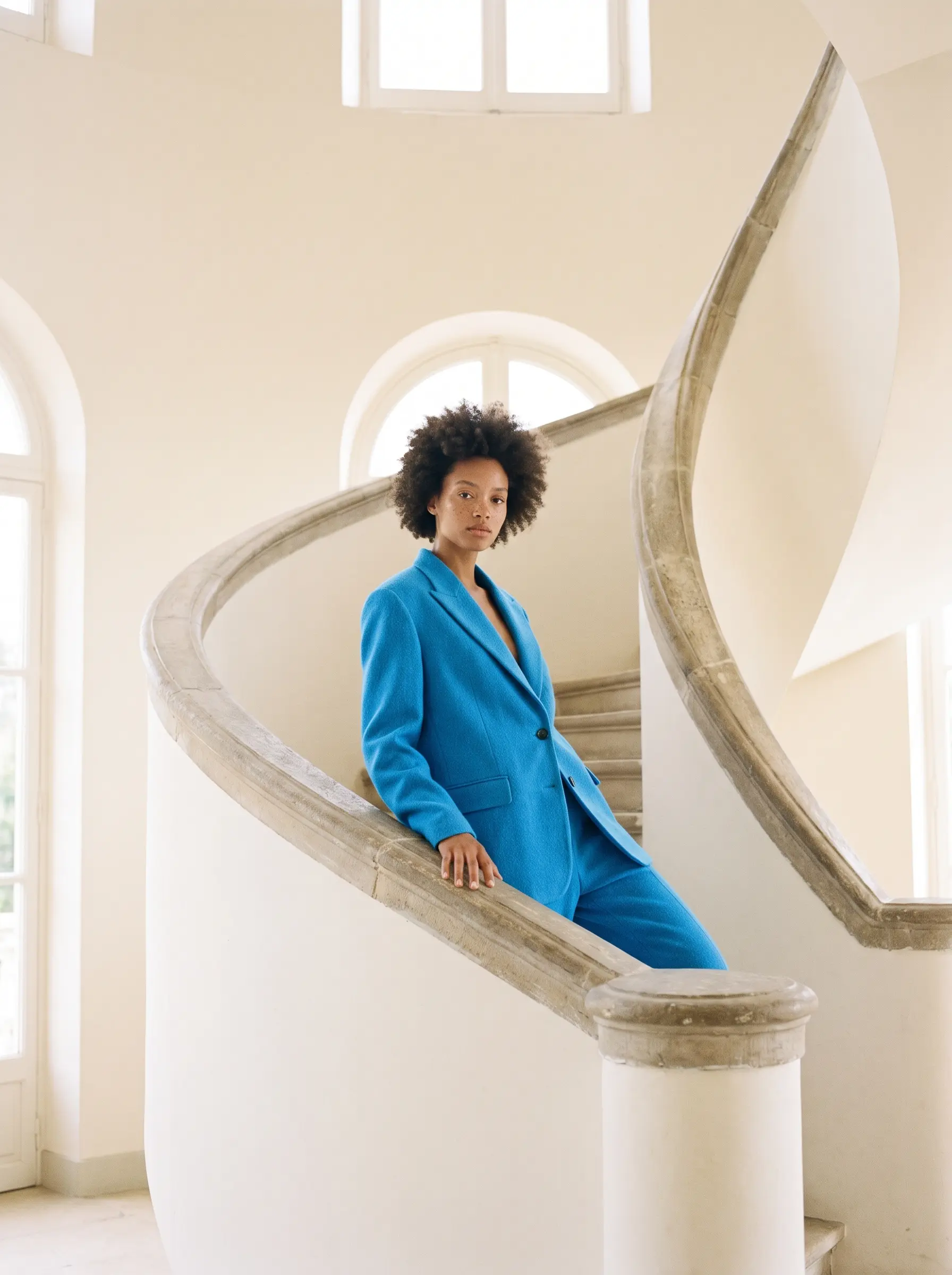 Seedream 4.5Use Seedream 4.5 in EverAsk for high-resolution editorial and fashion images that hold one look across a whole campaign.
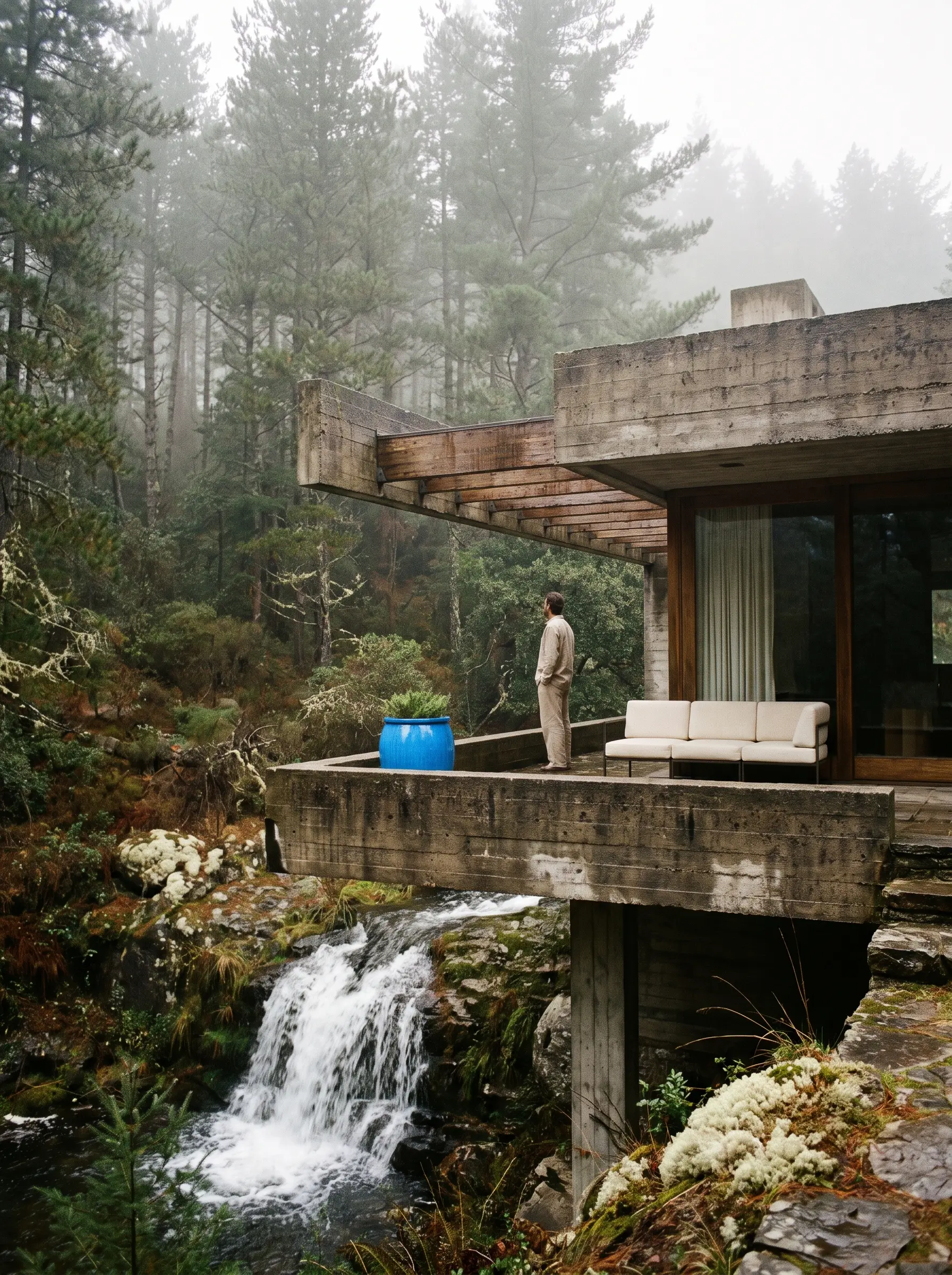 Seedream 5 ProUse Seedream 5 Pro in EverAsk for detailed, high-resolution landscapes, architecture and key art, then refine the result in conversation.
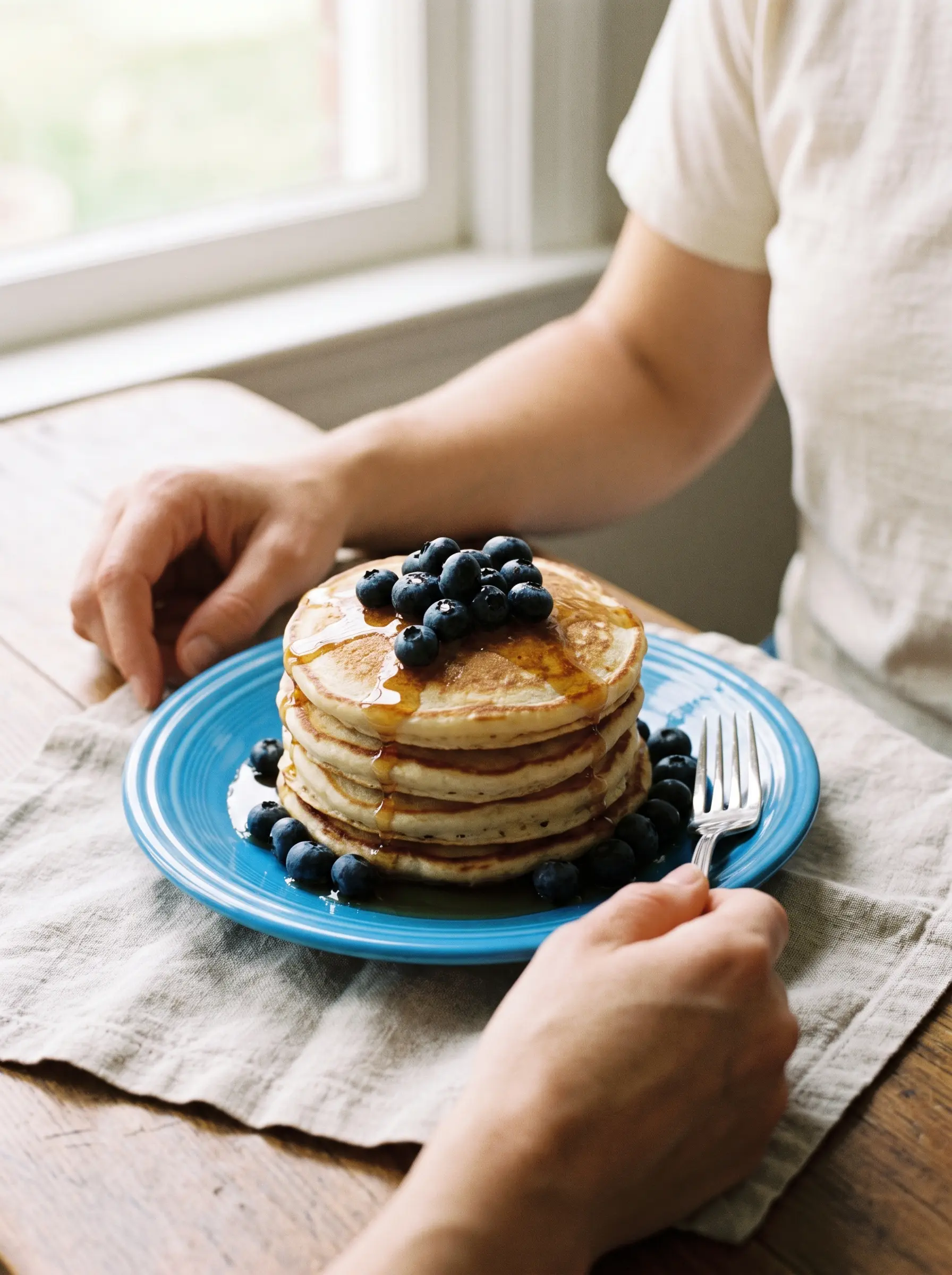 Seedream 5 LiteUse Seedream 5 Lite in EverAsk for quick food, lifestyle and social images, then refine the one you like in conversation.Seedream 4Use Seedream 4 in EverAsk for high-resolution images that keep one look across a set, then refine the result in conversation.Seedream 5Use the Seedream 5 models in EverAsk: Seedream 5 Pro for detailed, high-resolution images and Seedream 5 Lite for quick everyday ones.
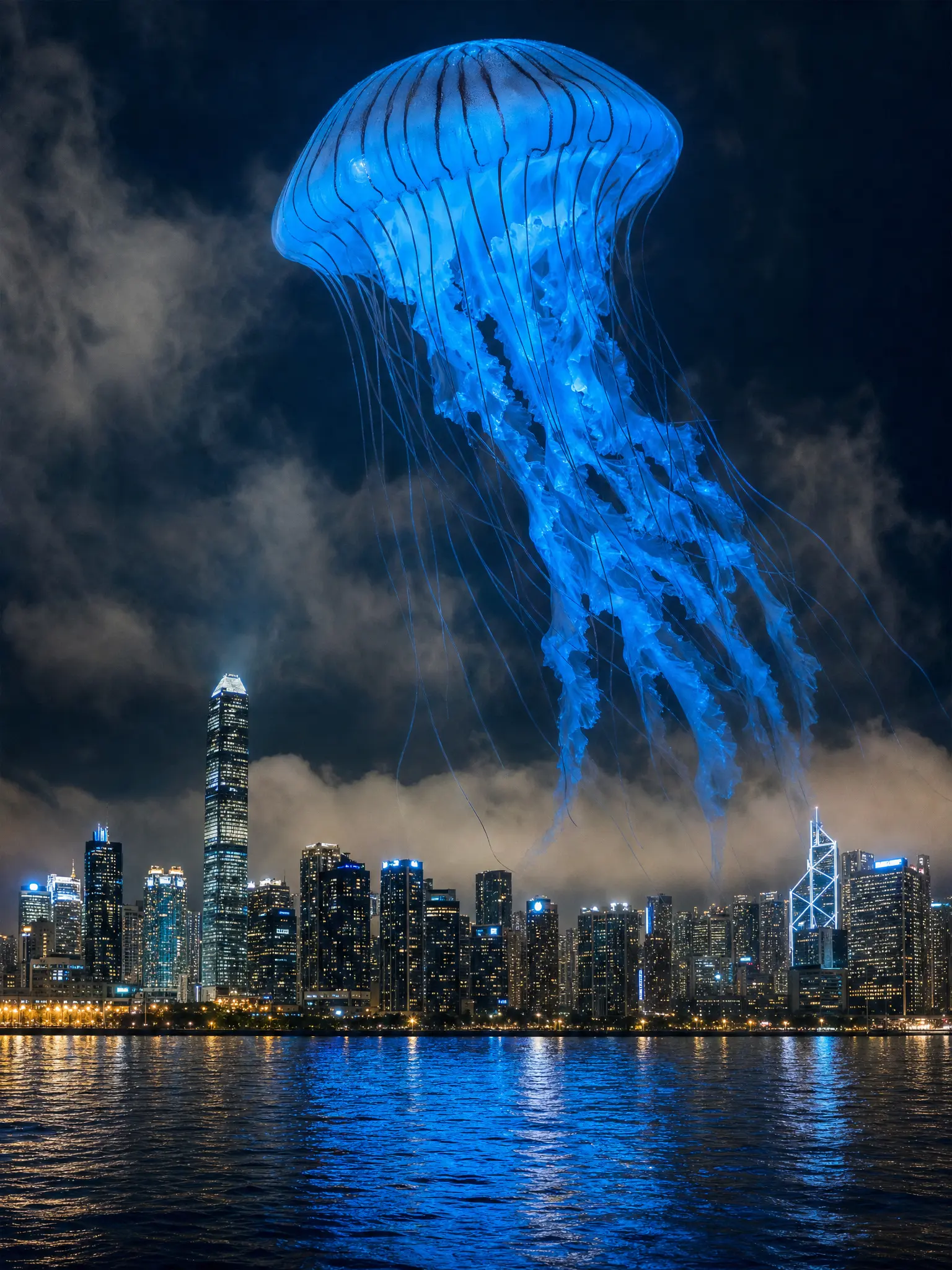 Grok Imagine 1Use Grok Imagine 1 in EverAsk for bold, surreal and playful images from a single line, then refine the result in conversation.
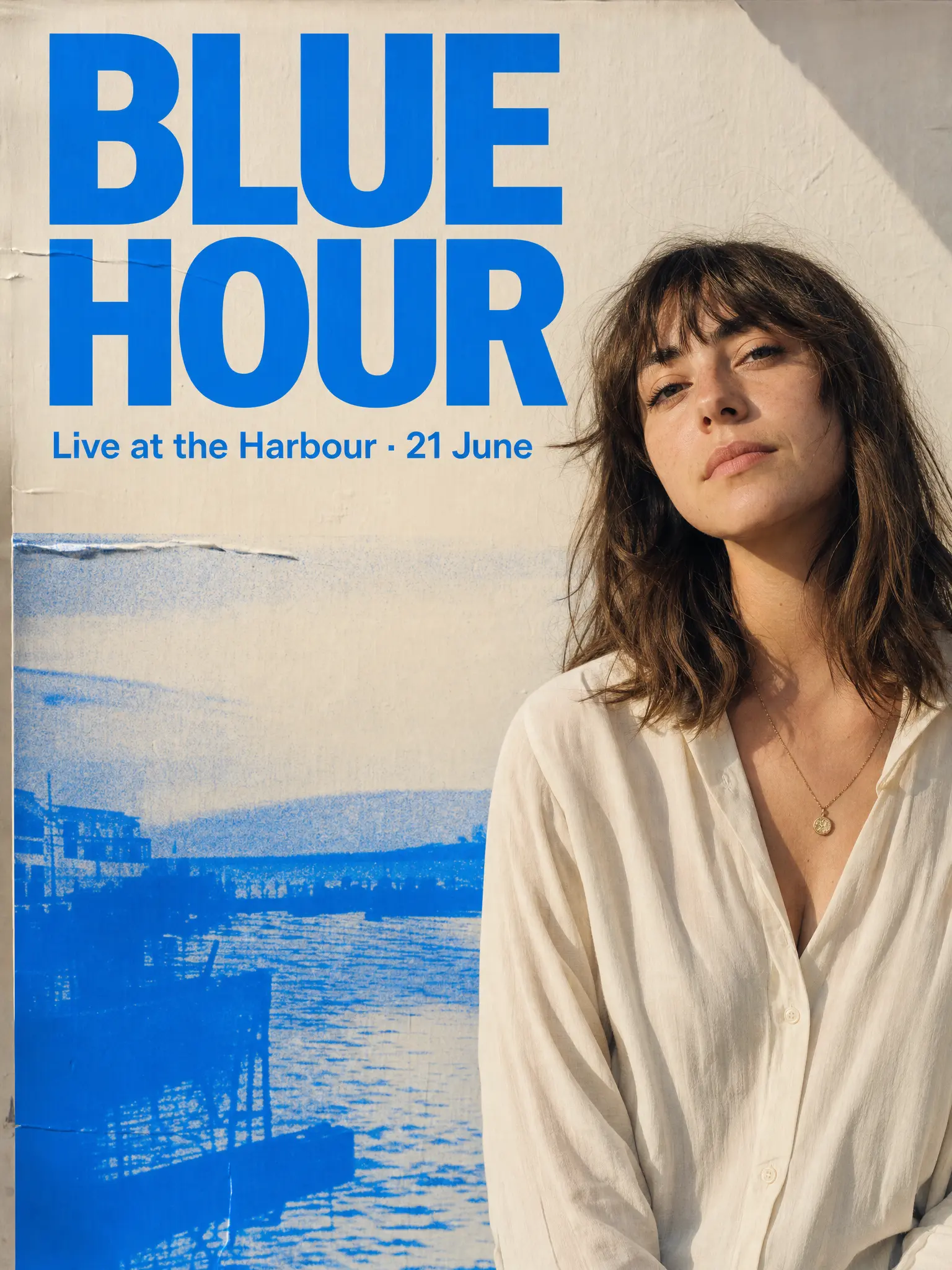 GPT Image 2.5Use GPT Image 2.5 in EverAsk for posters, mock-ups and charts with readable text, then change any part in plain words.
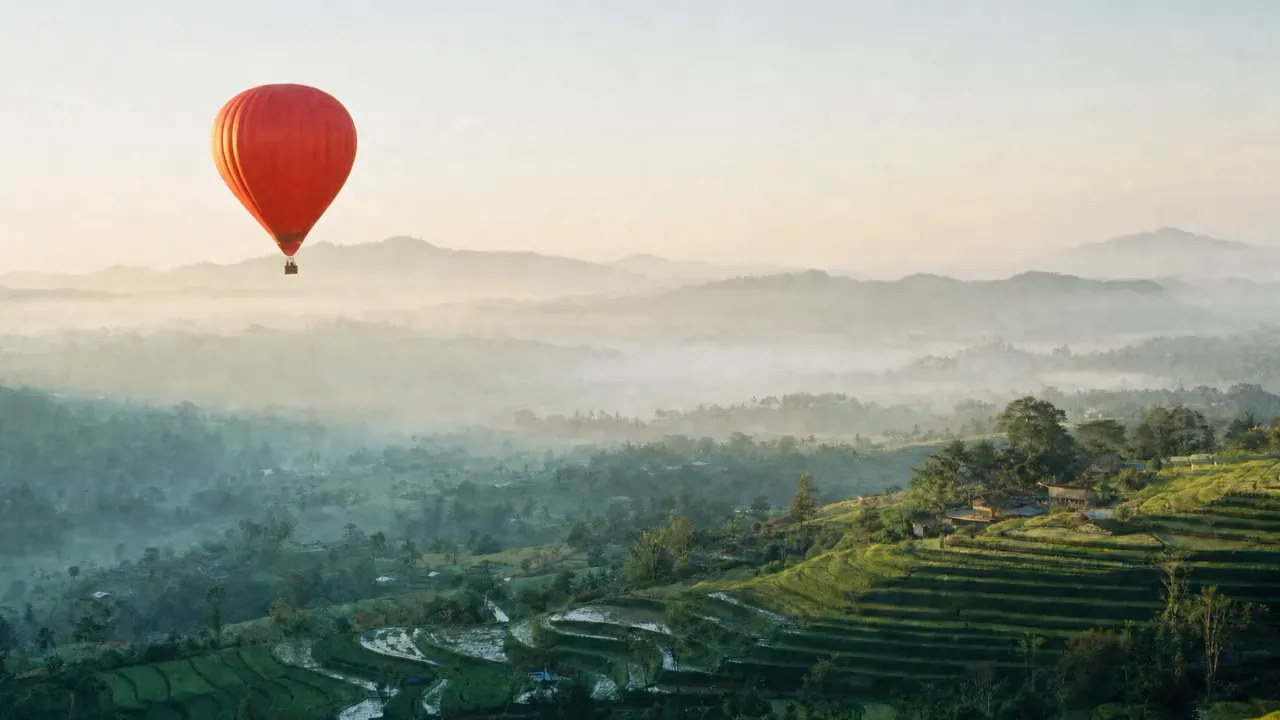 Luma AIRun Luma in EverAsk for text-to-video and image-to-video, then cut, caption and export the result for every channel without switching tools.
 Seedance 2.5Seedance 2.5 in EverAsk: ByteDance's video model for 30-second single takes at 1080p, from text, a still or reference images, video and audio.
 Seedance 2Seedance 2 in EverAsk: ByteDance's video model for text, image and reference to video, with 1080p takes you can compare and cut in one run.
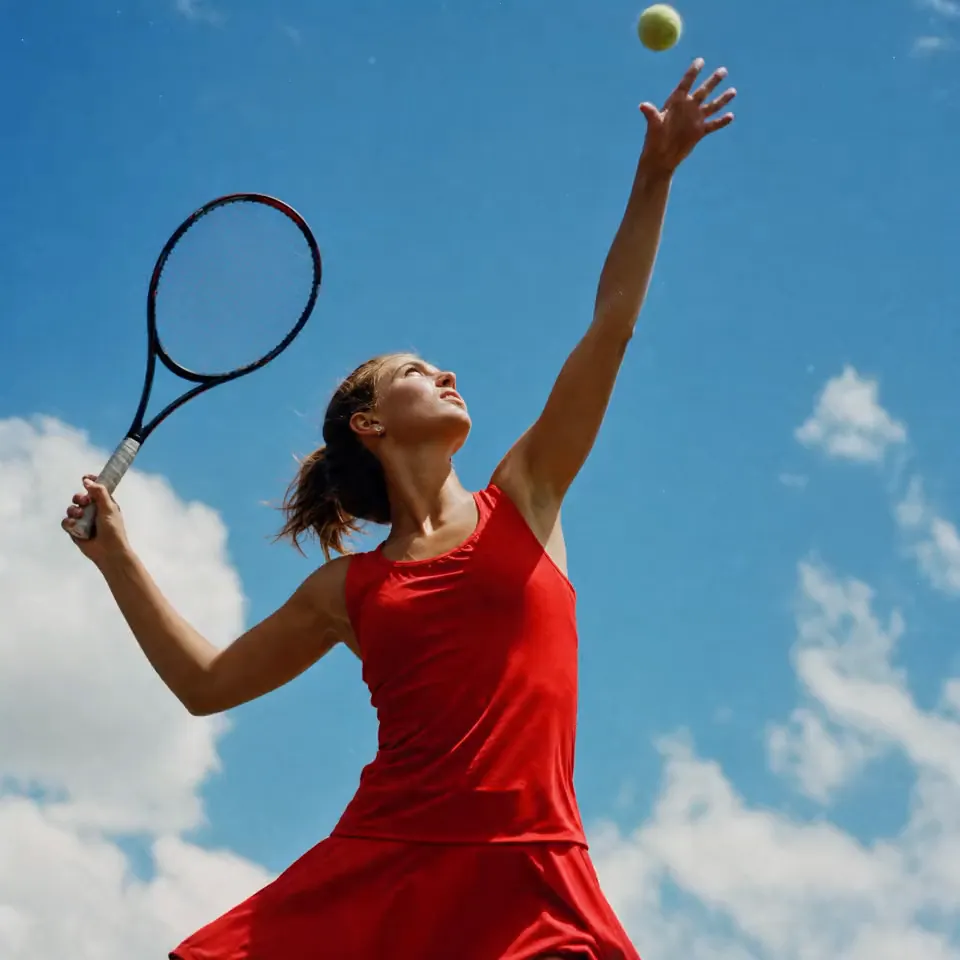 Kling AIGenerate video with Kling in EverAsk from a prompt or a still image, compare takes against other models, then cut, caption and export in the same run.
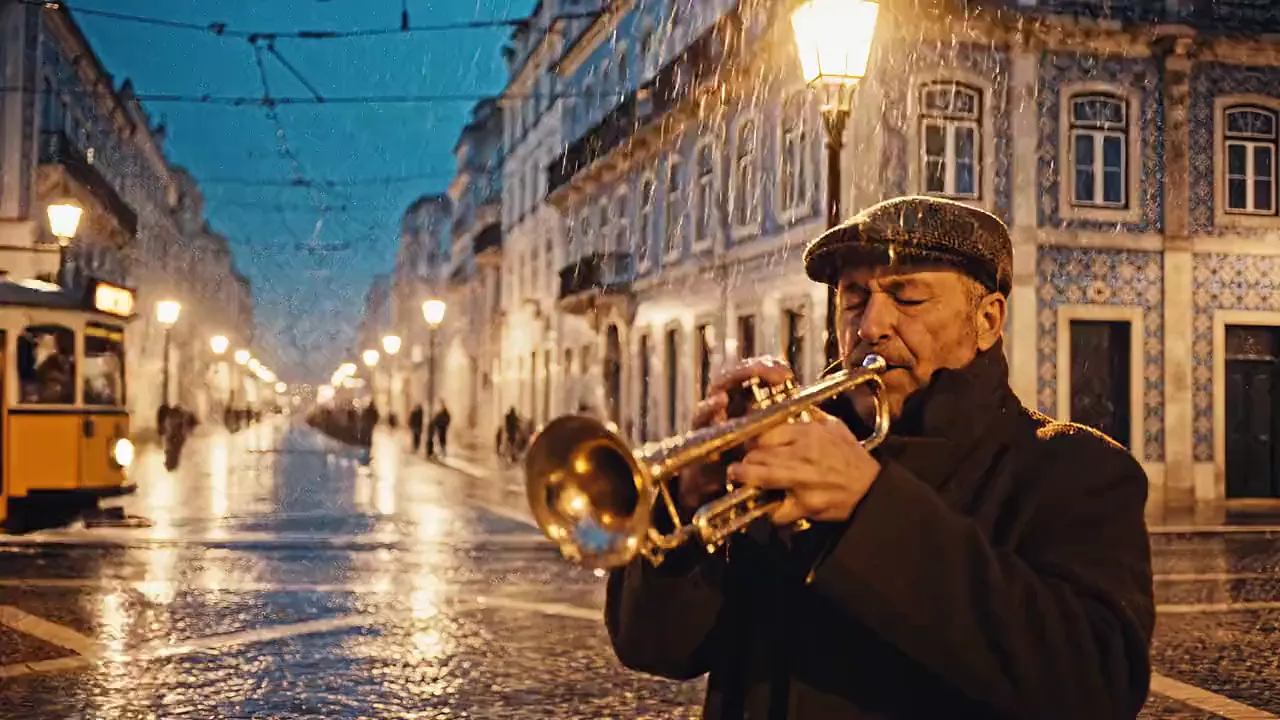 Veo 3Generate Veo 3 video in EverAsk, sound included, from a prompt or an image. Compare takes with other models, then edit, caption and export in one run.
 LTX VideoGenerate LTX Video clips in EverAsk from a prompt or a still, fast enough to try many takes. Compare them with other models, then cut and export in one place.
 Runway AIGenerate Runway video in EverAsk from a prompt or a reference image, compare takes with other models, then edit, caption and export from one timeline.
 Gemini Omni FlashUse Gemini Omni Flash in EverAsk: Google's video model that makes takes with their own sound, then re-renders them when you ask for a change in plain words.
 Veo 3.1Generate Veo 3.1 video in EverAsk: 8-second clips with dialogue, effects and ambience, from a prompt, a still or up to three reference images.
 Kling 3.0Generate Kling 3.0 video in EverAsk: up to 15 seconds and six cuts in one take, native 4K, and dialogue with lip-sync, from a prompt or a still.
 MiniMax H3Generate MiniMax H3 video in EverAsk: up to 15 seconds of 2K with stereo sound, from text, a still or up to nine reference images.
 MiniMaxGenerate MiniMax AI video in EverAsk: MiniMax H3 (Hailuo 3.0) takes with their own sound, from a prompt, a still or reference images, beside the other video models.
 Runway Gen-4Generate Runway Gen-4 and Gen-4.5 video in EverAsk: one reference keeps a character the same across shots, lighting and locations.
No, it runs through your EverAsk plan with the other video models.
Yes. Image-to-video keeps your still as the first frame and applies the motion you specify.
It is strong on motion and camera movement. Run the same prompt across several models in EverAsk and judge the takes yourself.
Seedance 2.5 is ByteDance's AI video model. It makes video from a text prompt, from a single still (image-to-video), or from reference images, video and audio, and it is one of the video models in EverAsk.
A single Seedance 2.5 take can run up to 30 seconds, at up to 1080p. For something longer, sequence several takes on EverAsk's timeline with audio and captions.
Widescreen 16:9 and 21:9, vertical 9:16 for Reels, TikTok and Shorts, square 1:1 and 4:3.

ByteDance's Seedance 2.5 and Seedance 2, for text, image and reference to video.
Run the same shot on every video model on the train, and pick the winner on your phone. Every clip you make here is on your phone.
Download on the App StoreEvery video model on your desktop, with the stills and footage you already have to hand.
Download for macOS

