Add a reference
Step 1Your imageA starting point for your next idea
Bring an image
Start with a reference, or leave it open and generate from a prompt.
Compare Seedream on your brief and use the winner straight away.
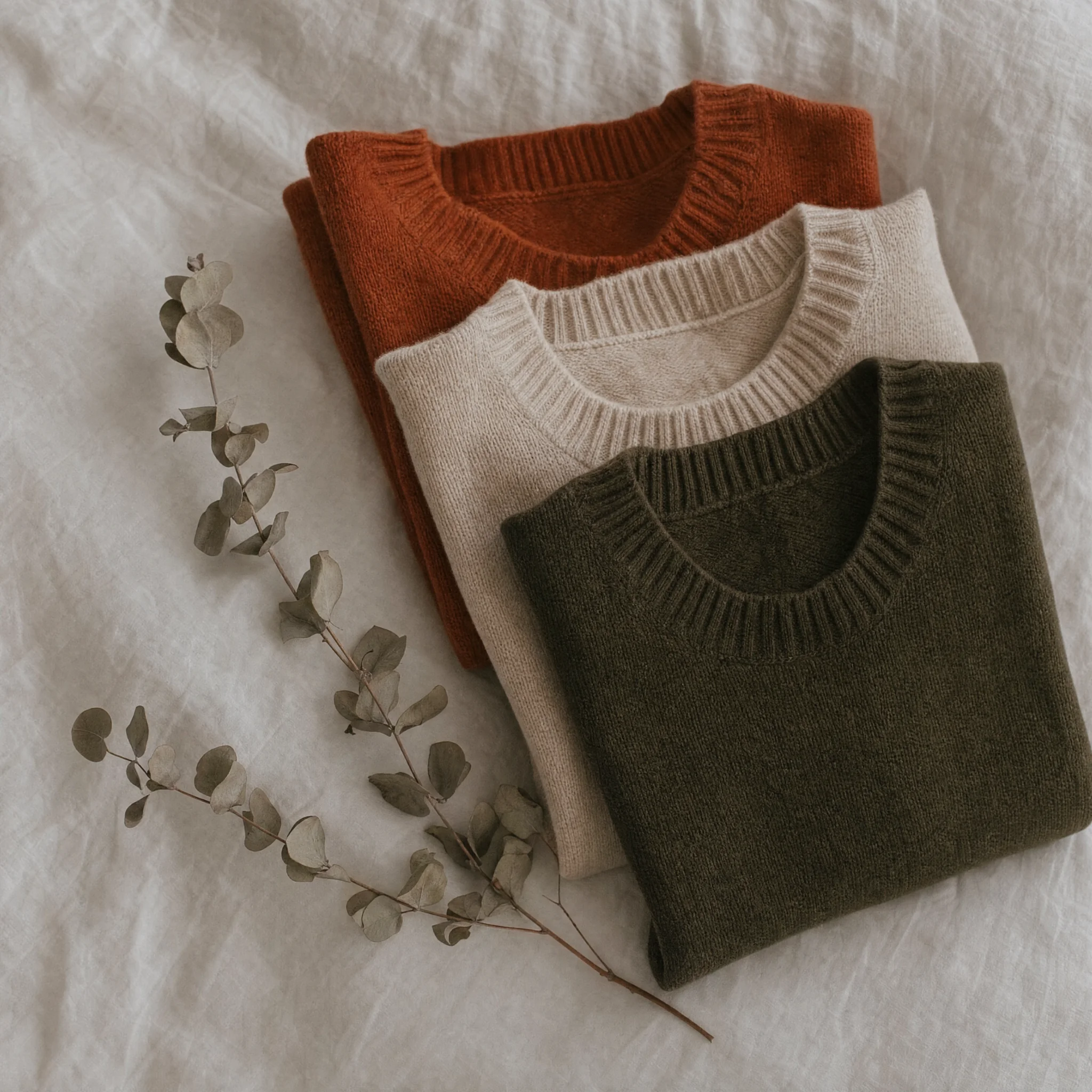
Compare Seedream on your brief, then use the winner.
In one EverAsk workspace.
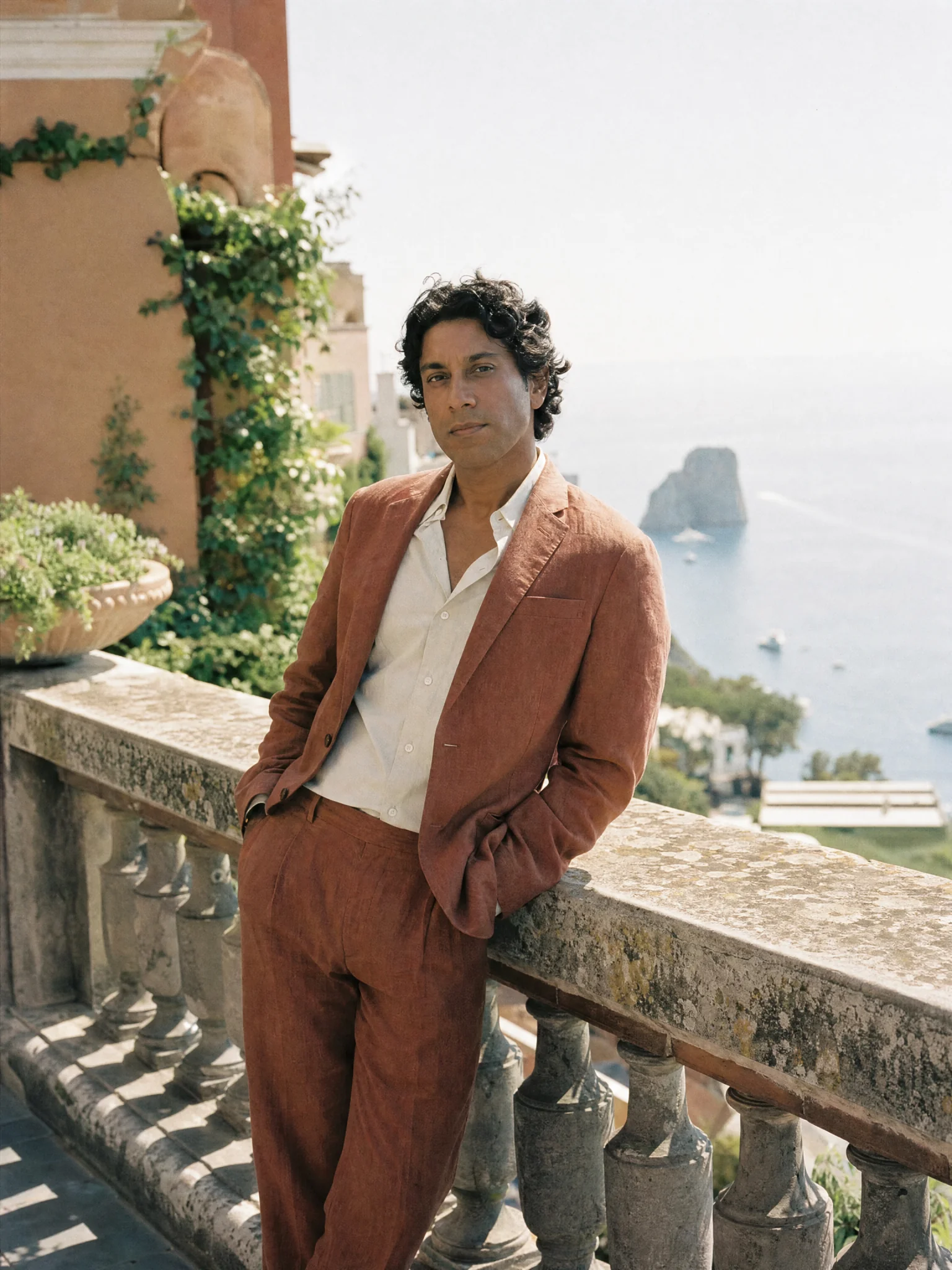 Prompt-based editingAdjust a generated image by describing the change. The parts you did not mention stay where they were.Try it now
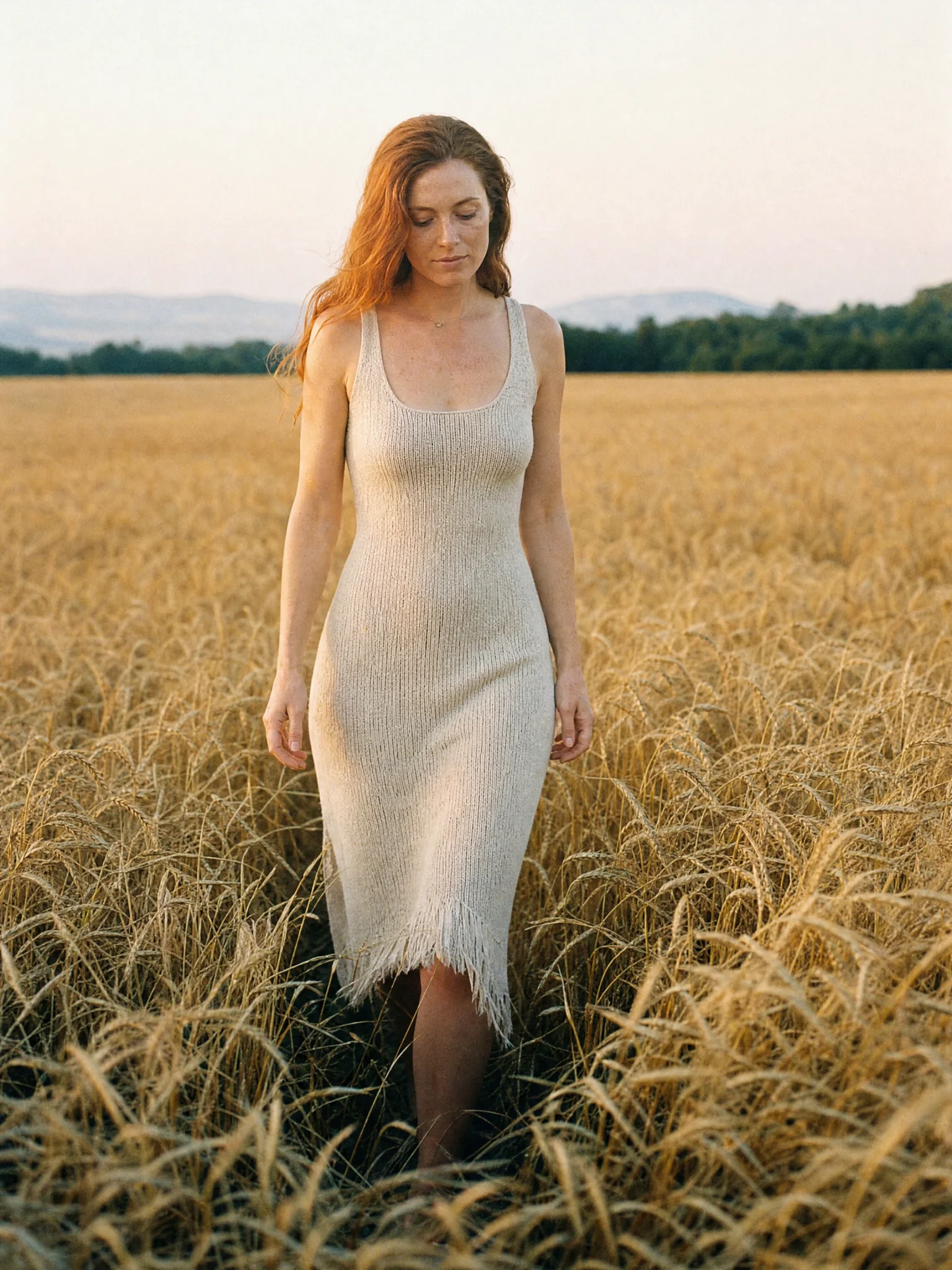 Model comparisonPut Seedream next to the other models on the same prompt and pick on evidence rather than reputation.Try it now
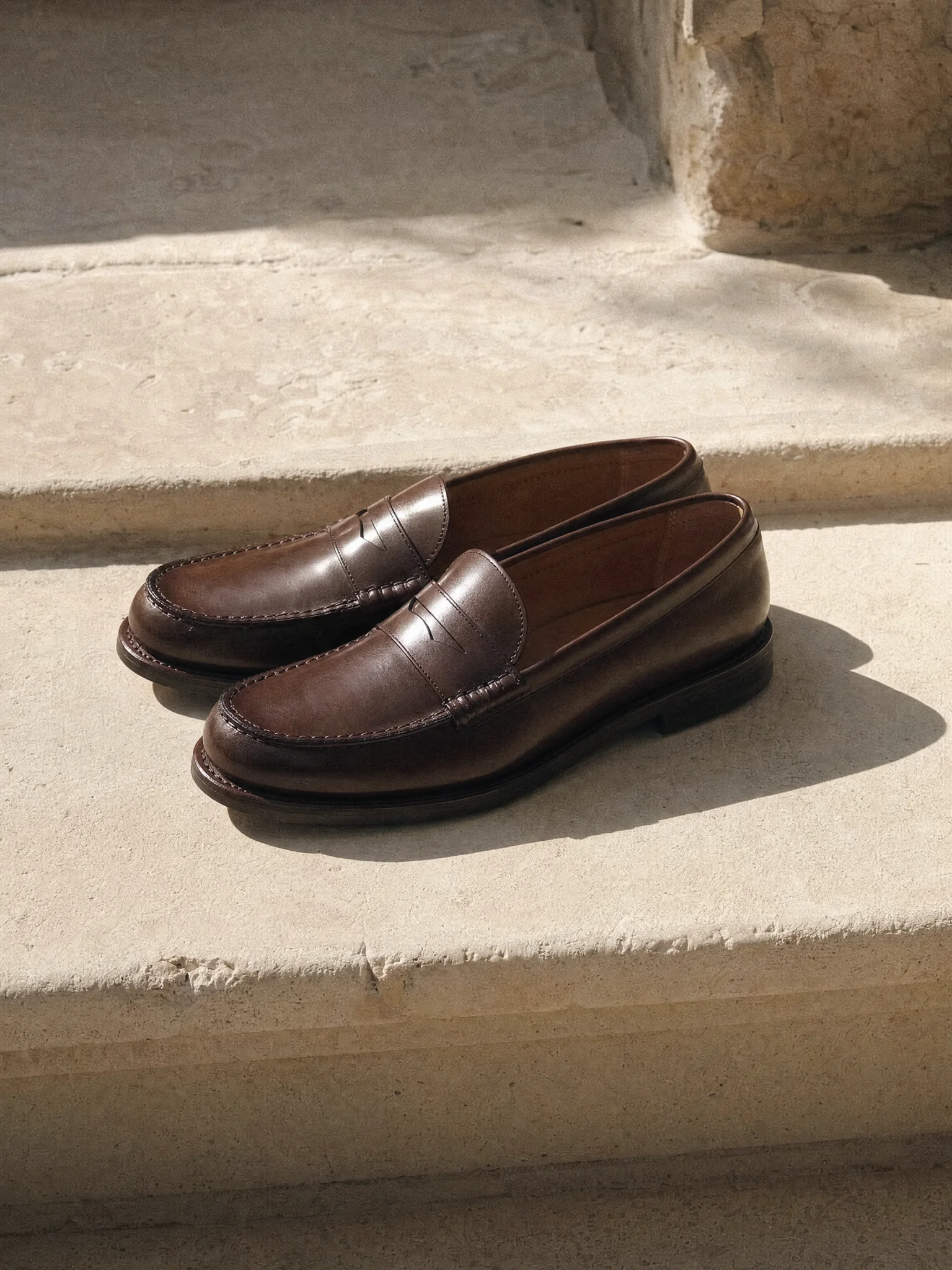 Aspect ratios that hold upGenerate directly at the ratio you need, 16:9, 4:5, 9:16, with composition suited to it, instead of cropping a square and losing the subject.Try it now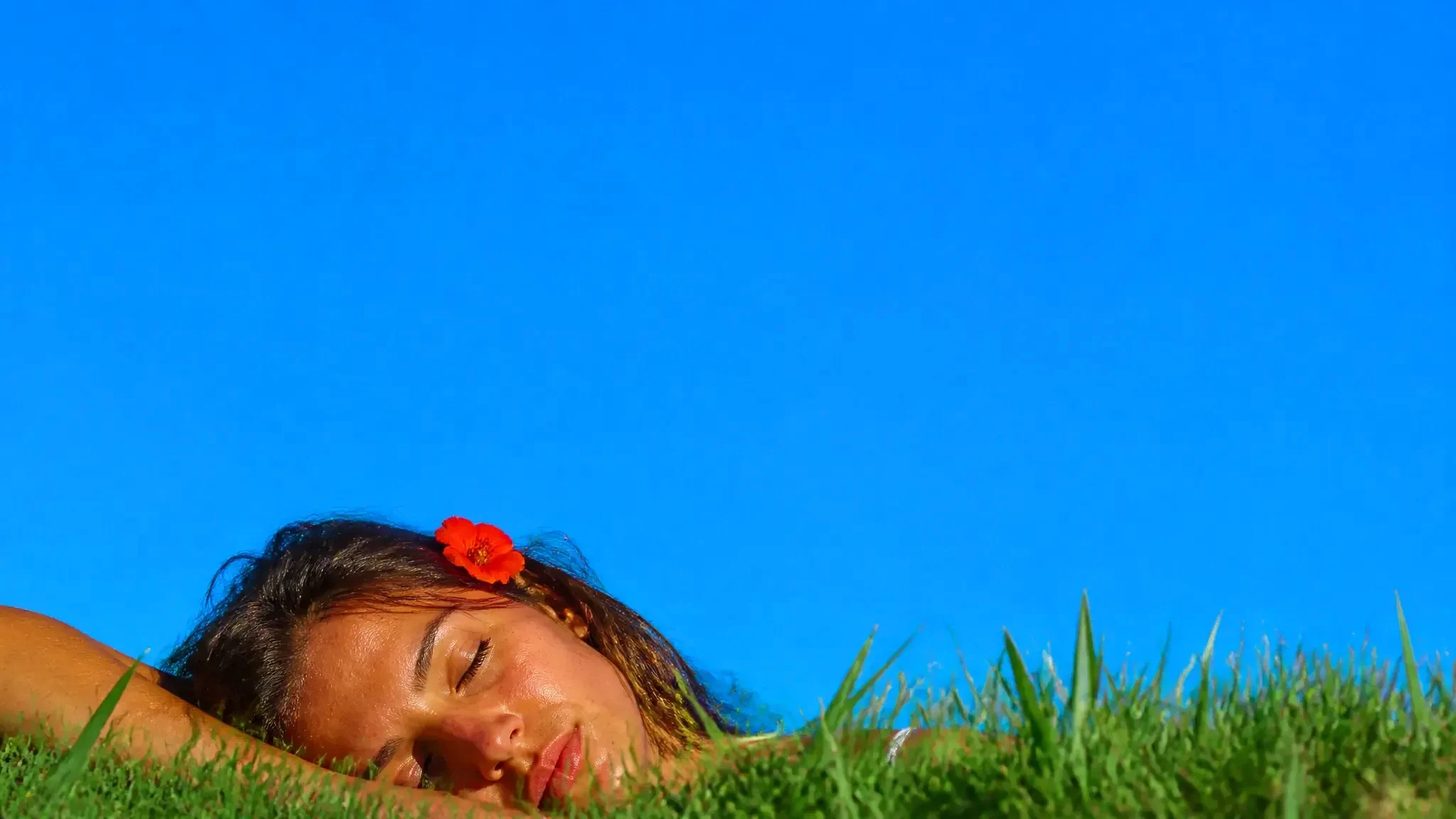
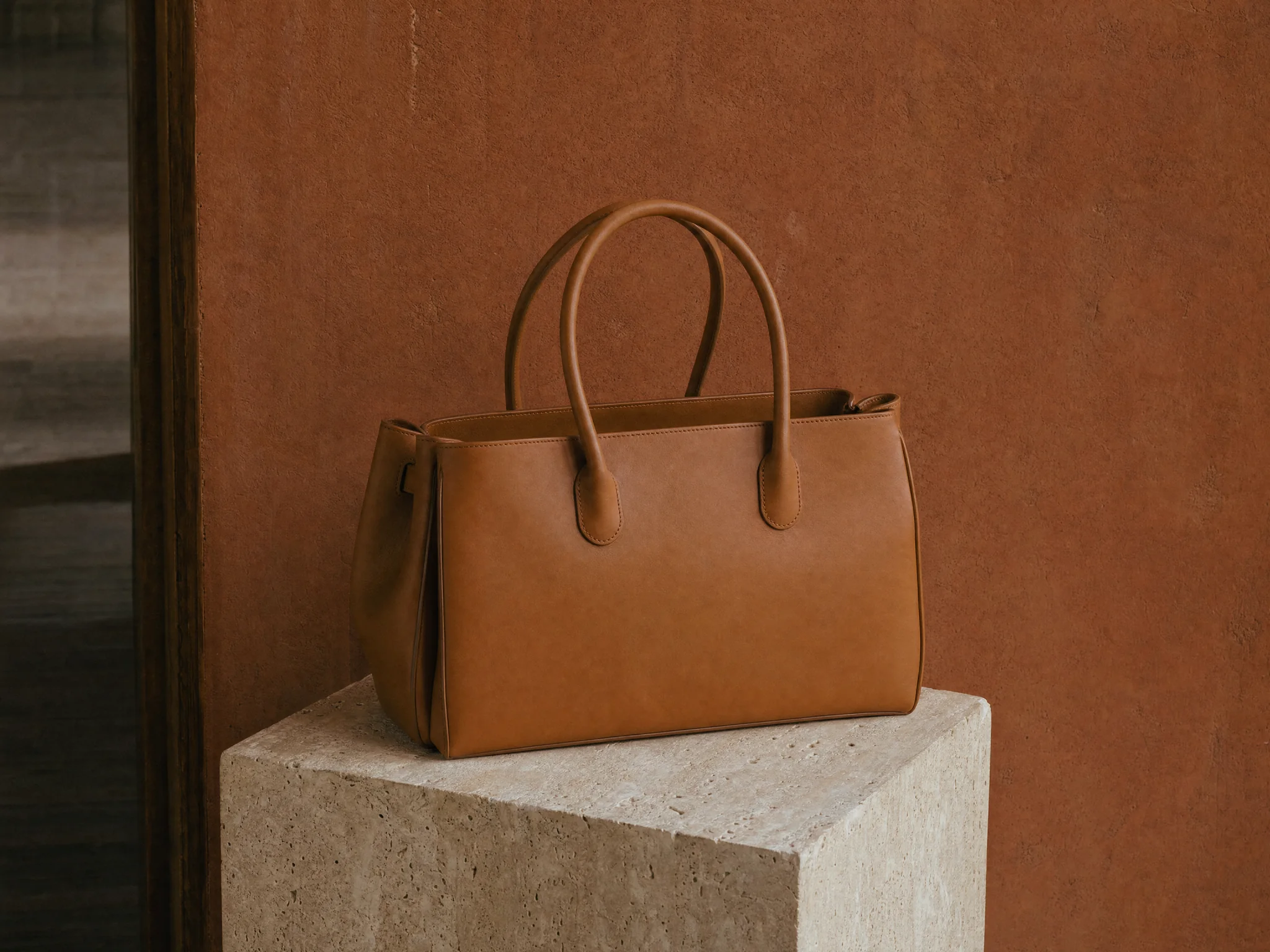
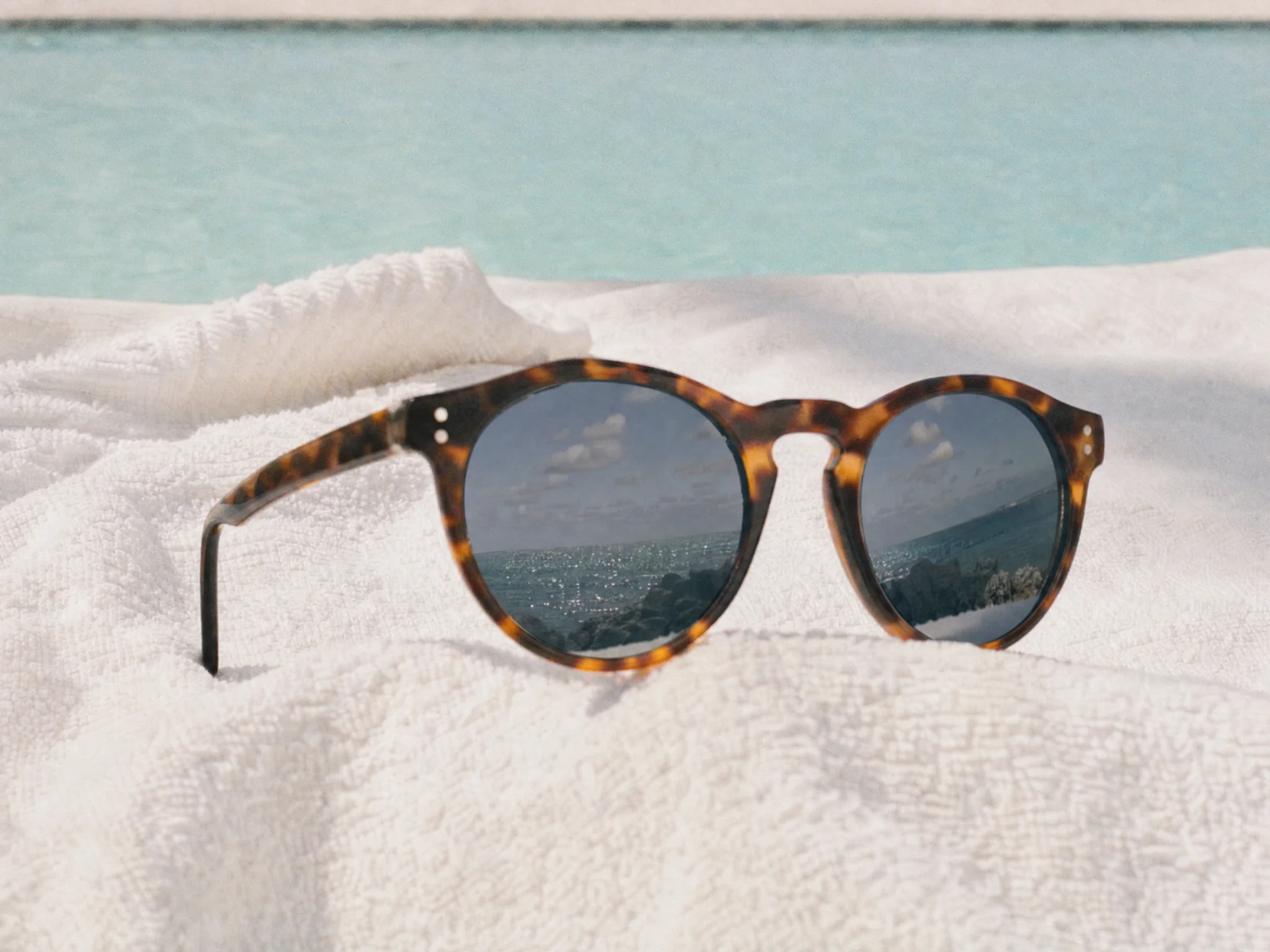
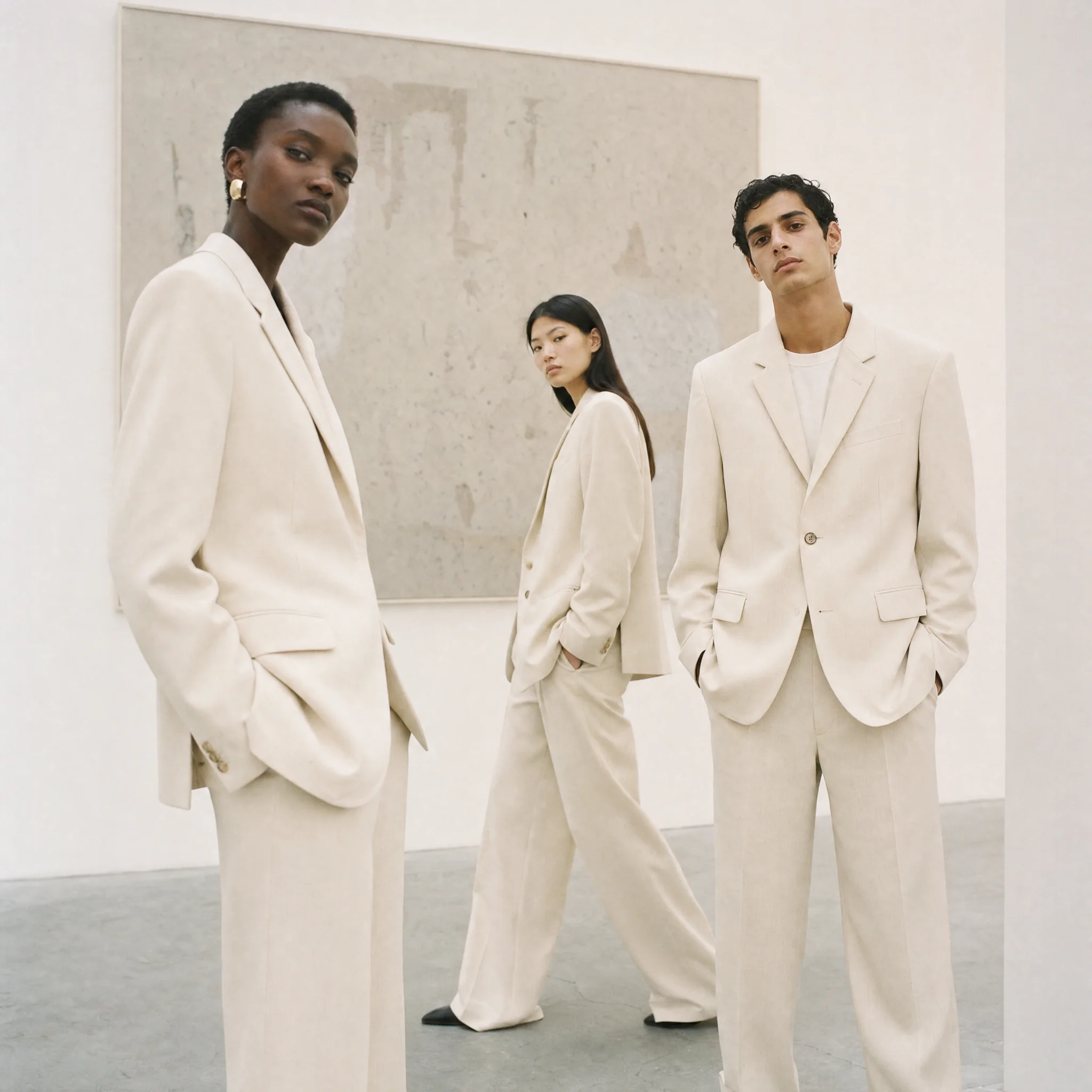
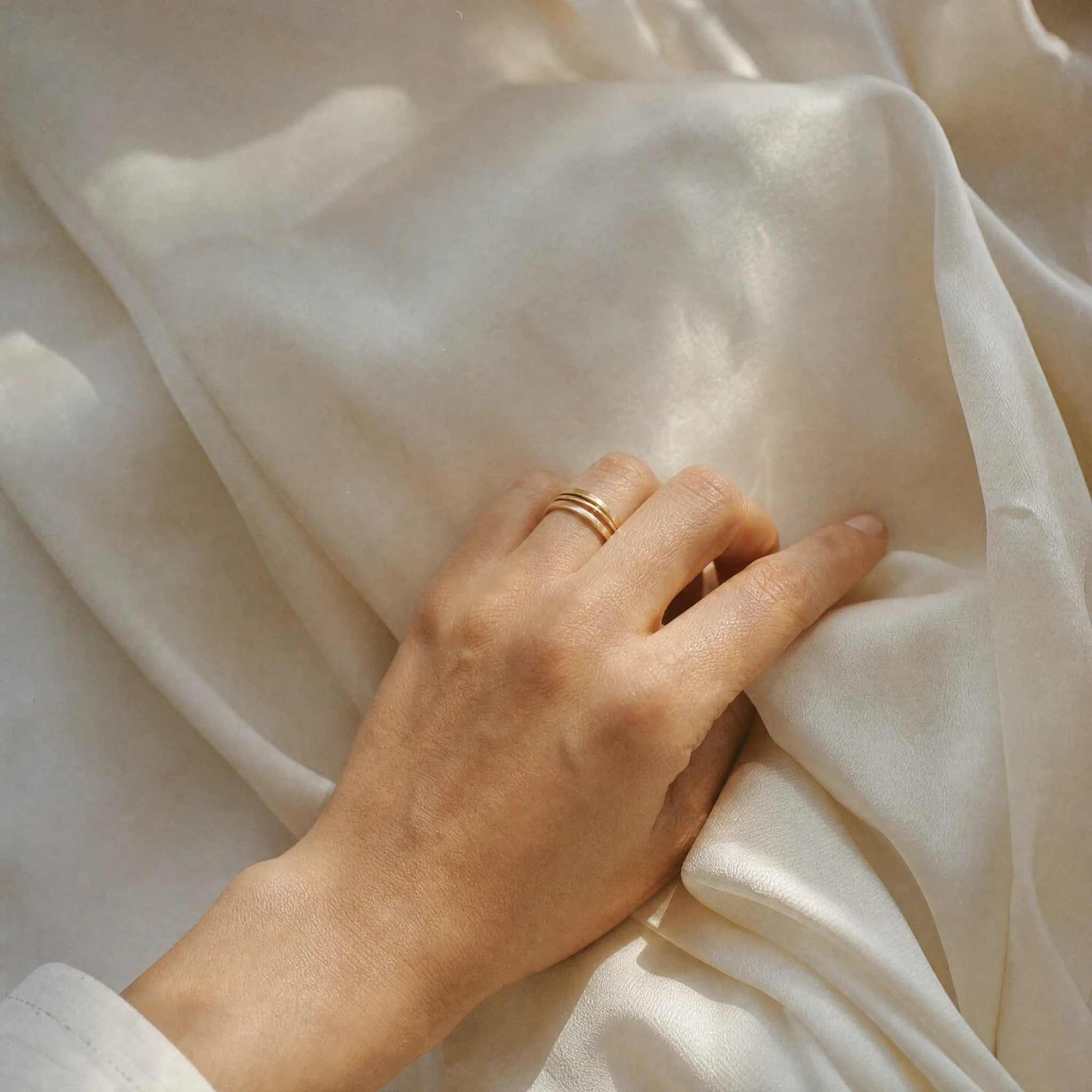
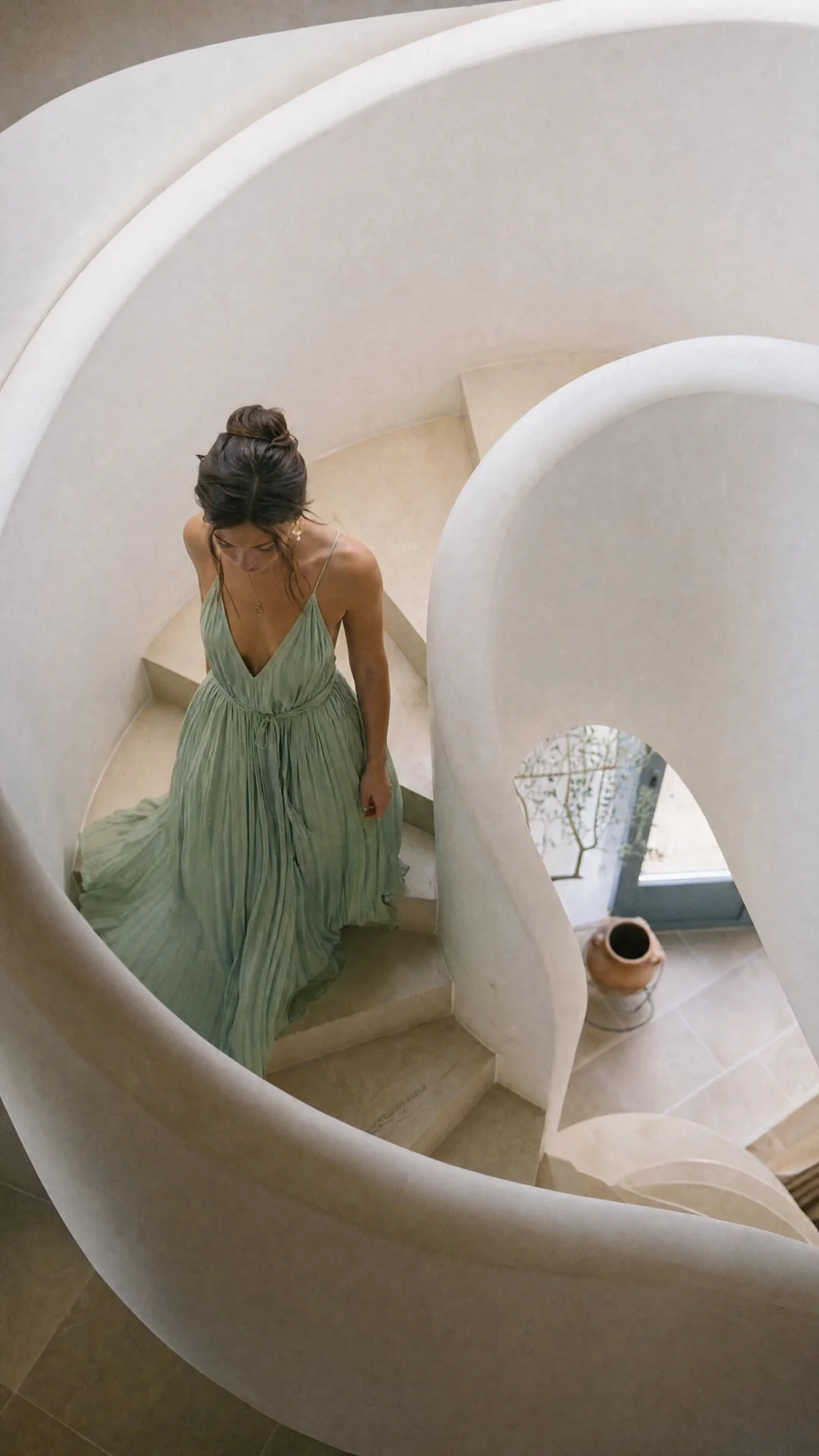
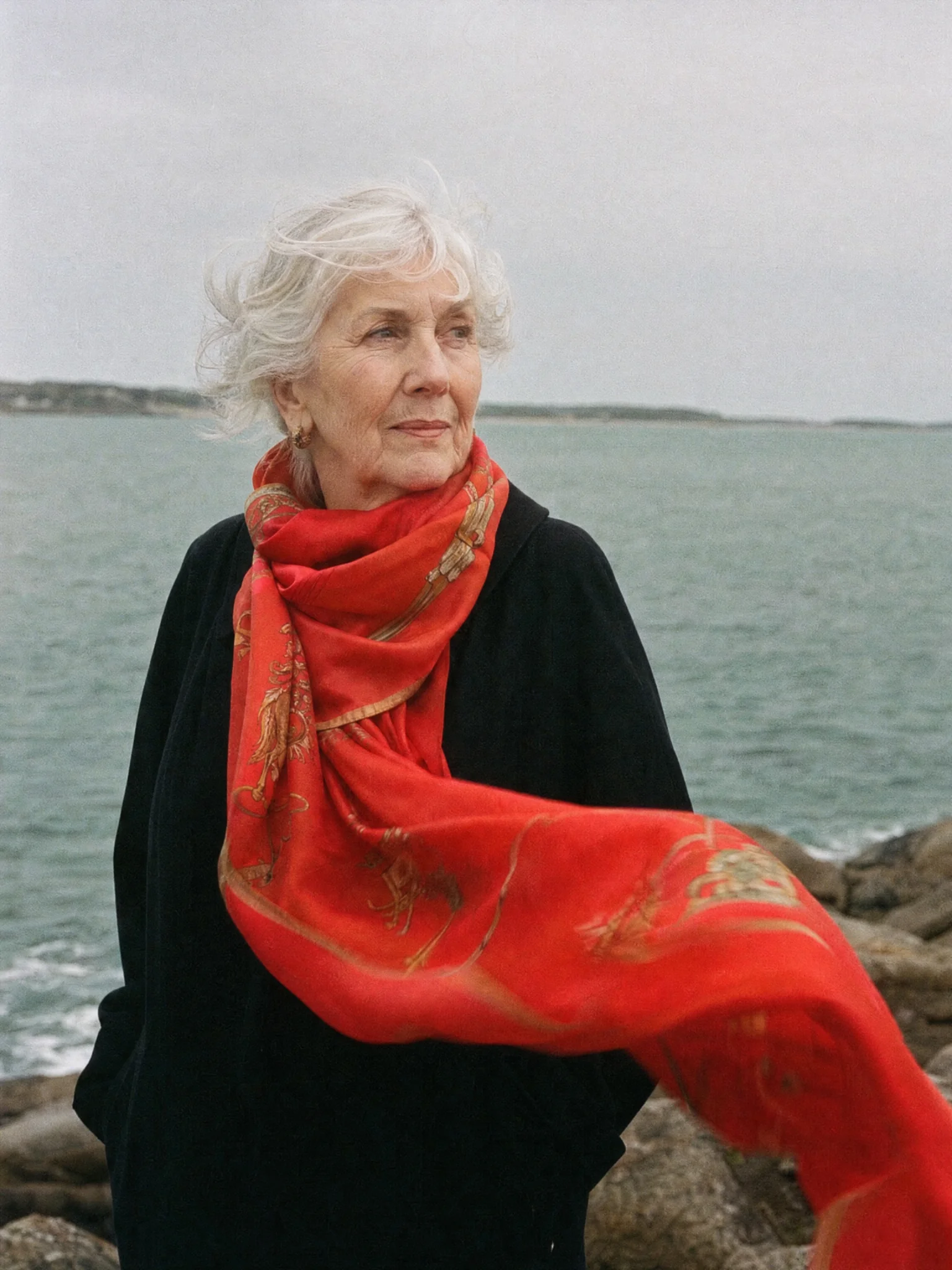
Start with a reference, or leave it open and generate from a prompt.
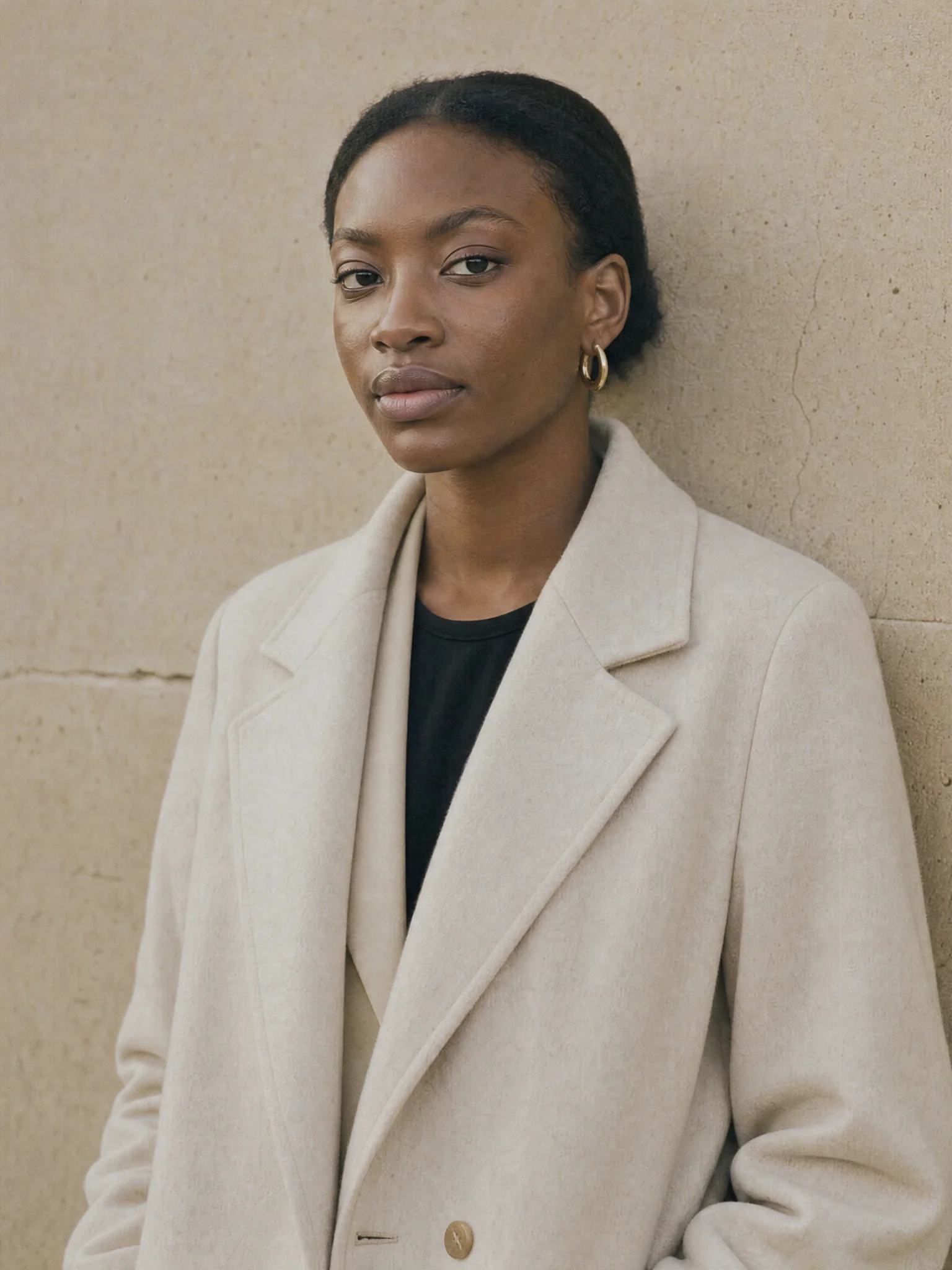
Editorial fashion shot, soft daylight, muted palette, 4:5 crop
SeedreamName the subject, setting and light. One clear brief gets the idea moving.
Review the image, ask for another pass, and put the result to work.
A consistent set of images across channels, generated from one saved style preset.
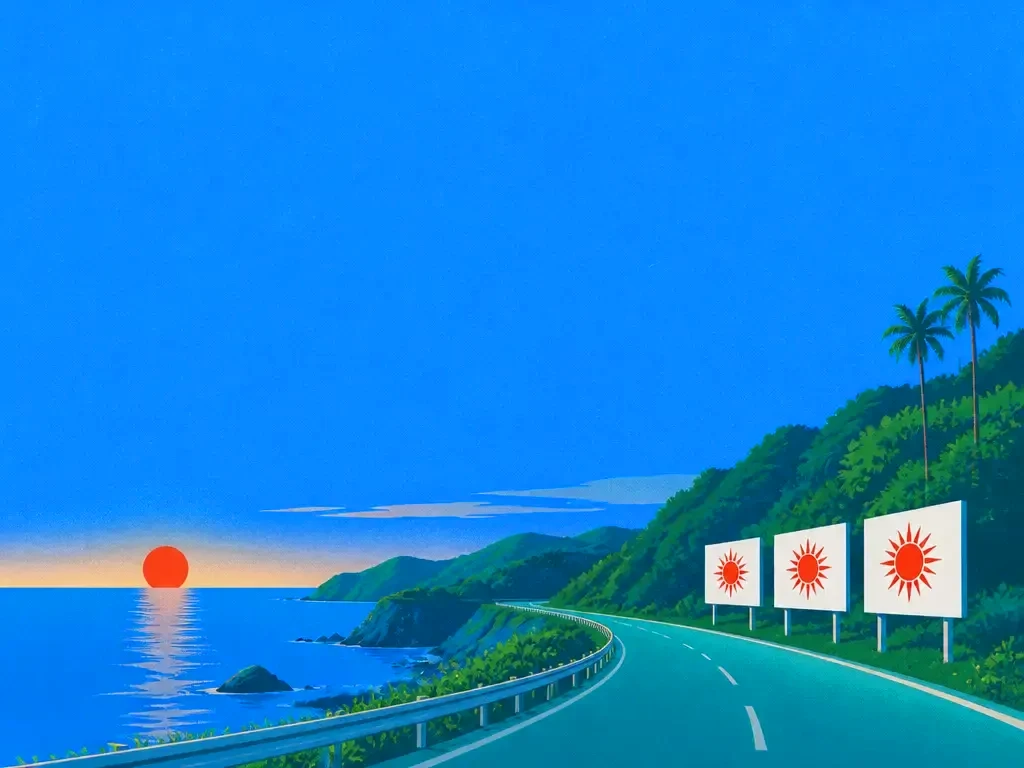
Article headers, social cards and newsletter images produced in batches that still look considered.
Test several visual directions quickly before committing to one and refining it properly.
Start creating
Explore the possibilities.
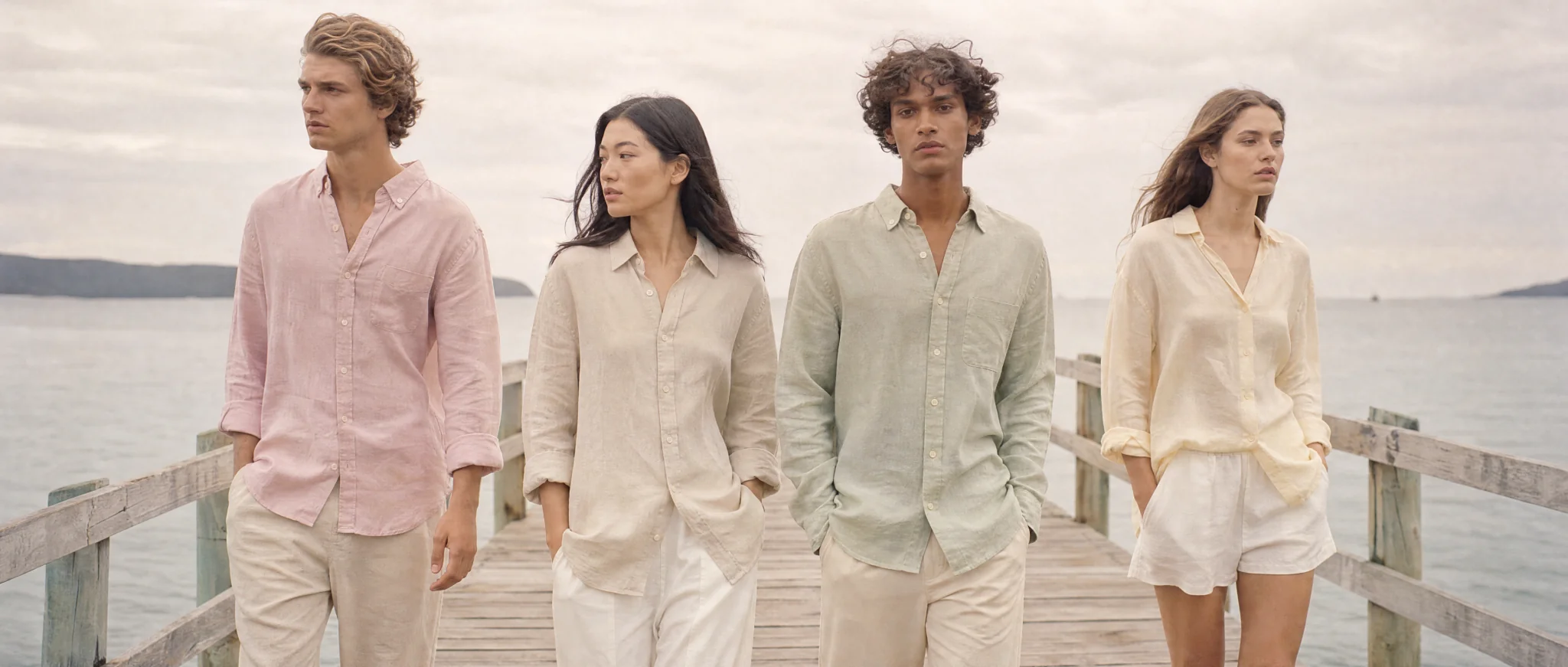
Wide fashion campaign shot of four models in pastel linen walking along a wooden pier, calm sea, overcast soft light, muted palette
Bring your idea, shape the details and create something worth sharing.
Start generatingEvery plan runs the same agent. The difference is how much of it you use.
The whole agent, with a monthly credit allowance.
$18.33
per month
$55 every 3 months
Upgrade to ProPrices in US dollars; the app shows yours in your currency. EverAsk for Teams: pooled credits and shared seats, from three seats. Talk to us
No. It runs through your EverAsk plan with the other image models on a single bill.
Yes, describe the change and Seedream adjusts that element while leaving the rest of the image intact.
Strengths differ by subject and style. EverAsk runs one prompt across several models so you can compare the actual output for your brief.
Yes. Save a style preset with references and a palette, and apply it to every generation in a series.
Images you generate are yours to use, subject to the model provider's terms of service.
Run one prompt across the frontier image models on the train, and pick the winner on your phone. Every image you make here is on your phone.
Download on the App StoreEvery image model on your desktop, with the references and brand files you already have to hand.
Download for macOS