AI t-shirt design generator
Print-ready t-shirt artwork, separated and clean.
Examples
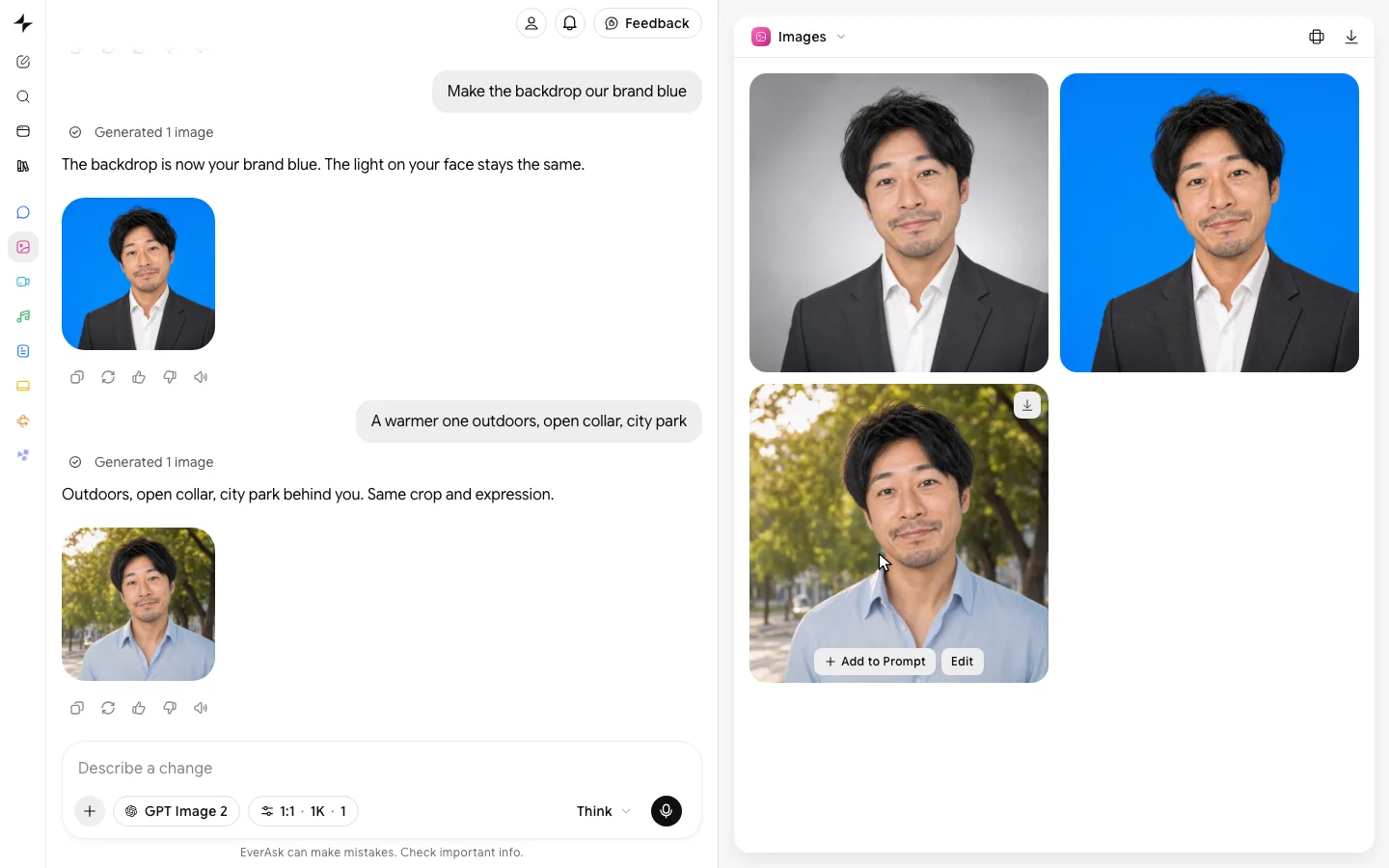
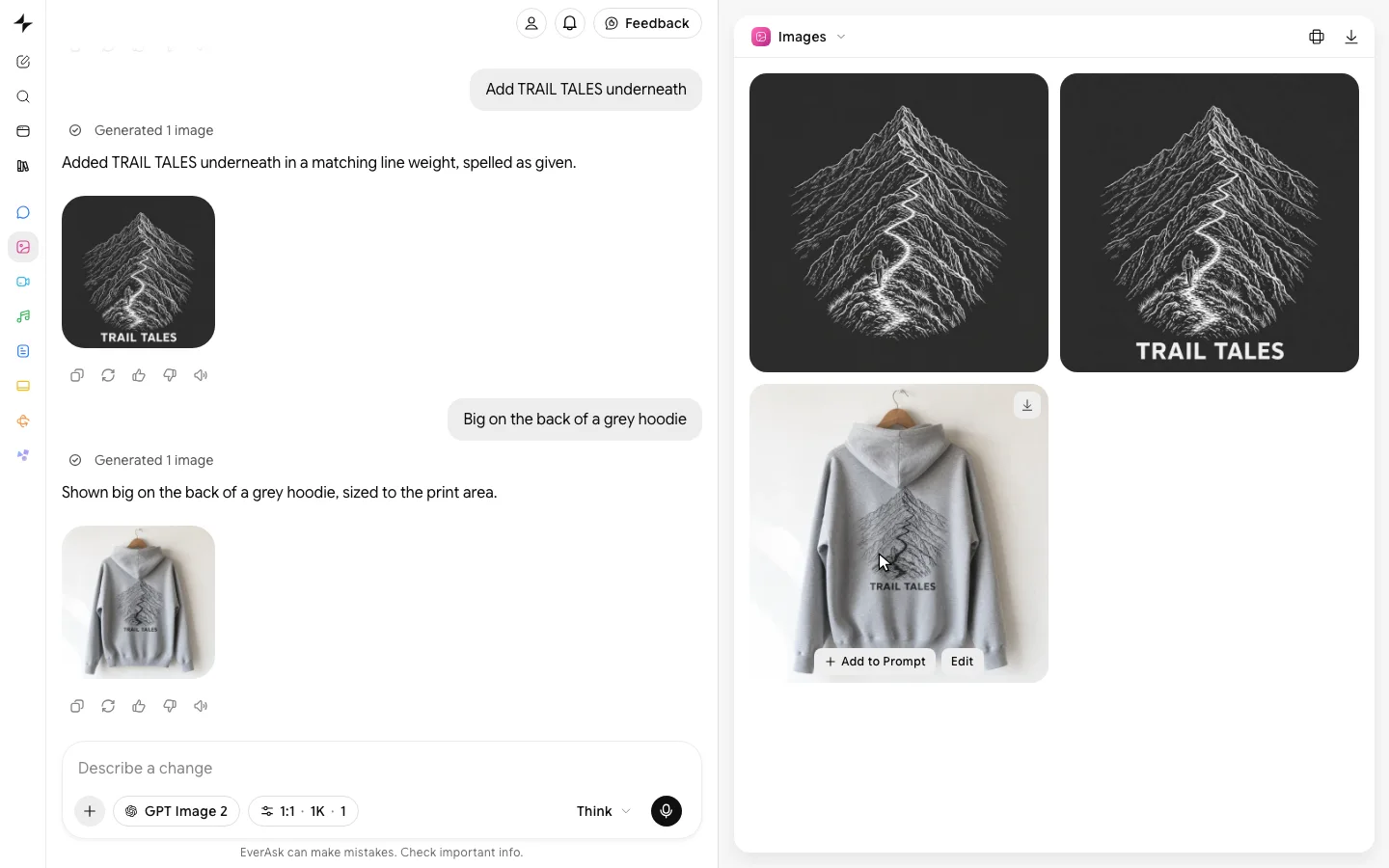
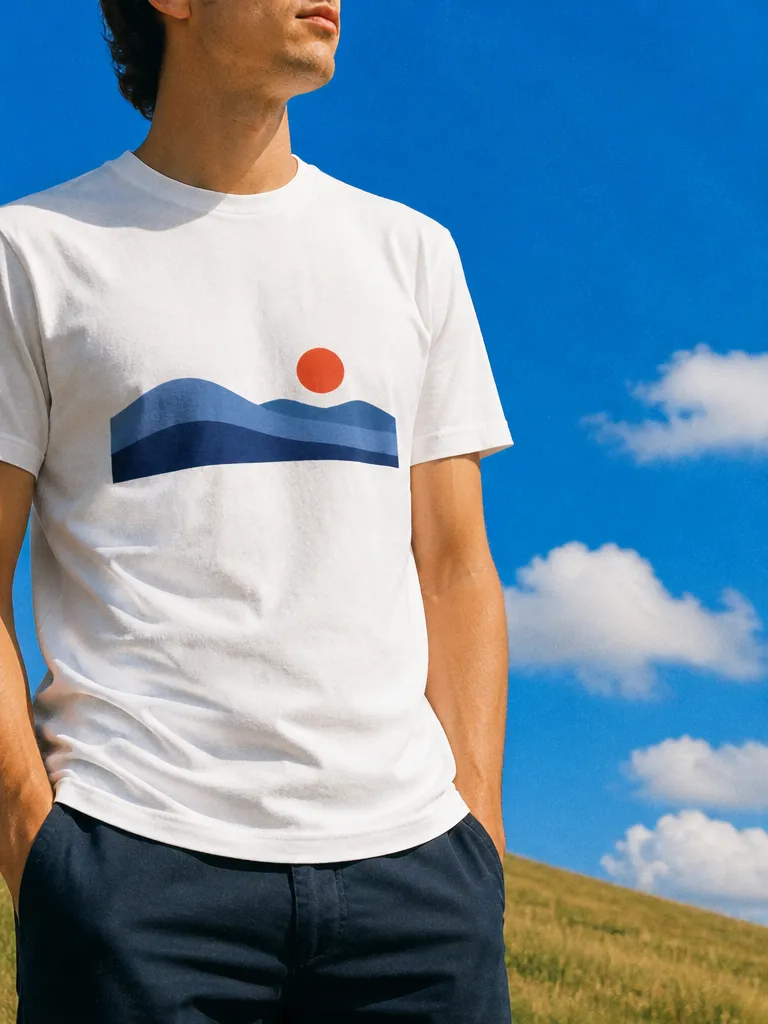
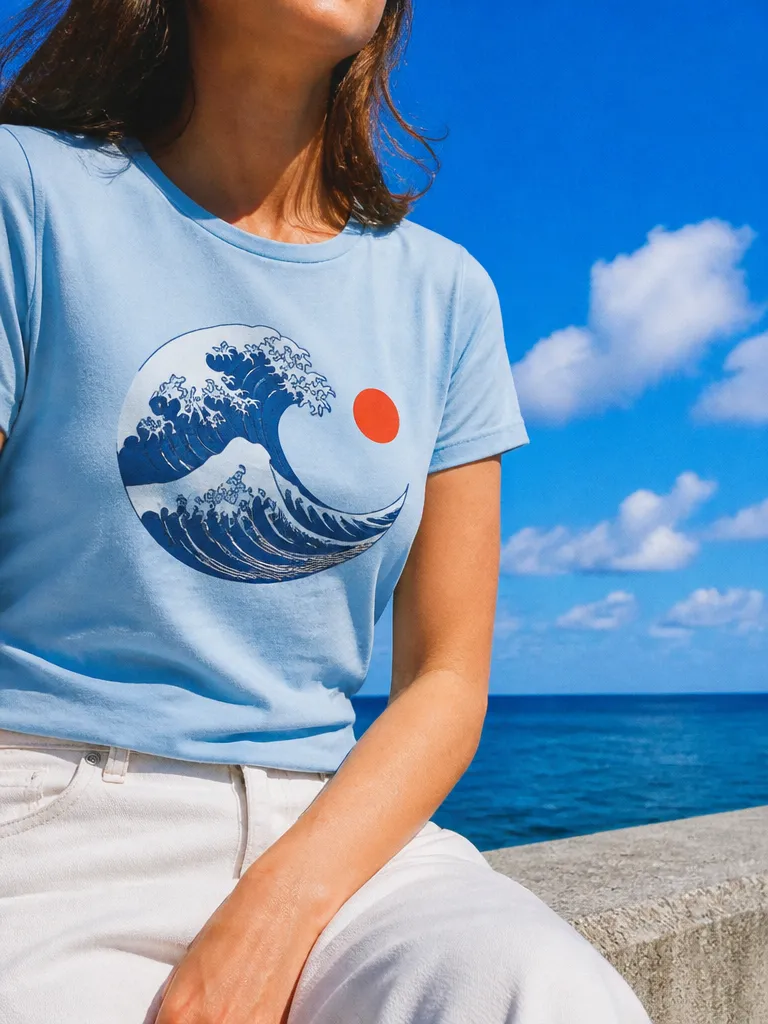
Print-ready, and seen on the shirt first.
- From one prompt
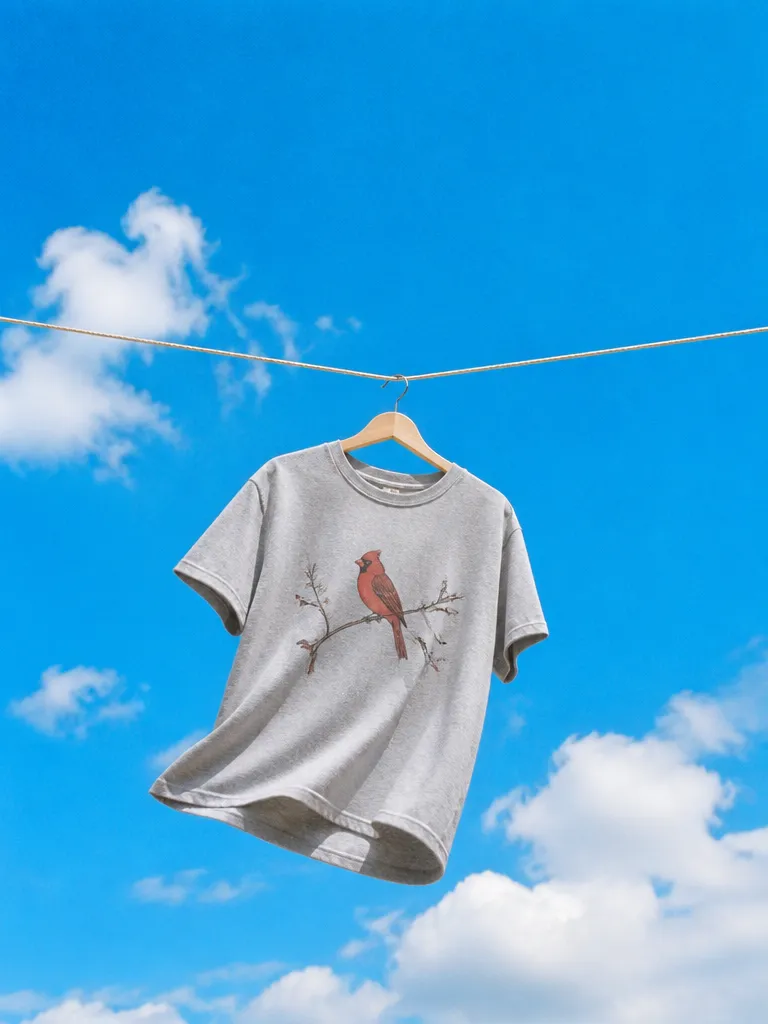 Describe the headshot
 - Blank to printed
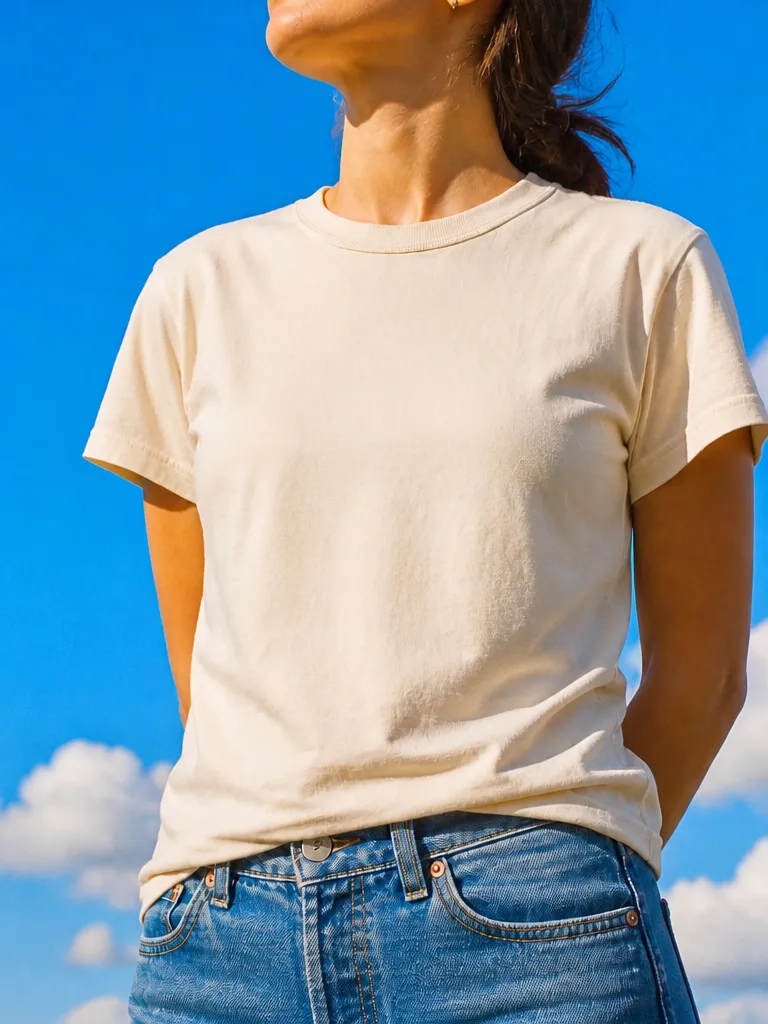
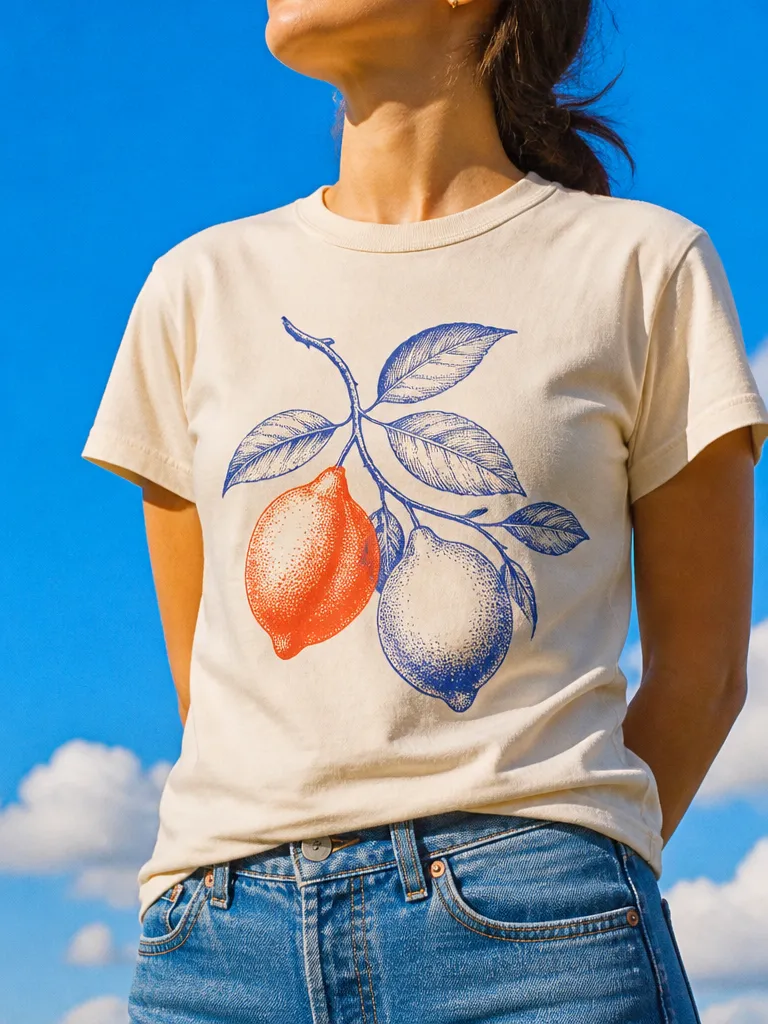 BlankPrinted
 - Every colourway
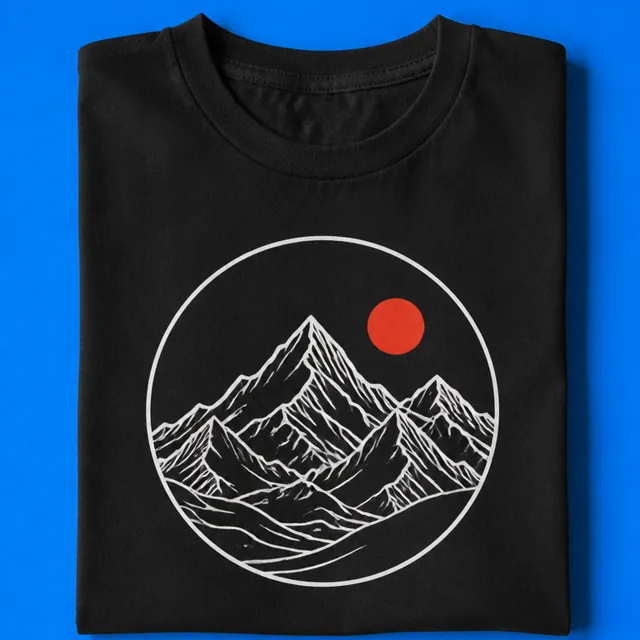 Black
Black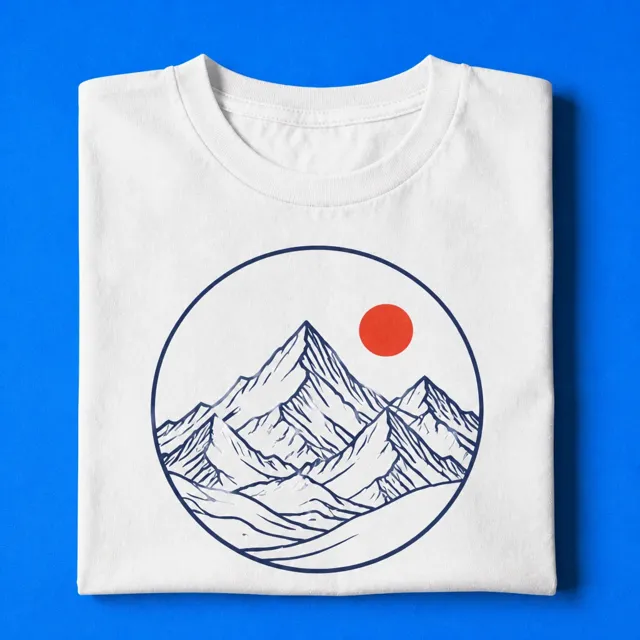 White
White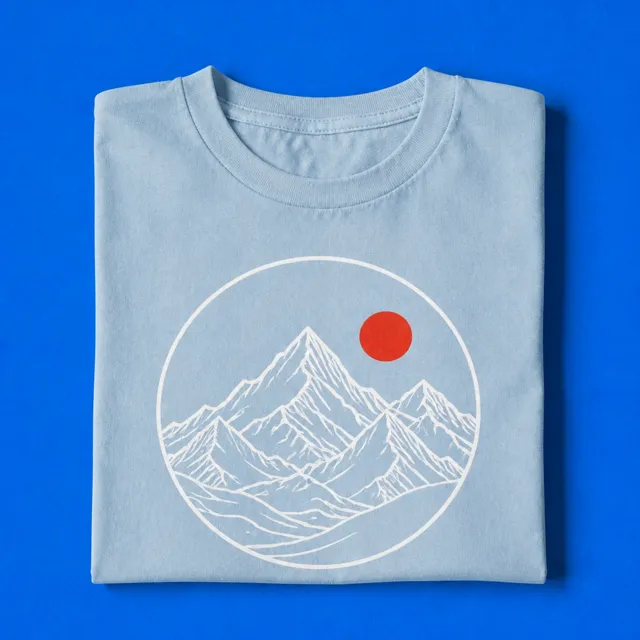 Sky
Sky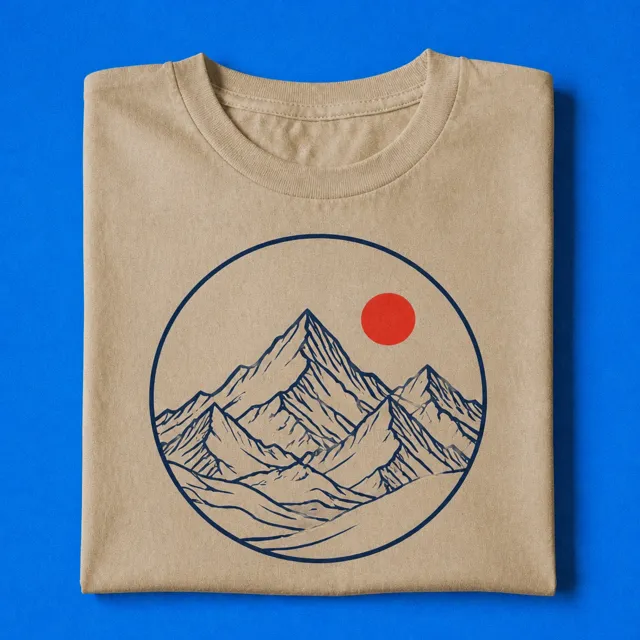 SandMountain line art in a circle4 colourways
 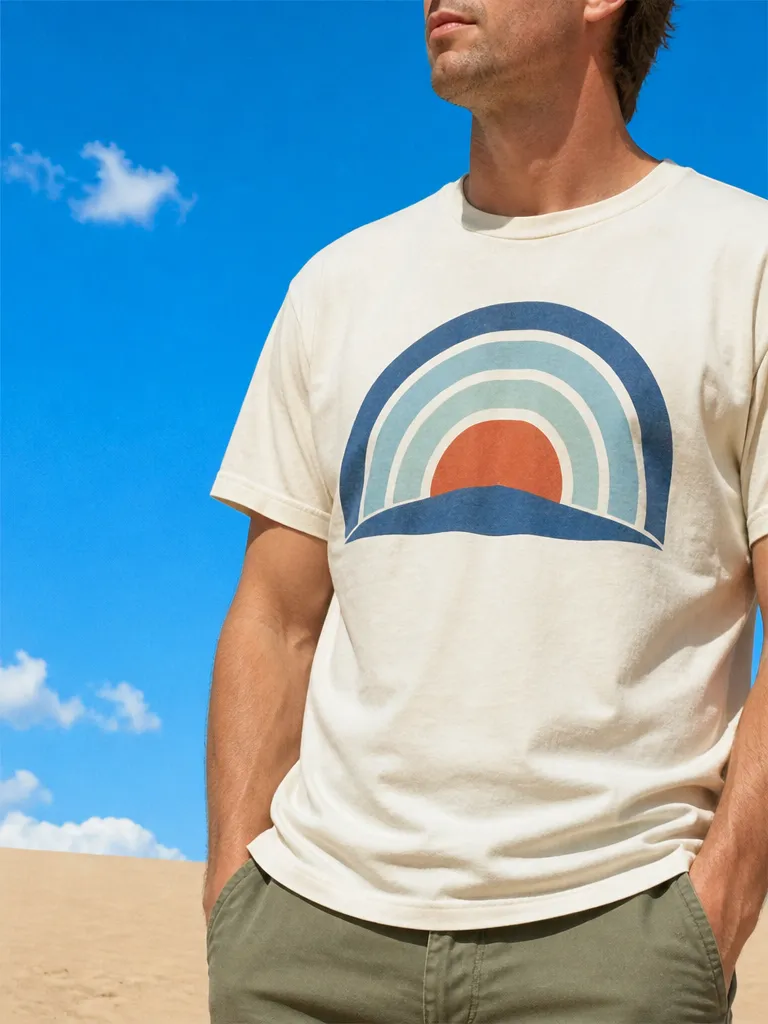 Retro
Retro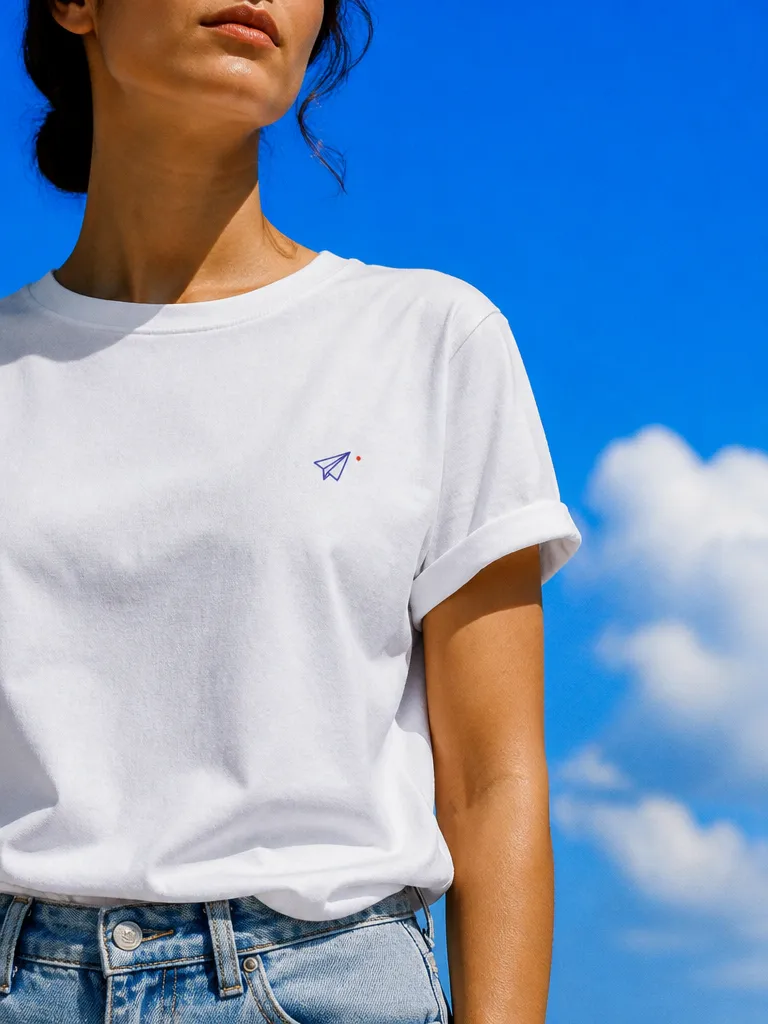 Minimal
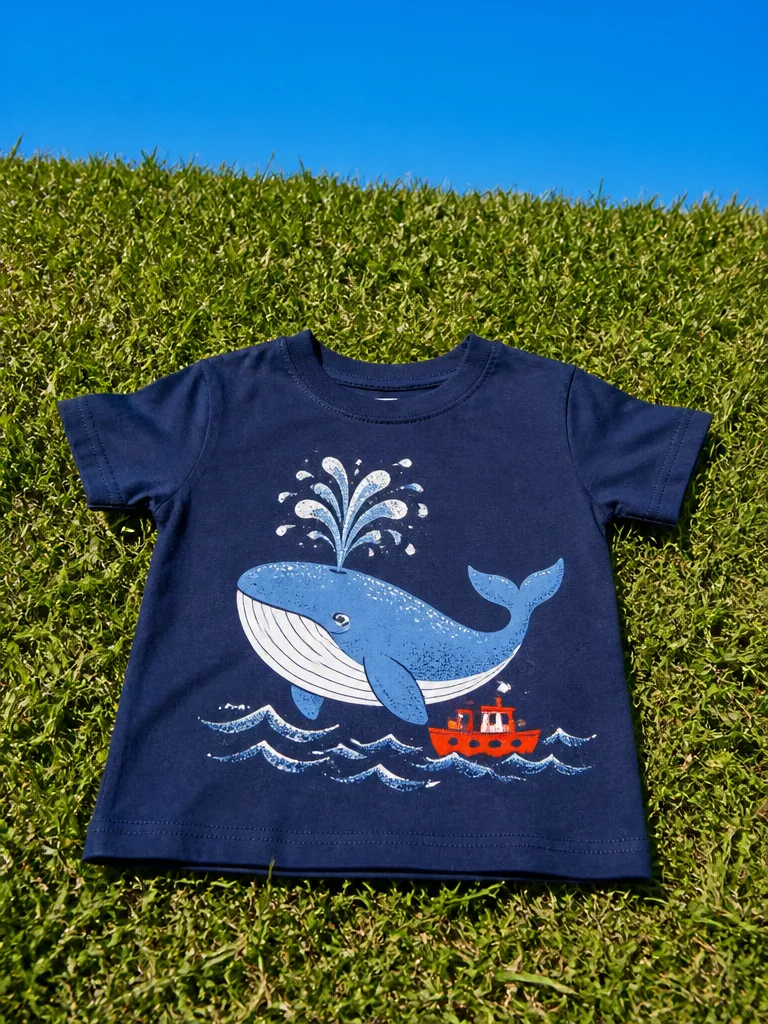 Illustrated
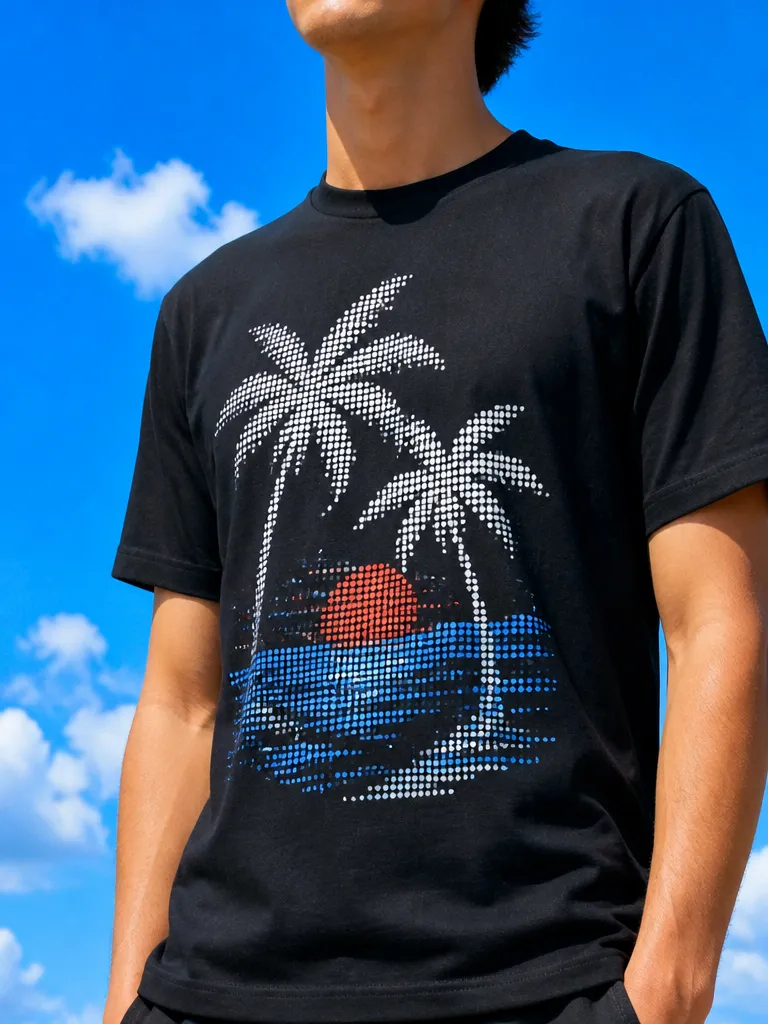 Halftone
How it works
Describe the design
Subject, style, text and how many colours. Say where it prints, front chest, full back, sleeve, and EverAsk composes to that area.
Refine the artwork
Adjust the typography, simplify the palette for screen print, thicken lines that would break at small sizes, and check it at actual print size.
Mock it up and export
Preview on garment colours and fits, then export the print file plus the mockups for your store listing.
Features
Print-readyby default
Learn more about print-ready by defaultColourseparation
Learn more about colour separationTypographythat survives
Learn more about typography that survivesGarmentmockups
Learn more about garment mockupsDesignfamilies
Learn more about design familiesPrint-on-demandready
Learn more about print-on-demand ready
Who it’s for
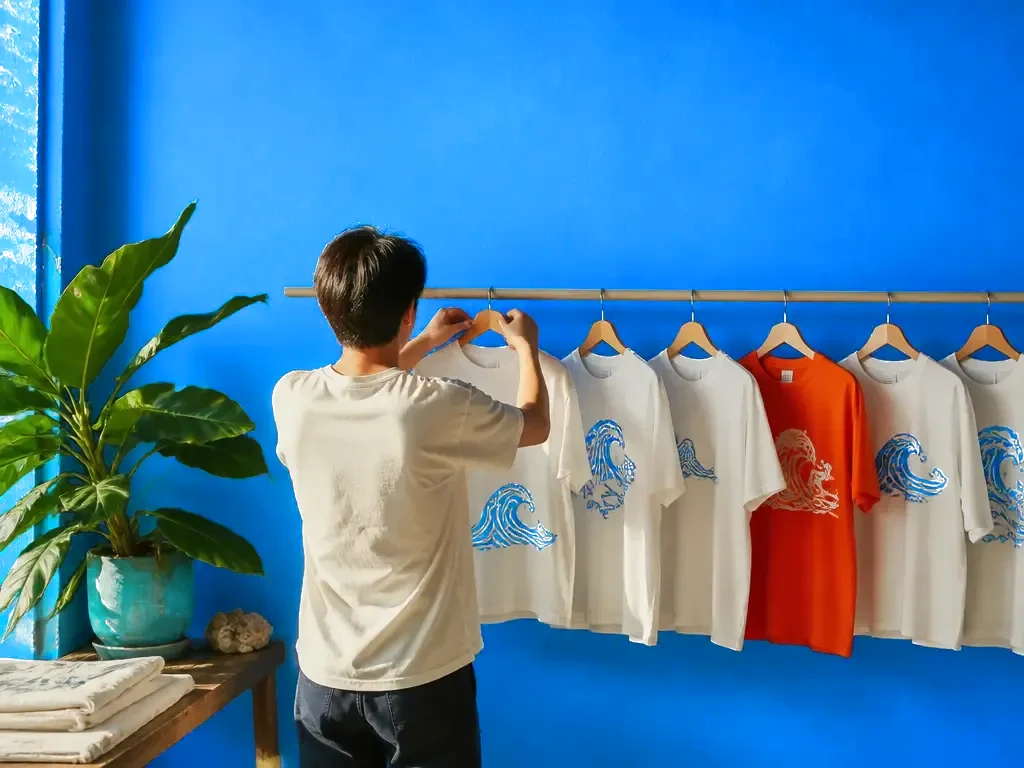
Print-on-demand stores
Produce a full drop of listings, artwork plus mockups, in an afternoon instead of paying per design.
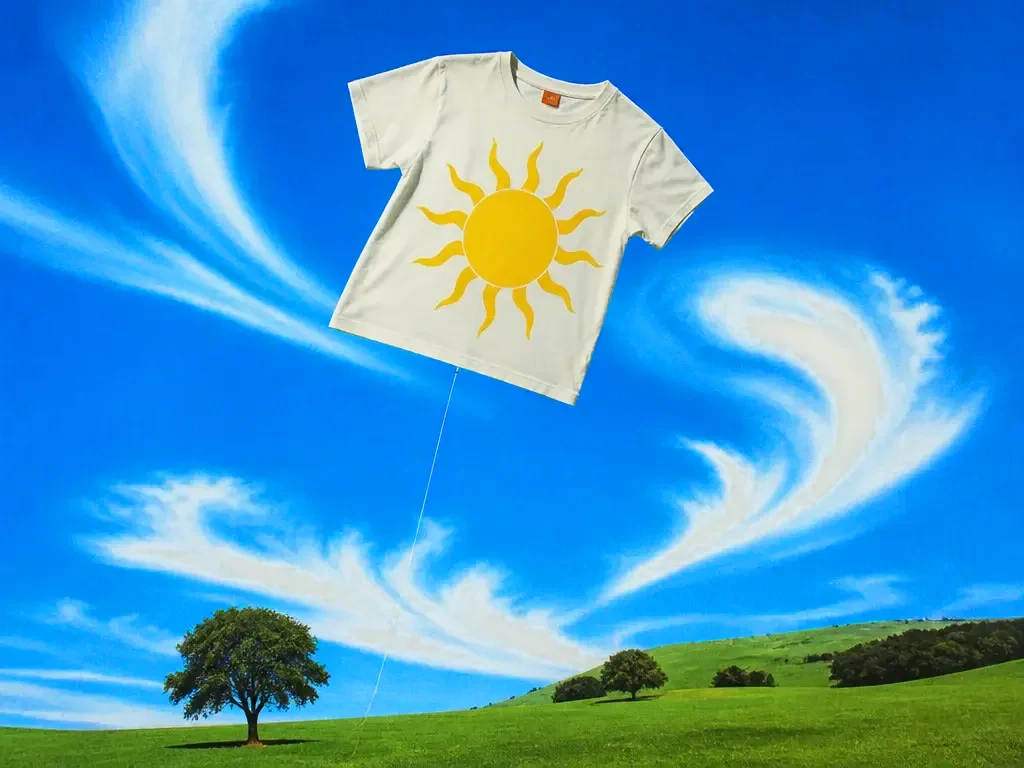
Merch for a brand or creator
Turn a logo, a catchphrase or an inside joke into merch your audience will actually wear.
Teams, events and clubs
One design, with per-name or per-number variants generated automatically for a whole roster.
Frequently asked questions
Are the files really print-ready?
Yes: 300 DPI, transparent PNG, with the print area sized to your chosen placement. For screen print you can also export separated spot-colour layers.
Can I sell what I generate?
Yes. Designs you create are yours to sell. Avoid prompting for trademarked logos or characters, those belong to someone else regardless of how they were made.
Does it work with print-on-demand platforms?
Yes. Exports match the common platform specs, and the mockups are usable directly as listing images.
How do I limit the number of colours?
Set a colour count and EverAsk designs to it, then exports separated layers, screen printers charge per colour, so this matters.
Can I add my own text or logo?
Yes. Upload a logo or set custom text and EverAsk composes the design around it instead of generating its own lettering.
One prompt in.
Real work out.
Print-ready t-shirt artwork, separated and clean.
EverAsk on your phone and your Mac
EverAsk for iPhone
Describe the picture on the train, pick the model, and post it from your phone. Every image you make here is on your phone.
Download on the App Store

EverAsk for Mac
AI Images on your desktop, with the reference photos and brand files you already have to hand.
Download for macOS