AI photo editor
Say what to change. Everything else stays exactly as it was.
Examples
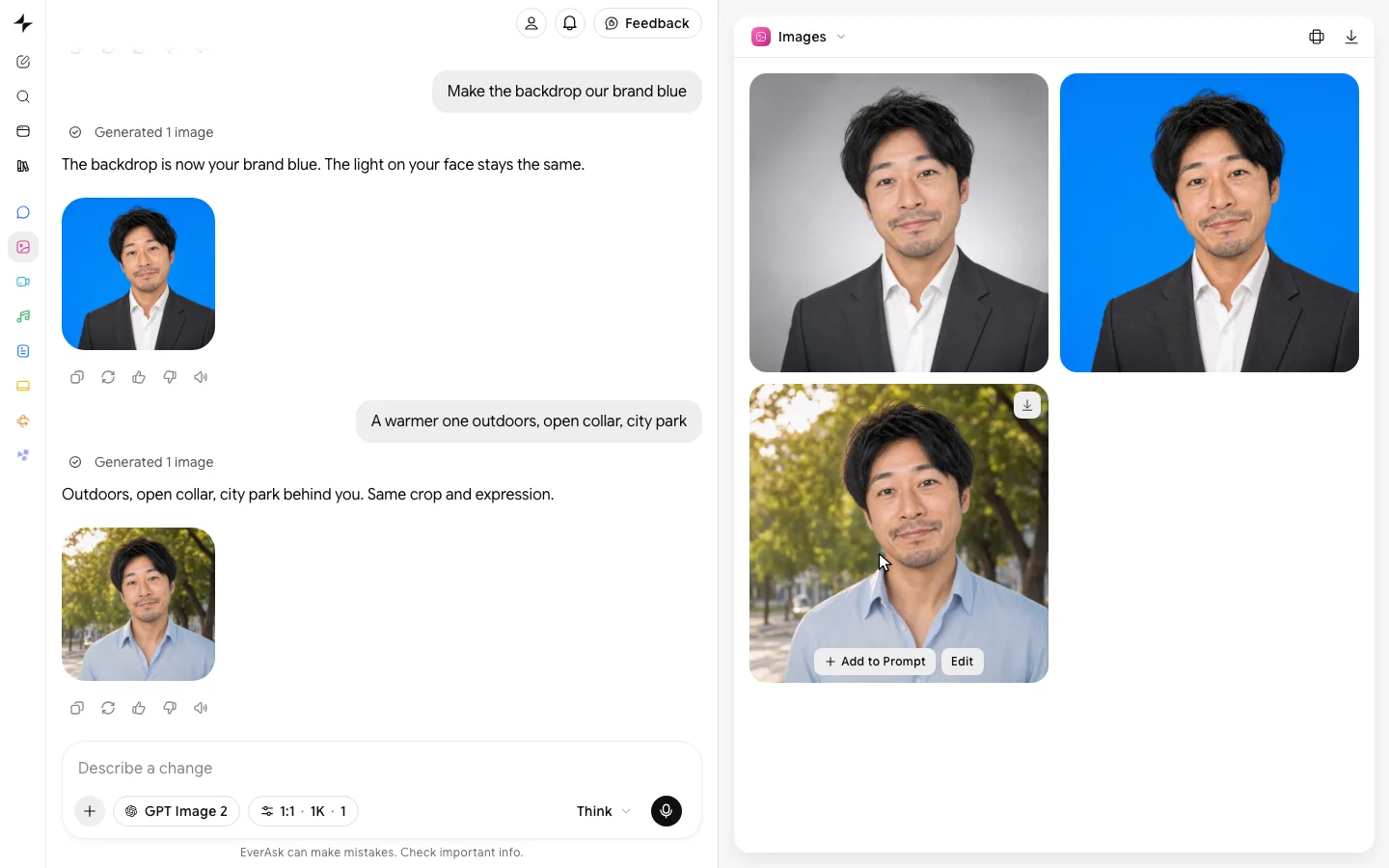
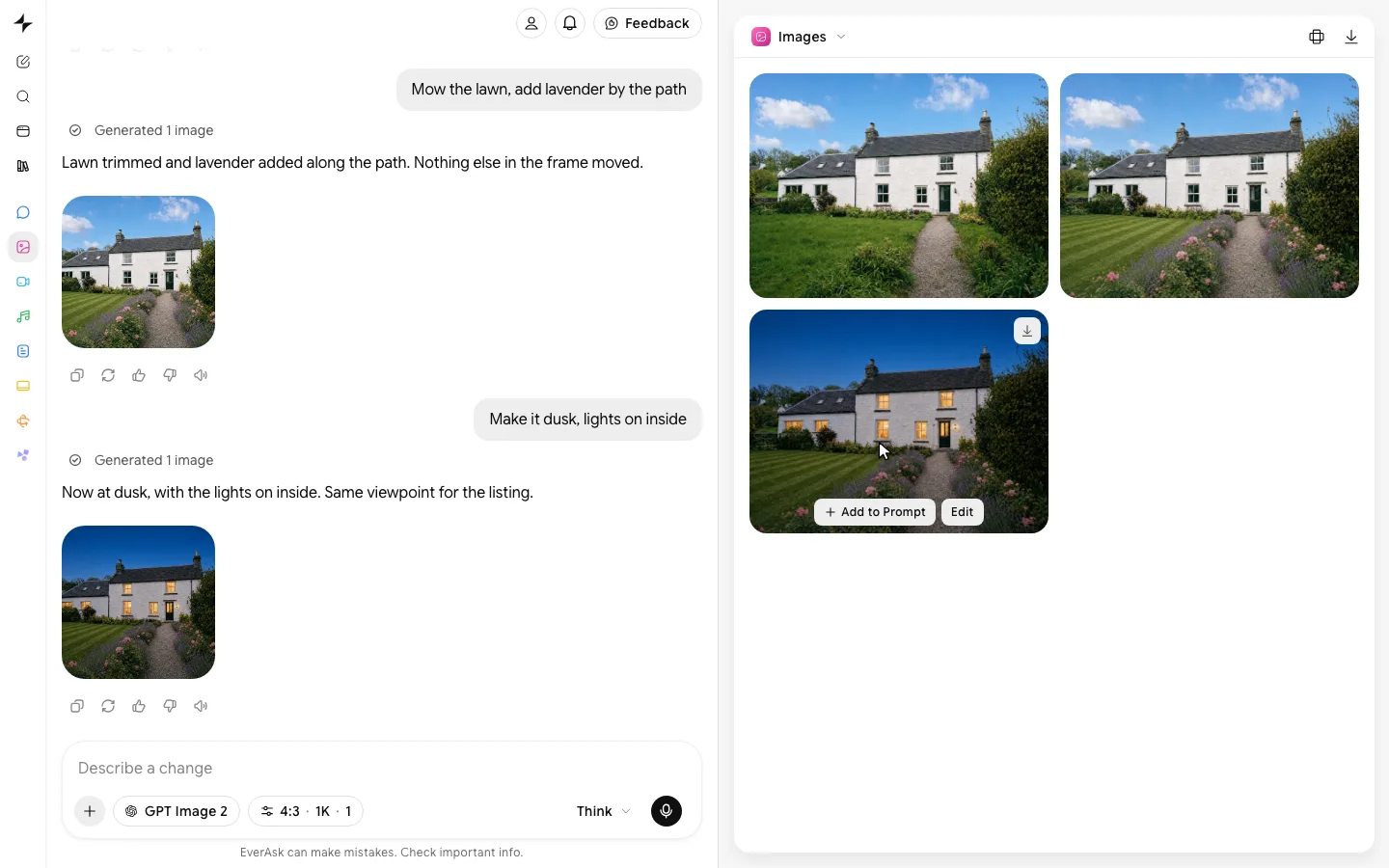
Every edit here was one sentence.
- Edit with a sentence
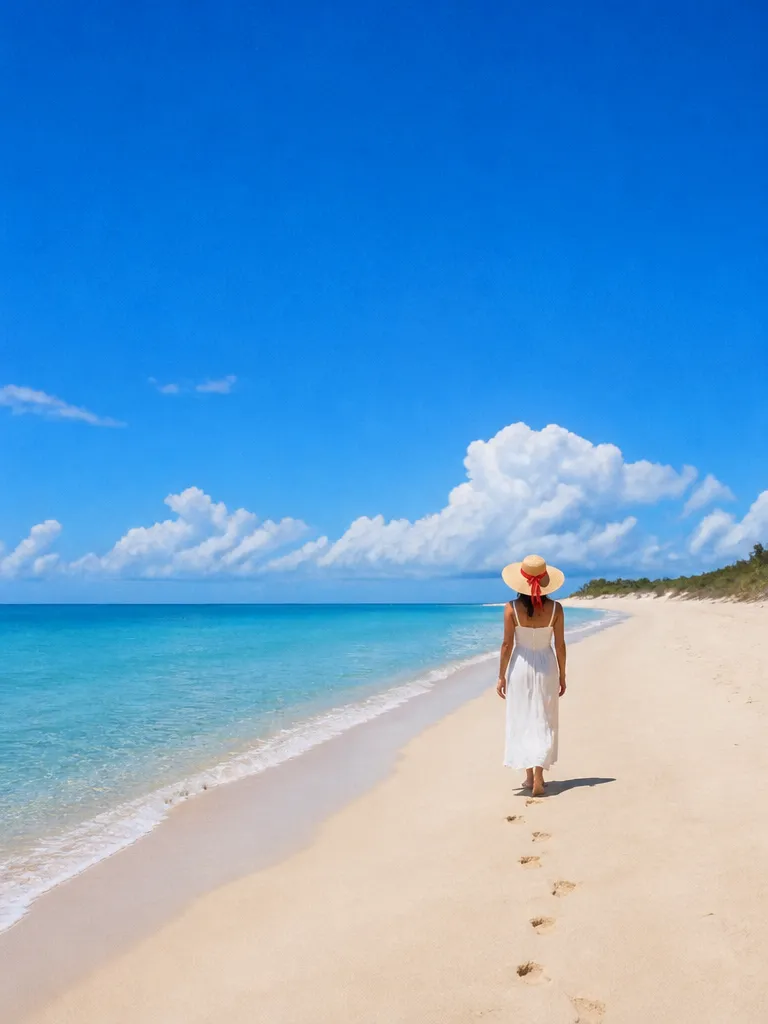
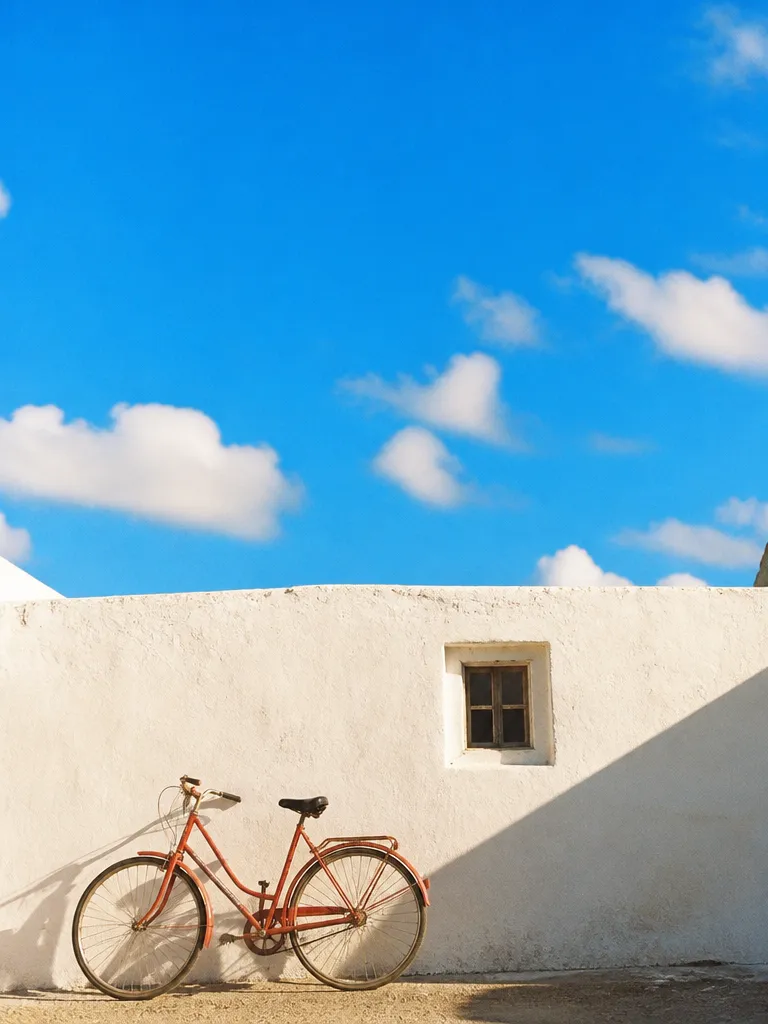 Describe the headshot
 - Before and after
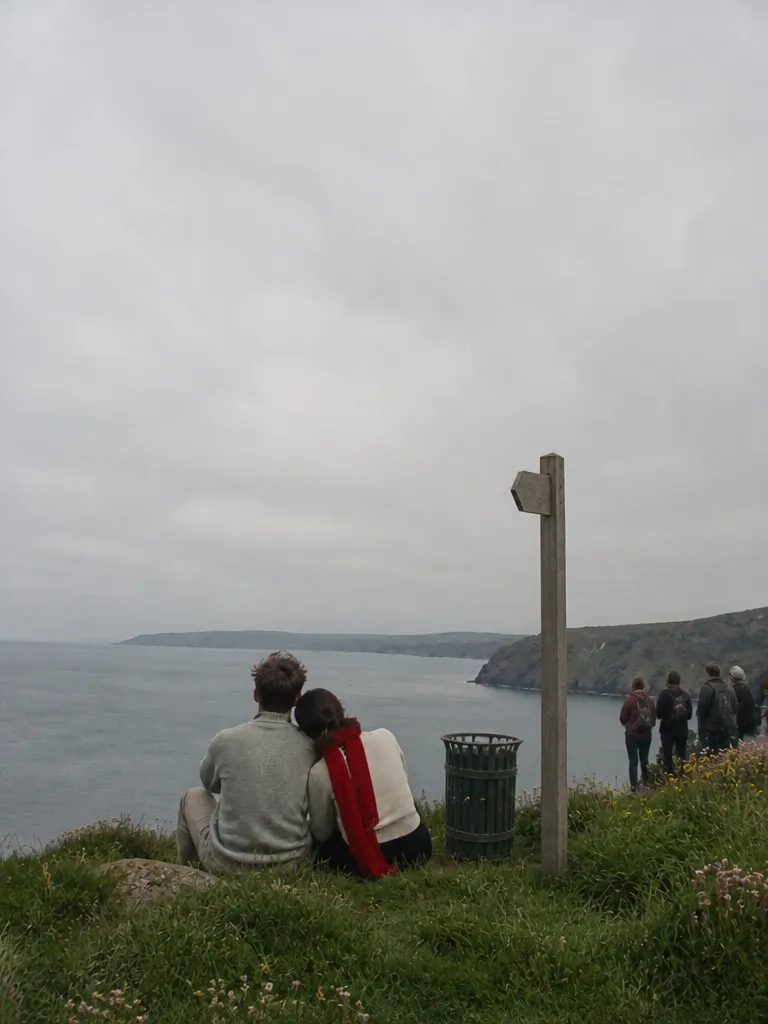
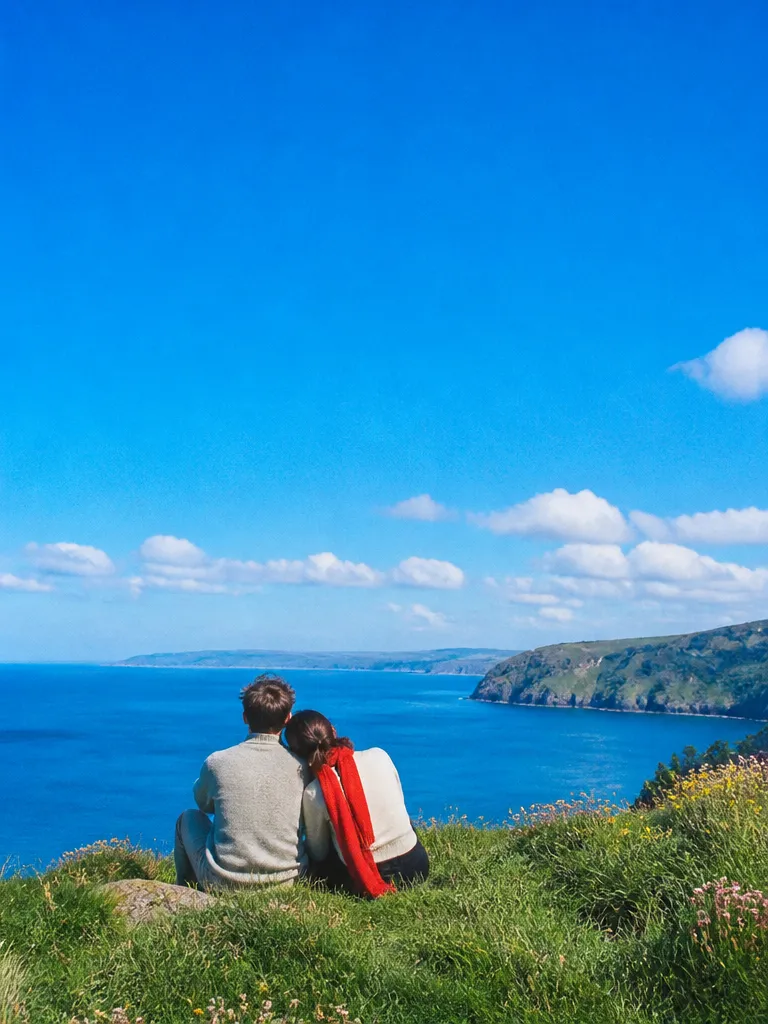 OriginalEdited
 - Relight in one step
 Daylight
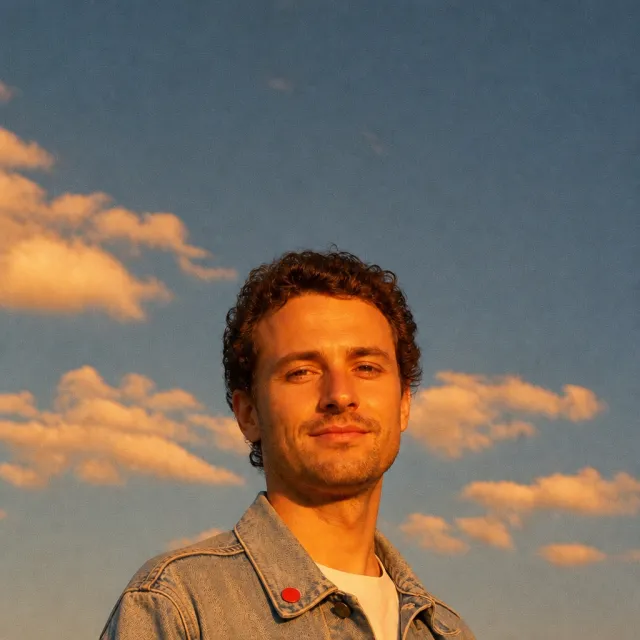 Golden hour
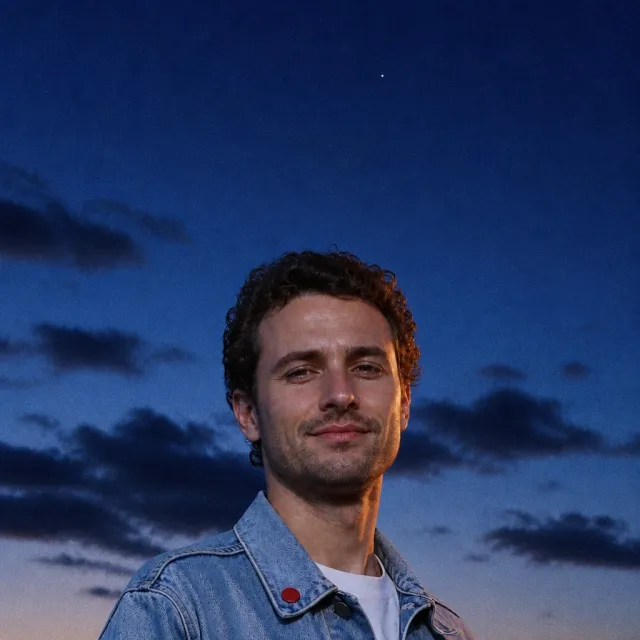 Dusk
Dusk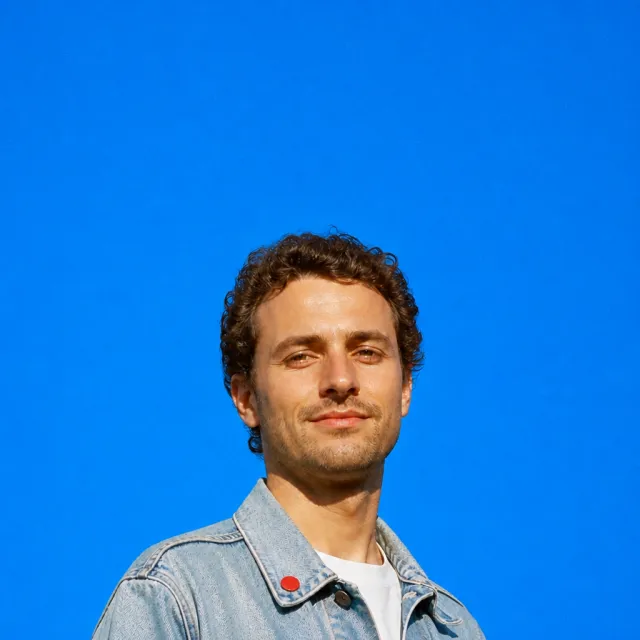 StudioRelight this portrait4 lights
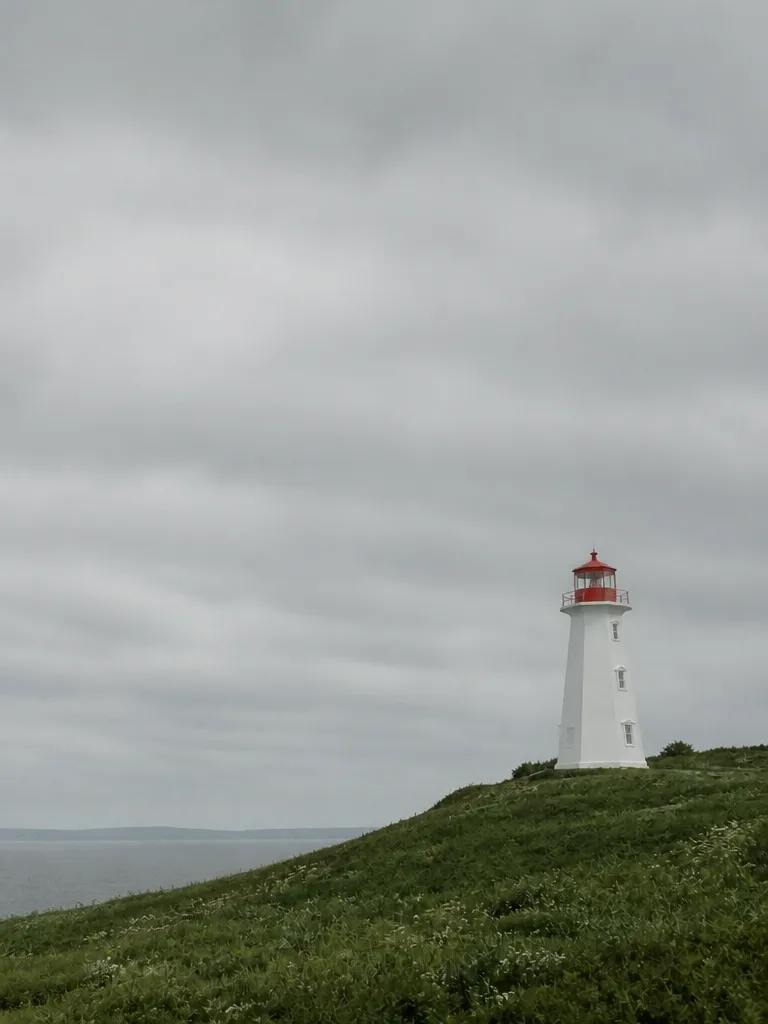
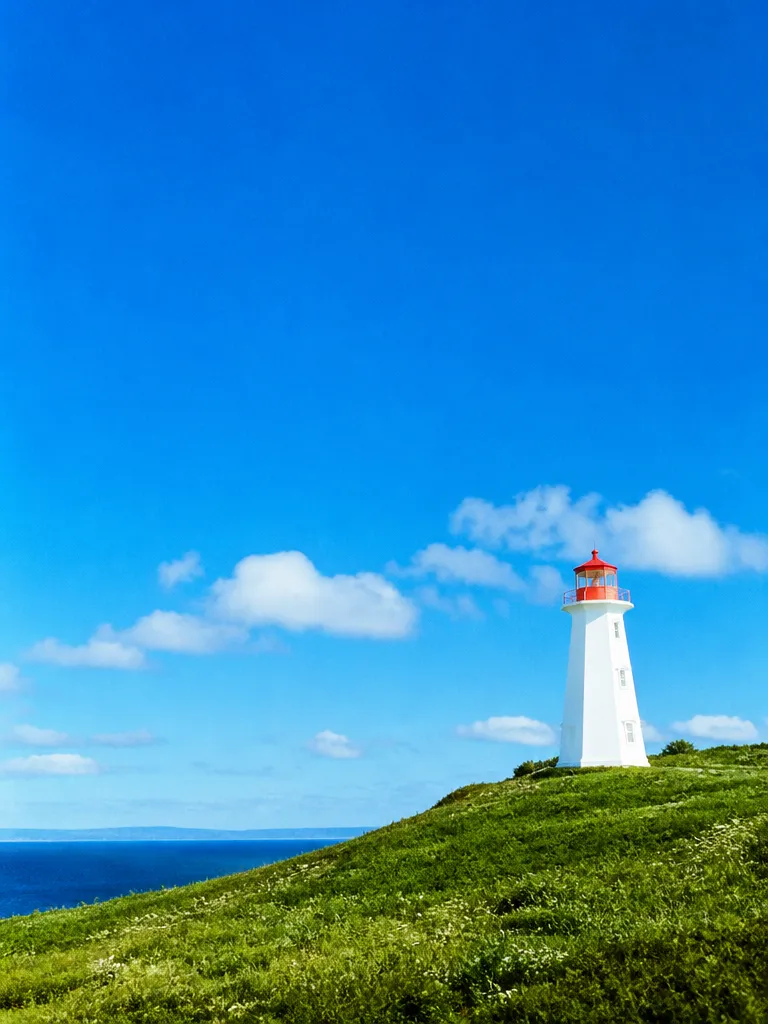
 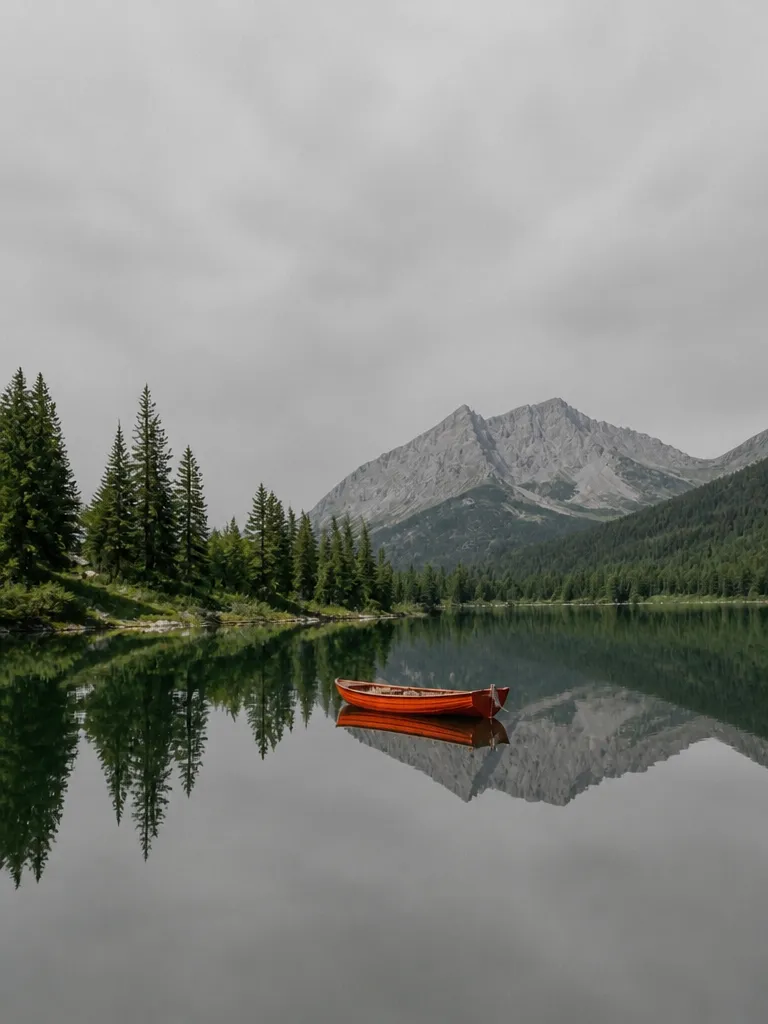 Sky swap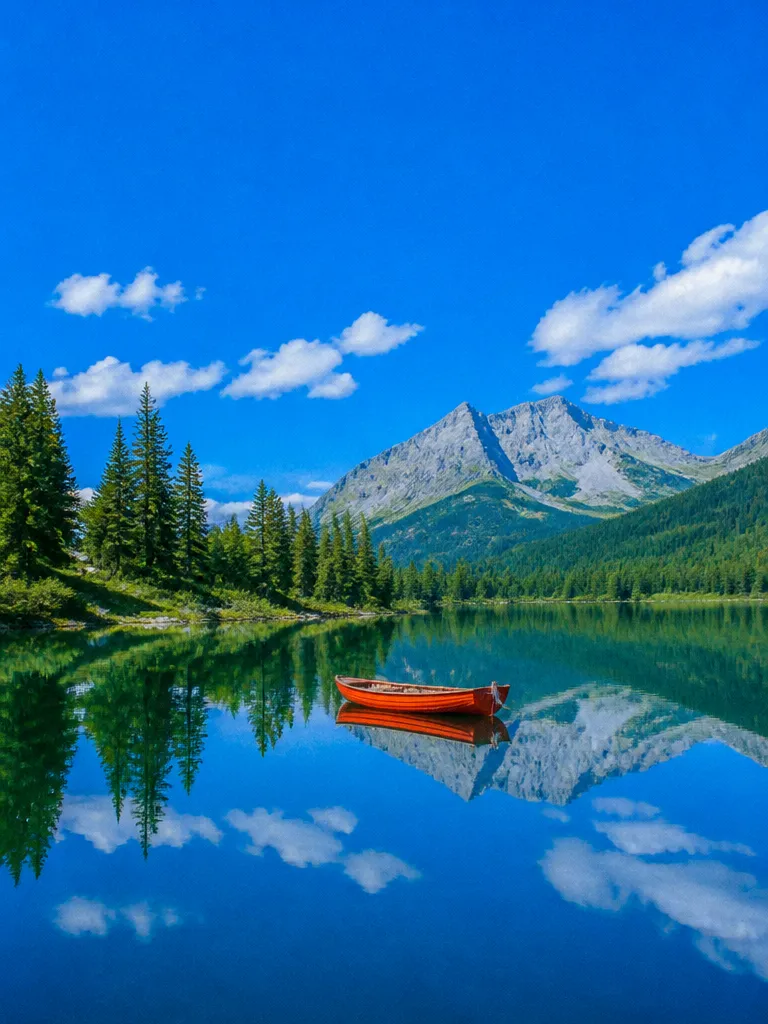
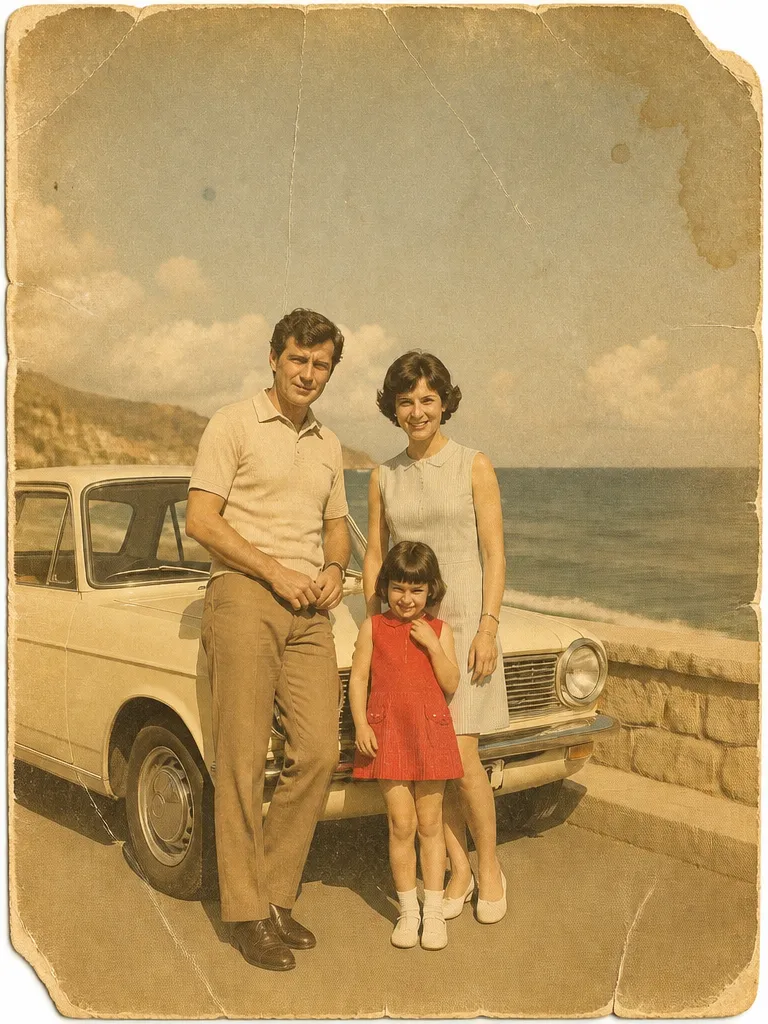 Restore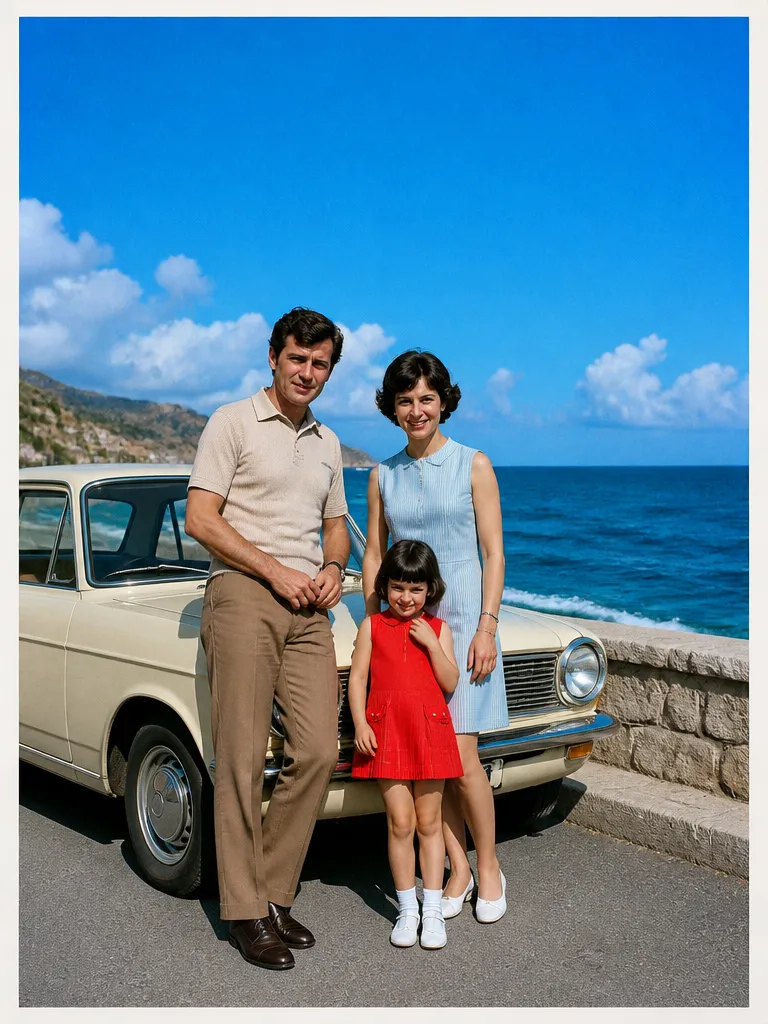
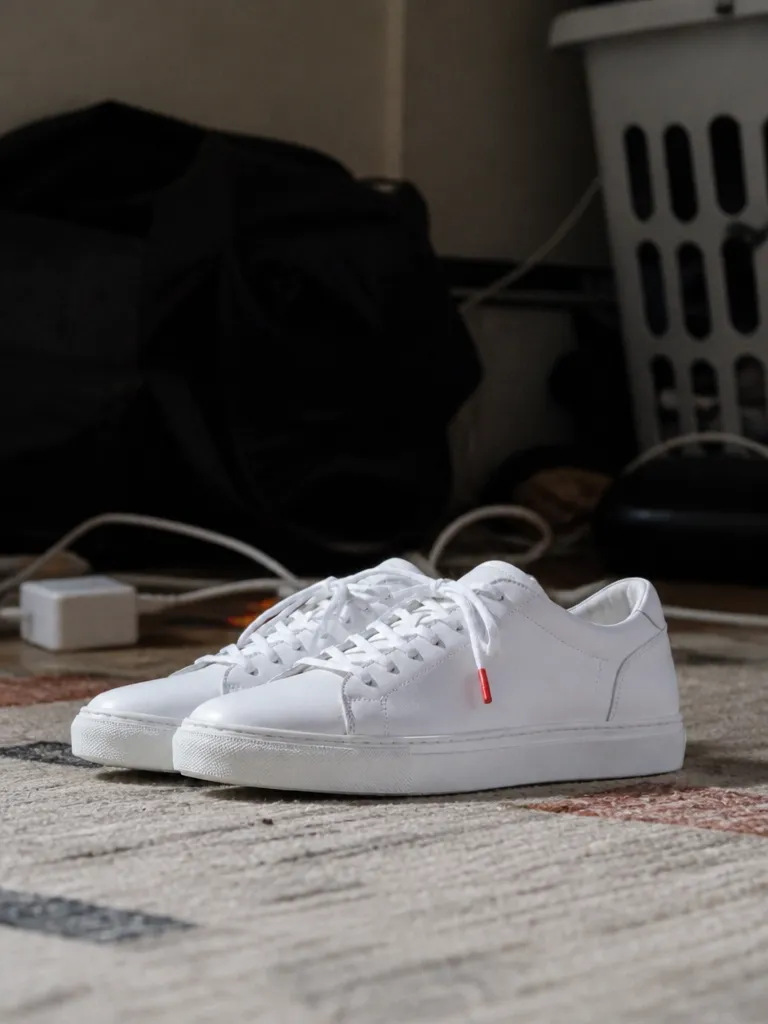 Background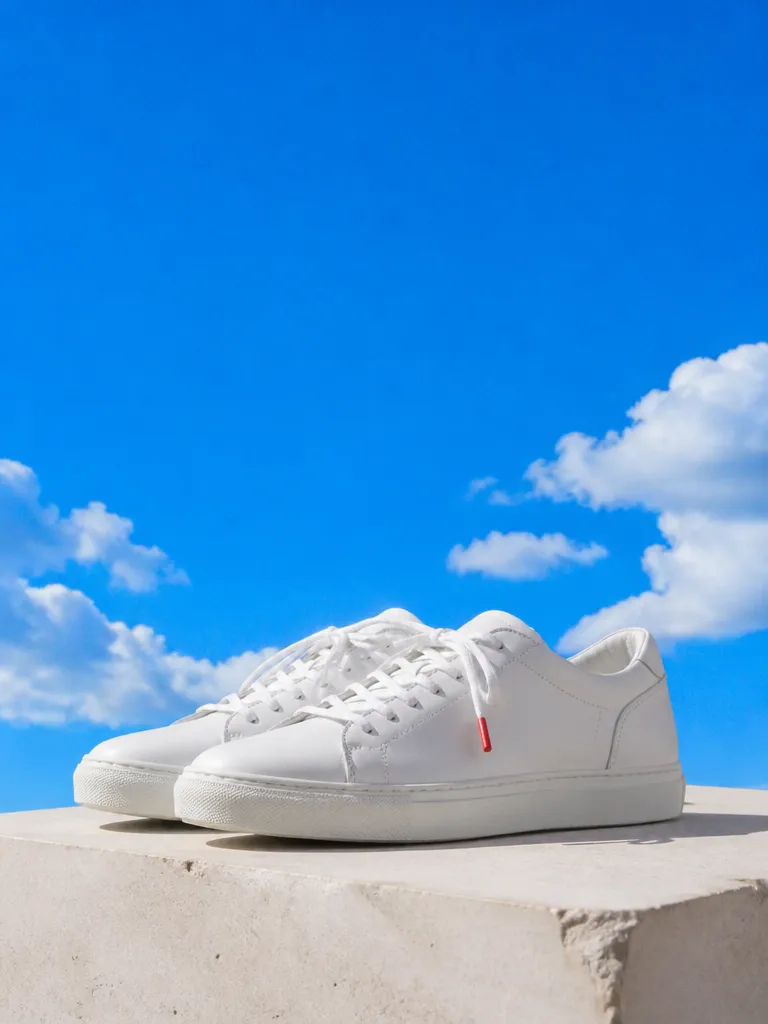
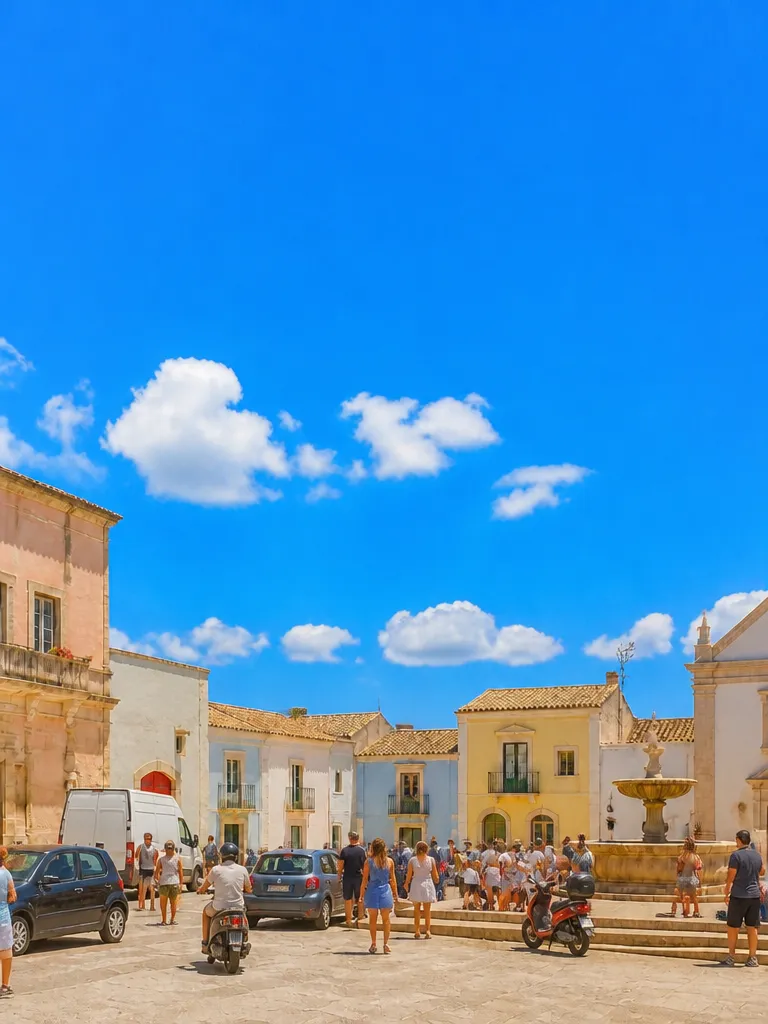 Clean-up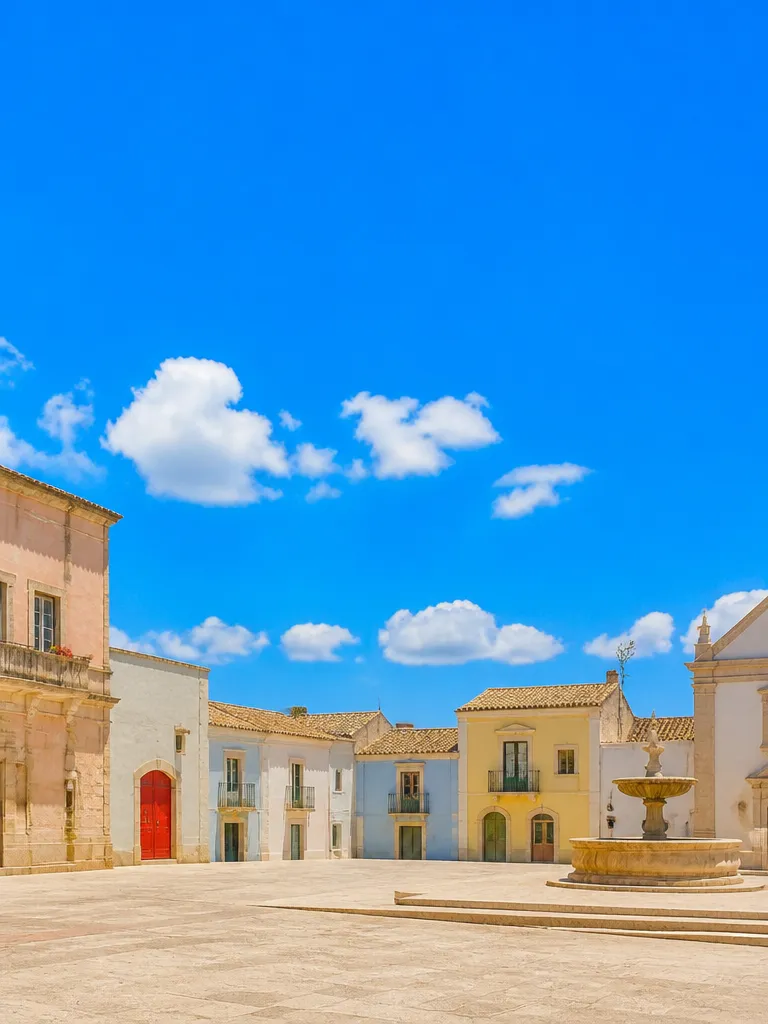
How it works

Upload the photo
JPEG, PNG, HEIC or RAW. EverAsk keeps the original untouched and works on a copy, so every edit is reversible.

Describe the change
Type it, or brush the area you mean. Combine instructions, remove the sign, brighten the shadows, crop to 16:9, and they apply in one pass.
Compare and export
Slide between before and after, keep the version you want, and export at full resolution in the format and colour profile you need.
Features
Removal thatreconstructs
Learn more about removal that reconstructsRelighting
Learn more about relightingGenerativeextend
Learn more about generative extendBackgroundreplacement
Learn more about background replacementBatchconsistency
Learn more about batch consistencyNon-destructive
Learn more about non-destructive
Who it’s for
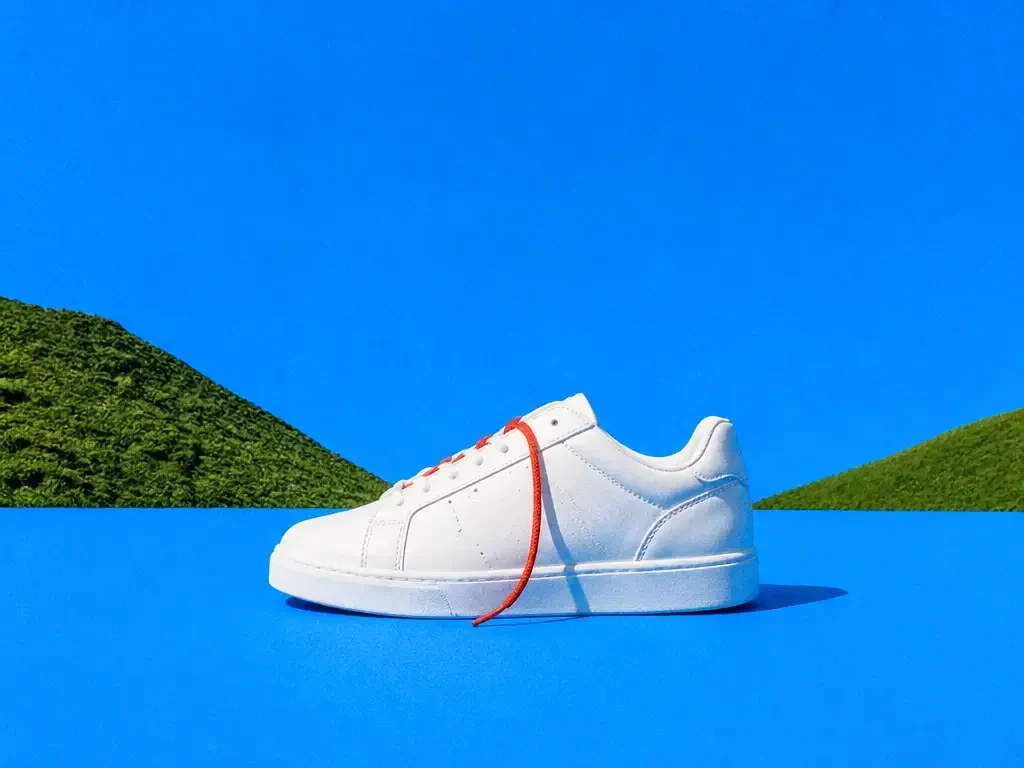
Ecommerce product shots
Clean backgrounds, consistent lighting and platform-correct crops across an entire catalogue in one batch.
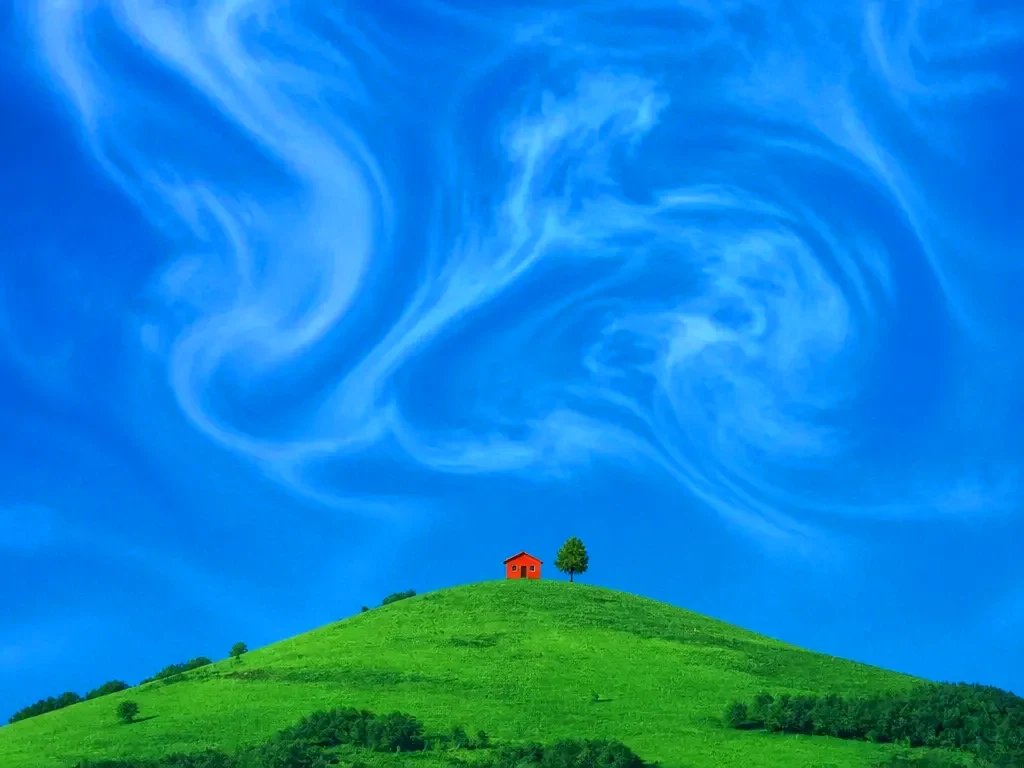
Marketing assets
Take one hero image and extend, recrop and recolour it for every ad size and channel without a new shoot.
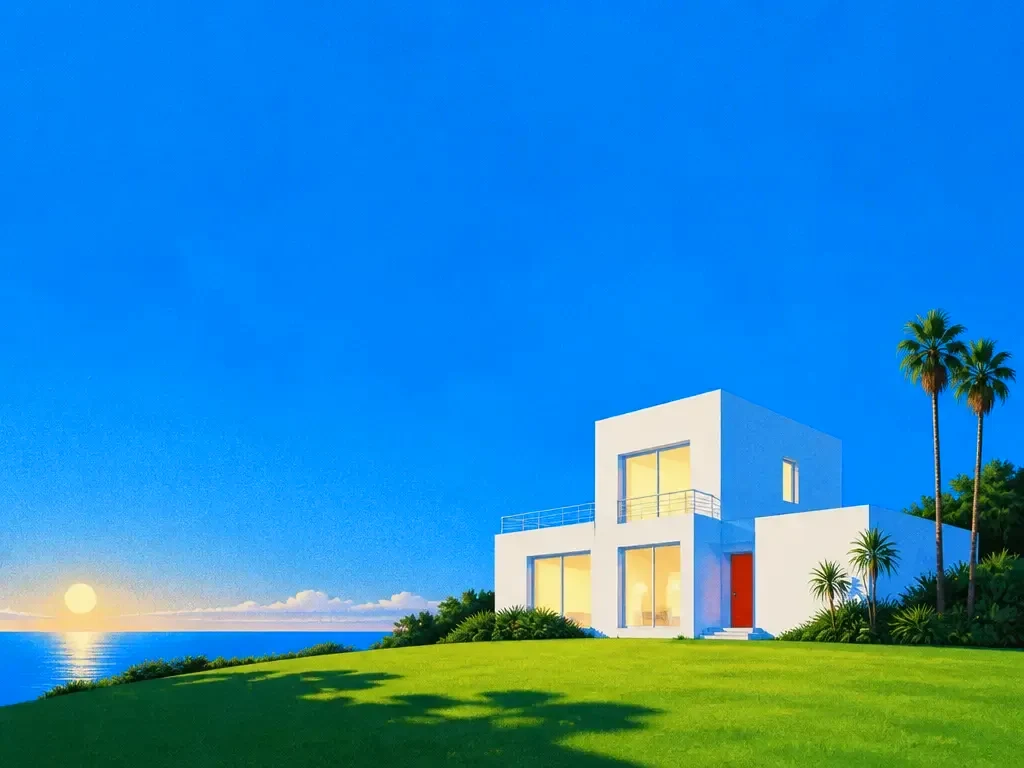
Real estate and interiors
Straighten verticals, brighten interiors, remove clutter and replace a grey sky with something a buyer wants to look at.
Frequently asked questions
Do I need to make a selection or a mask?
No. Describe the change in words. If you want to be precise, brush roughly over the area, it does not need to be an accurate selection.
Does it reduce image quality?
Exports are at the original resolution or higher. Edits apply to the region you changed; the rest of the pixels are untouched.
Can I edit a batch of photos the same way?
Yes. Save an edit as a preset and run it across a folder, with a preview of the whole set before you commit.
What file types can I use?
JPEG, PNG, WebP, HEIC and common RAW formats in; JPEG, PNG, WebP, TIFF and PDF out, with colour profiles preserved.
Can I undo an edit later?
Yes. Edits are stored as steps you can disable or adjust at any point, and the original upload is always kept.
One prompt in.
Real work out.
Say what to change. Everything else stays exactly as it was.
EverAsk on your phone and your Mac
EverAsk for iPhone
Describe the picture on the train, pick the model, and post it from your phone. Every image you make here is on your phone.
Download on the App Store

EverAsk for Mac
AI Images on your desktop, with the reference photos and brand files you already have to hand.
Download for macOS