Add a reference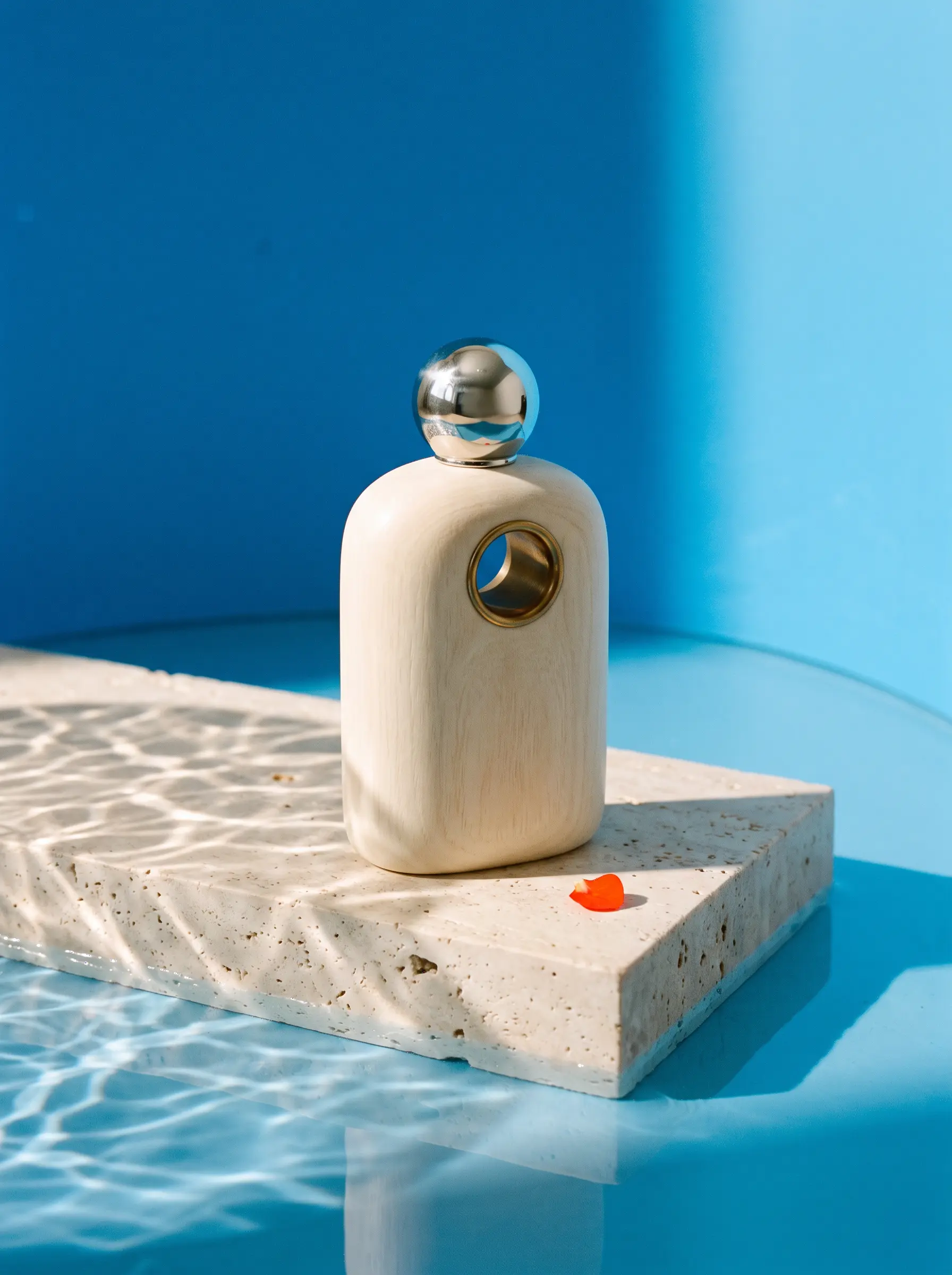
Step 1Your imageA starting point for your next idea
Bring an image
Start with a reference, or leave it open and generate from a prompt.
Turn an idea into an image. Bring a reference, shape the details,
and keep creating with Nano Banana 2 in EverAsk.
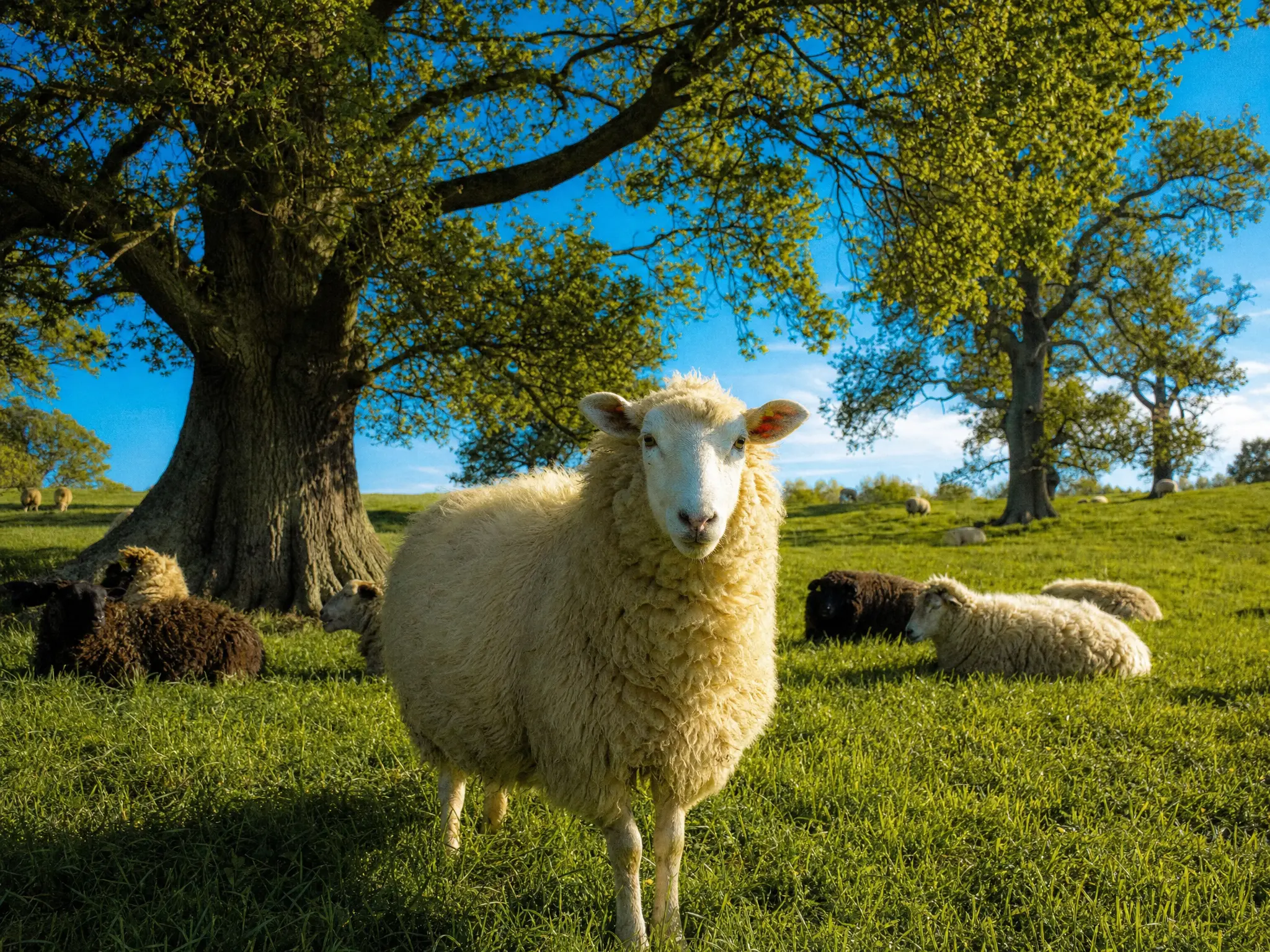
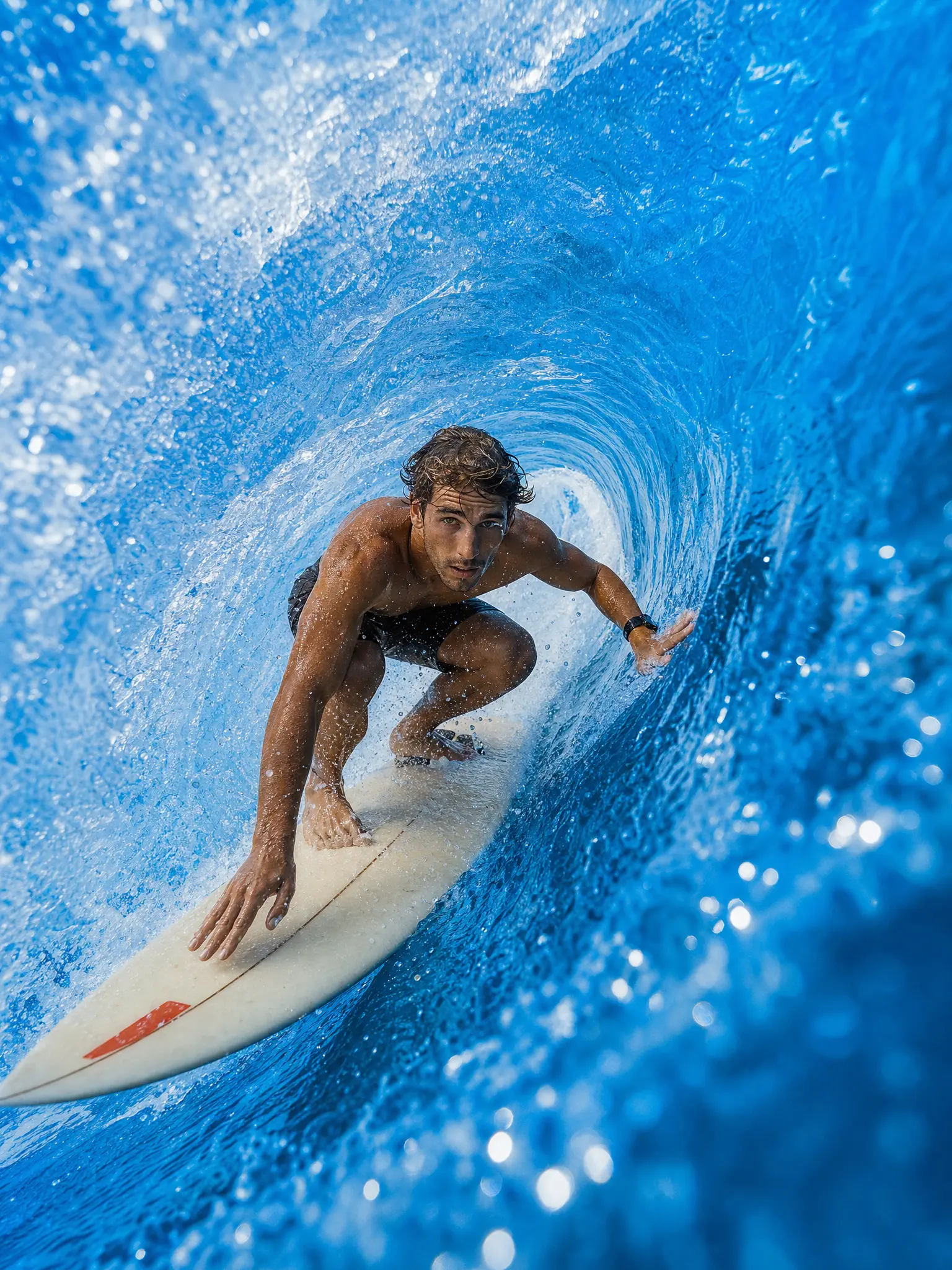



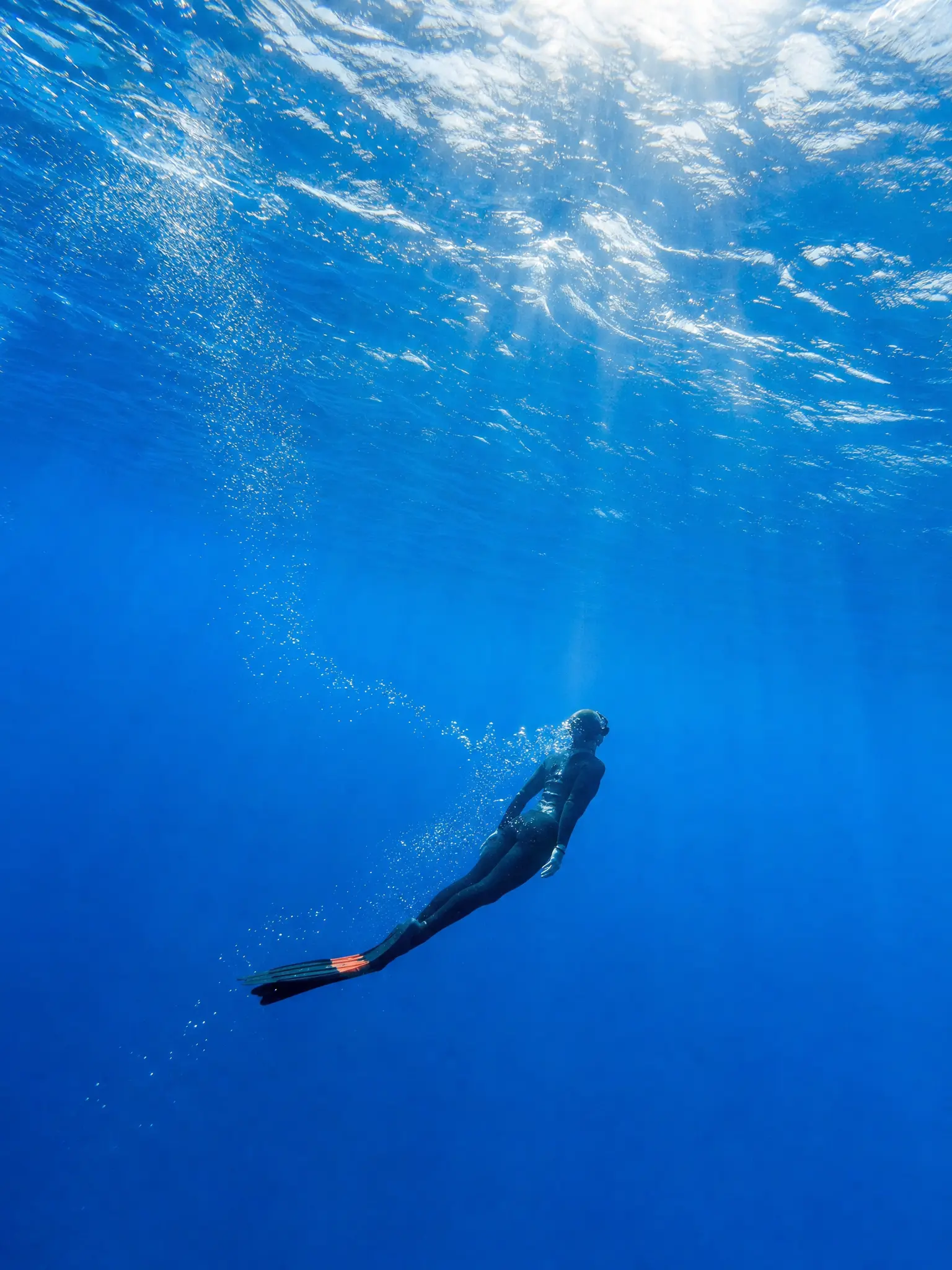
Three Nano Banana models. One EverAsk workspace.
Find the right one for your next idea.
 Nano Banana 2Generate a new direction, then refine it in conversation. Bring an idea or a reference and keep creating.Try it now
 Nano Banana ProExplore detailed compositions, product visuals and images with carefully placed text.Try it now
 Nano Banana 2 LiteA lighter way to explore ideas and try visual variations before choosing a direction.Try it now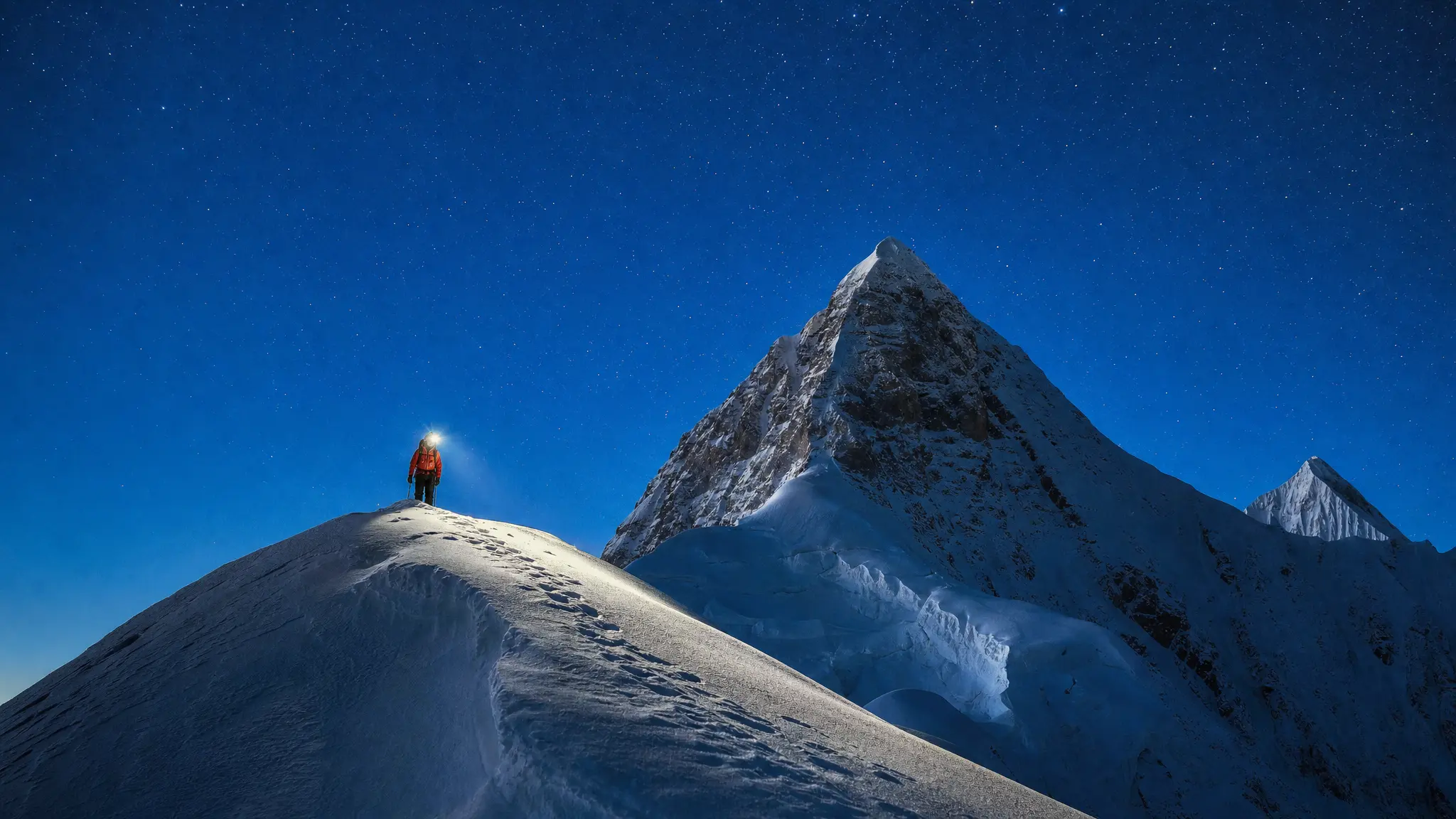
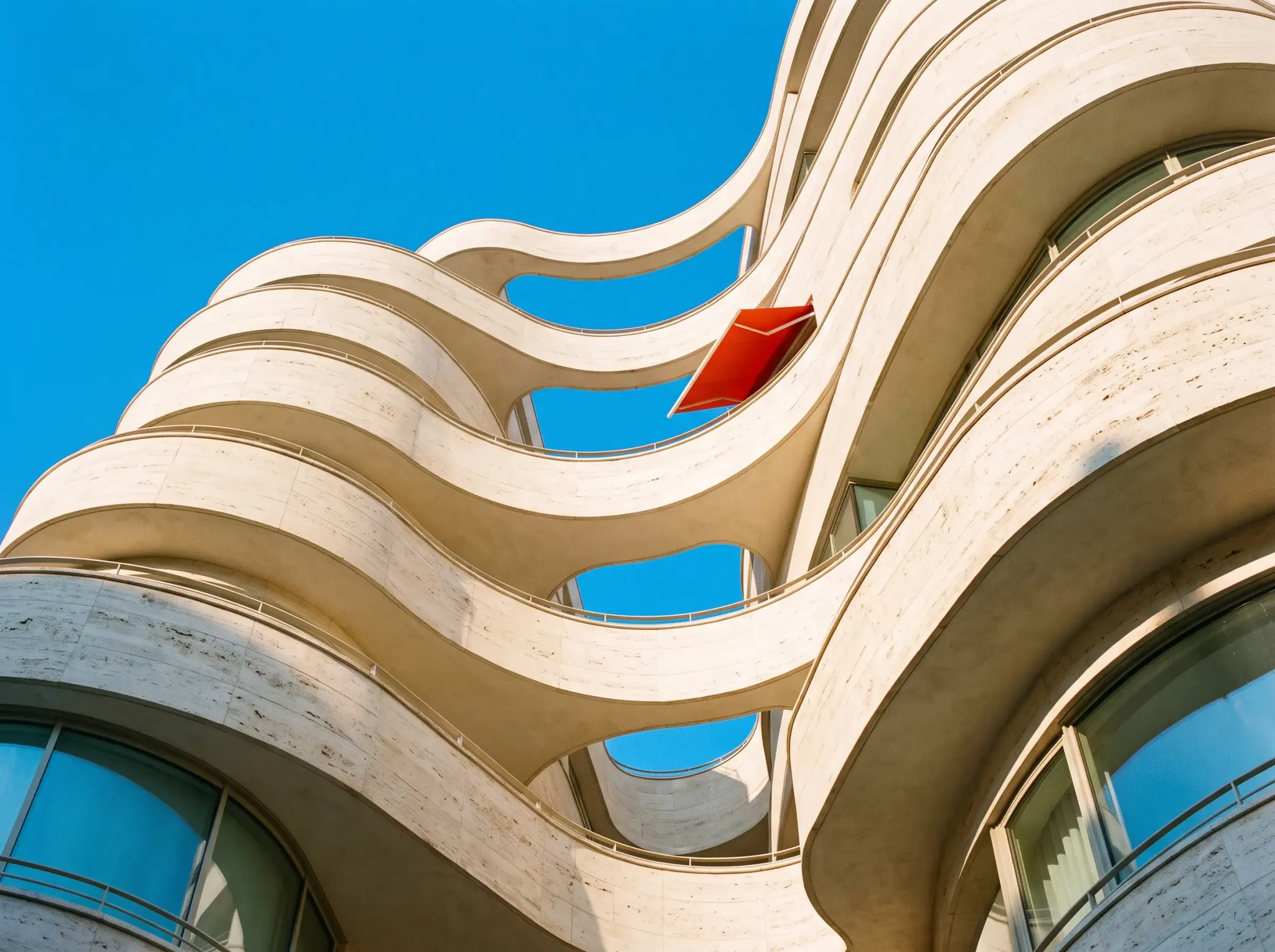
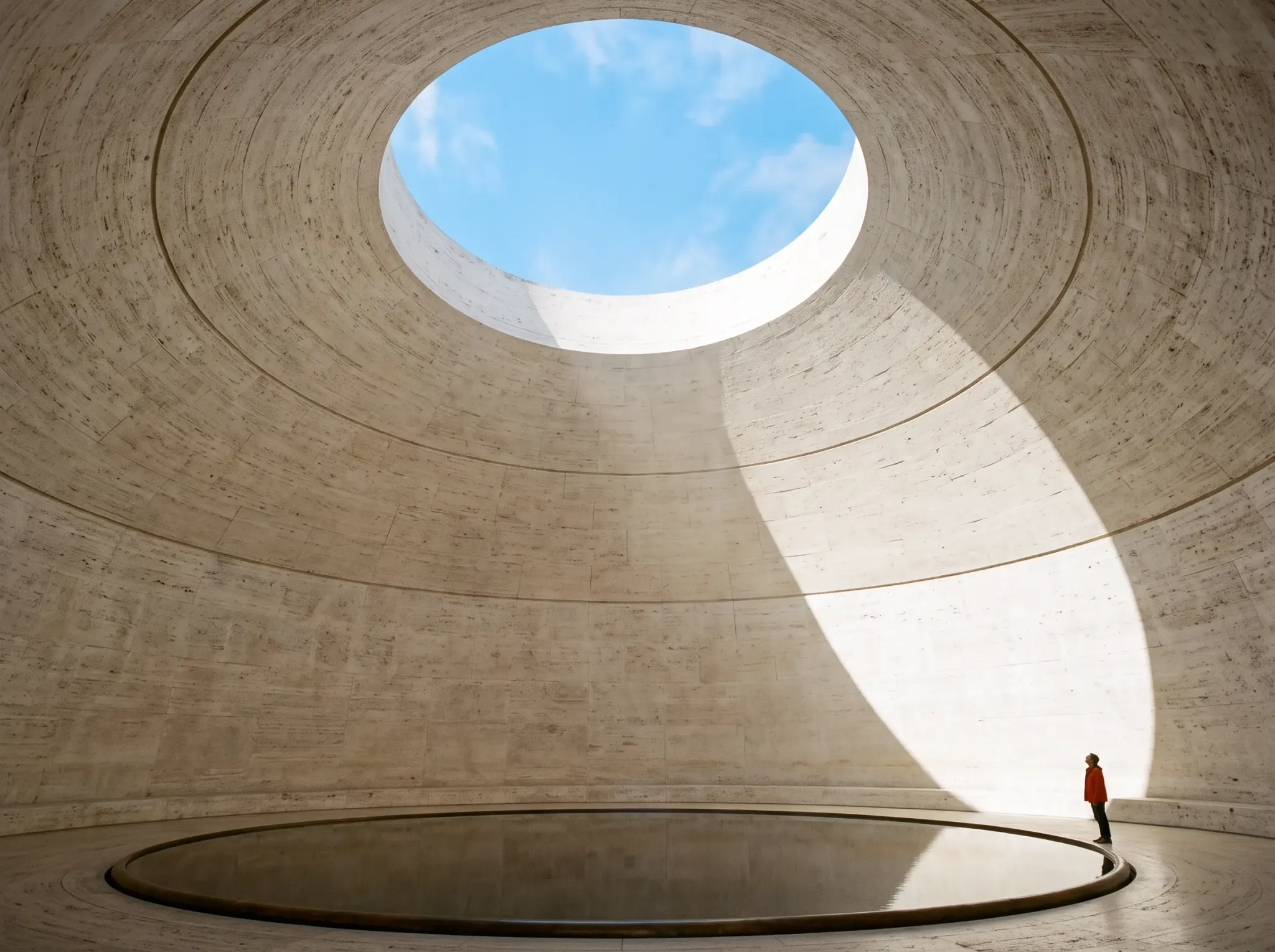
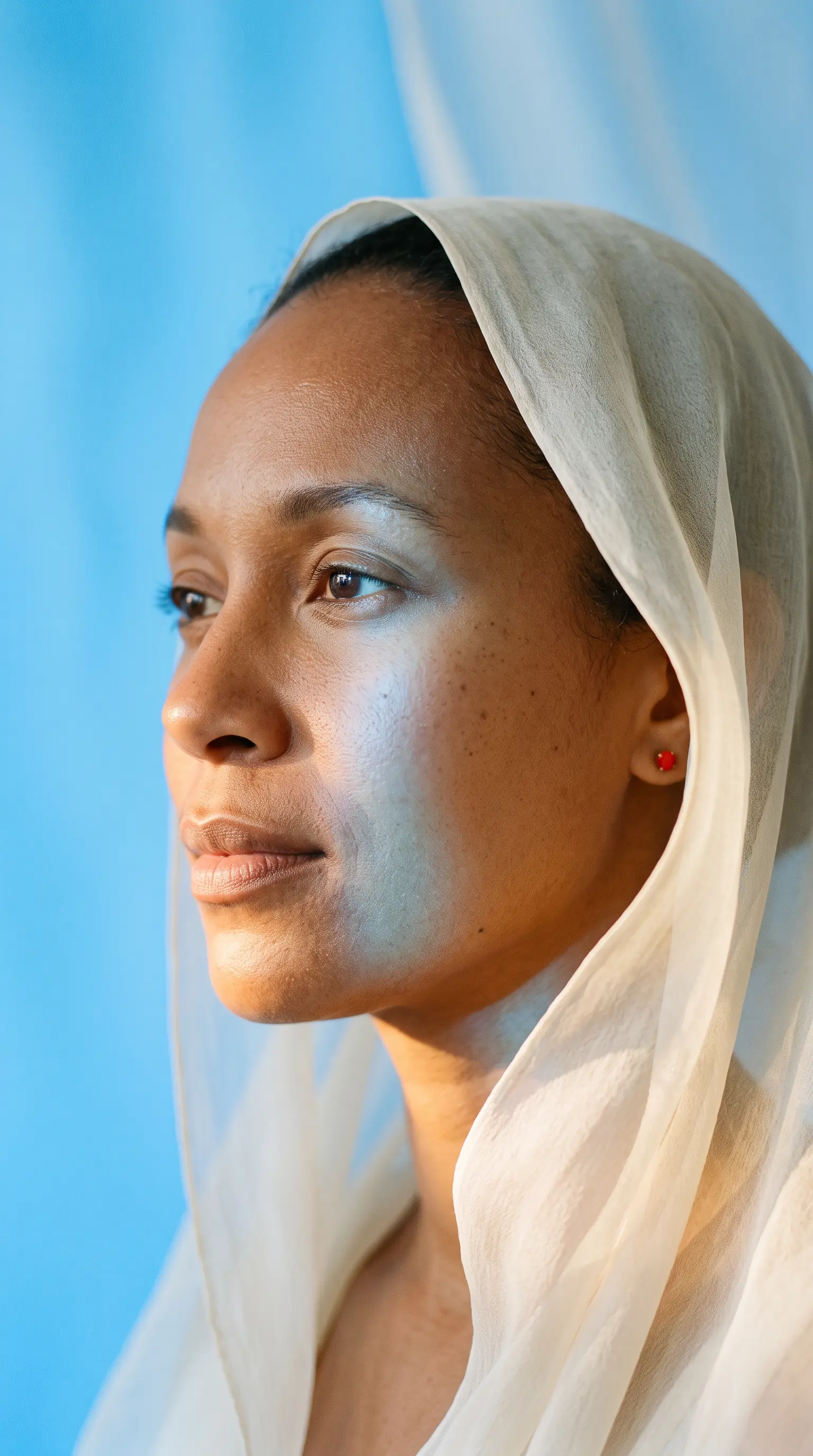
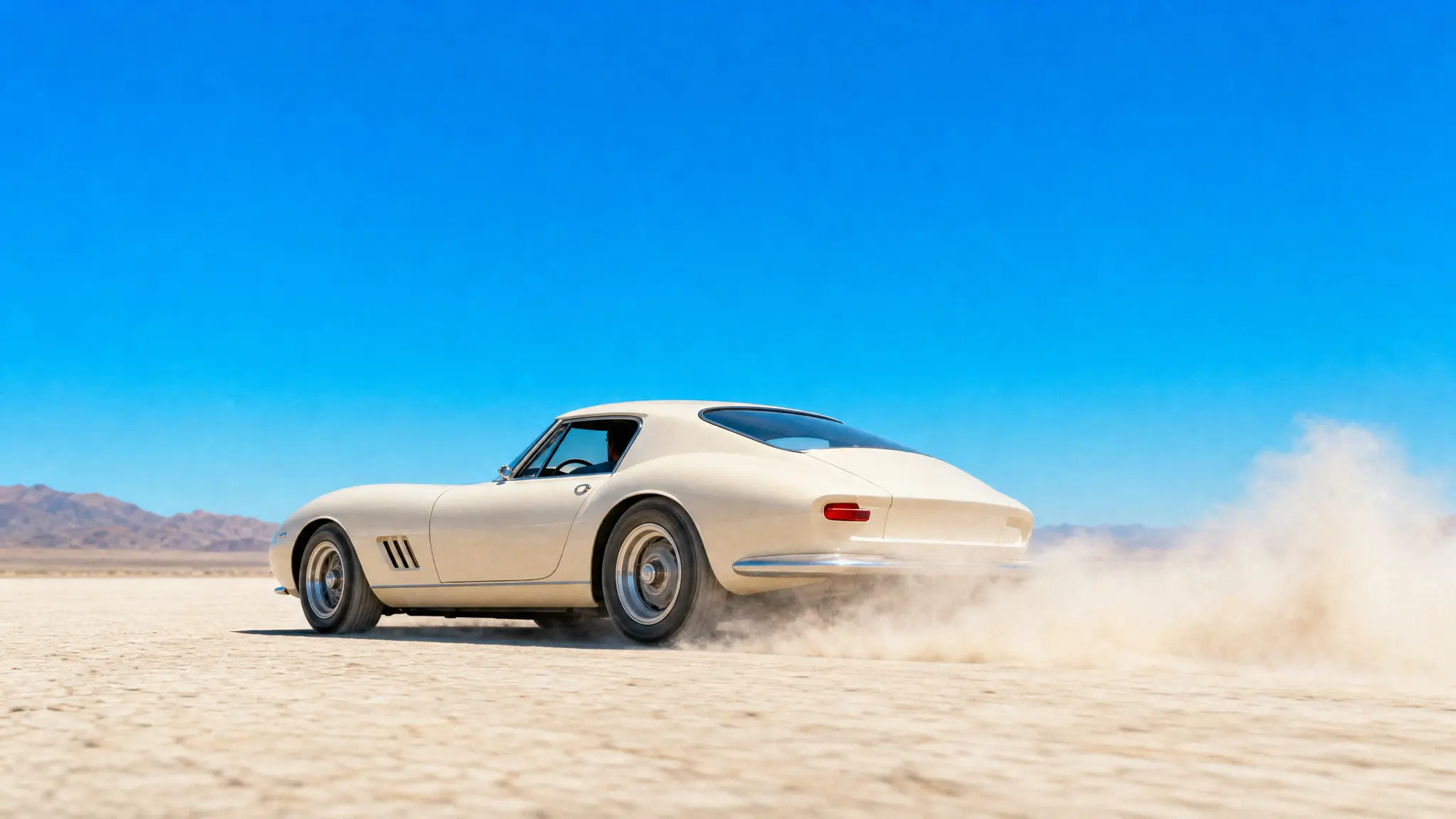
Start with a reference, or leave it open and generate from a prompt.
Place this bottle on pale stone, with soft morning light and a blue backdrop.
Nano Banana 2Name the subject, setting and light. One clear brief gets the idea moving.
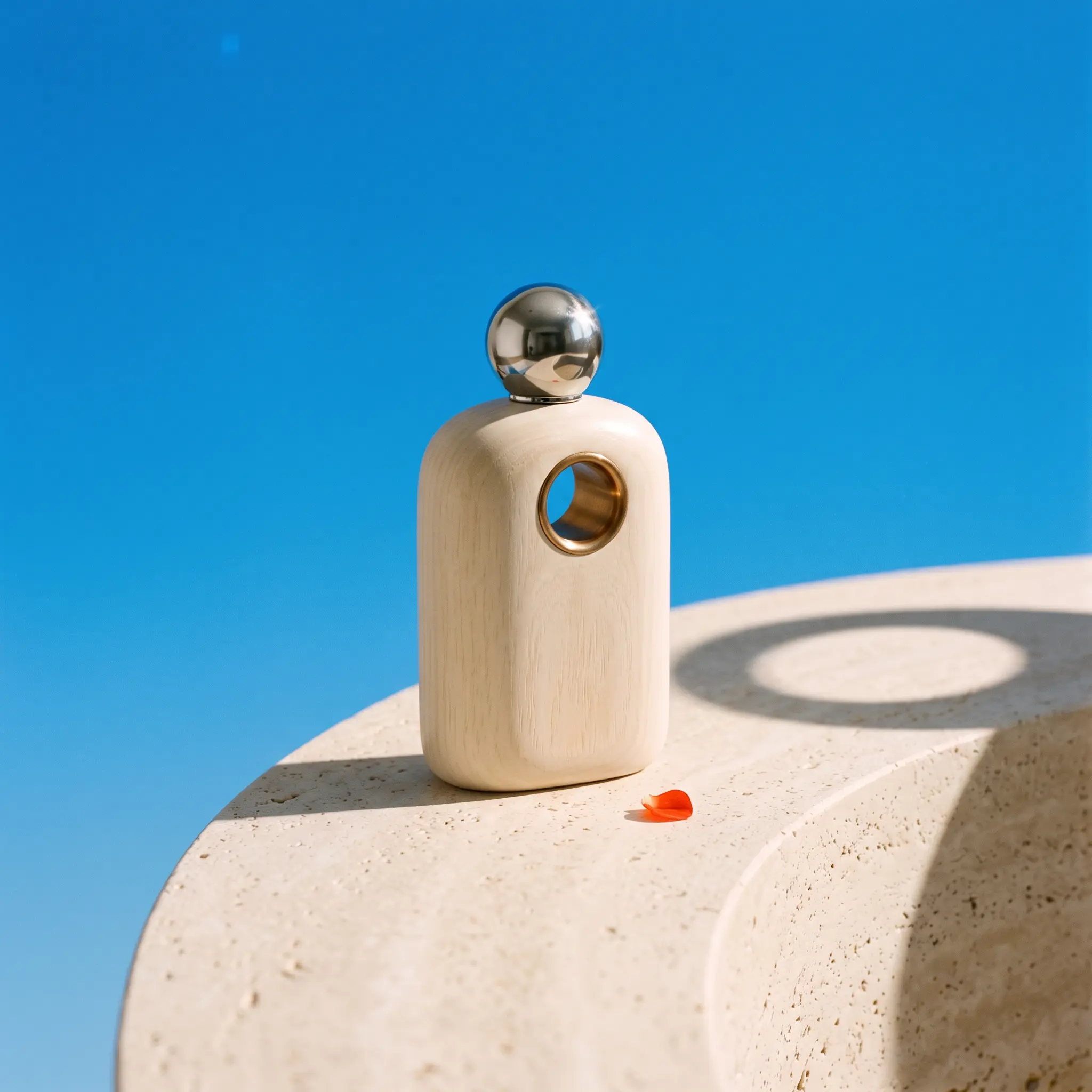
Review the image, ask for another pass, and put the result to work.
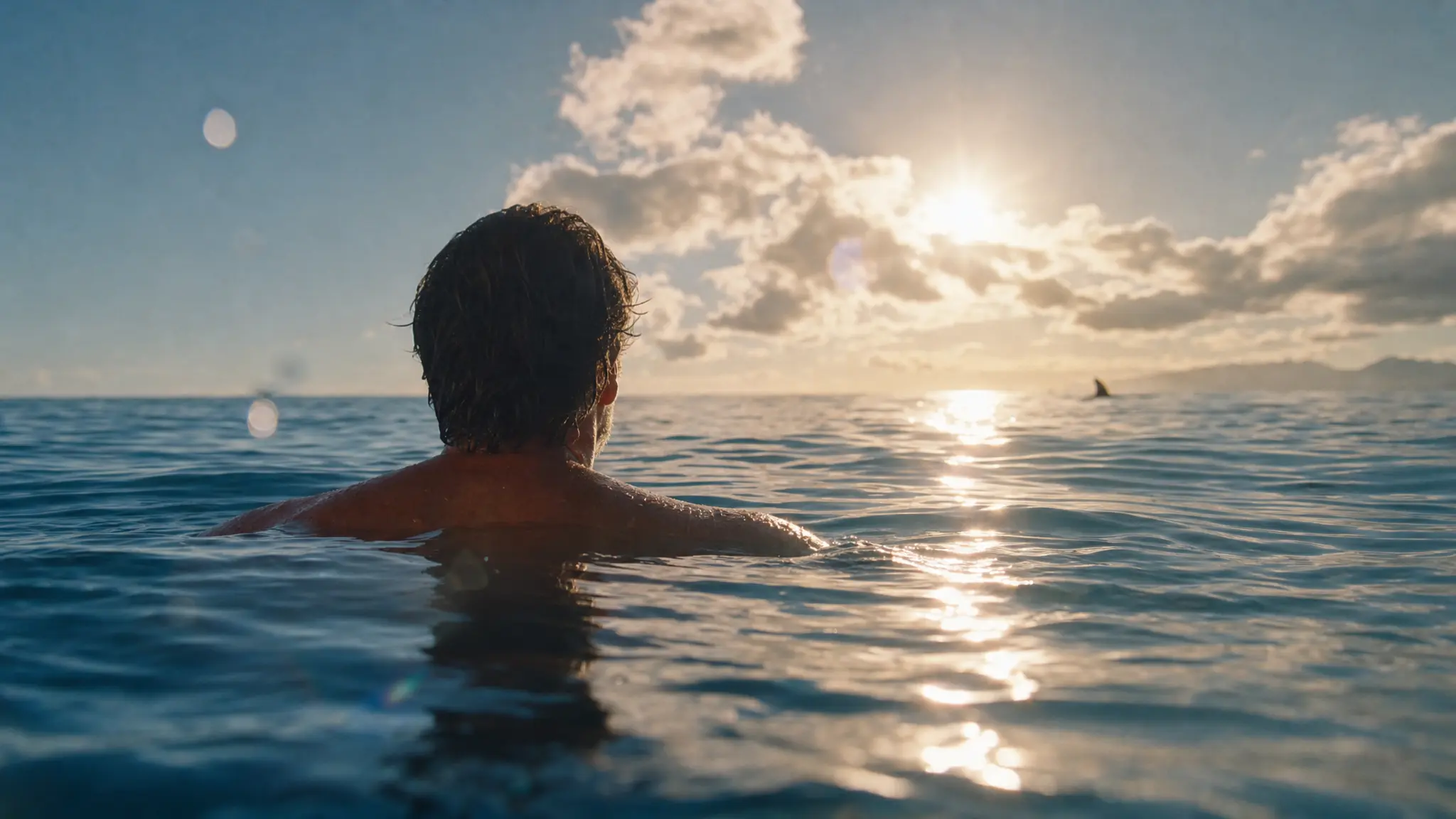
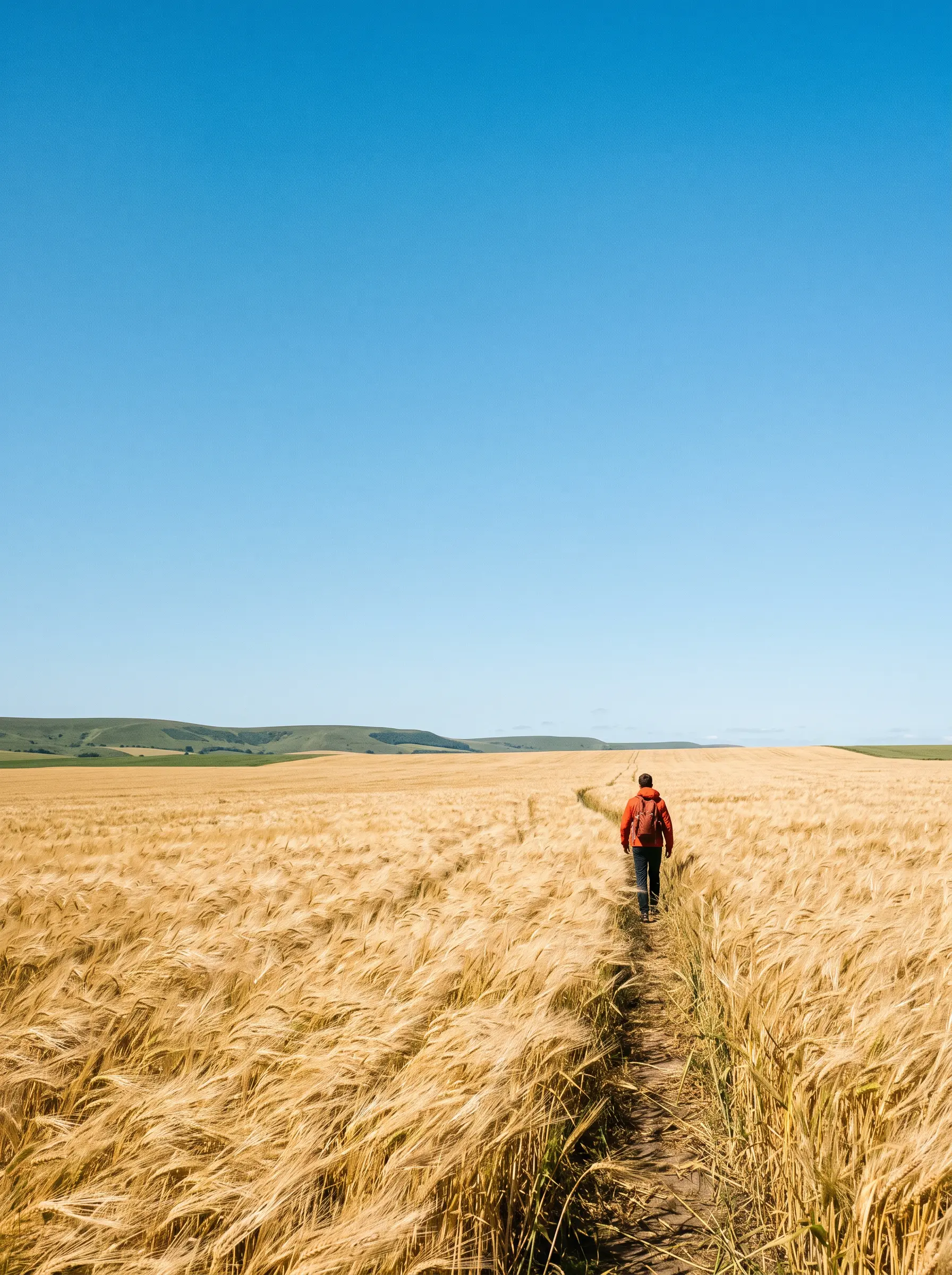
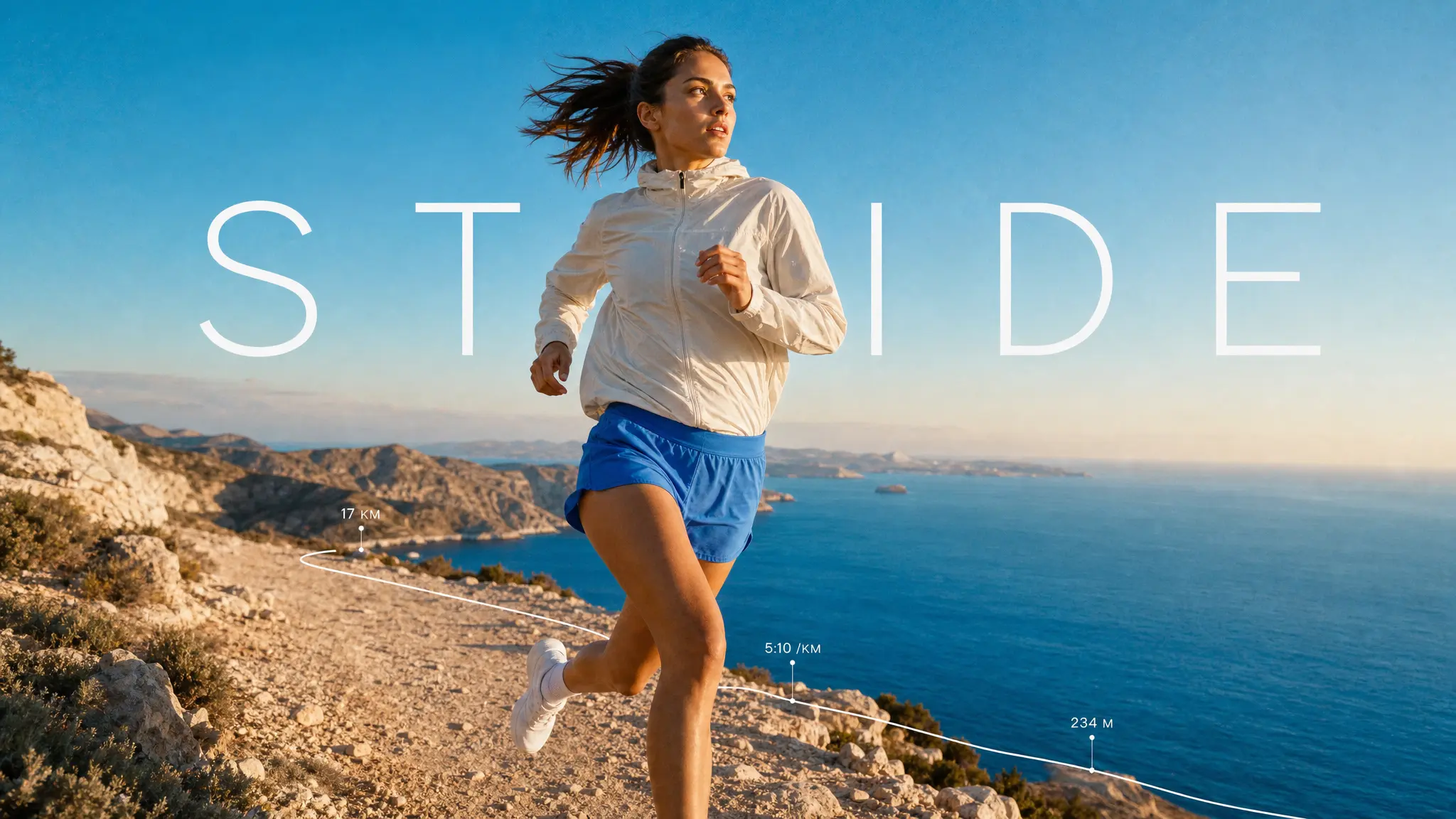
A turn in the trail. A wave breaking overhead. Give an action scene its subject, light and moment, then explore the details that bring it to life.
Build a campaign visual, infographic or presentation image around a clear brief. Shape the layout, add the details and review the text before using it.
Explore posters, illustrated stories and campaign artwork in the language your audience uses. Give the words a place in the composition, then refine the result.
Start creating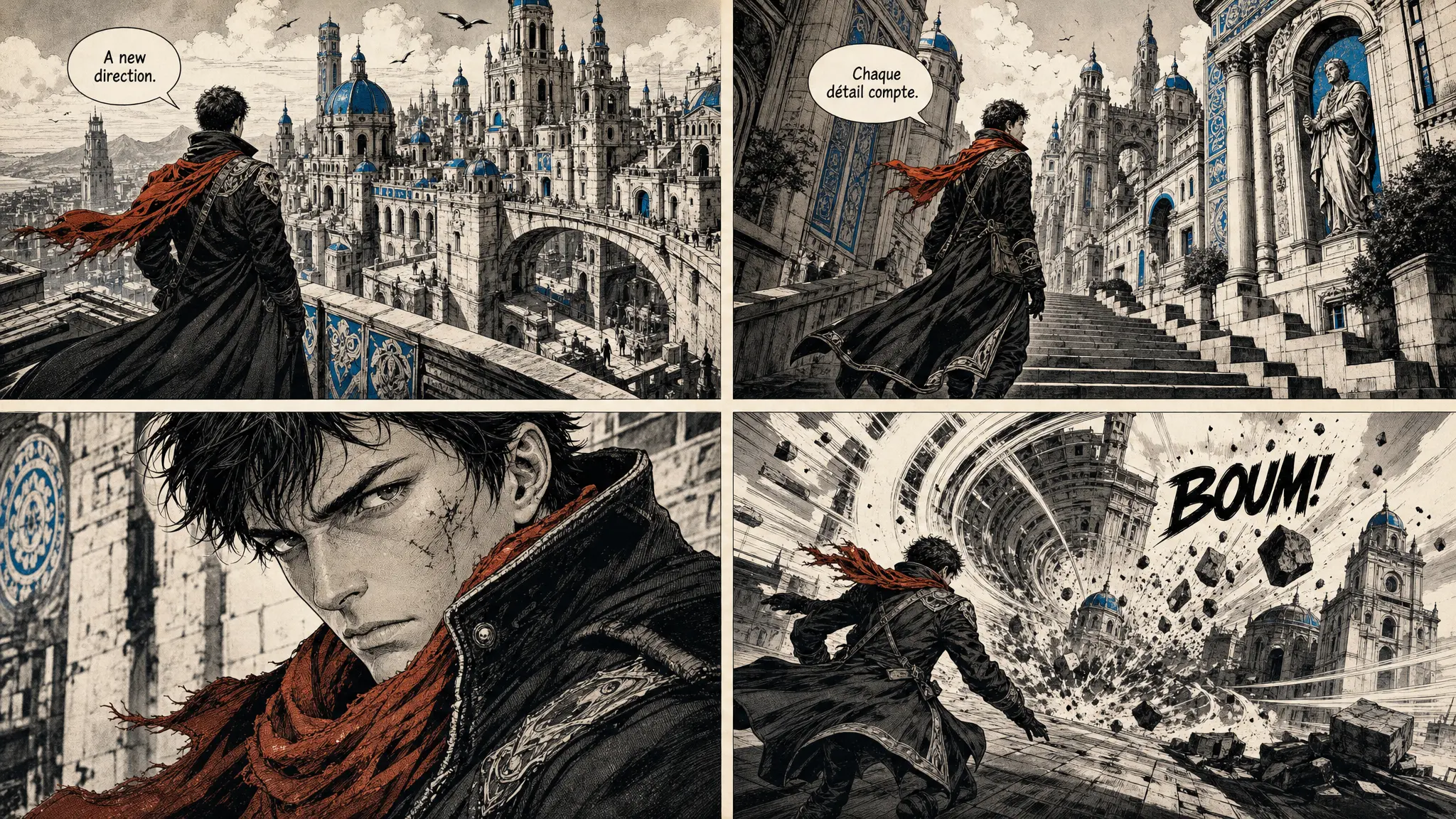
Explore the possibilities. Choose an image to see its prompt.
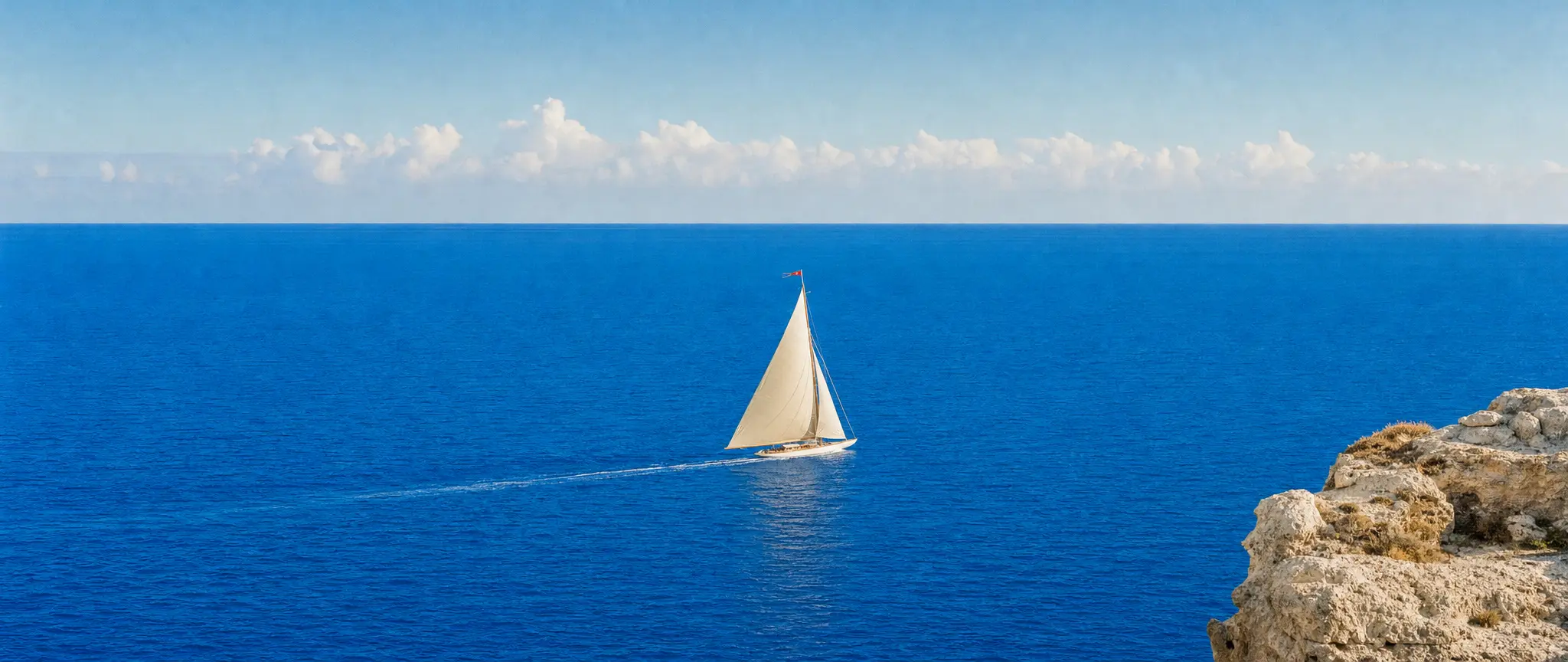
An exquisite original ultra-wide cinematic seascape photograph of an ivory sailboat with one taut sculptural sail crossing a vast bright azure sea, exactly #0088FF, a thin white wake and a tiny vermilion pennant. View from a low distant coastal cliff, immense negative space, cream rock at one edge, gentle warm afternoon sunlight and clouds near the horizon. Refined 35mm analog grain, tactile water and sail fabric, azure and ivory palette, luxurious and adventurous. Compose specifically for a panoramic 21:9 frame, every important element comfortably inside the frame. No writing, no logos, no watermark, full bleed.
Bring your idea, shape the details and create something worth sharing.
Start generatingEvery plan runs the same agent. The difference is how much of it you use.
The whole agent, with a monthly credit allowance.
$18.33
per month
$55 every 3 months
Upgrade to ProPrices in US dollars; the app shows yours in your currency. EverAsk for Teams: pooled credits and shared seats, from three seats. Talk to us
Nano Banana 2 is Google's Gemini 3.1 Flash Image model for image generation and editing. In EverAsk, it sits alongside the other image models in one workflow.
Yes. Upload a reference and describe the change you want. Review the result against your original, especially when product details or a person's appearance need to stay consistent.
Yes. Follow up with a request to change the light, background or composition. Make one clear change at a time so it is easy to compare the result.
Yes. Describe a square, portrait or wide format in your prompt, or choose the format in your EverAsk workspace before generating.
They show creative directions for image generation, using Nano Banana 2 and GPT Image 2. Each carousel image has its original prompt and model in the prompt panel so you can explore a similar direction.
Run one prompt across the frontier image models on the train, and pick the winner on your phone. Every image you make here is on your phone.
Download on the App StoreEvery image model on your desktop, with the references and brand files you already have to hand.
Download for macOS