Add a reference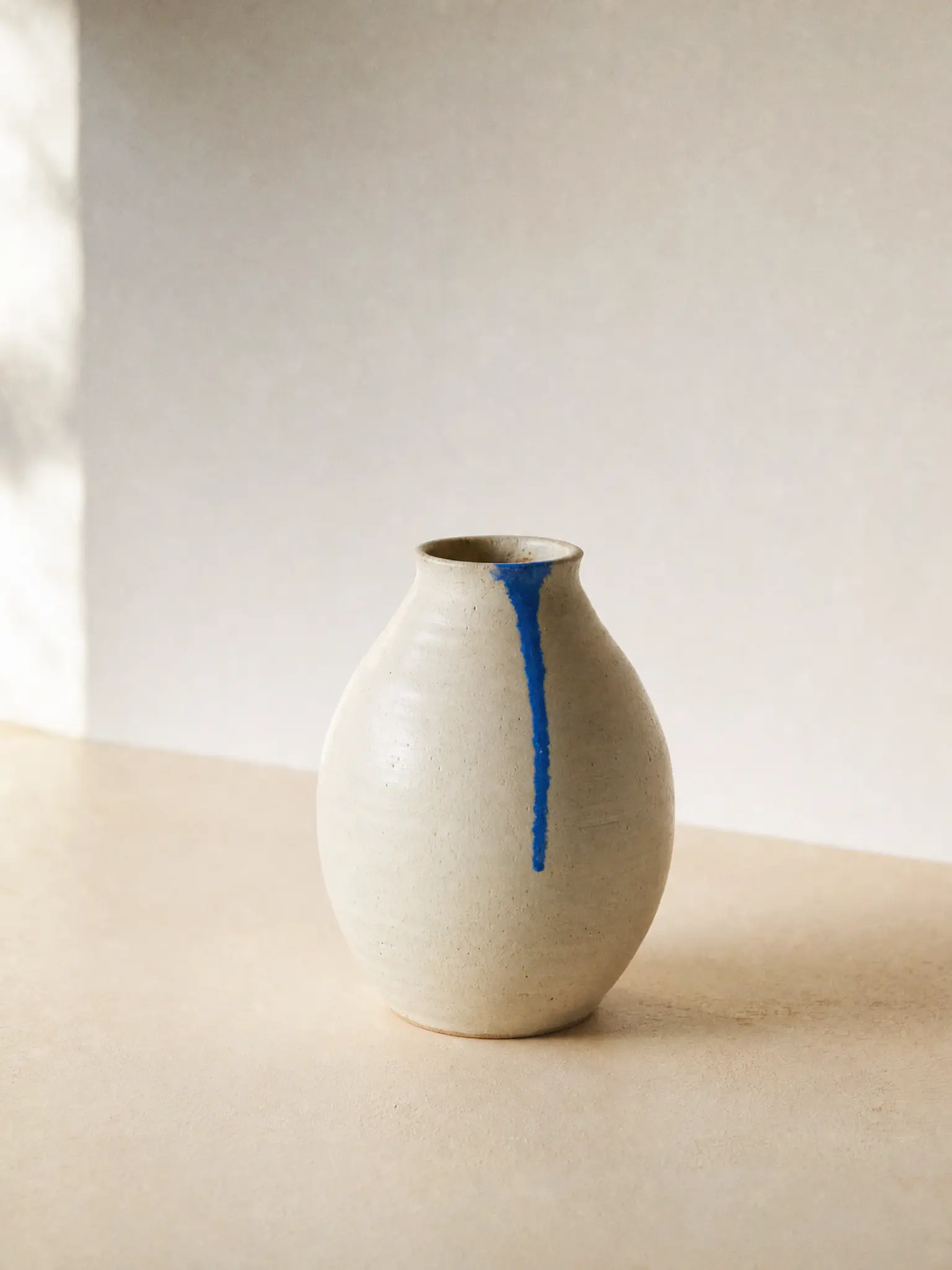
Step 1Your imageA starting point for your next idea
Bring an image
Start with a reference, or leave it open and generate from a prompt.
Write the whole brief, words and all. GPT Image 2 puts every element
where you asked for it, in EverAsk.
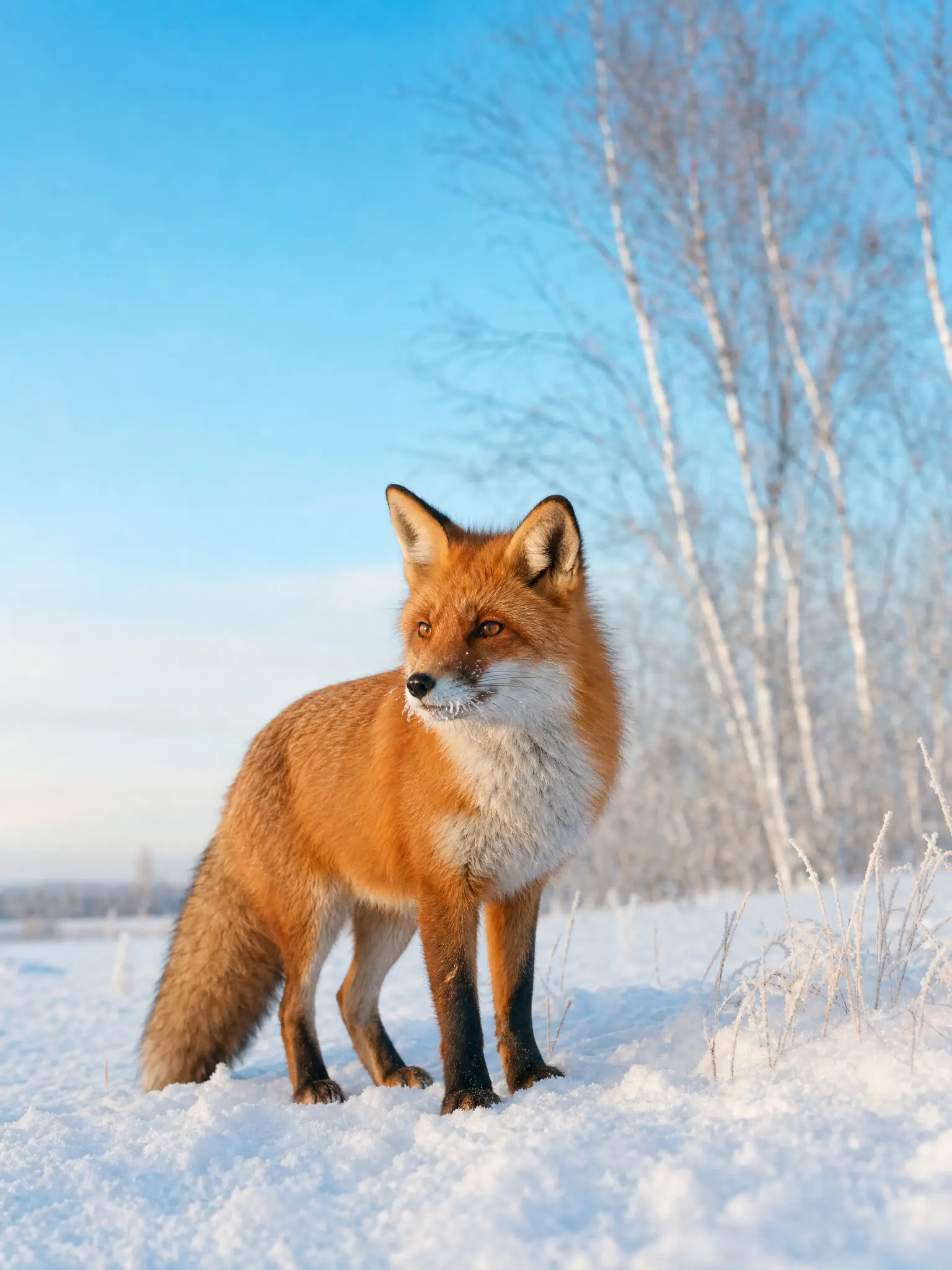
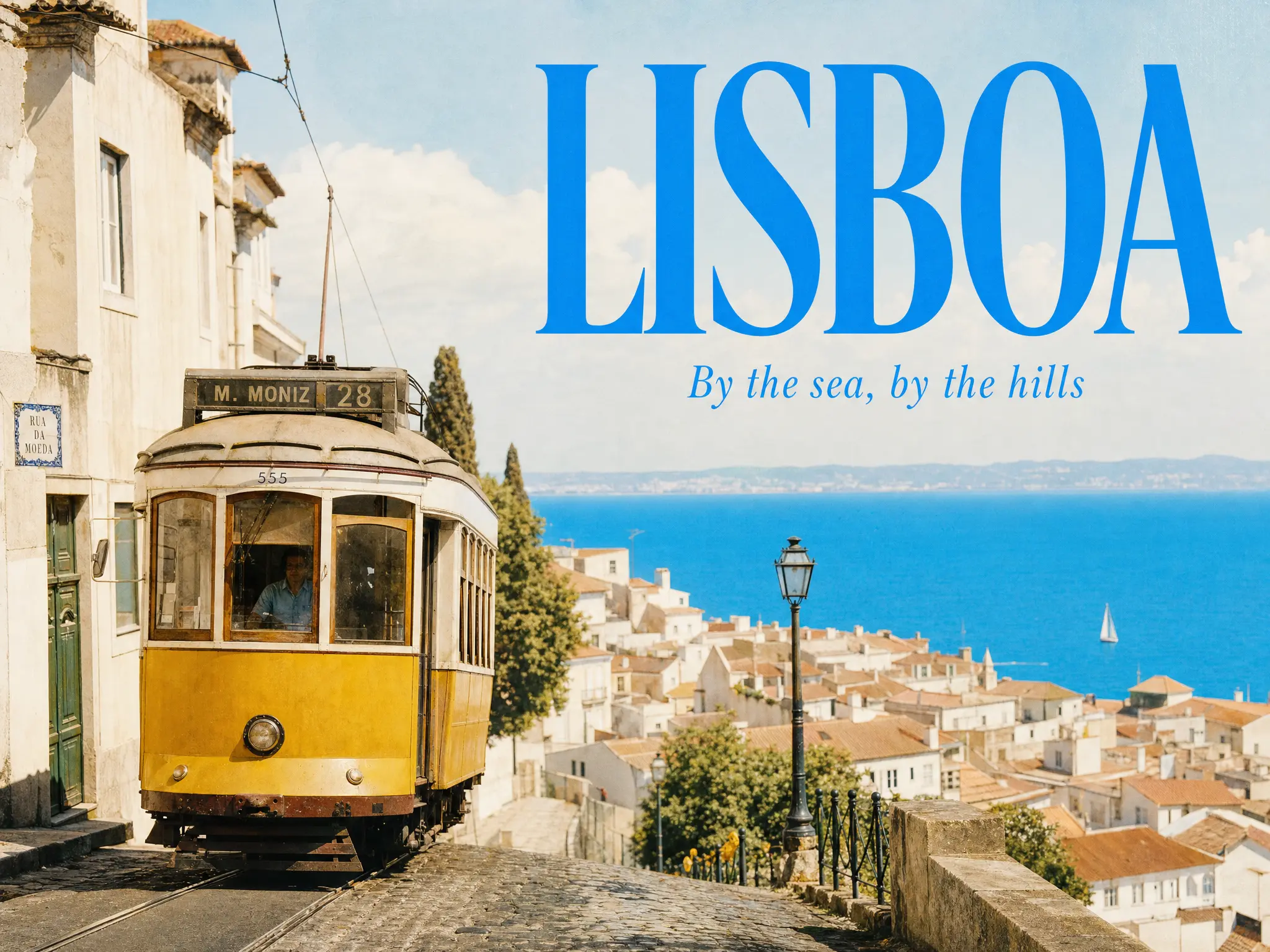
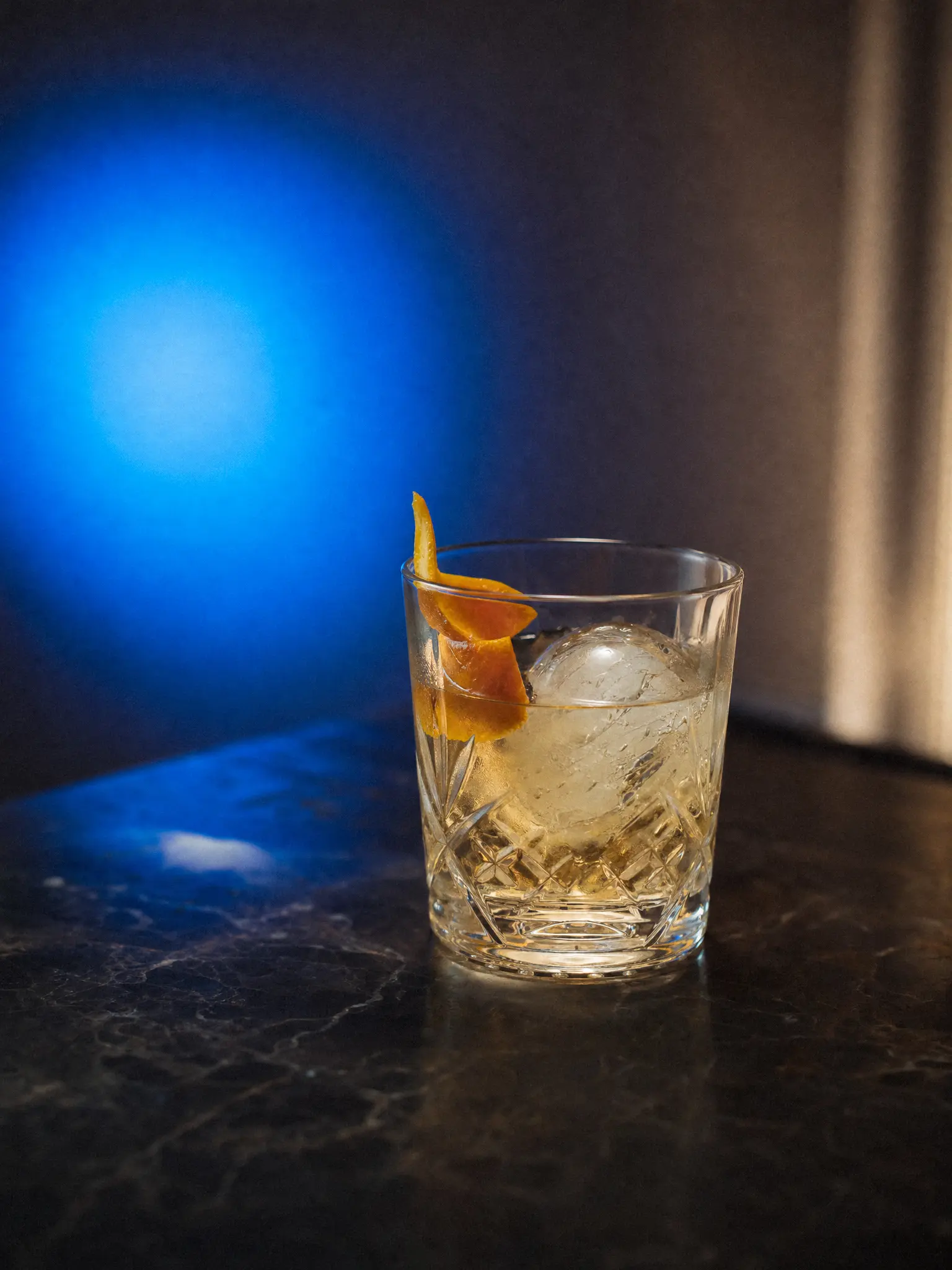
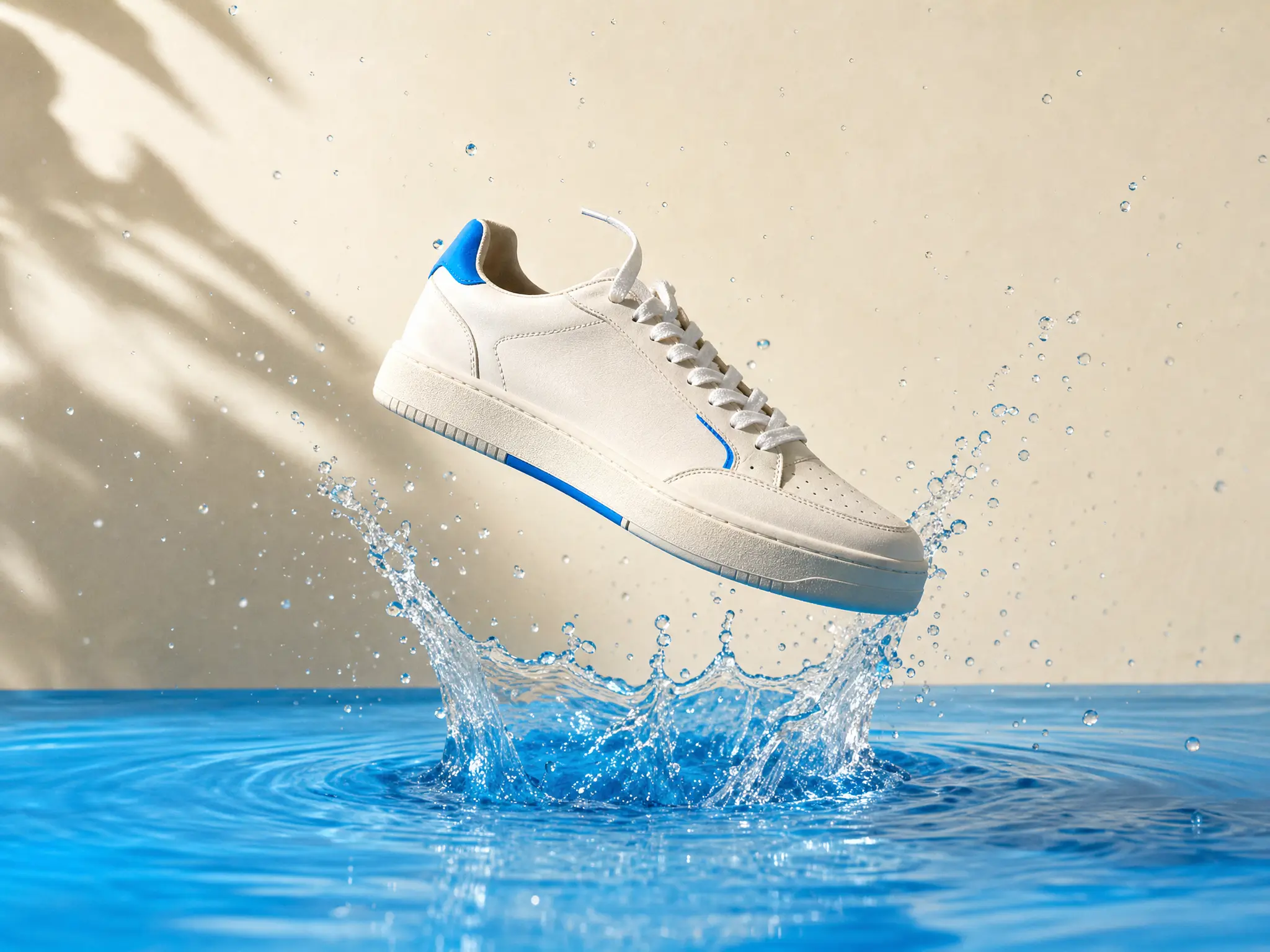
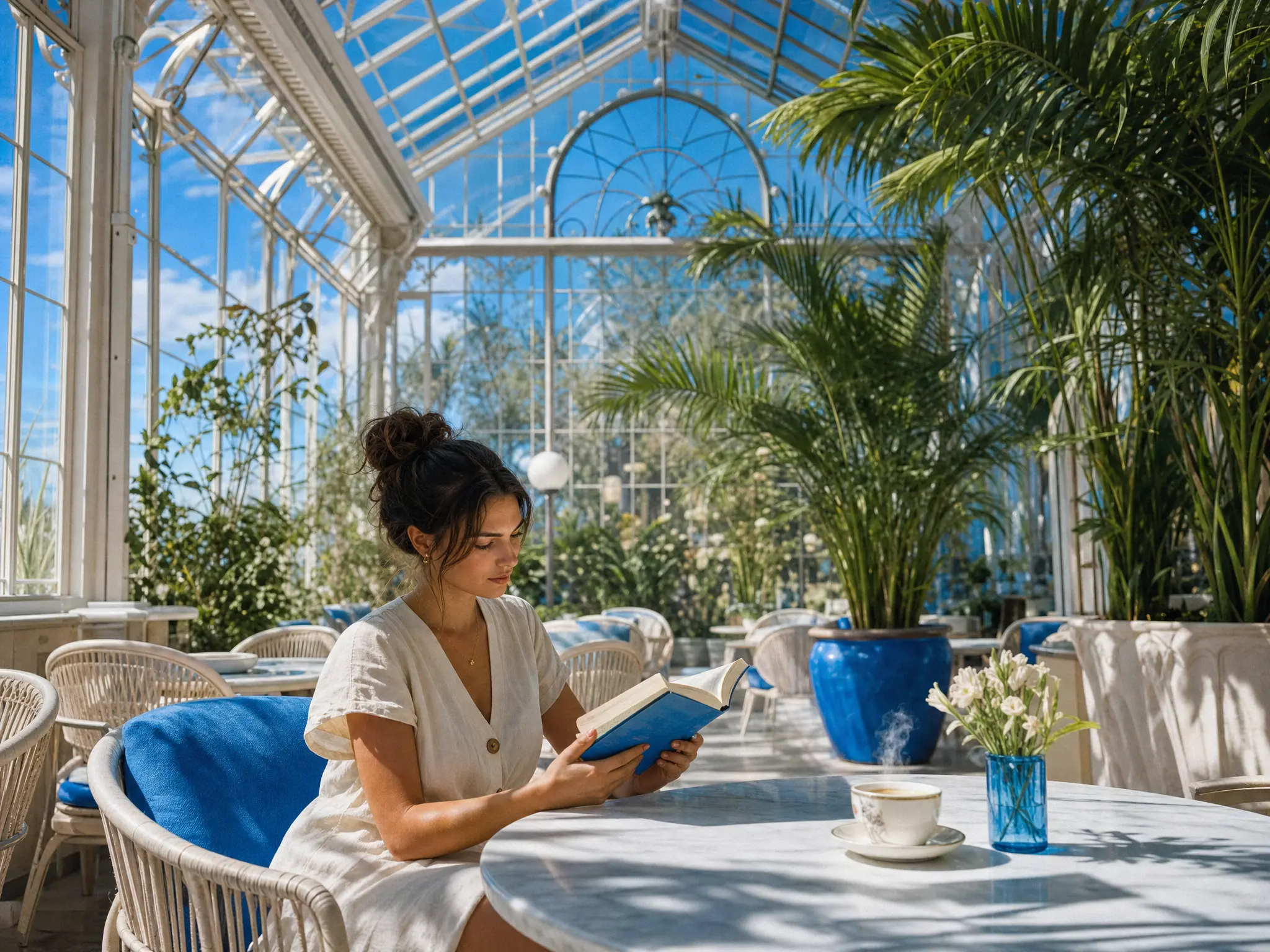
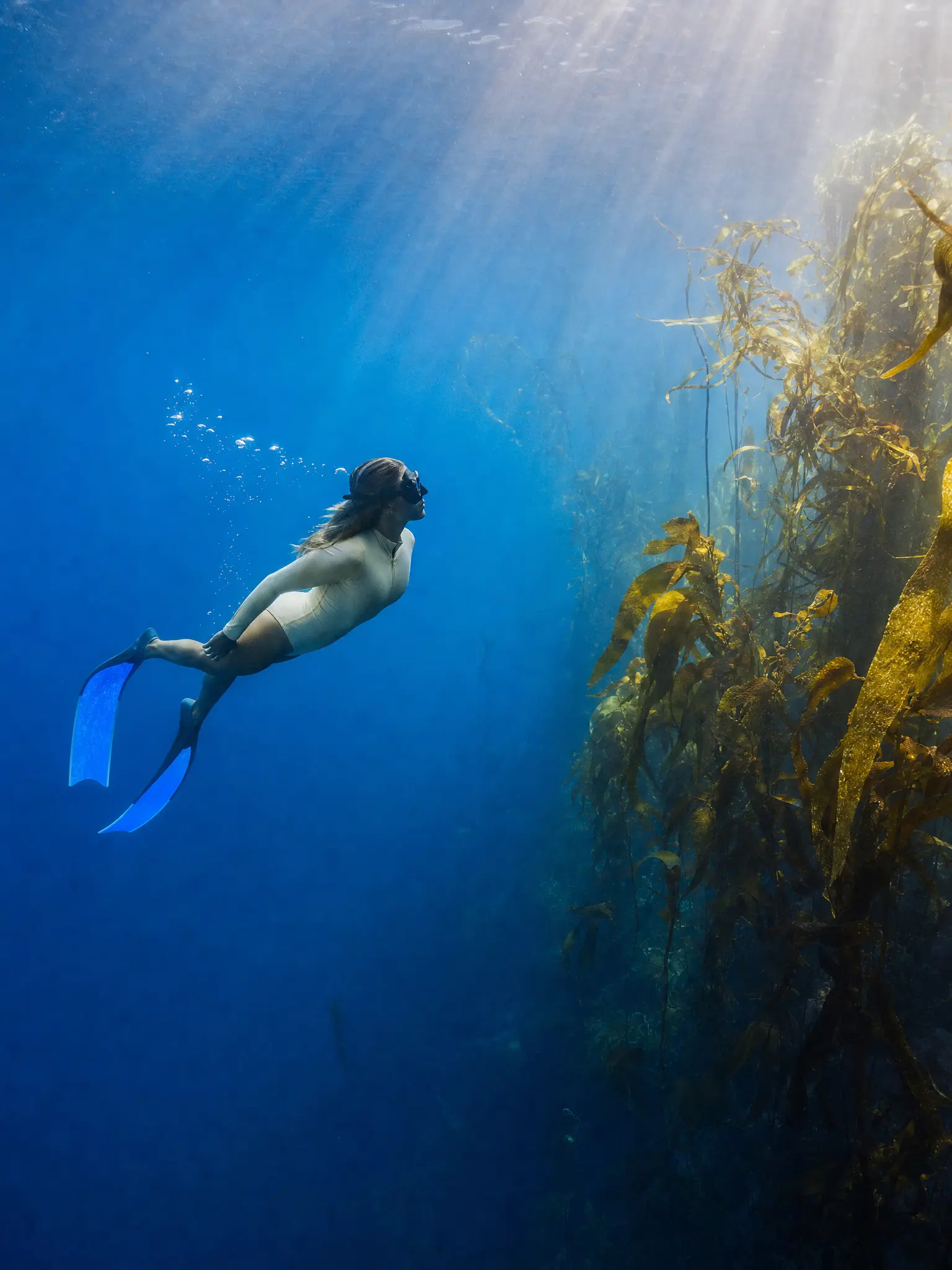
One model for detailed briefs, readable text and plain-word edits.
Choose where to start.
 Detailed briefsName every subject, position and light. GPT Image 2 keeps them where you put them, so a busy scene takes fewer rerolls.Try it now
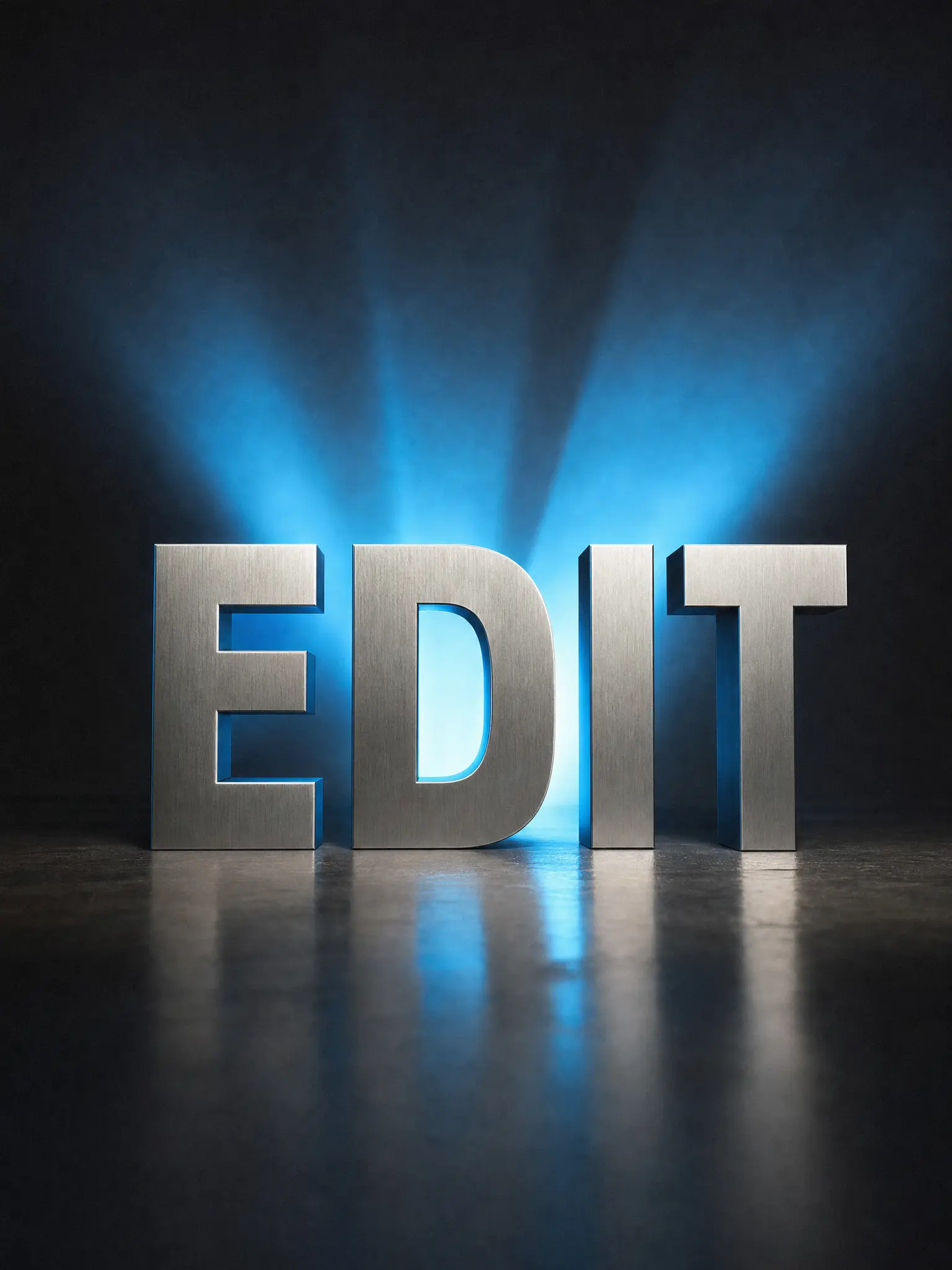
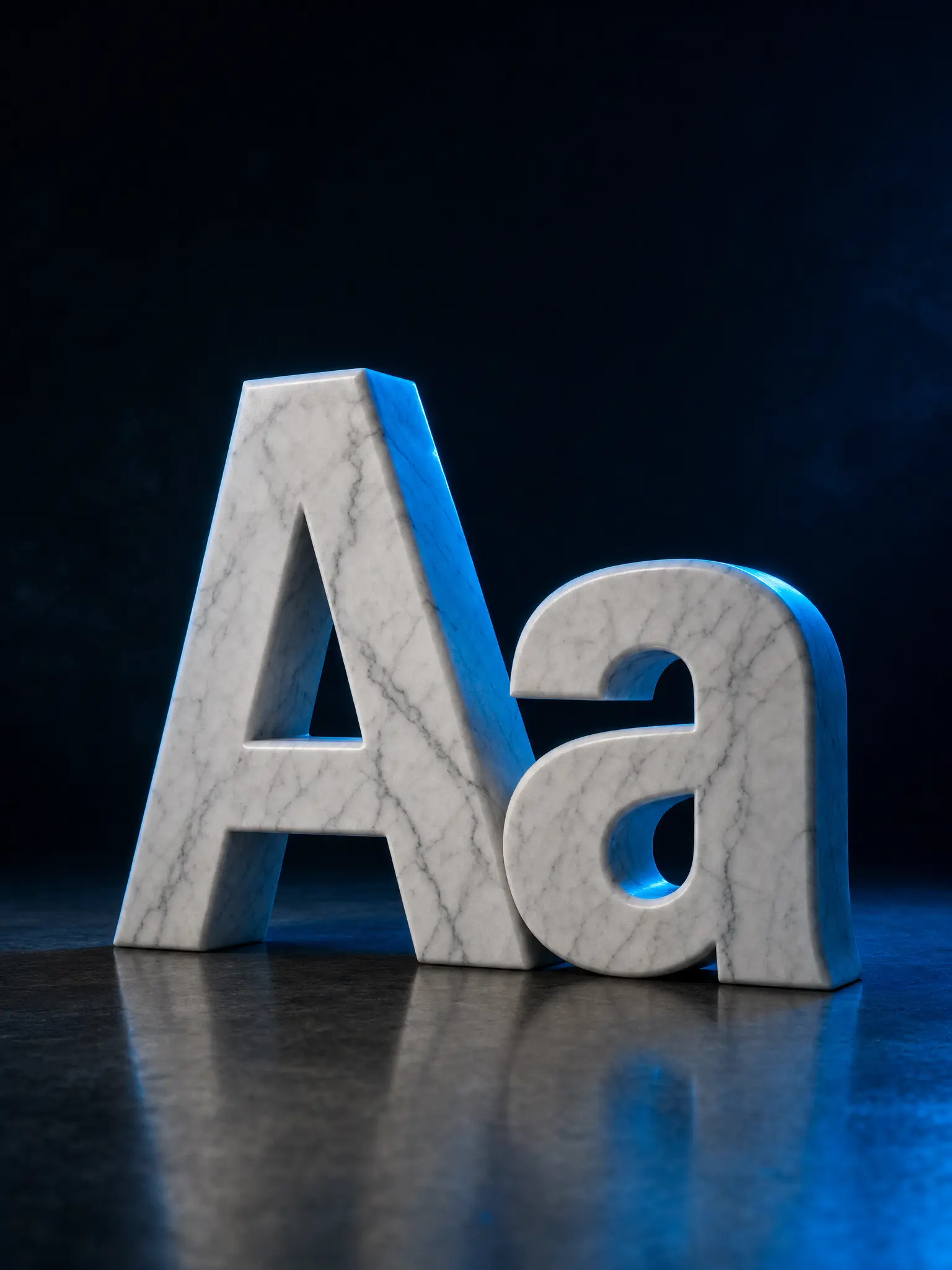 Text that reads rightHeadlines, labels, menus and signs come out as real, readable words for posters, packaging and social posts.Try it now
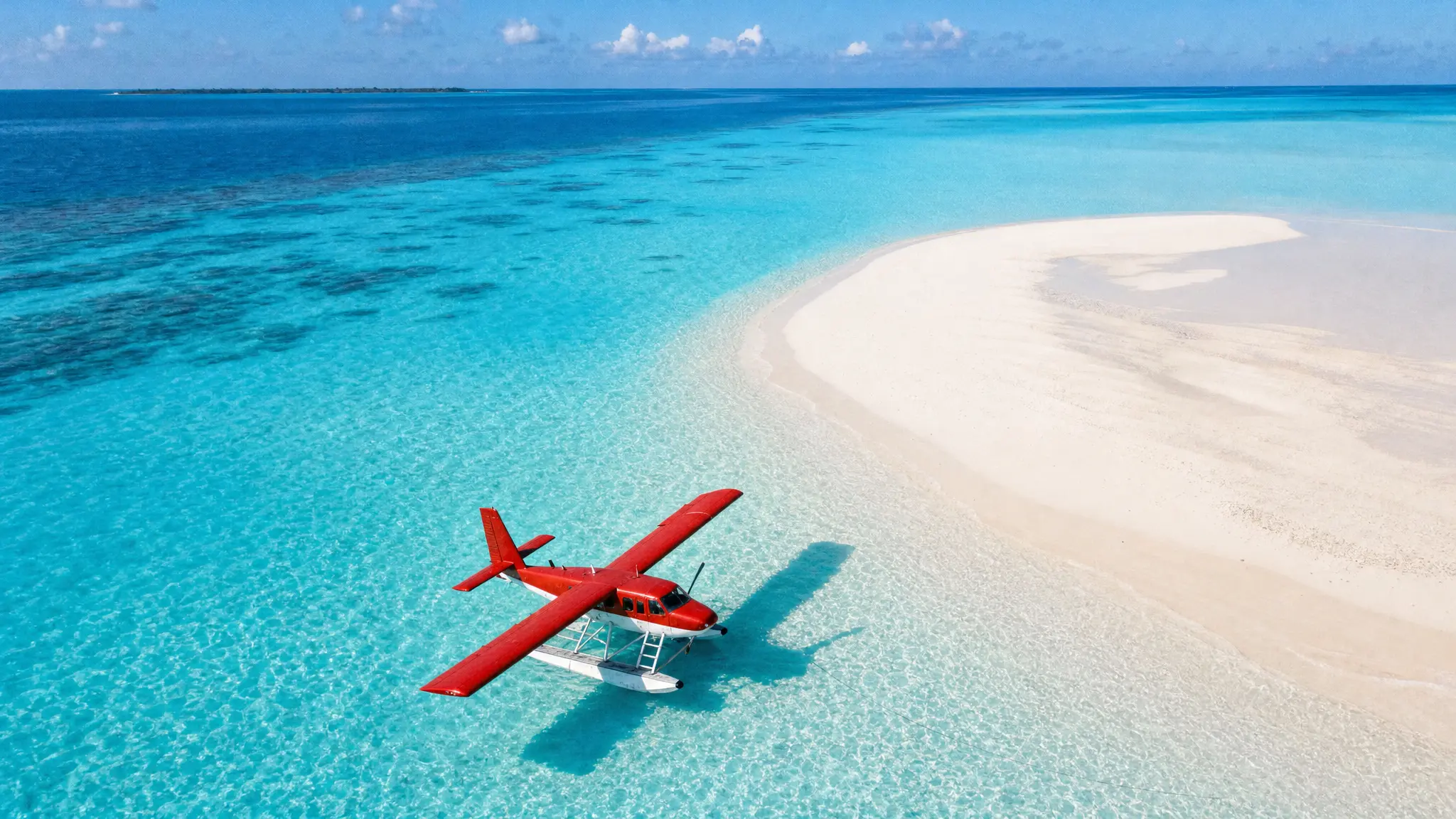
 Edits in plain wordsAsk for one change, move the cup or recolour the label, and the rest of the image stays as it was.Try it now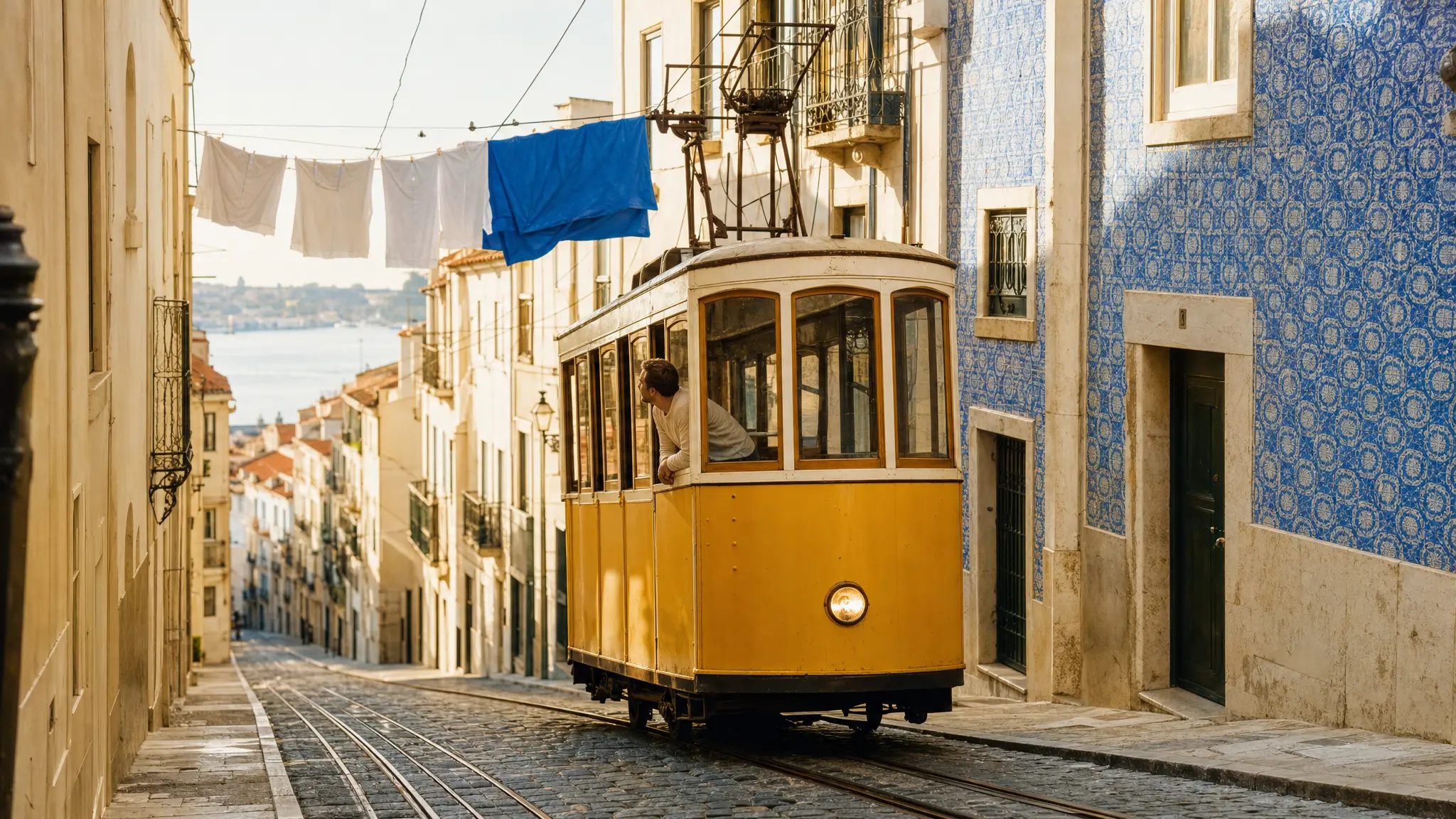
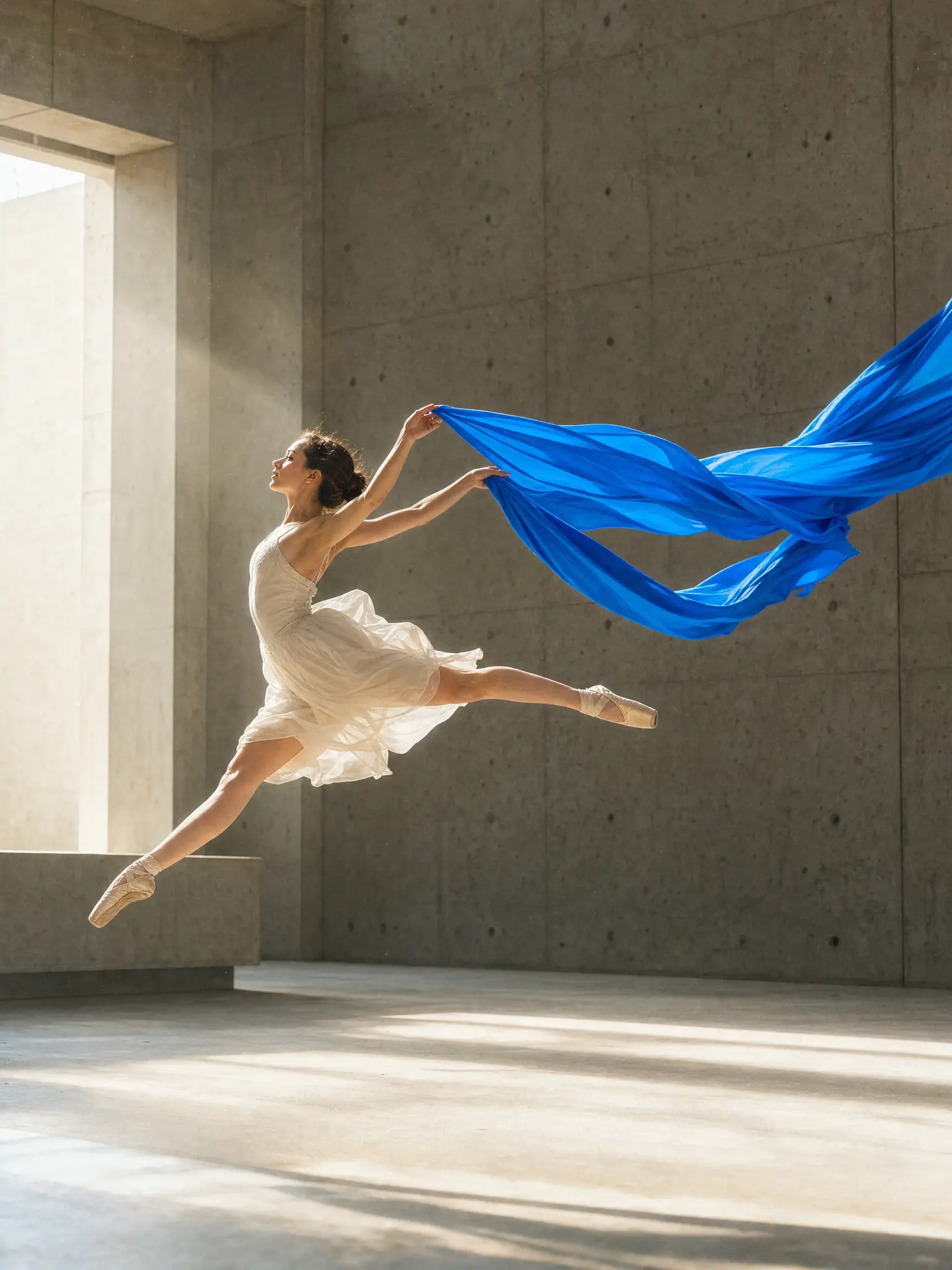
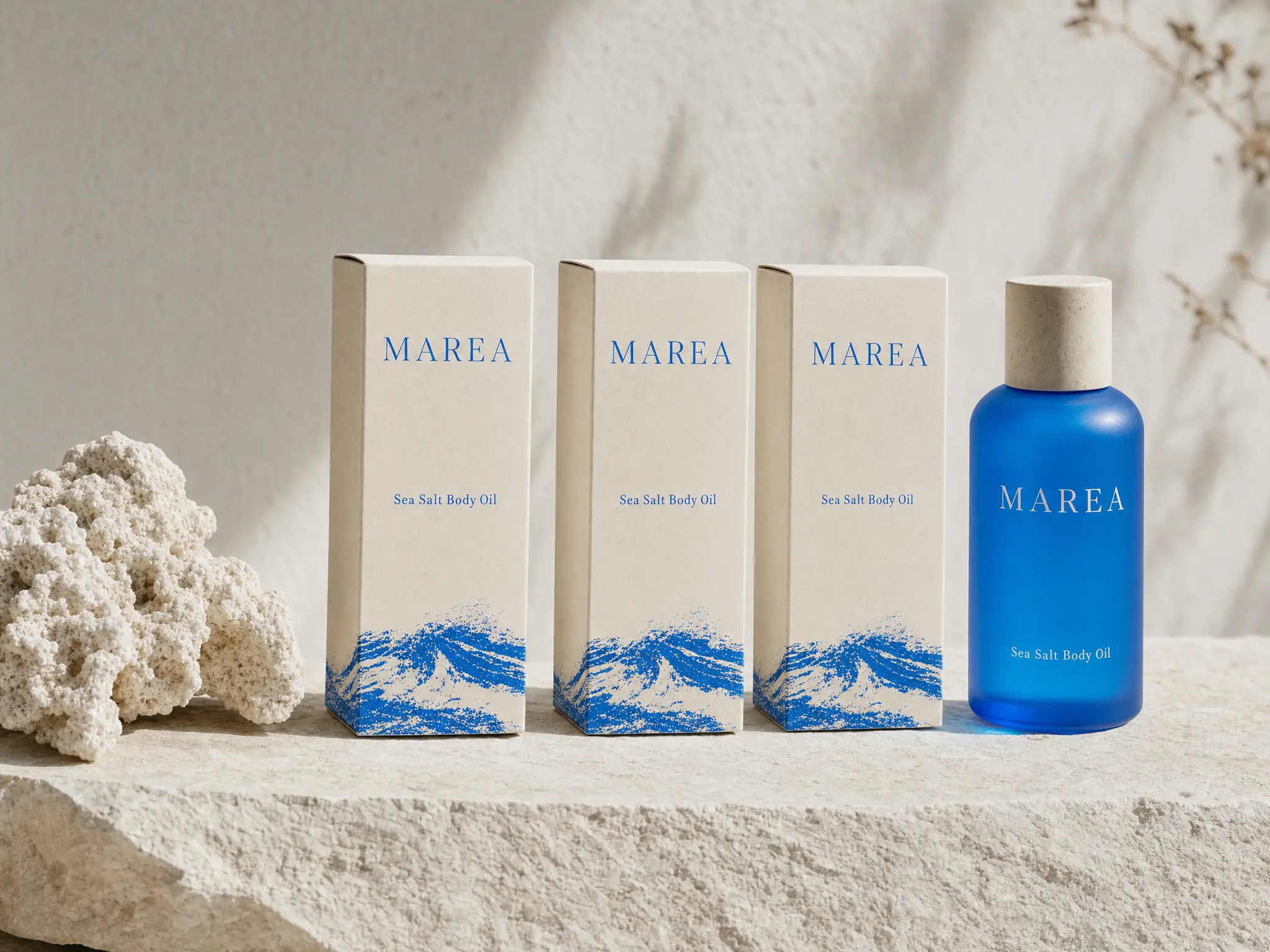
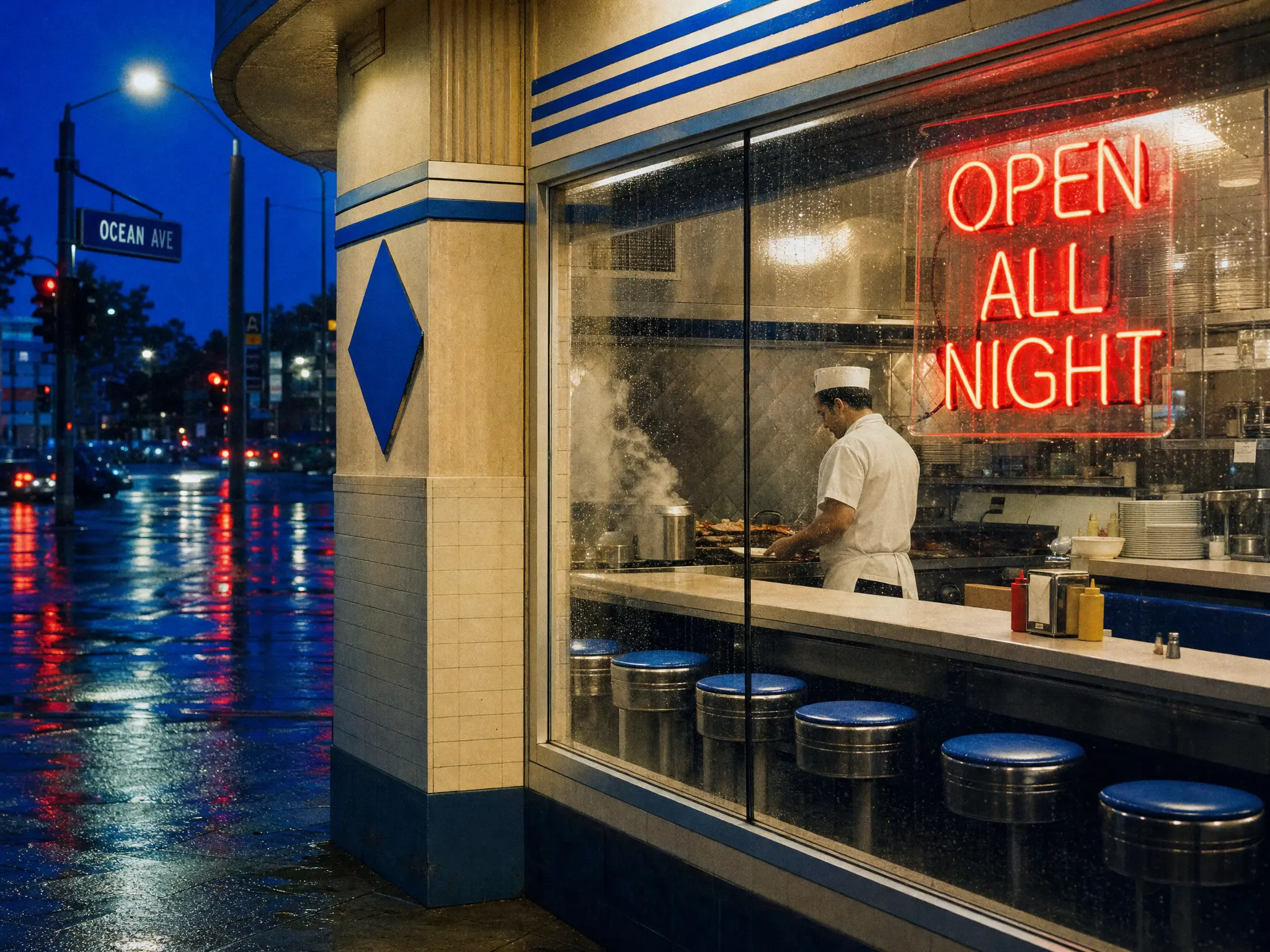
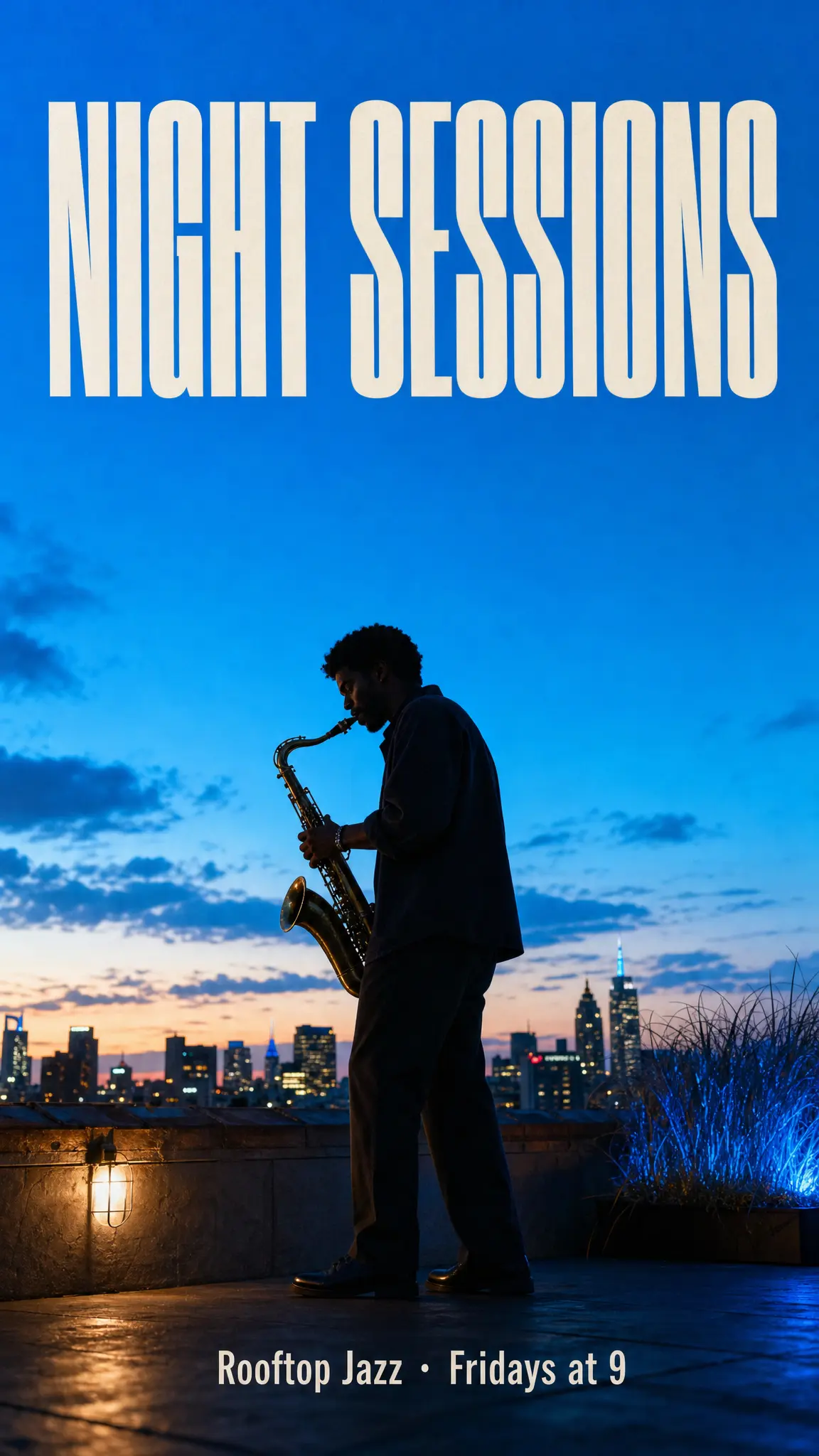
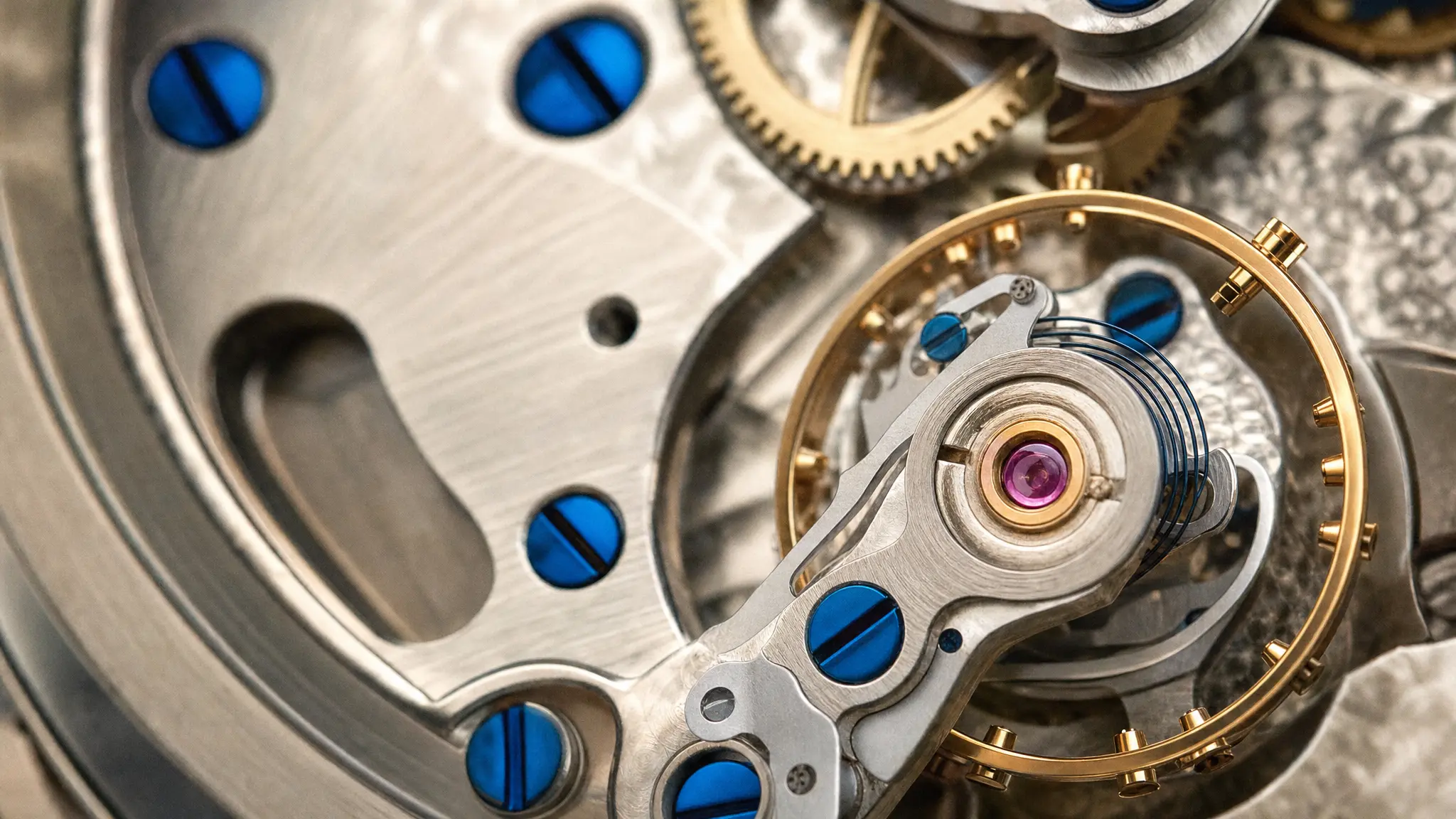
Start with a reference, or leave it open and generate from a prompt.
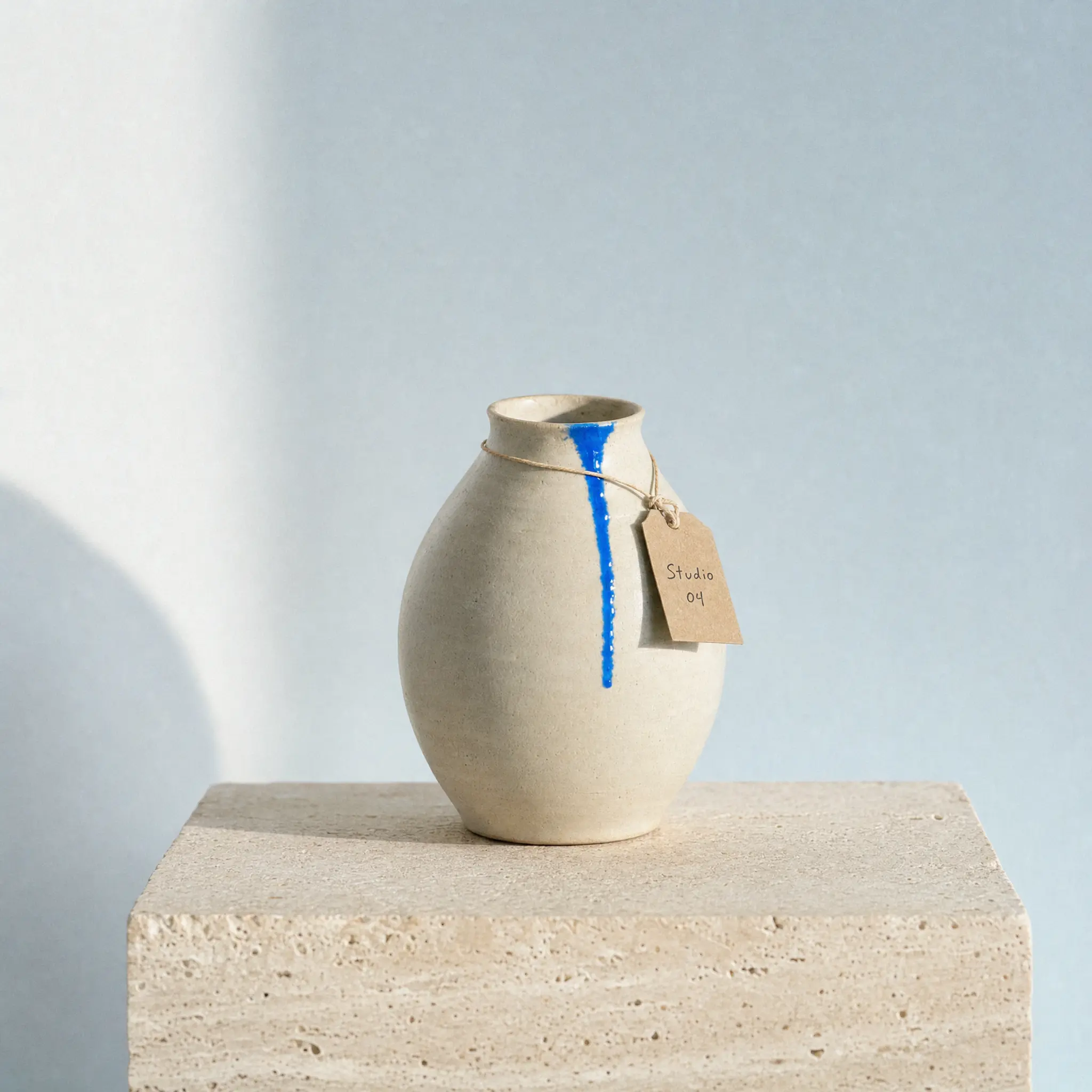
Put this vase on a travertine plinth in soft morning light, with a small paper tag that reads Studio 04.
GPT Image 2Name the subject, setting and light. One clear brief gets the idea moving.
Review the image, ask for another pass, and put the result to work.
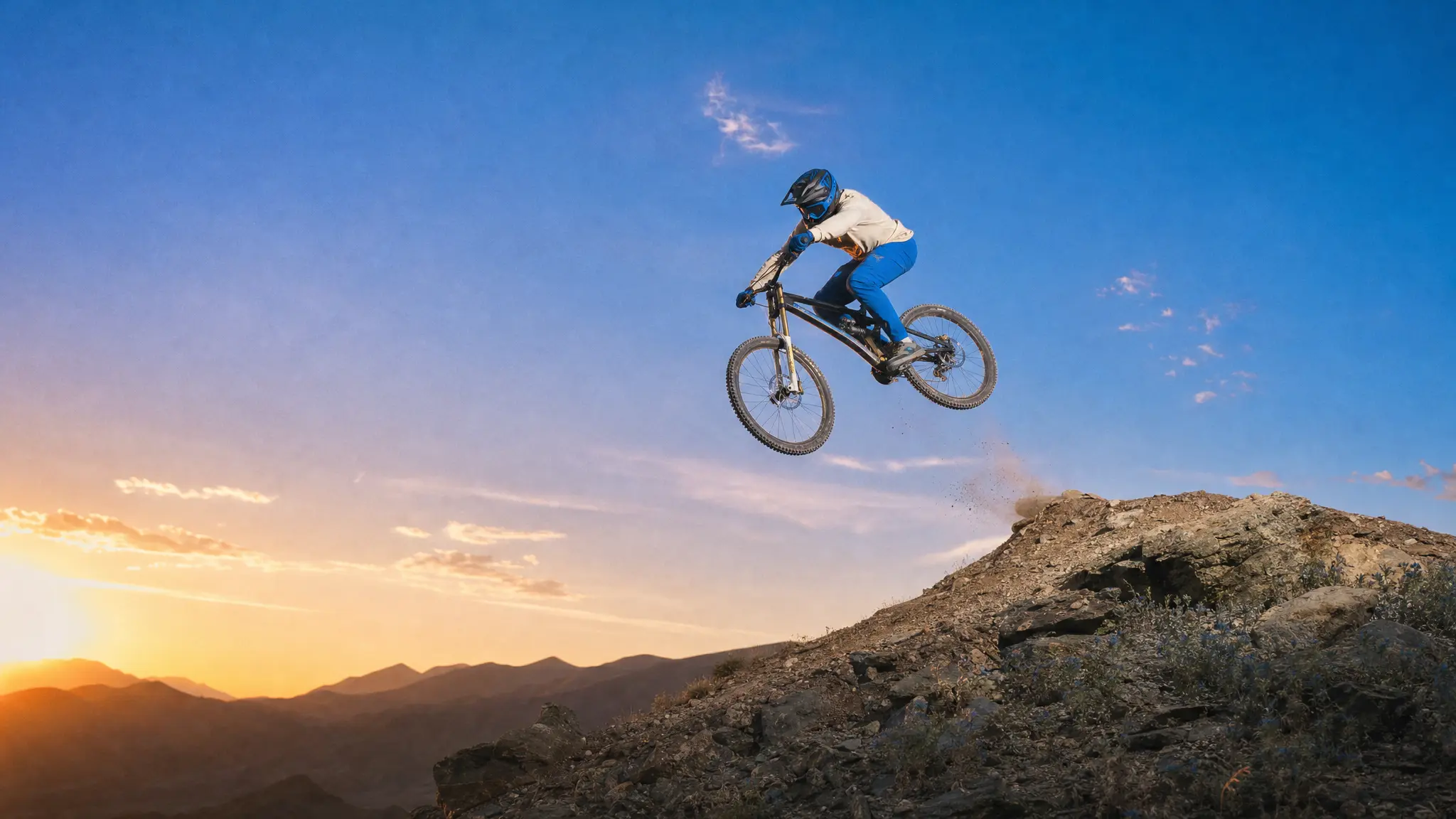
A rider in the air. Dust caught in the last light. Describe the action, the lens and the light, and GPT Image 2 composes the frame you had in mind.
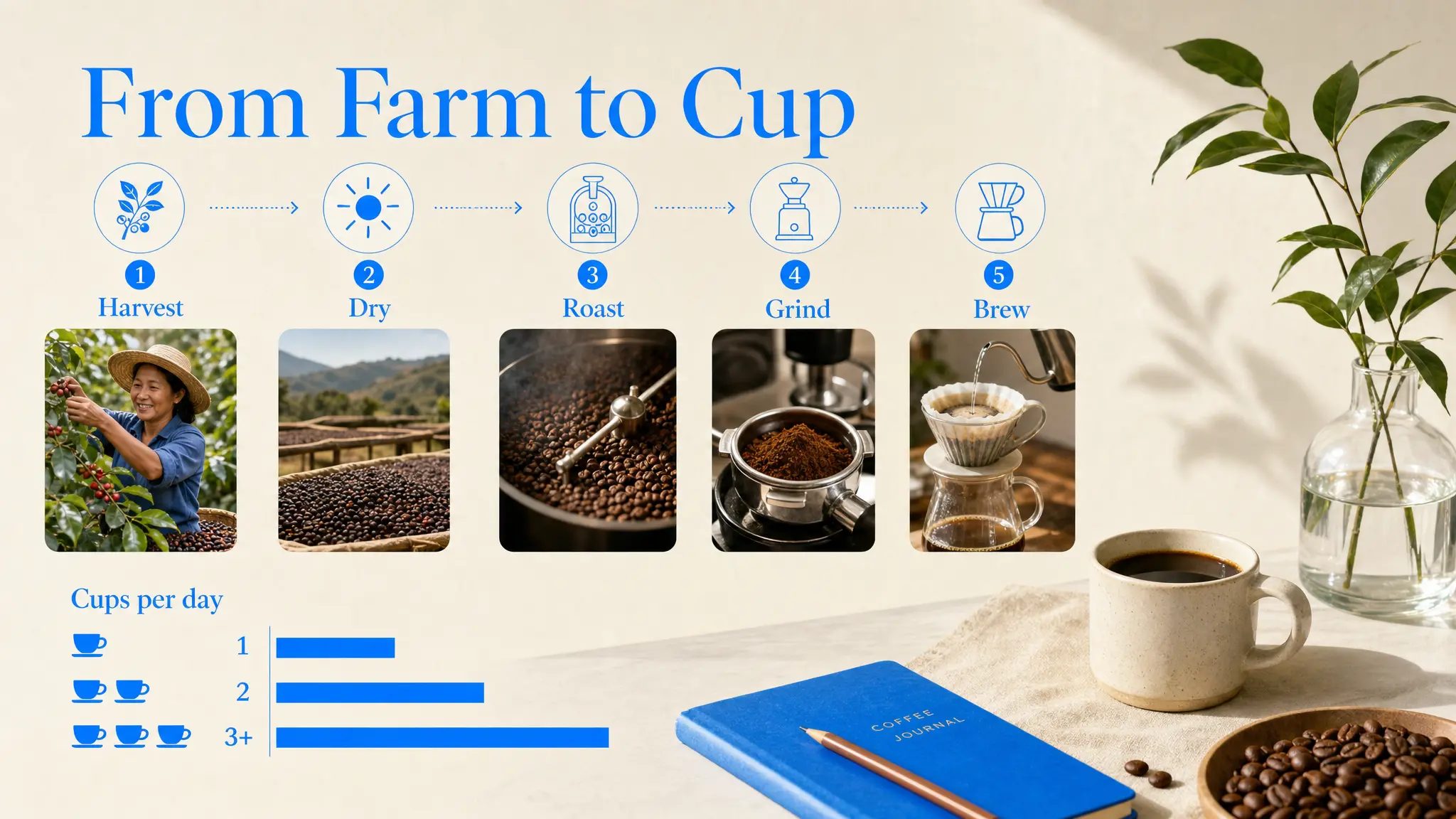
Infographics, charts and explainers with labels that read correctly. Give it the figures and the order, then check the text before you publish.
Menus, posters and campaign artwork with the words set in the language your audience reads. Ask for a second language and keep the layout.
Start creating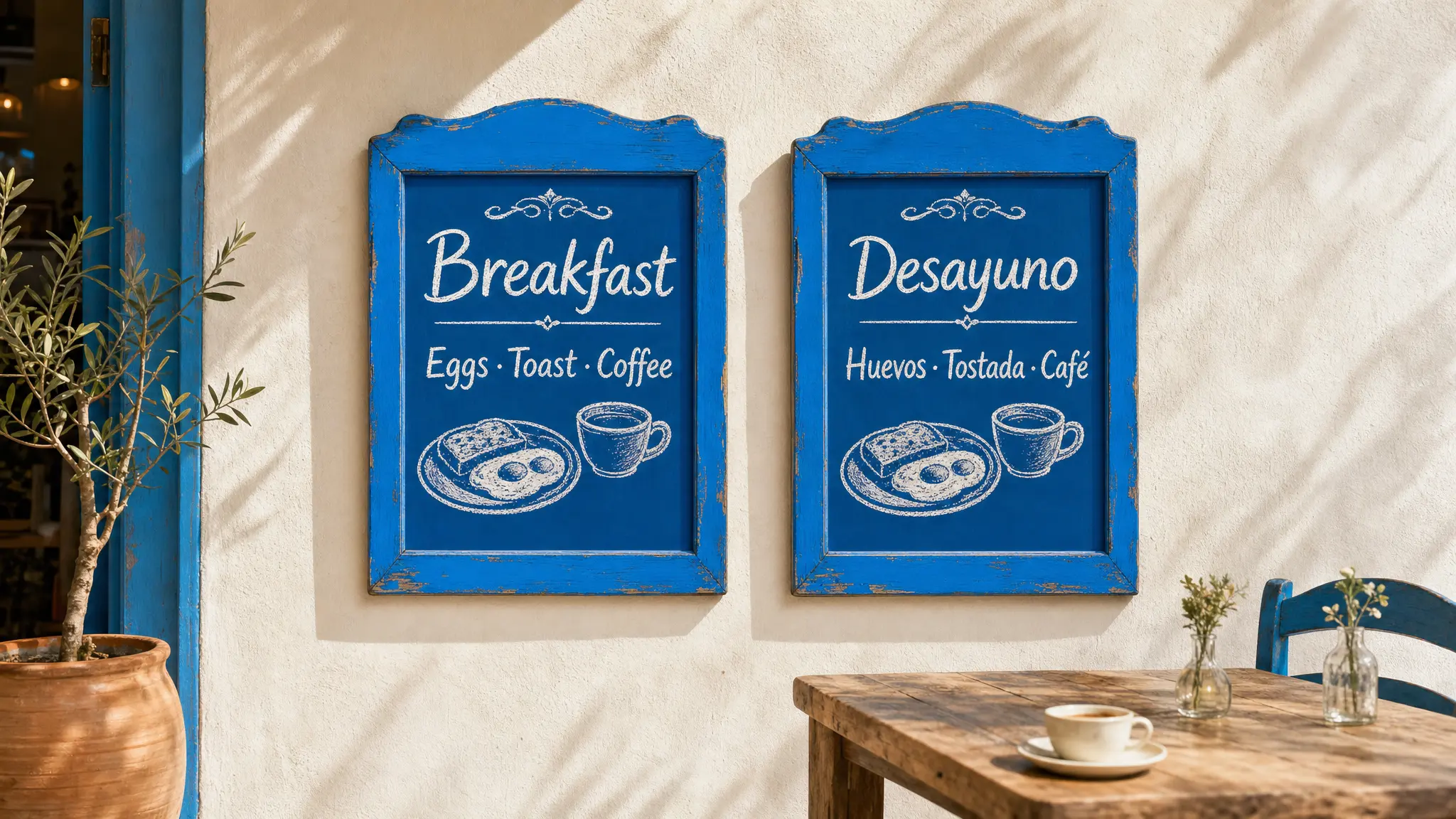
Explore the possibilities. Choose an image to see its prompt.
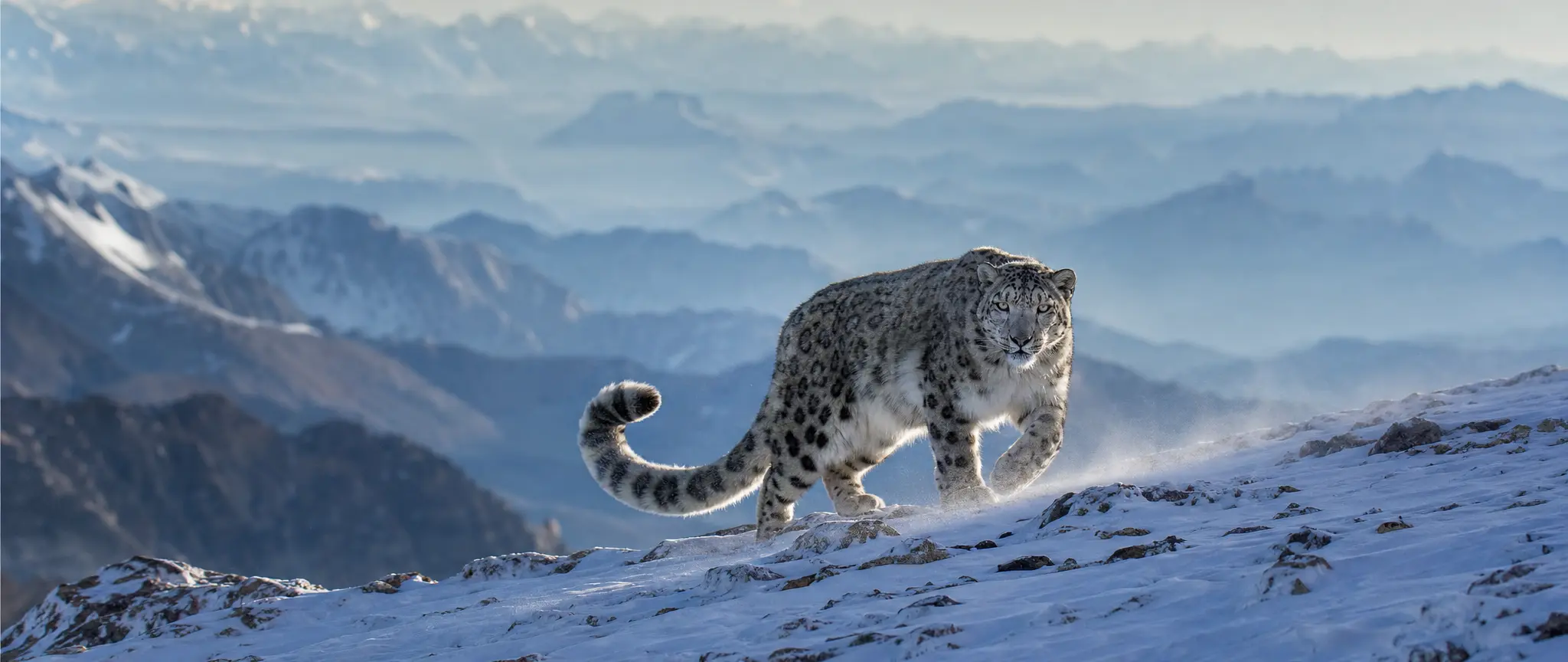
A snow leopard walking along a snowy ridge high in the Himalaya in soft morning light, its long thick tail curled behind it, mid-stride, head turned toward the camera, fine snow drifting off the ridge in the wind, layers of blue mountains fading into haze behind. Award-winning documentary wildlife photograph shot on a full-frame camera with a 600mm lens from a distance, natural light, true-to-life colour, real fur texture, shallow depth of field, fine natural grain, unposed and authentic. No CGI look, no oversaturation. No text, no logos, no watermark, no border, full bleed.
Bring your idea, shape the details and create something worth sharing.
Start generatingEvery plan runs the same agent. The difference is how much of it you use.
The whole agent, with a monthly credit allowance.
$18.33
per month
$55 every 3 months
Upgrade to ProPrices in US dollars; the app shows yours in your currency. EverAsk for Teams: pooled credits and shared seats, from three seats. Talk to us
GPT Image 2 is OpenAI's image model. It follows long, detailed prompts closely, renders text inside images and edits images from plain-language instructions. It is one of the image models in EverAsk.
Yes. Write the exact words in your prompt, in quotes if you like, and say where they go. Check the result before you publish, and ask for a fix if a word comes out wrong.
Yes. Upload it, describe the change, and GPT Image 2 edits that part while keeping the rest of the picture.
No. GPT Image 2 runs on your EverAsk plan alongside the other image models, on one bill.
Images you generate are yours to use, subject to the model provider's terms of service.
Run one prompt across the frontier image models on the train, and pick the winner on your phone. Every image you make here is on your phone.
Download on the App StoreEvery image model on your desktop, with the references and brand files you already have to hand.
Download for macOS