
AI headshot generator
Studio-quality headshots from the selfies on your phone.
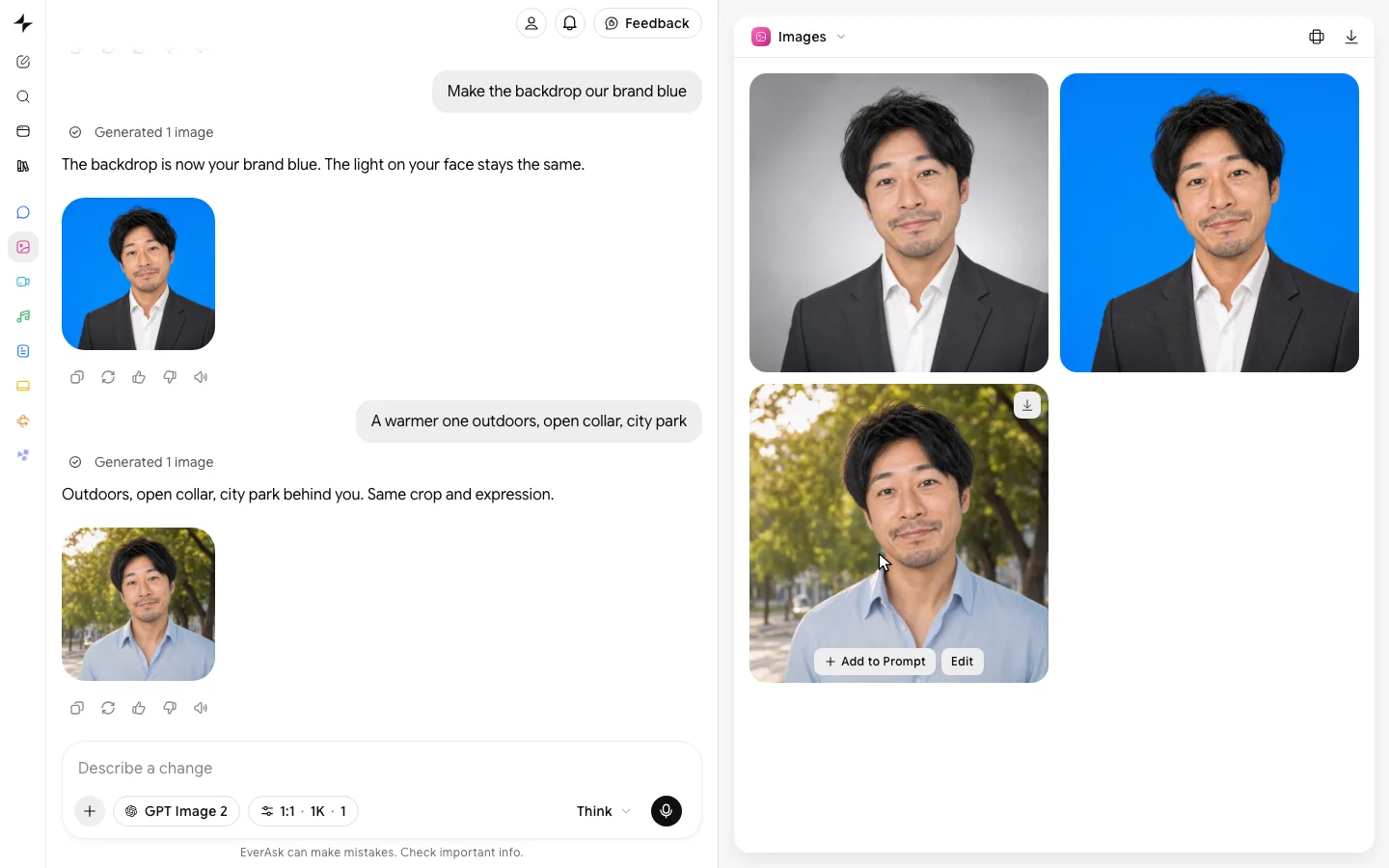
Examples
Live, and from a few selfies.
- From one prompt
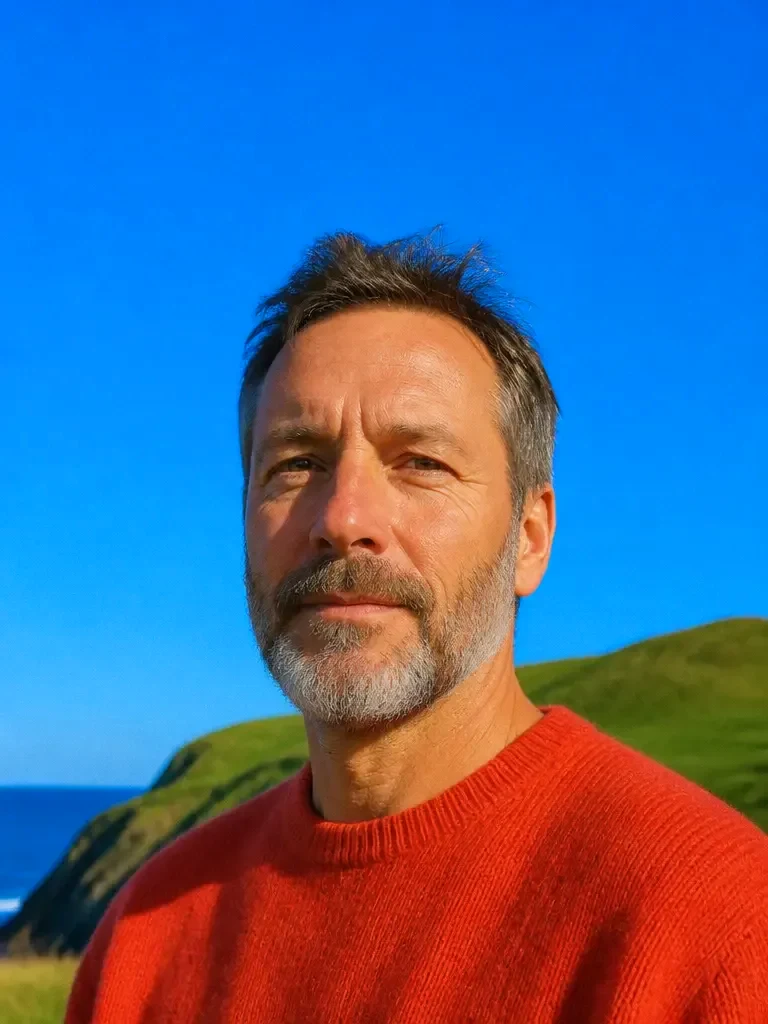
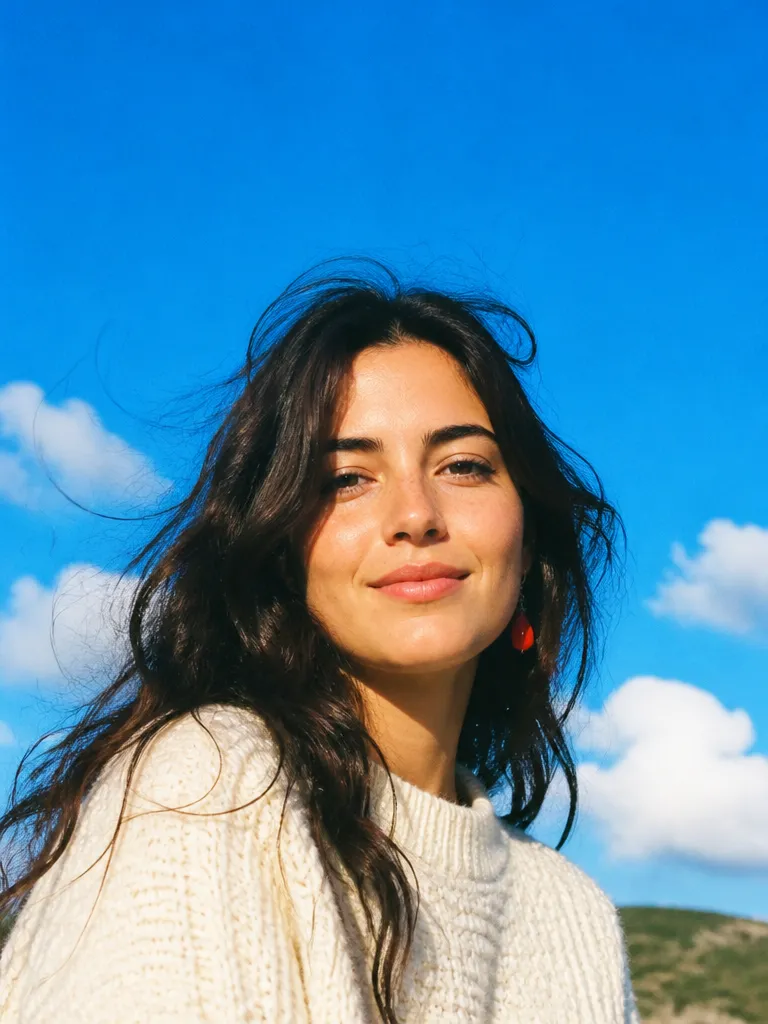
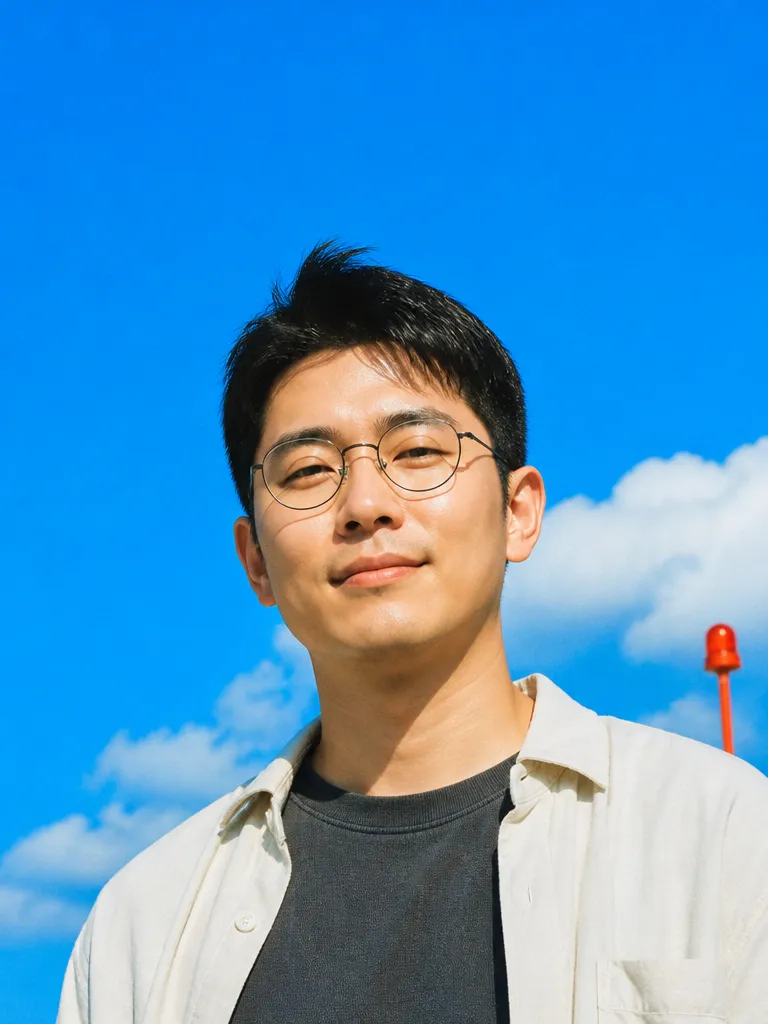 Describe the headshot
 - Cropped for every profile
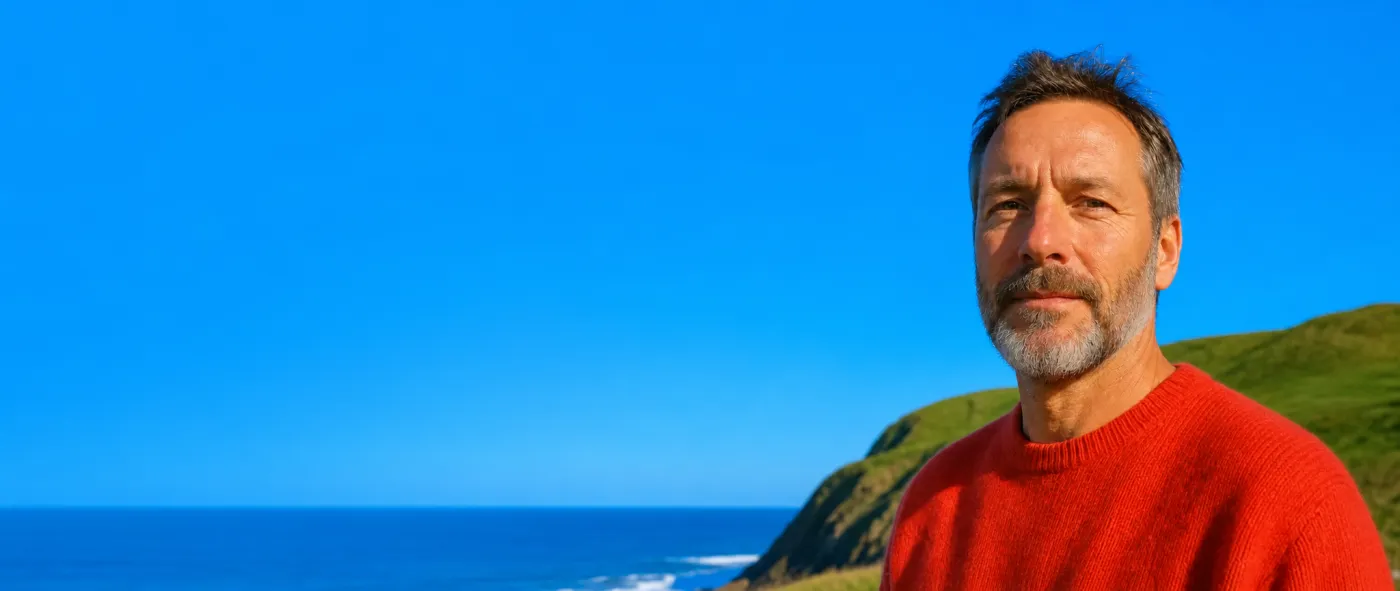 Profile 1:1Story 9:16Banner 2:1
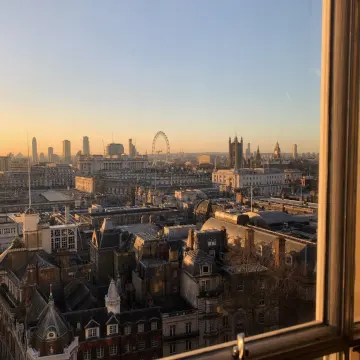
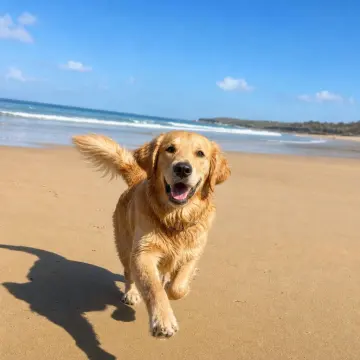
 - Straight into your profilesDaniel ReyesHead of Product at NorthwindLondon · 500+ connectionsConnectMessage128posts4.2kfollowers310followingdanielreyesProduct @ Northwind · London
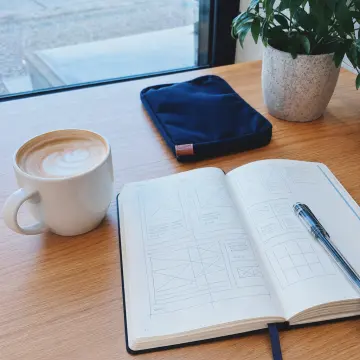
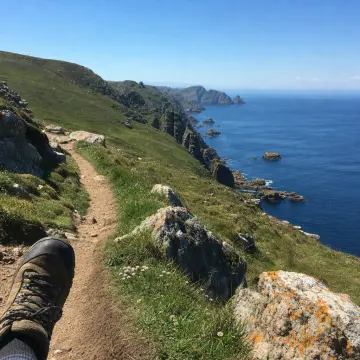
 # product-team12 members
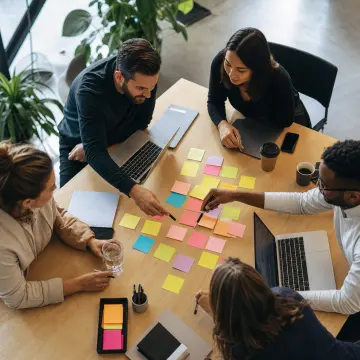
 Priya Shah 10:41Roadmap review moved to 3pm.Daniel Reyes 10:42Works for me. I'll bring the Q3 numbers.
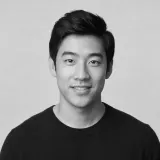 Tom Lee 10:43Great, see you both then.LinkedInInstagramTeam chat
 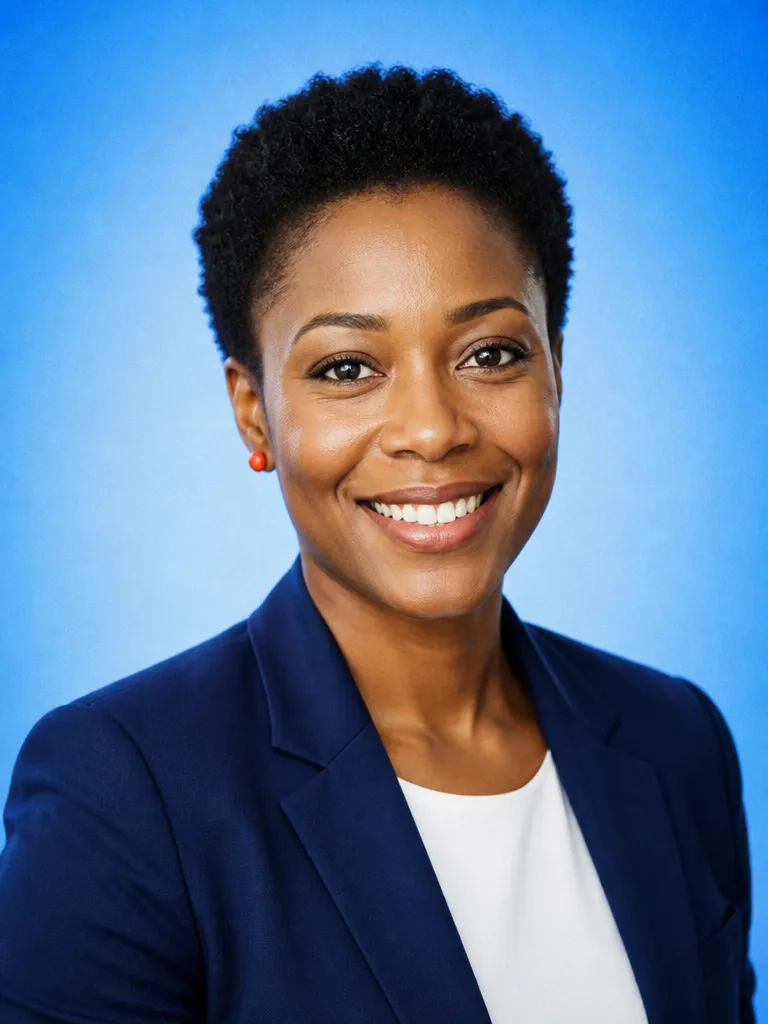 Corporate
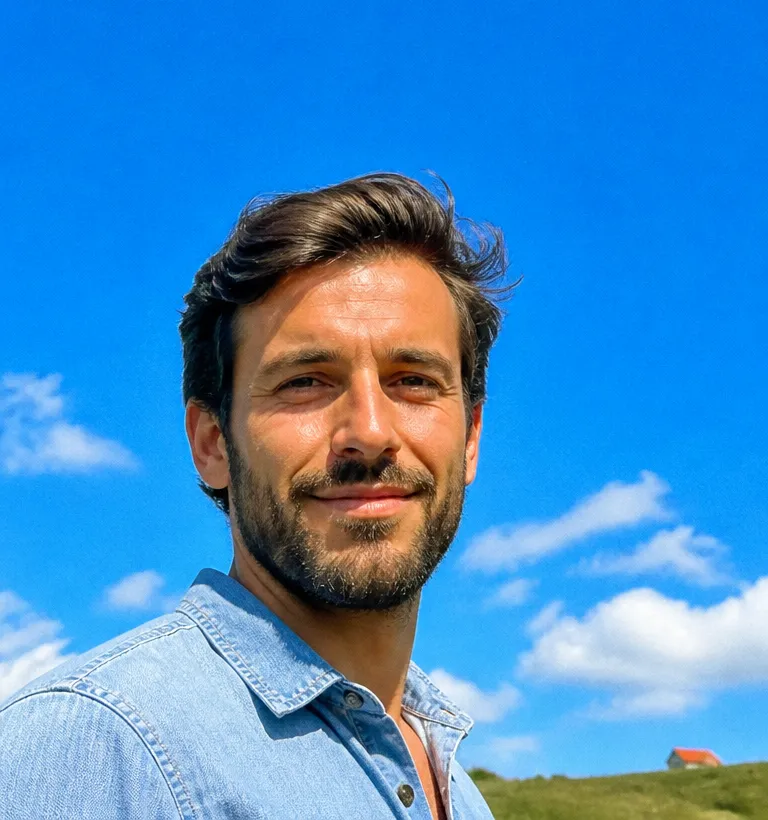 Outdoor
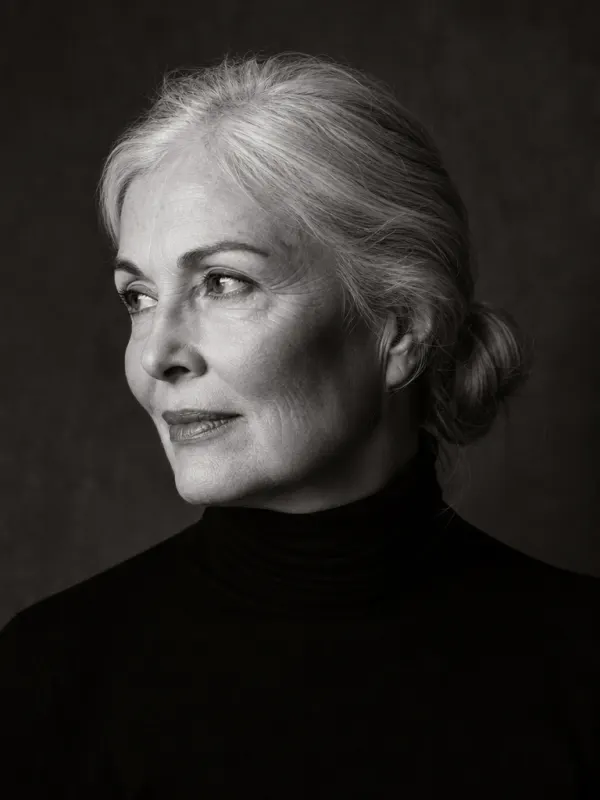 Editorial
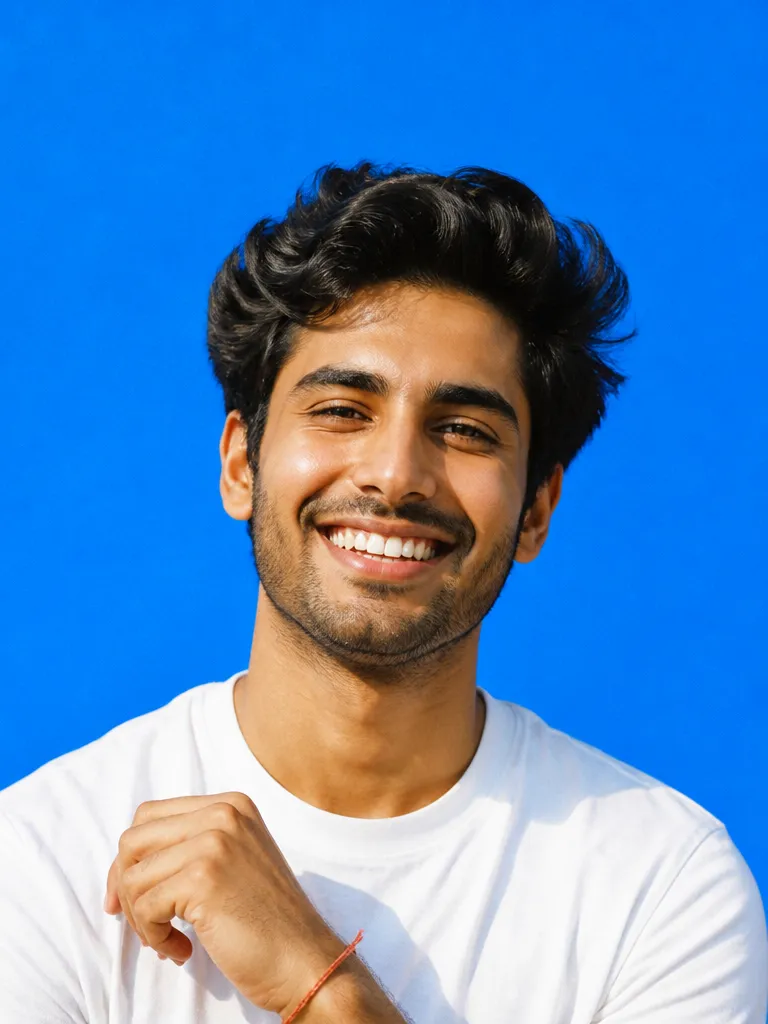 Brand colour
How it works
Upload 6–15 photos
Ordinary photos work. Vary the angle, the lighting and the expression a little, that variety is what keeps the result looking like you rather than like an average of you.
Choose the look
Backdrop, outfit, lighting and crop. Corporate grey, outdoor natural light, editorial black-and-white, or a specific brand colour behind you.
Pick and export
Review a batch, keep the ones that work, and regenerate the rest with a note. Export at print resolution, square for profiles, or cropped for a speaker page.
Features
Likenessthat holds
Learn more about likeness that holdsHands, earsand collars
Learn more about hands, ears and collarsConsistentacross a team
Learn more about consistent across a teamCrops for everyplacement
Learn more about crops for every placementRetouchingyou control
Learn more about retouching you controlYour photosstay yours
Learn more about your photos stay yours
Who it’s for
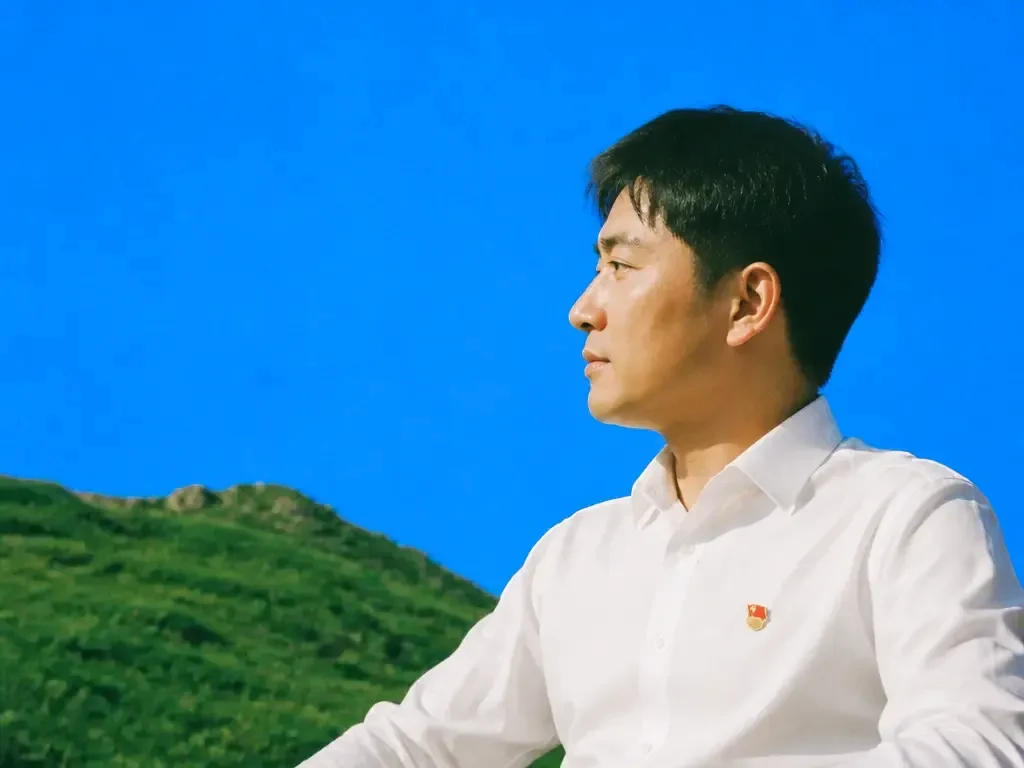
LinkedIn and professional profiles
A current, consistent headshot for every profile, without booking a photographer or borrowing a white wall.
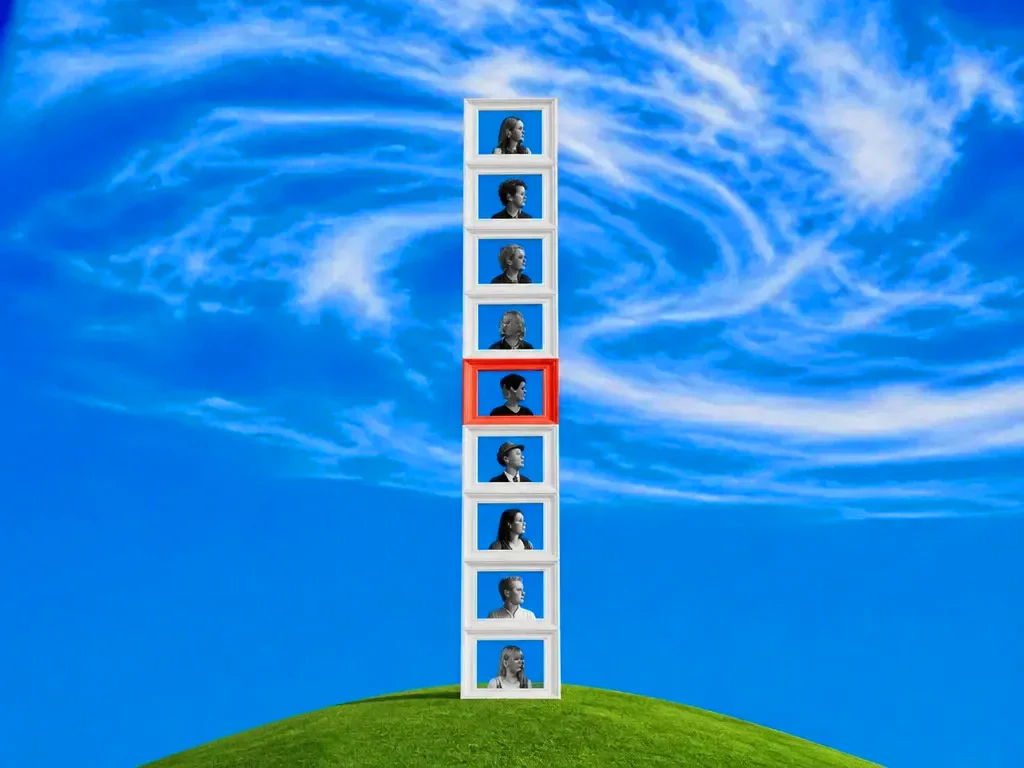
Remote teams
Give a distributed team matching headshots for the website and the deck, shot in the same imaginary studio.
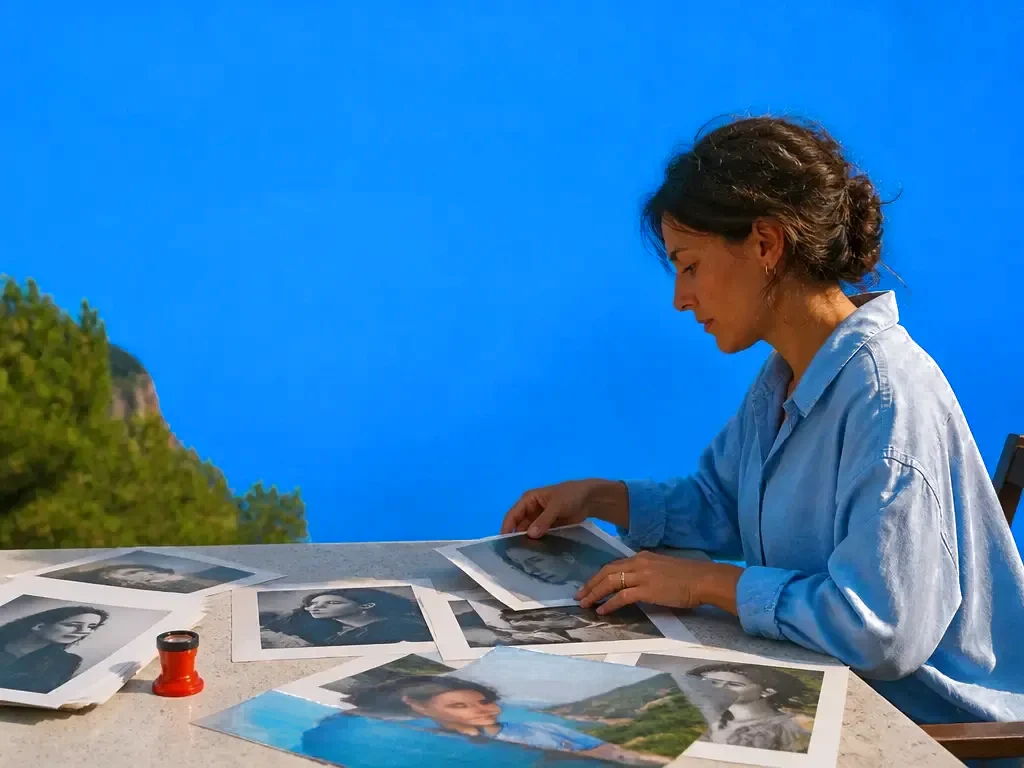
Speakers, authors and press kits
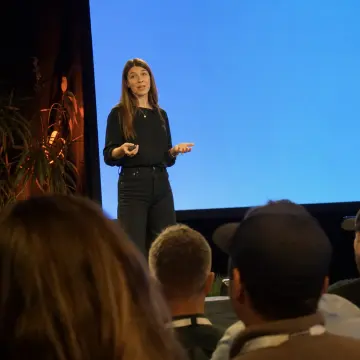
A set of crops and treatments, colour, black and white, wide, square, from one upload.
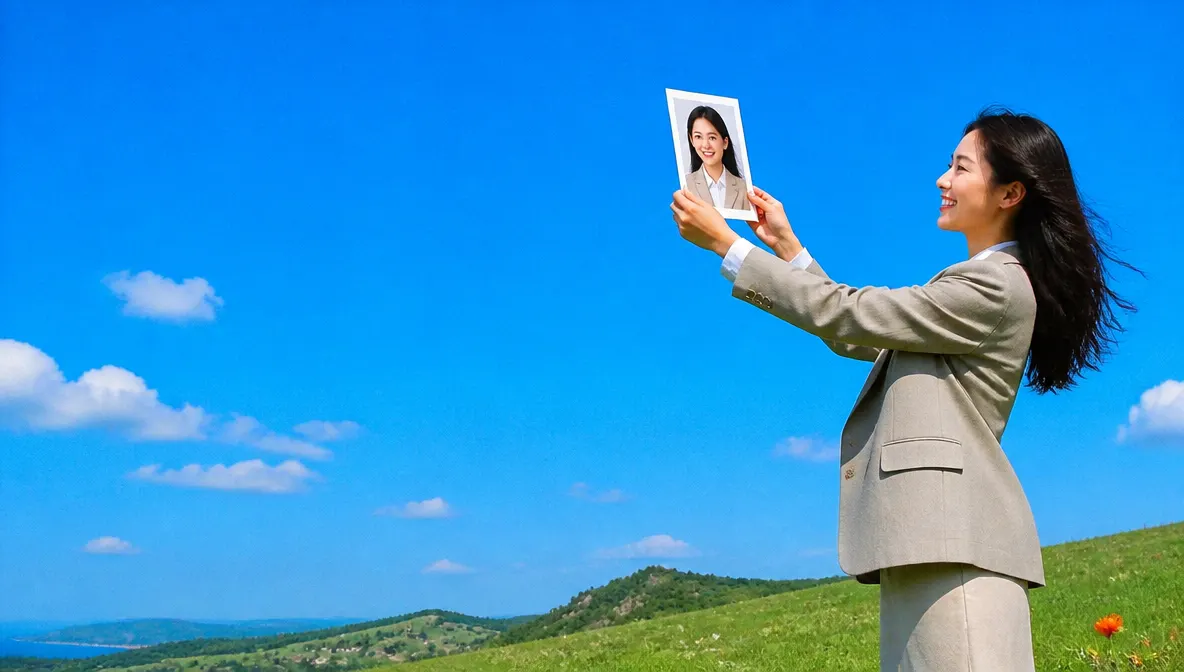
Graduates and job seekers
A polished first headshot for the CV, the portfolio and the application portal, before the first interview.

Founders and small teams
Headshots for the About page, the pitch deck and every sales profile, matched across the team in an afternoon.
Frequently asked questions
How many photos do I need to upload?
Six to fifteen. More variety in angle and lighting produces a better likeness than more photos taken in one burst.
Will it actually look like me?
That is the thing it optimises for. Facial structure, skin tone and distinguishing features are preserved. If a result drifts, flag it and regenerate, the tuning carries forward.
How long does it take?
Minutes for a first batch, not hours. You can regenerate individual shots without rerunning the whole session.
Can I use the headshots commercially?
Yes. Images you generate are yours to use, including on company sites, press kits and printed material. There is no watermark.
What happens to my uploaded photos?
They are used only to generate your headshots. You can delete the session at any time, which removes the source images.
Can I do a whole team at once?
Yes. Save a preset for backdrop, lighting and crop, then run each person through it so the whole set matches.
One prompt in.
Real work out.
Studio-quality headshots from the selfies on your phone.
EverAsk on your phone and your Mac
EverAsk for iPhone
Describe the picture on the train, pick the model, and post it from your phone. Every image you make here is on your phone.
Download on the App Store

EverAsk for Mac
AI Images on your desktop, with the reference photos and brand files you already have to hand.
Download for macOS