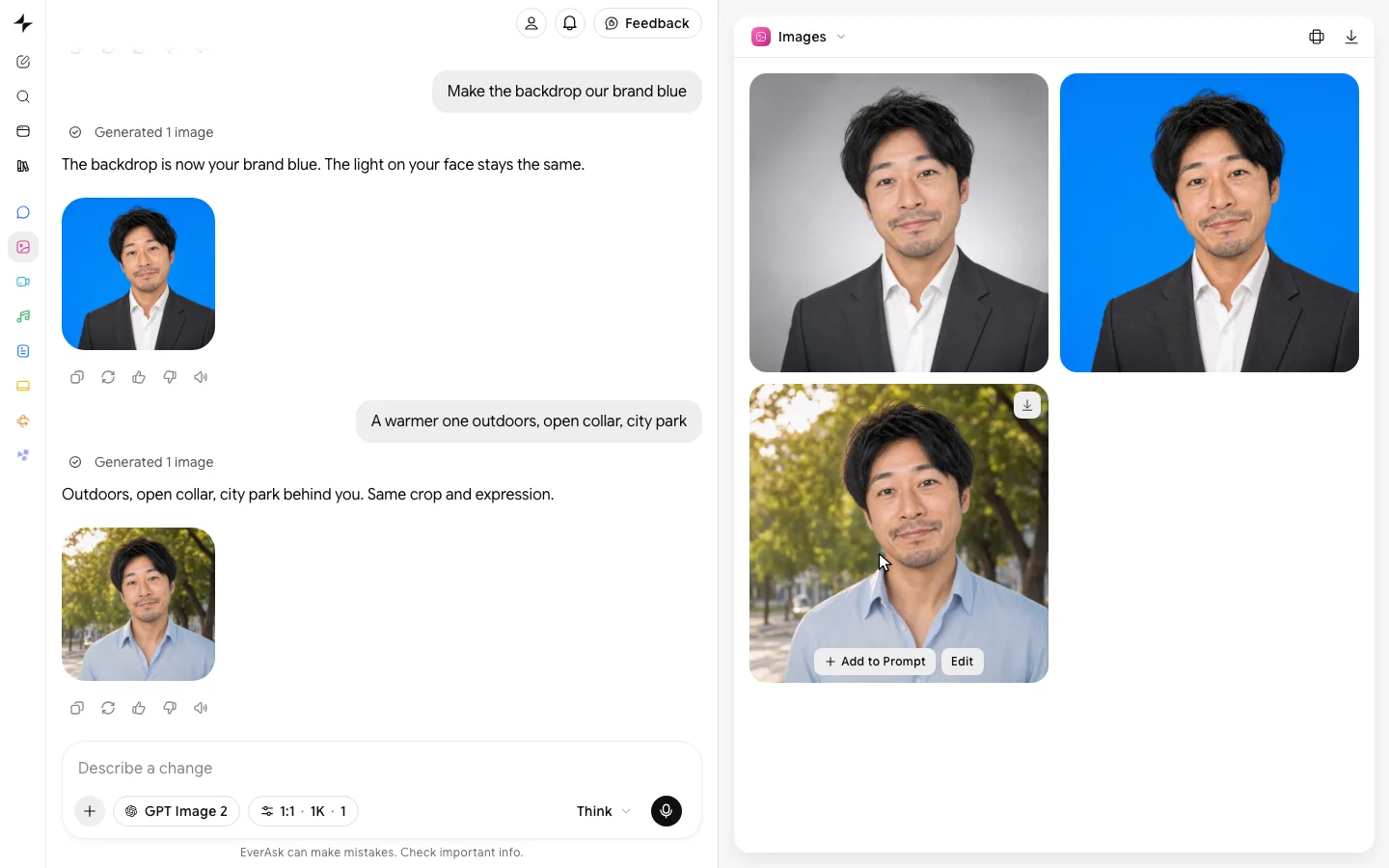
AI LinkedIn headshot
A profile photo that still reads at thumbnail size.
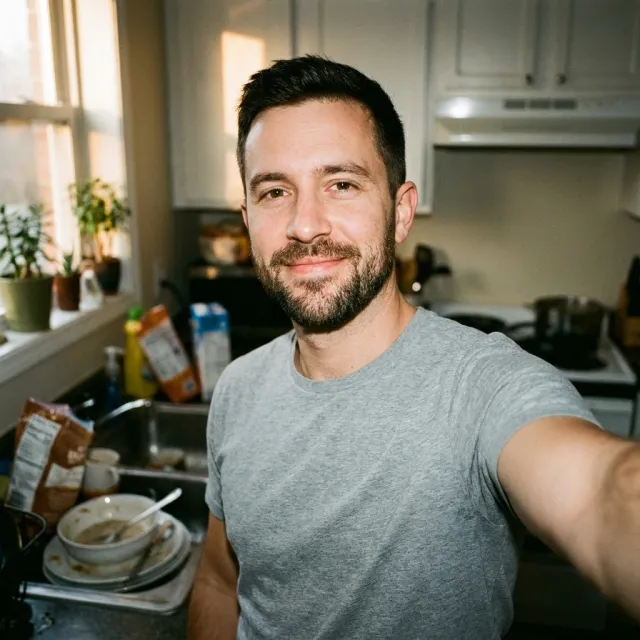 selfie.jpgUploaded
Eight years turning messy problems into calm, useful products. Looking for my next team in product leadership.
Examples
Profile-ready, from a selfie.
- From one prompt

 Describe the headshot
 - Selfie to headshot

 SelfieHeadshot
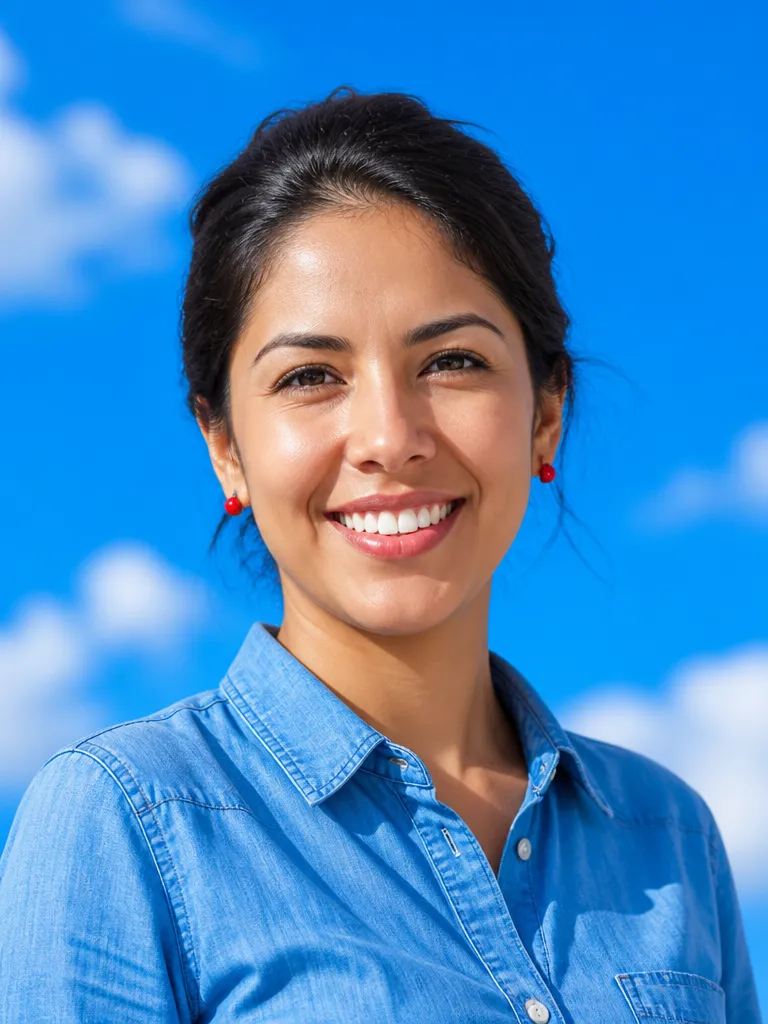
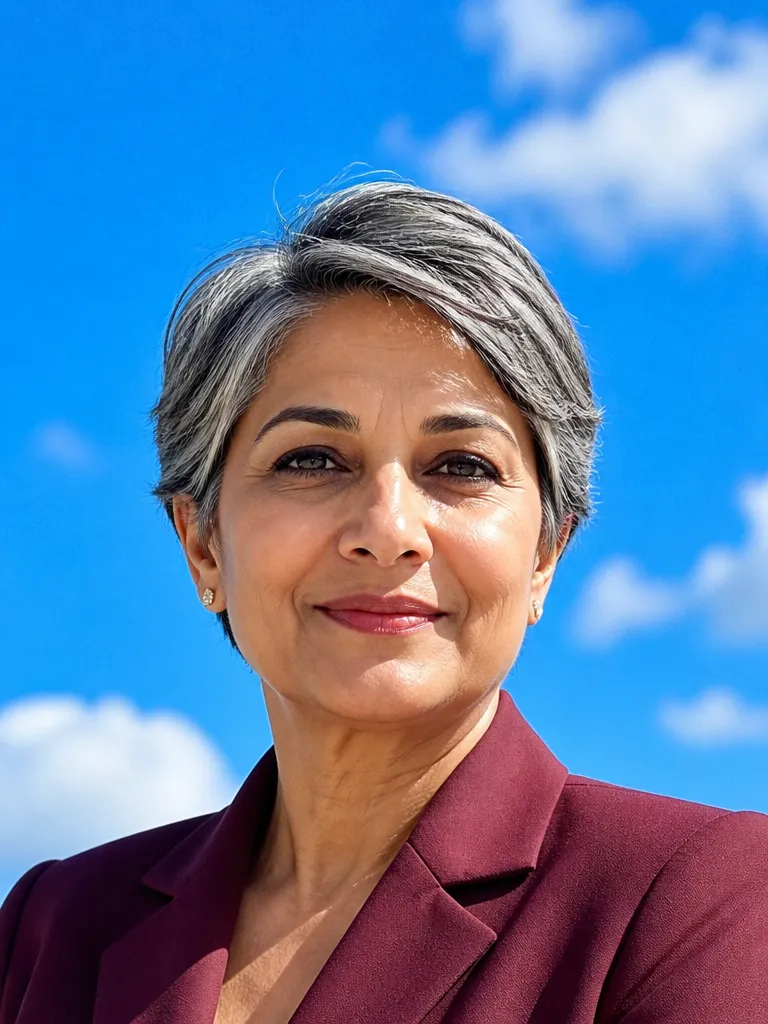
 - Every backdrop, on your profile
 Mark EllisonChief Operating Officer at NorthwindBoston · 500+ connectionsConnectMessageSky


 Healthcare
 Engineering
 Finance
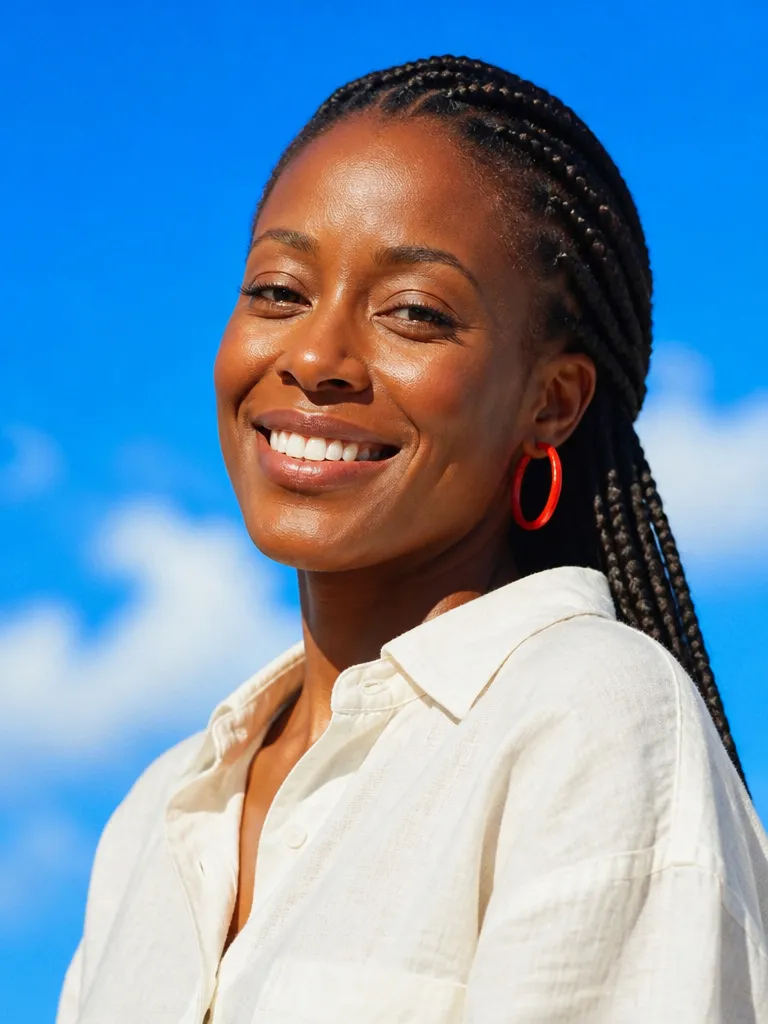 Creative
How it works
Upload a few selfies
Six to fifteen everyday photos with some variety in angle and light. EverAsk uses them to hold your likeness, then builds the profile shot from there.

Set the tone for your field
A lawyer, a designer and a founder read differently on LinkedIn. Choose how formal to go, what to wear and what sits behind you, from office to plain colour to outdoors.

Check it small, then upload
Preview every option inside the circle at the sizes LinkedIn actually shows it, keep the one that still reads, and download the photo and banner ready to upload yourself.
Features
Cropped forthe circle
Learn more about cropped for the circleLegible atthumbnail size
Learn more about legible at thumbnail sizeA banner thatbelongs with it
Learn more about a banner that belongs with itTuned to yourindustry
Learn more about tuned to your industryOne lookacross a team
Learn more about one look across a teamStillunmistakably you
Learn more about still unmistakably you
Who it’s for
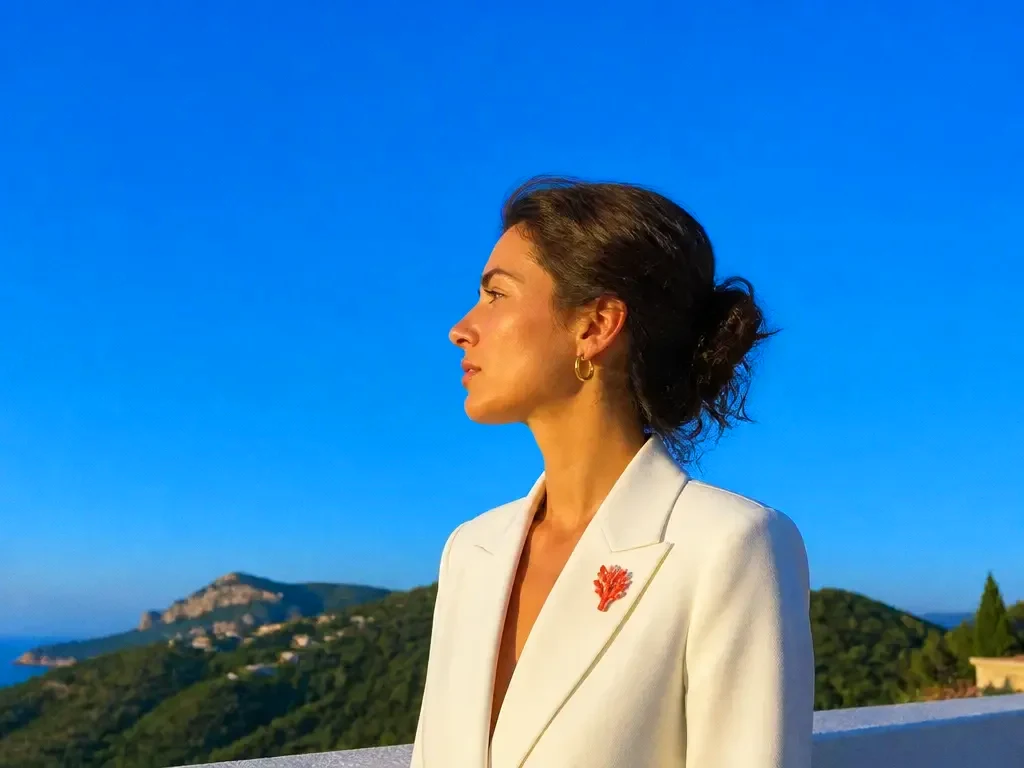
Job search
A current, credible photo in place before recruiters start viewing your profile, without booking a photographer for a single image.
Sales and client-facing teams
Matching profile photos for everyone who reaches out to prospects, so the team reads as one company in every inbox and search result.

A new role or a rebrand
Refresh the photo and banner together when your title, company or positioning changes, so the whole profile tells one story.
Frequently asked questions
How is this different from the AI headshot generator?
The headshot generator produces a full set of crops for websites, press and print. This is tuned for one job: a LinkedIn photo and banner that work at the sizes LinkedIn displays them.
Does EverAsk post to my LinkedIn profile?
No. You download the photo and banner and upload them to your profile yourself. EverAsk never needs access to your LinkedIn account.
Will it actually look like me?
That is the first constraint. Facial structure, skin tone and details like glasses or freckles are preserved, and you can regenerate any shot that drifts.
What should I wear in the photo?
Choose it in the prompt. EverAsk suggests options that suit your field and swaps outfits without changing your face, so you can compare a blazer against a knit side by side.
Can I do my whole team?
Yes. Save a preset for background, light and framing, then run each person through it so every profile on the team matches.
One prompt in.
Real work out.
A profile photo that still reads at thumbnail size.
EverAsk on your phone and your Mac
EverAsk for iPhone
Describe the picture on the train, pick the model, and post it from your phone. Every image you make here is on your phone.
Download on the App Store

EverAsk for Mac
AI Images on your desktop, with the reference photos and brand files you already have to hand.
Download for macOS