AI icon generator
Icon sets that match, ready as SVG and PNG.
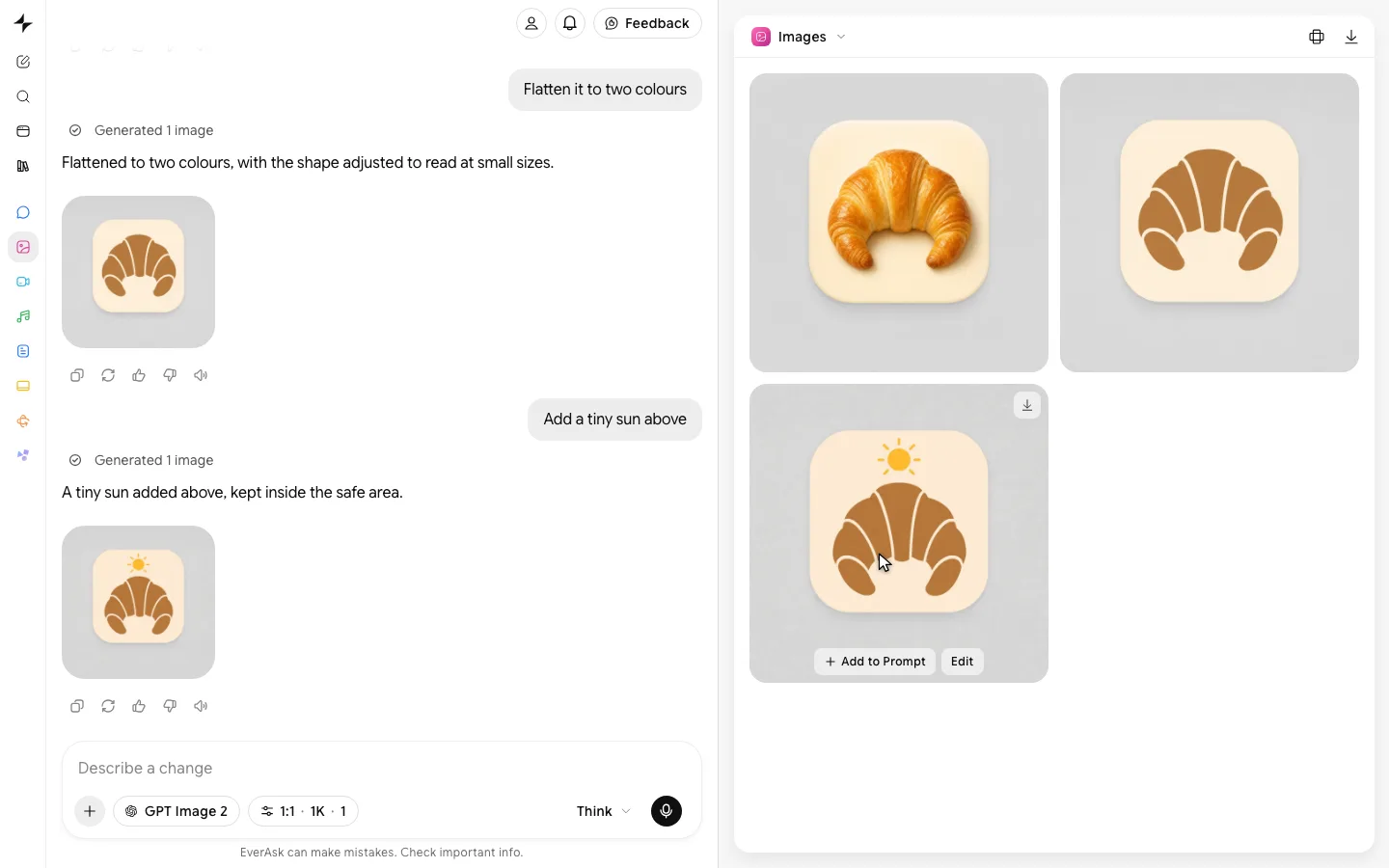
Examples
One grid, one stroke, every icon.
- From one prompt


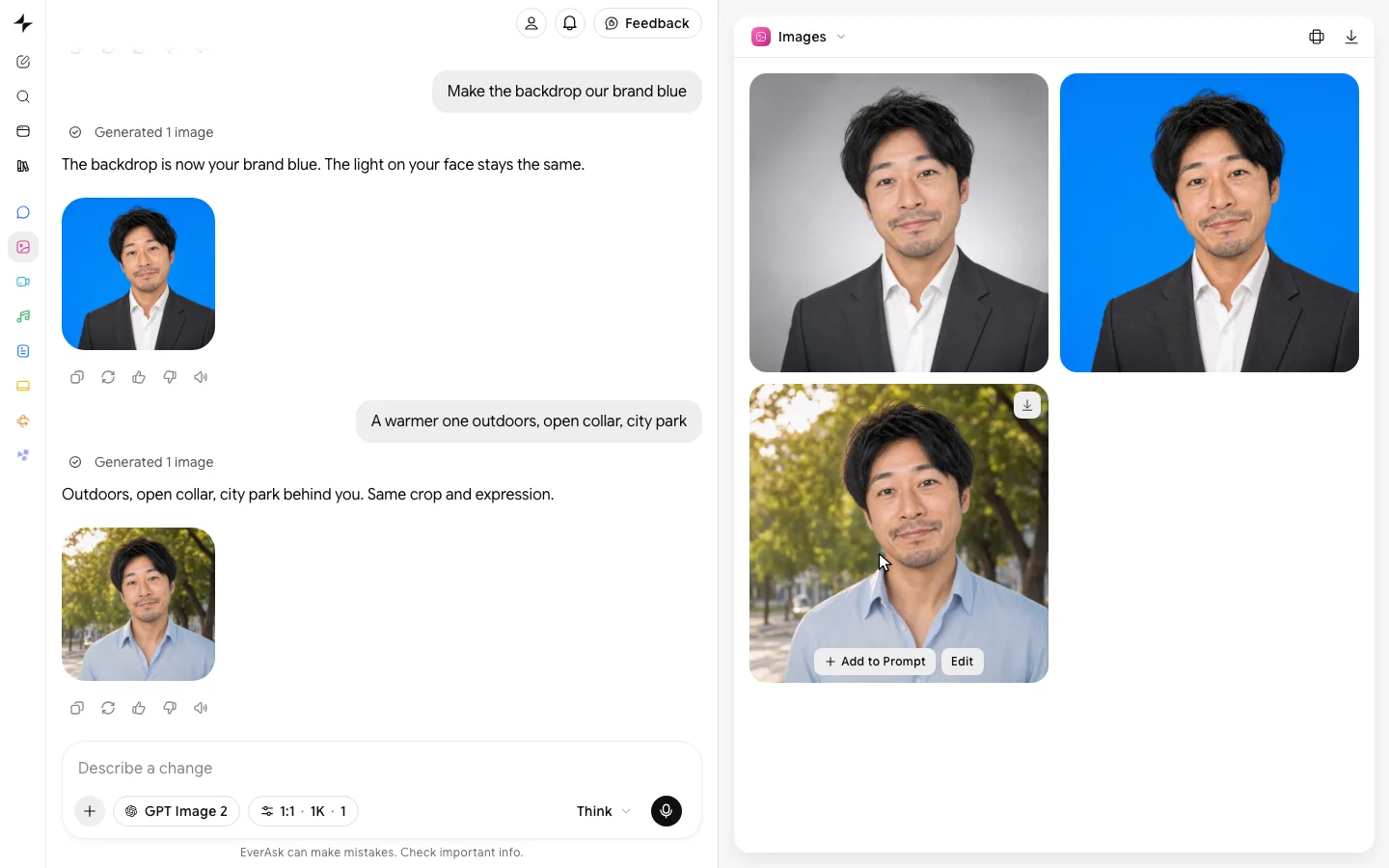
 Describe the headshot
 - Outline to filled

 OutlineFilled
 - Every style
 Outline
 Filled
 Duotone
 3DHome4 styles
  App
App Website
 Slides
 Signage
How it works

List what you need
Name the icons, or describe the product and let EverAsk suggest the set. Pick a style: outline, filled, duotone, glyph or 3D.
Lock the style
Approve the first few and the stroke weight, corner radius and grid are fixed, so every icon you add after looks like it was drawn with them.

Export the set
Download SVG for code and design files, PNG at every size you need, and an app icon in the sizes iOS and Android ask for.
Features
Sets thatmatch
Learn more about sets that matchRealSVG
Learn more about real svgClear at16 pixels
Learn more about clear at 16 pixelsEverystyle
Learn more about every styleApp iconsincluded
Learn more about app icons includedIn yourcolours
Learn more about in your colours
Who it’s for

Product designers
Fill the gaps in an icon library in the same style, without hunting through five icon packs that almost match.

Developers and founders
A full set for an MVP, as SVG ready for the code, in an afternoon instead of a design sprint.

Marketing and slides
Feature grids, pricing tables and slides with icons that match each other and the brand.
Frequently asked questions
Are the icons real SVG files?
Yes. Icons export as clean vector SVG you can edit, recolour and scale, plus PNG at any size.
Will all the icons match?
Yes. Once the style is set, stroke weight, corner radius and grid are kept for every icon in the set, including ones you add later.
Can it make an app icon?
Yes. Design one app icon and export it at every size iOS and Android need, with the safe zone respected.
What styles can I choose?
Outline, filled, duotone, glyph, flat colour and soft 3D. You can also upload a few existing icons and EverAsk matches their style.
Can I use the icons commercially?
Yes. Icons you make are yours to use in your products, sites and marketing.

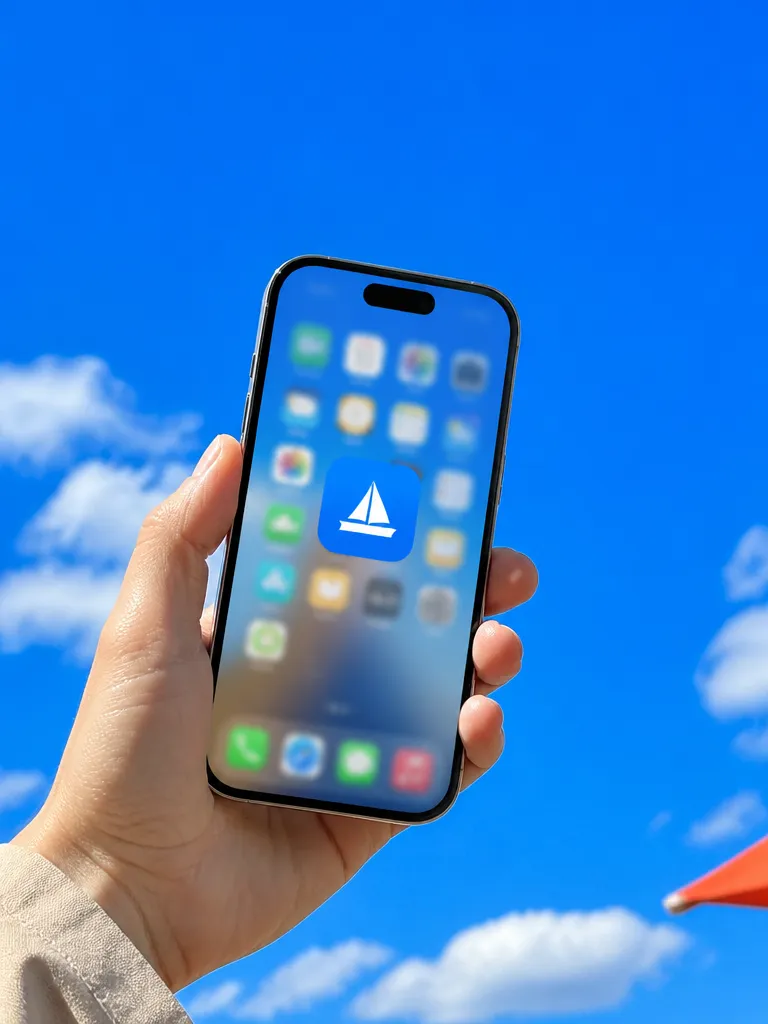
EverAsk on your phone and your Mac
EverAsk for iPhone
Describe the picture on the train, pick the model, and post it from your phone. Every image you make here is on your phone.
Download on the App Store

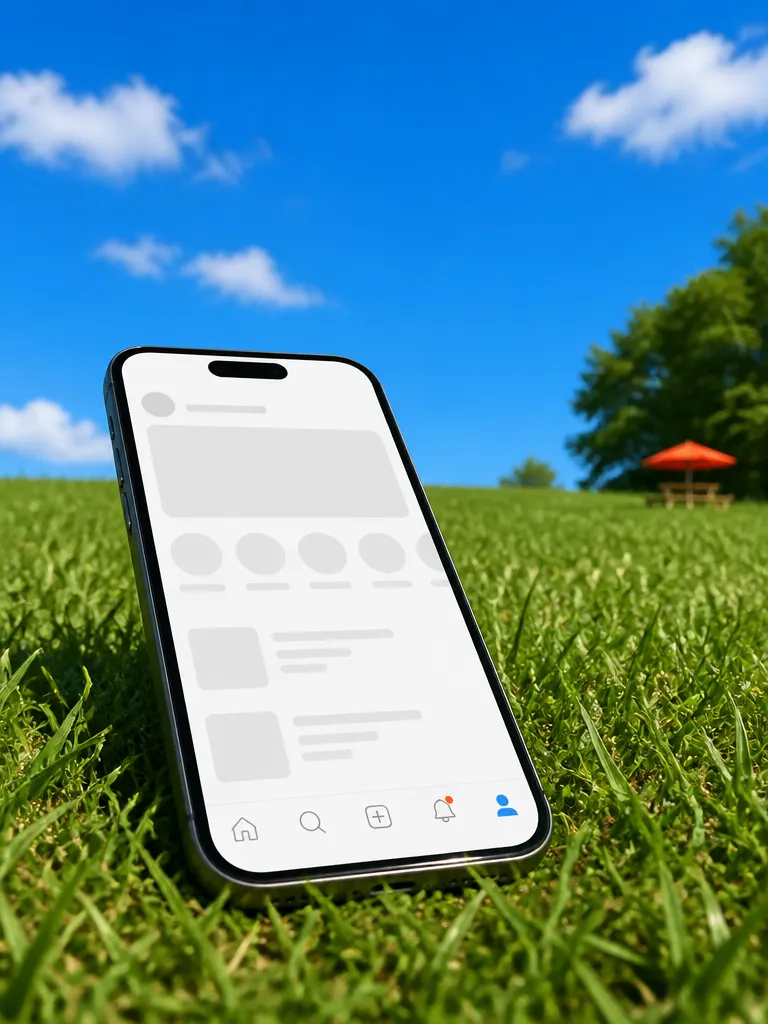
EverAsk for Mac
AI Images on your desktop, with the reference photos and brand files you already have to hand.
Download for macOS