AI mockup generator
Your design on the real product, lit like a photograph.
Examples
Photographed-looking, without the shoot.
- From one prompt
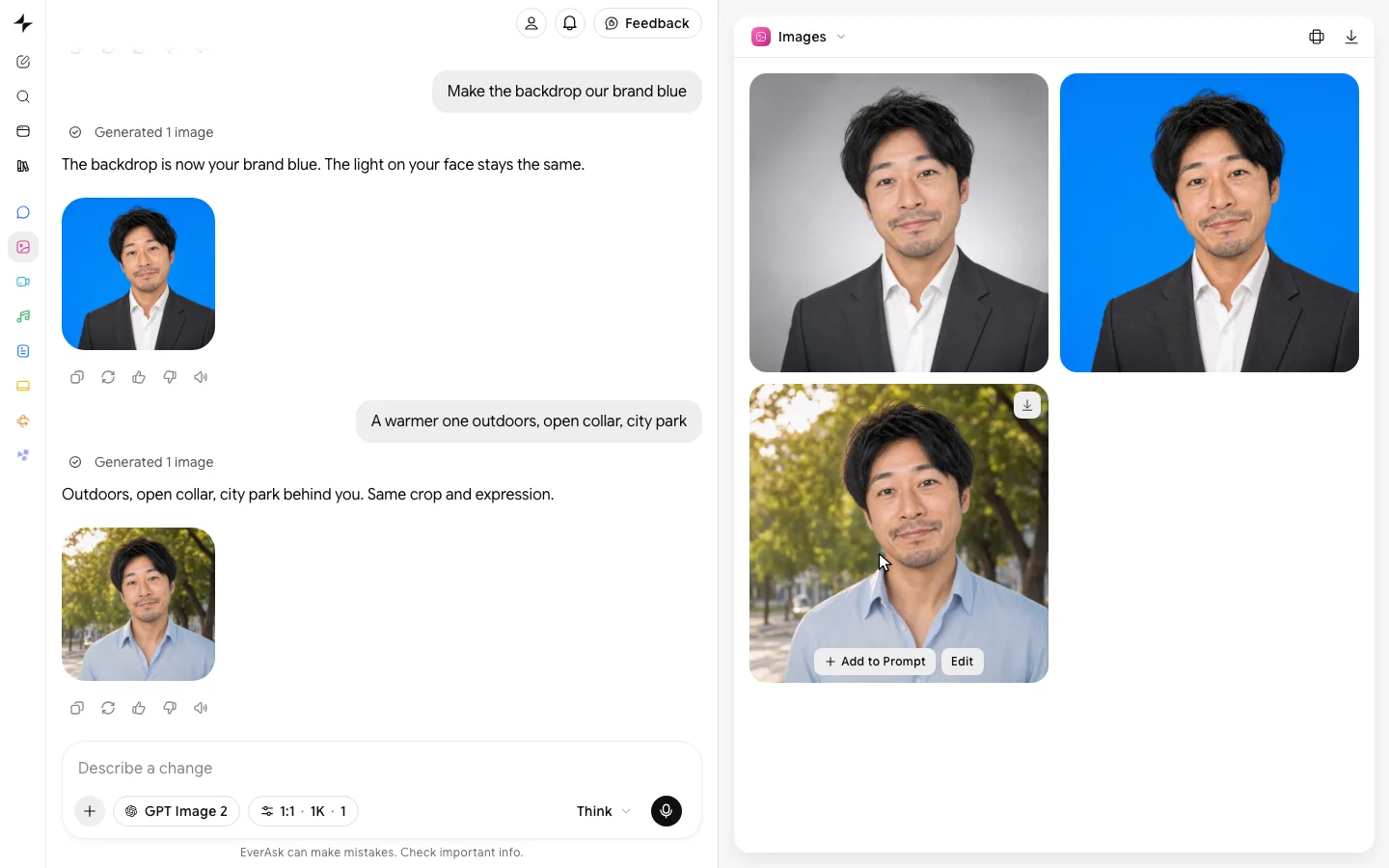
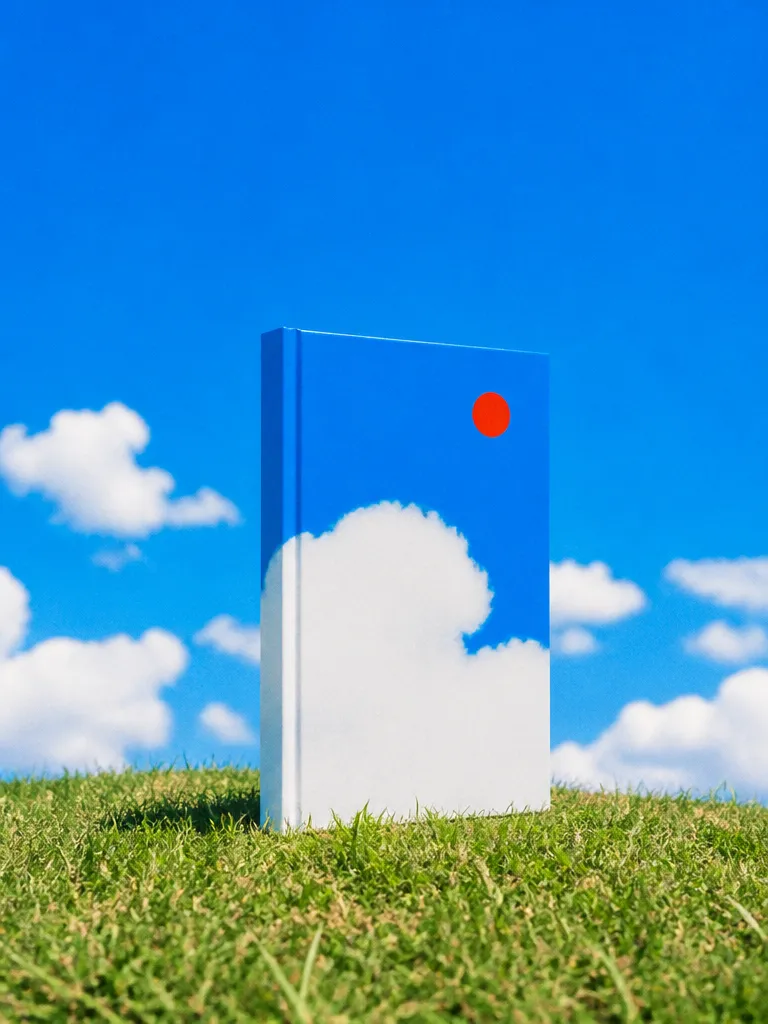 Describe the headshot
 - Flat to styled
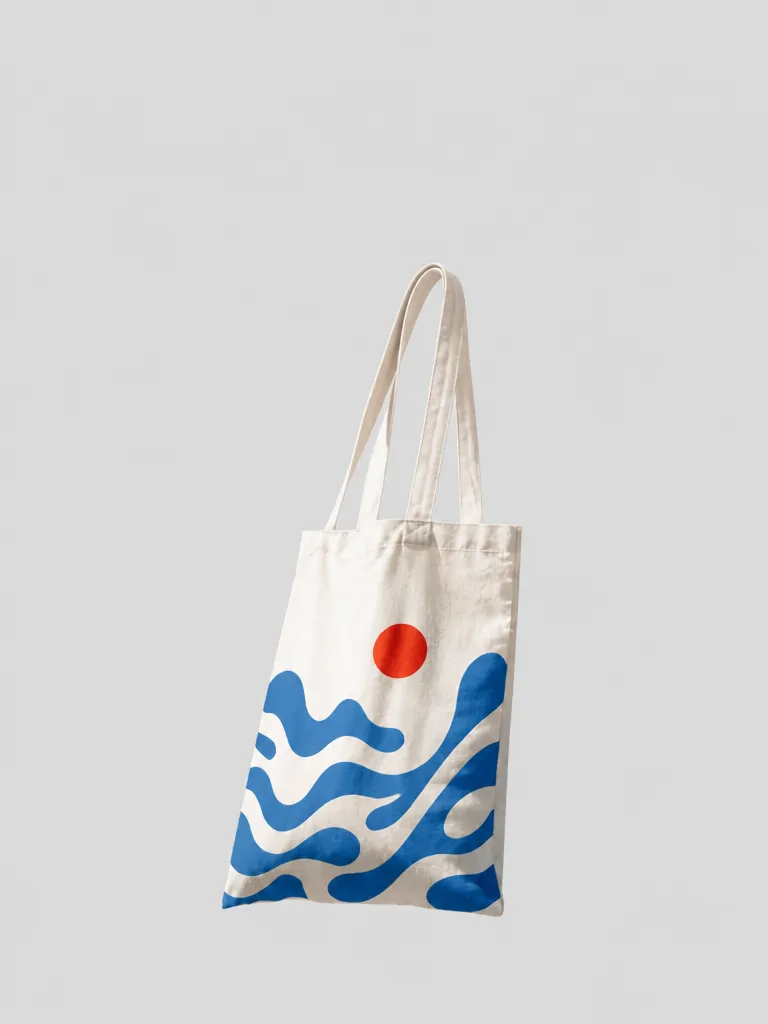
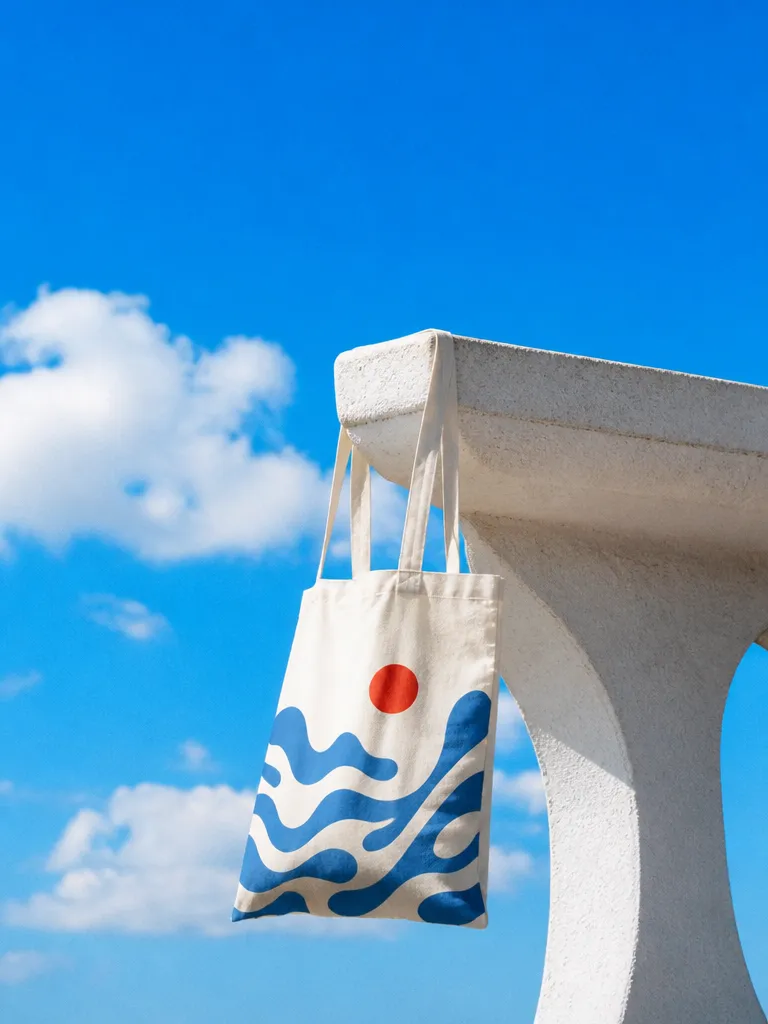 FlatStyled
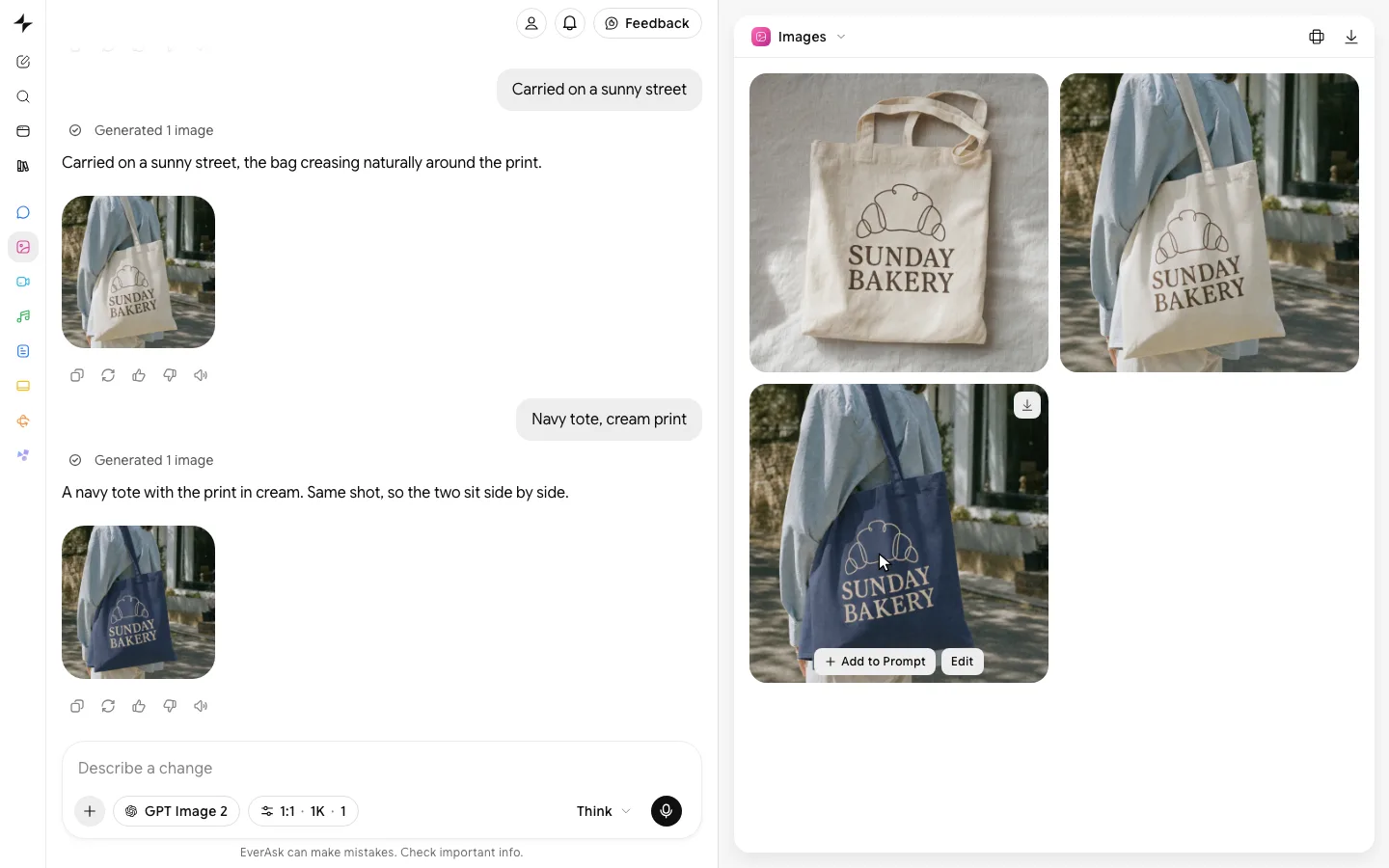
 - Every scene
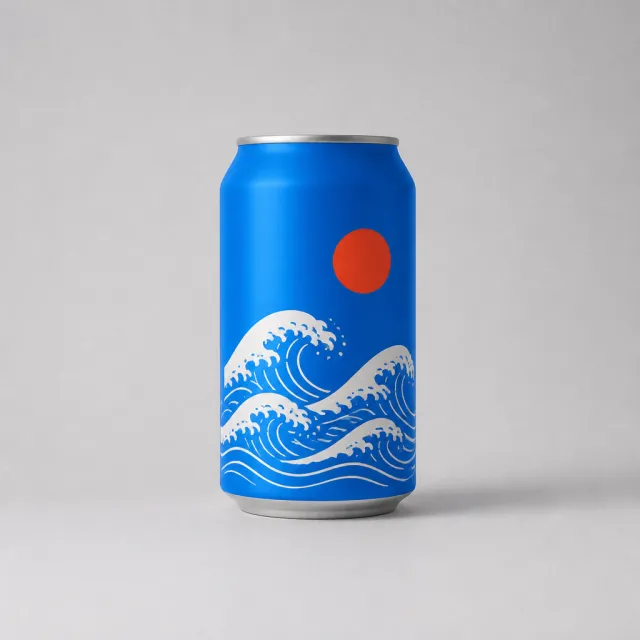 Studio
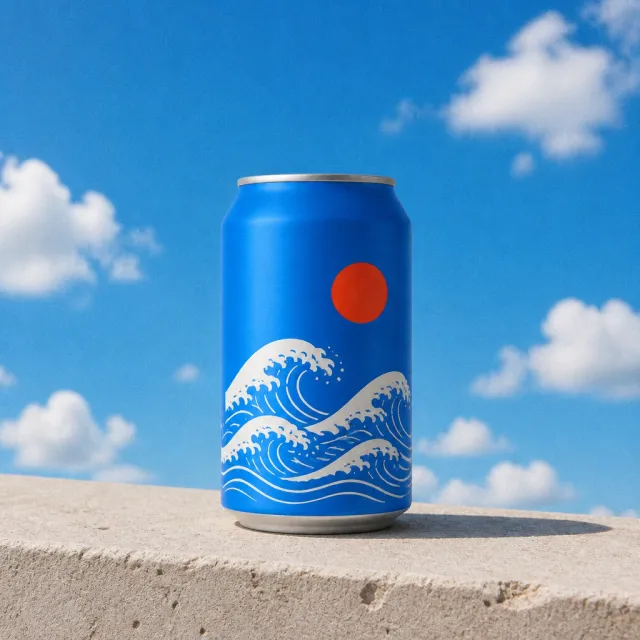 Outdoor
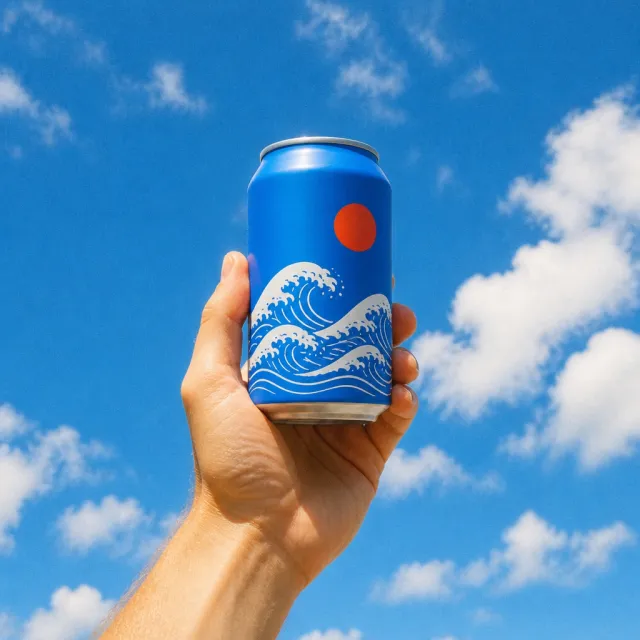 In hand
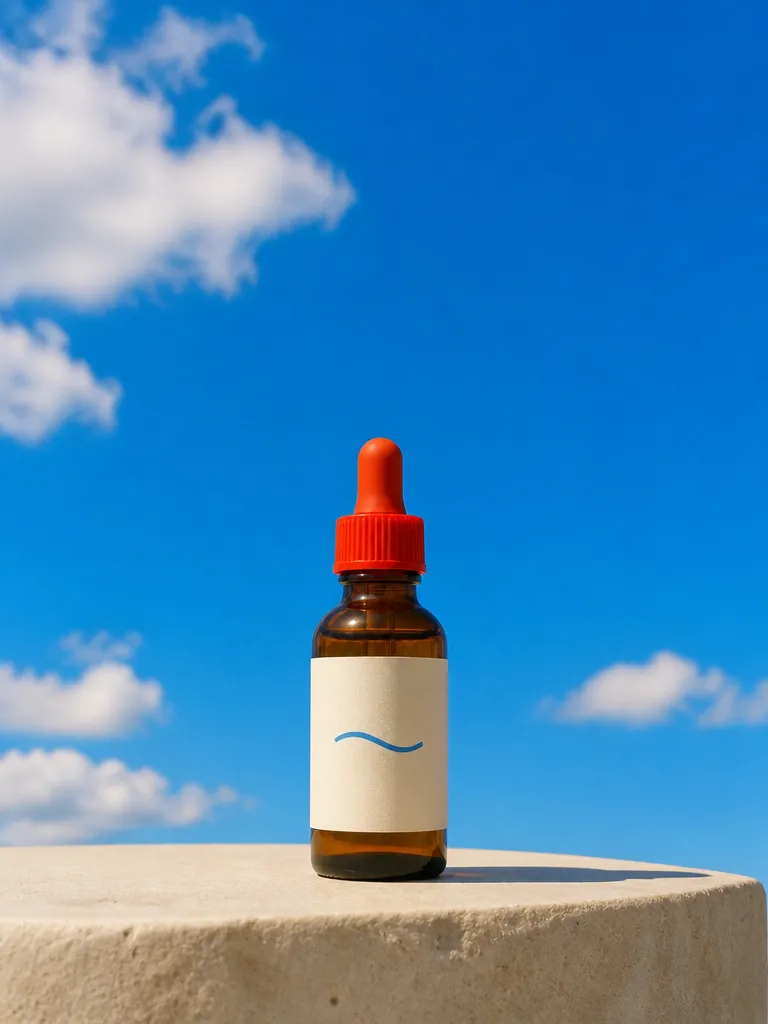
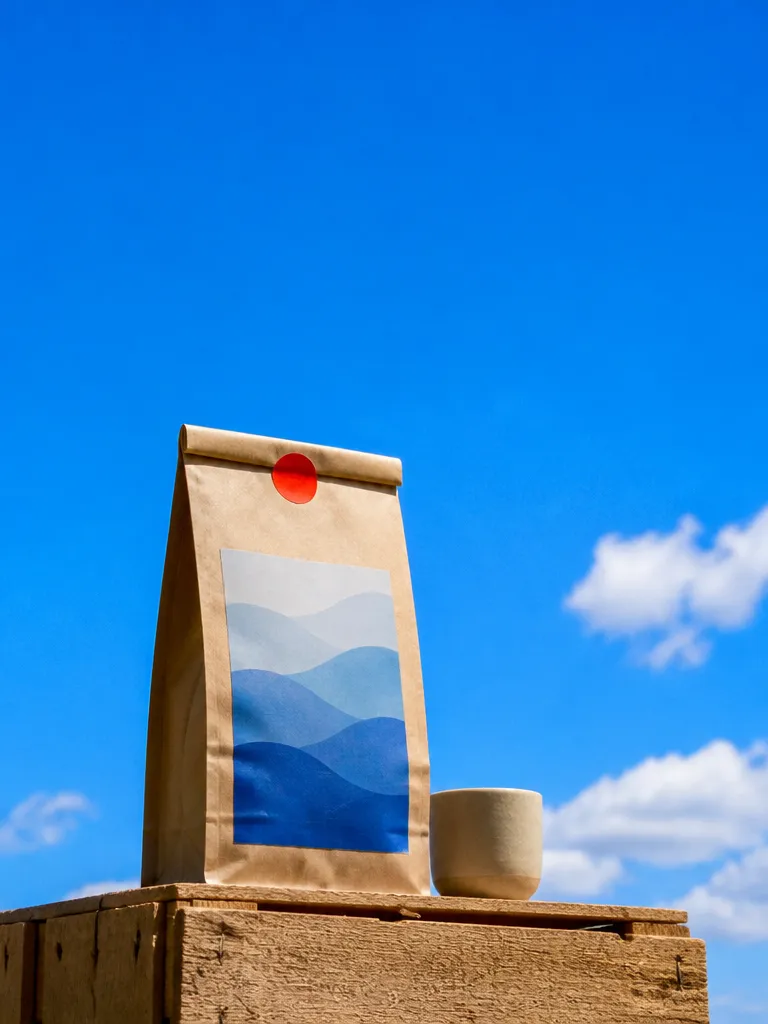
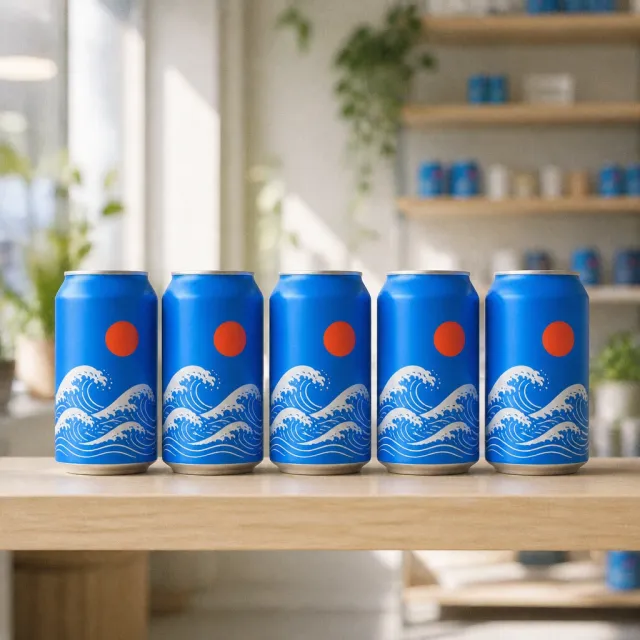 ShelfBlue wave can4 scenes
  Packaging
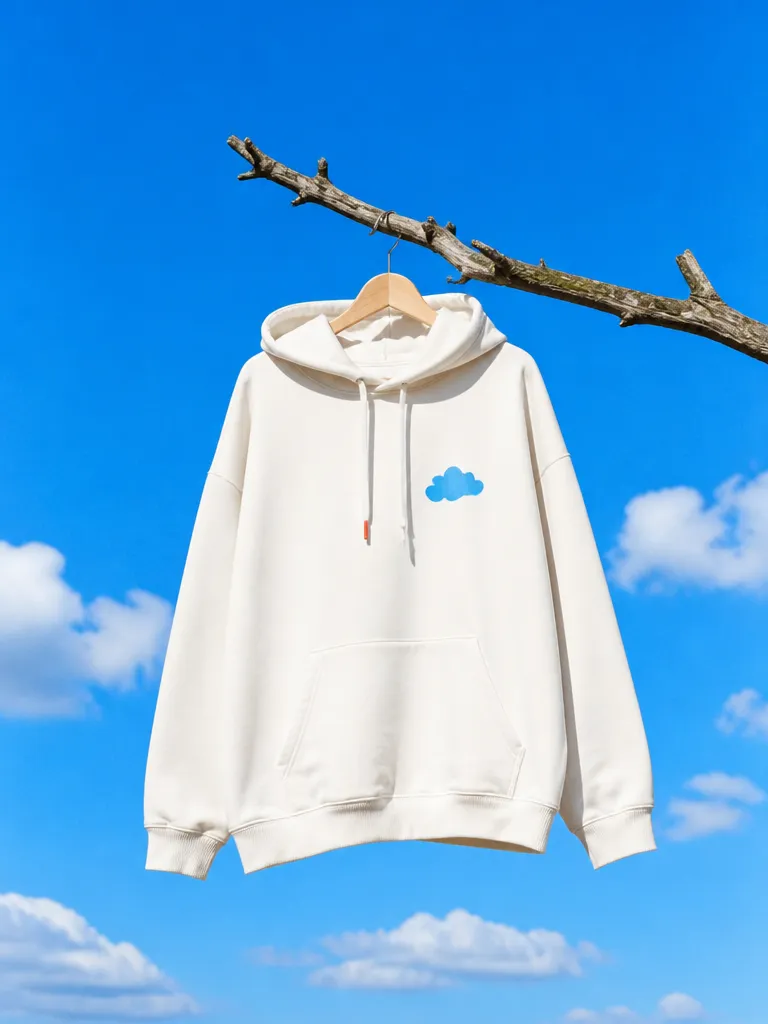 Apparel
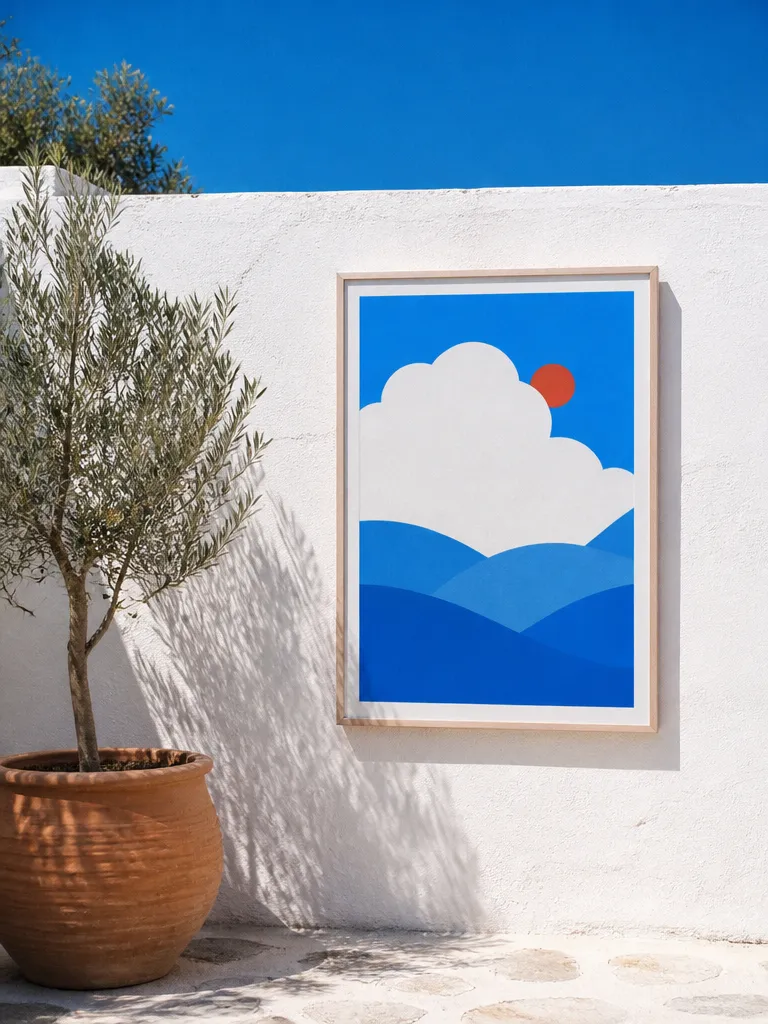 Print
Print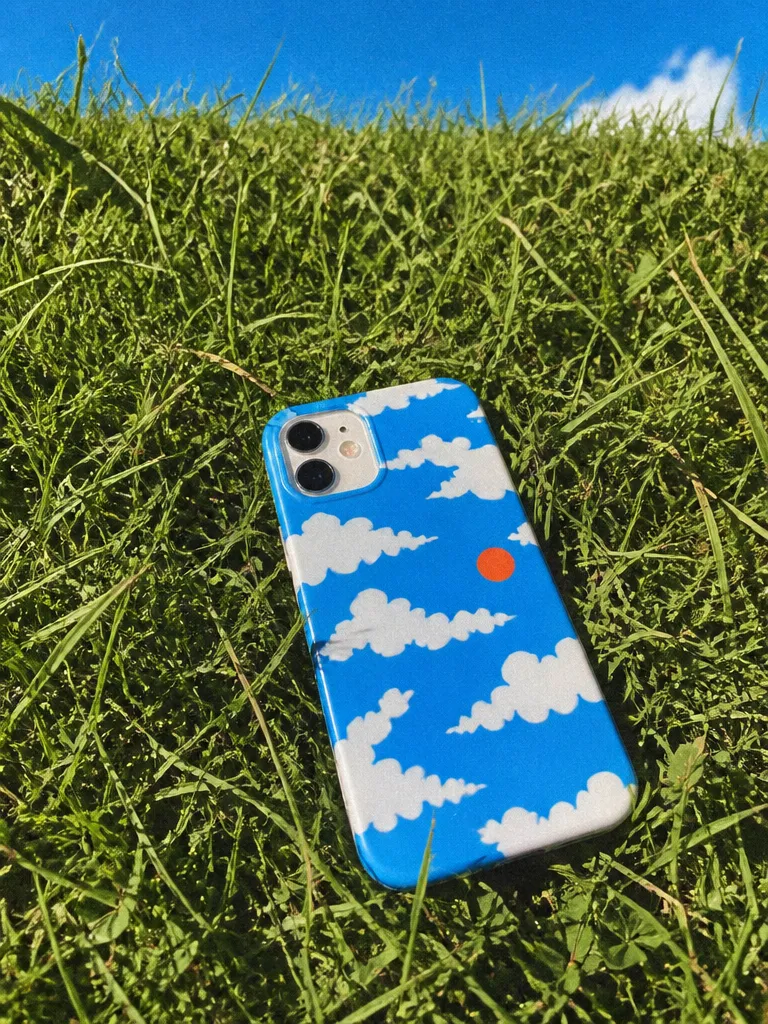 Device
How it works
Upload your artwork
A logo, a label, a poster or an app screen. EverAsk keeps it exactly as supplied, it is placed onto the product and never redrawn or reinterpreted.
Describe the product and the scene
Say what it goes on and where it sits: a kraft mailer on a doorstep, a hoodie on a model, a laptop on a desk. Or upload a photo of your own product to use as the base.

Pick and export
Review a set of angles, keep the ones that work, and export crops sized for a store listing, a pitch deck or a social post.
Features
Your artwork,untouched
Learn more about your artwork, untouchedSurface-awareplacement
Learn more about surface-aware placementAny product, not atemplate library
Learn more about any product, not a template libraryConsistentsets
Learn more about consistent setsScenes andangles
Learn more about scenes and anglesEdit afterplacing
Learn more about edit after placing
Who it’s for
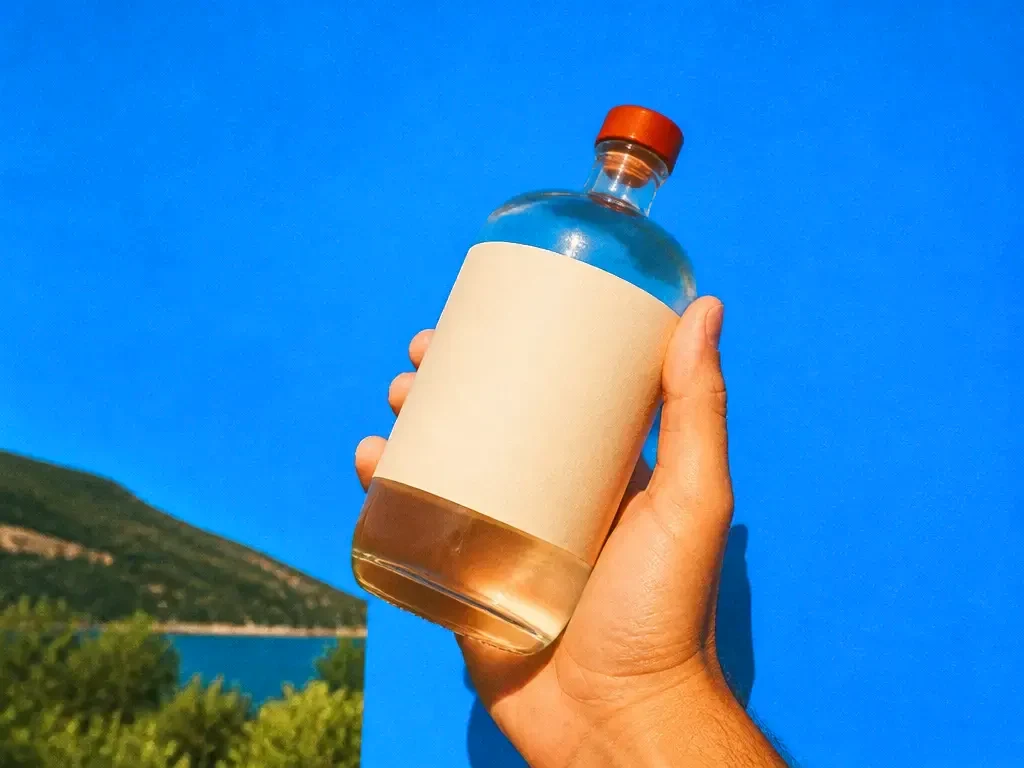
Packaging and labels before print
Check how a label reads on the actual container, and share realistic options with a client before paying for samples.

Store listings and pre-orders
Show a product that has not been manufactured yet in listing-quality images, with one consistent look across the range.

Brand and pitch presentations
Put a new identity on the stationery, signage, merch and screens it will live on, so the deck shows the brand in use rather than on a blank page.
Frequently asked questions
Does EverAsk change my design?
No. Your artwork is placed onto the product as supplied. Only the scene around it is generated, so colours, type and proportions stay accurate.
What products can I mock up?
Packaging, bottles, cans, boxes, apparel, bags, mugs, devices and screens, printed matter and signage. If you can describe the product, you can mock it up.
Can I use a photo of my own product?
Yes. Upload a photo of the real product and EverAsk places the new artwork onto it, which is useful when the container or garment already exists.
What file formats can I upload?
PNG, JPG, SVG and PDF artwork. A transparent background works best for logos and labels.
Can I use the mockups commercially?
Yes. Mockups you generate are yours to use in listings, ads, decks and client presentations.

One prompt in.
Real work out.
Your design on the real product, lit like a photograph.
EverAsk on your phone and your Mac
EverAsk for iPhone
Describe the picture on the train, pick the model, and post it from your phone. Every image you make here is on your phone.
Download on the App Store

EverAsk for Mac
AI Images on your desktop, with the reference photos and brand files you already have to hand.
Download for macOS