AI sticker generator
Stickers with a clean border, ready to cut.
Examples
Die-cut and print-ready from one line.
- From one prompt

 Describe the headshot
 - Sketch to sticker
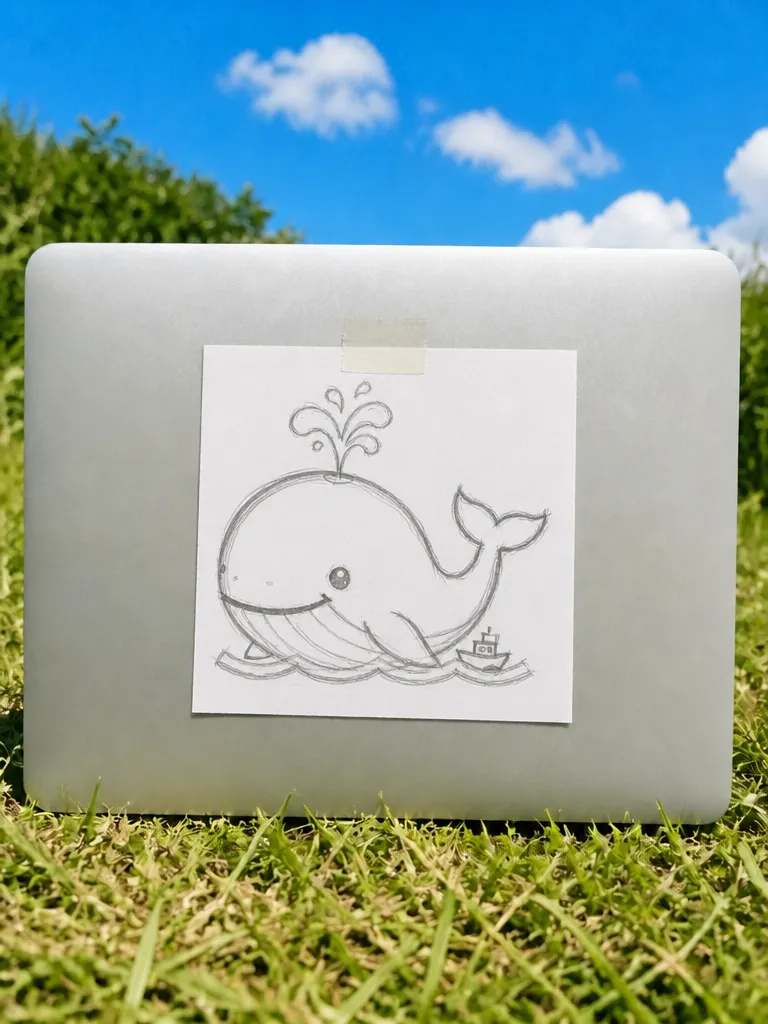
 SketchSticker
 - Every style
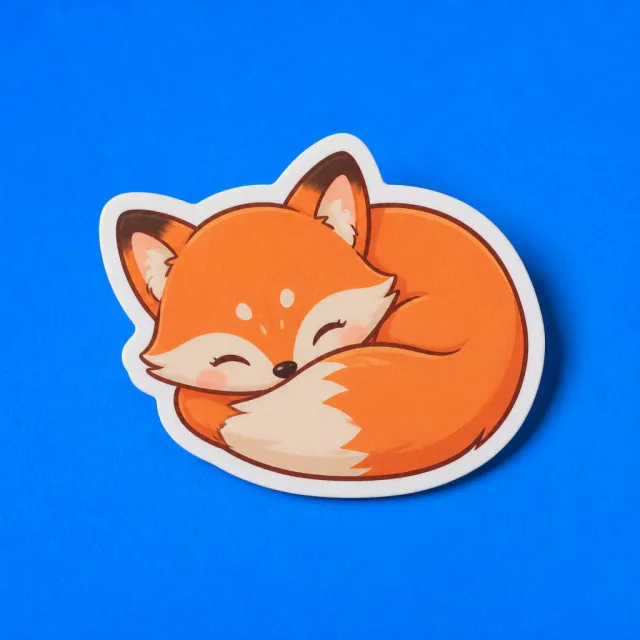 Kawaii
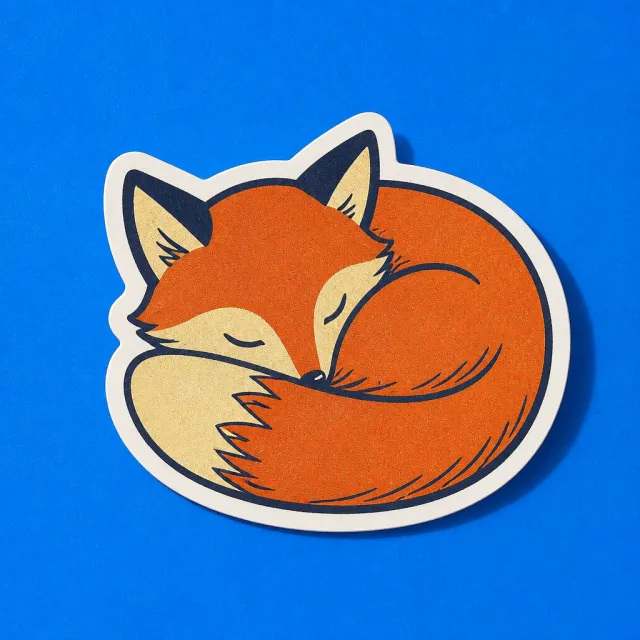 Retro
Retro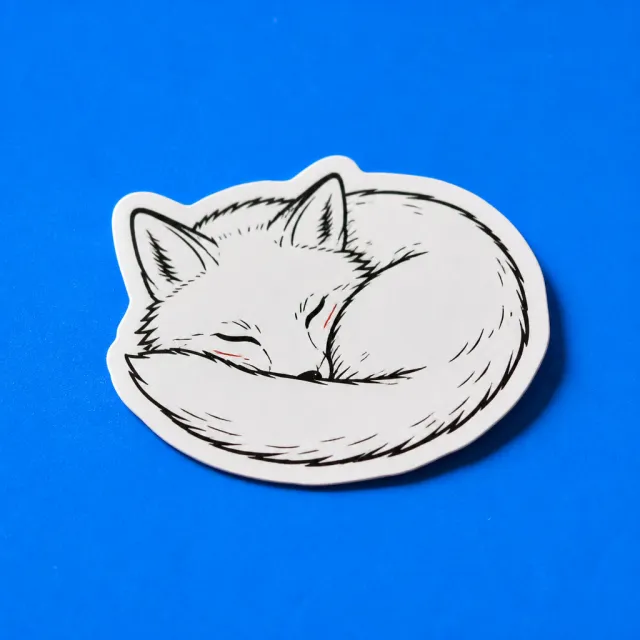 Line art
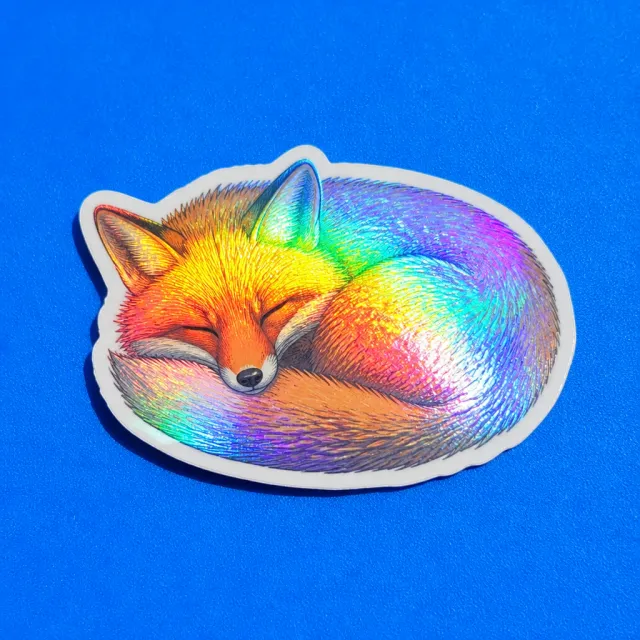 HolographicSleeping fox4 styles
 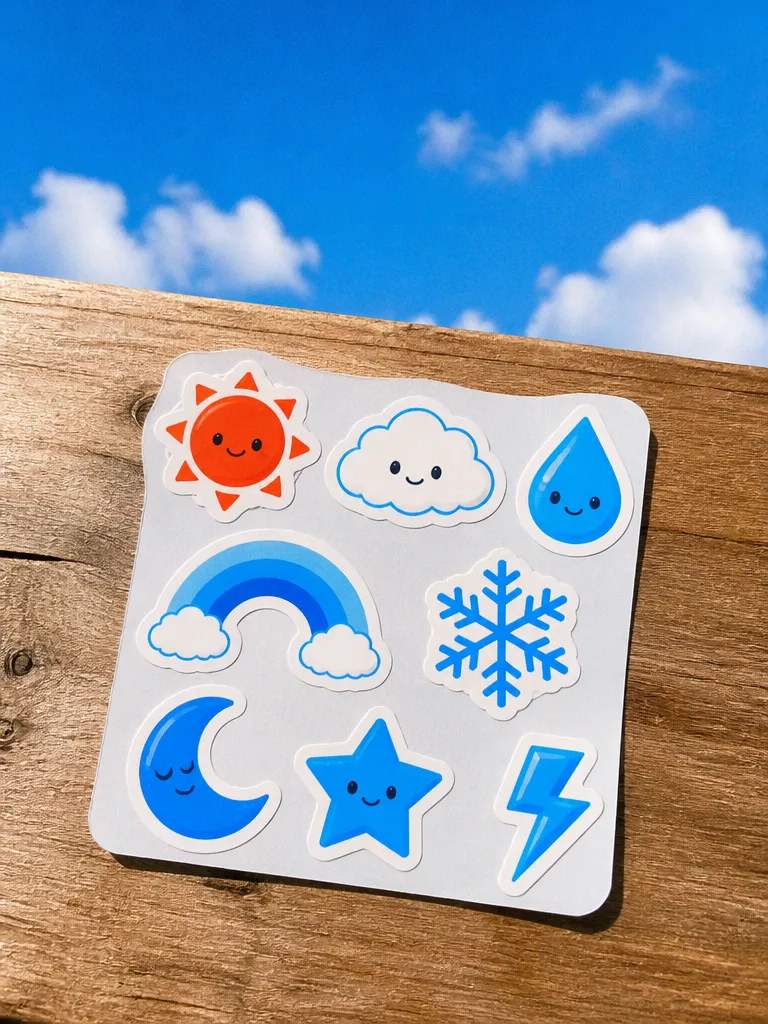 Sticker sheet
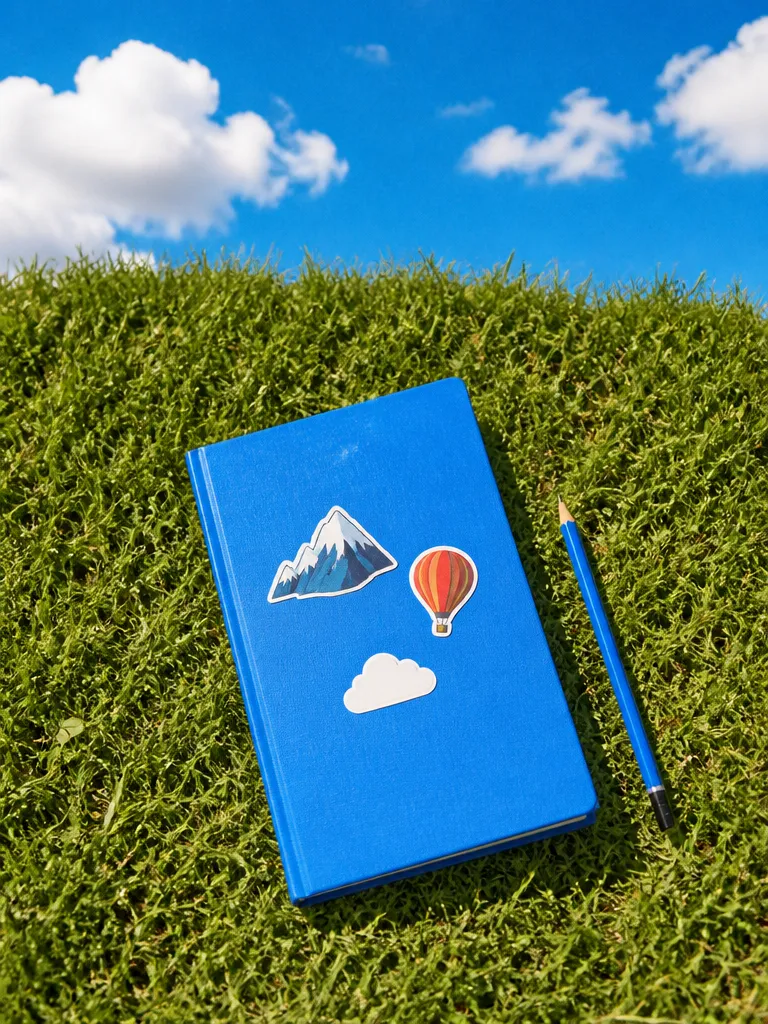 Notebook
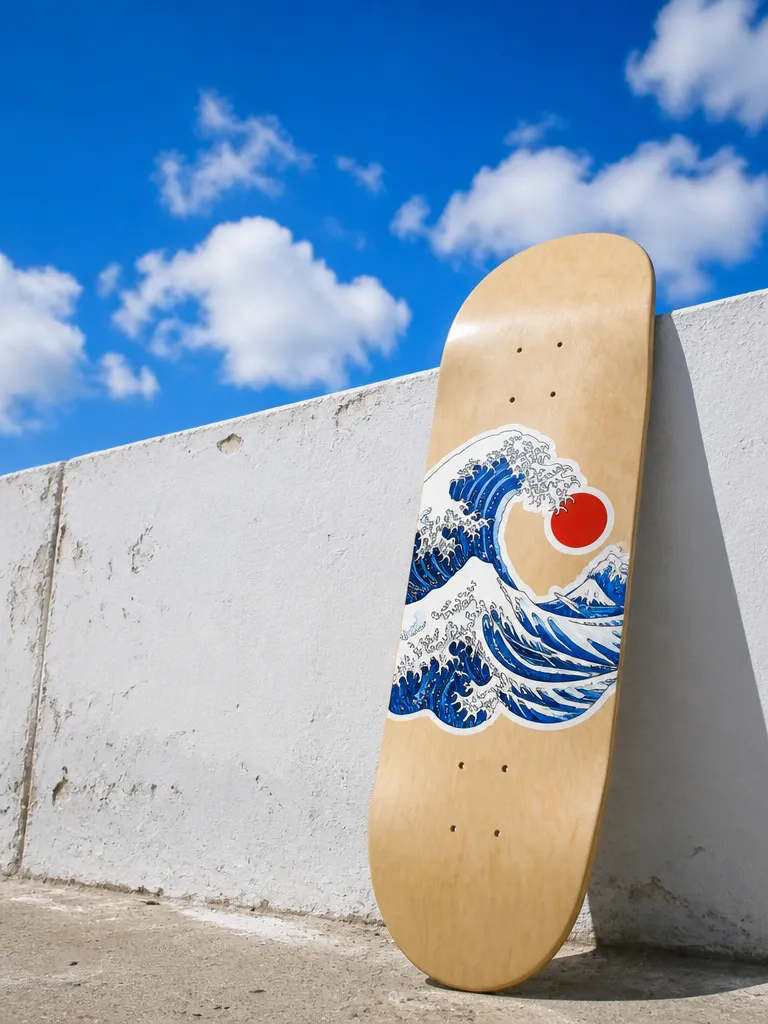 Skateboard
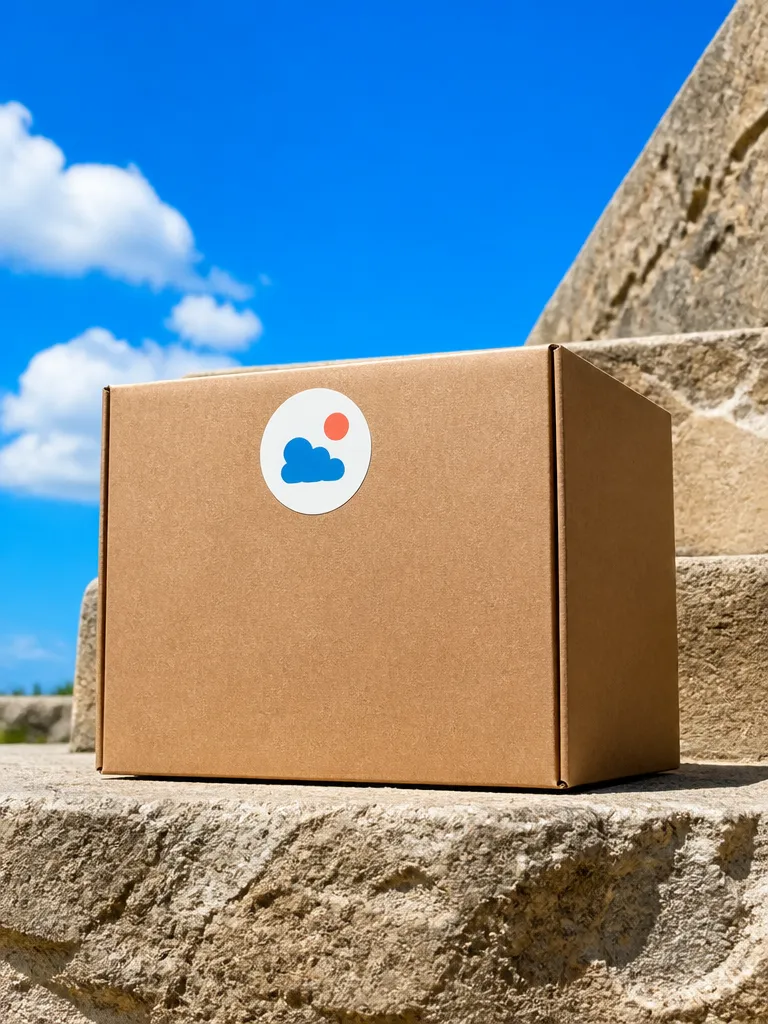 Packaging
How it works
Describe the sticker
Subject, style and any text: kawaii, retro badge, hand-drawn, pixel art. Upload a photo of a pet or a logo if you want that turned into the sticker.

Refine the one you like
Get several versions, keep the best and adjust it: a bolder outline, fewer colours, bigger text, a different expression on the character.
Export for how you print
Download transparent PNGs with a cut path, lay several out on a printable sheet, or export a whole pack at consistent sizes.
Features
Die-cutready
Learn more about die-cut readyBold atsmall sizes
Learn more about bold at small sizesPhotos intostickers
Learn more about photos into stickersPacks thatmatch
Learn more about packs that matchSheetlayout
Learn more about sheet layoutText that isspelled right
Learn more about text that is spelled right
Who it’s for
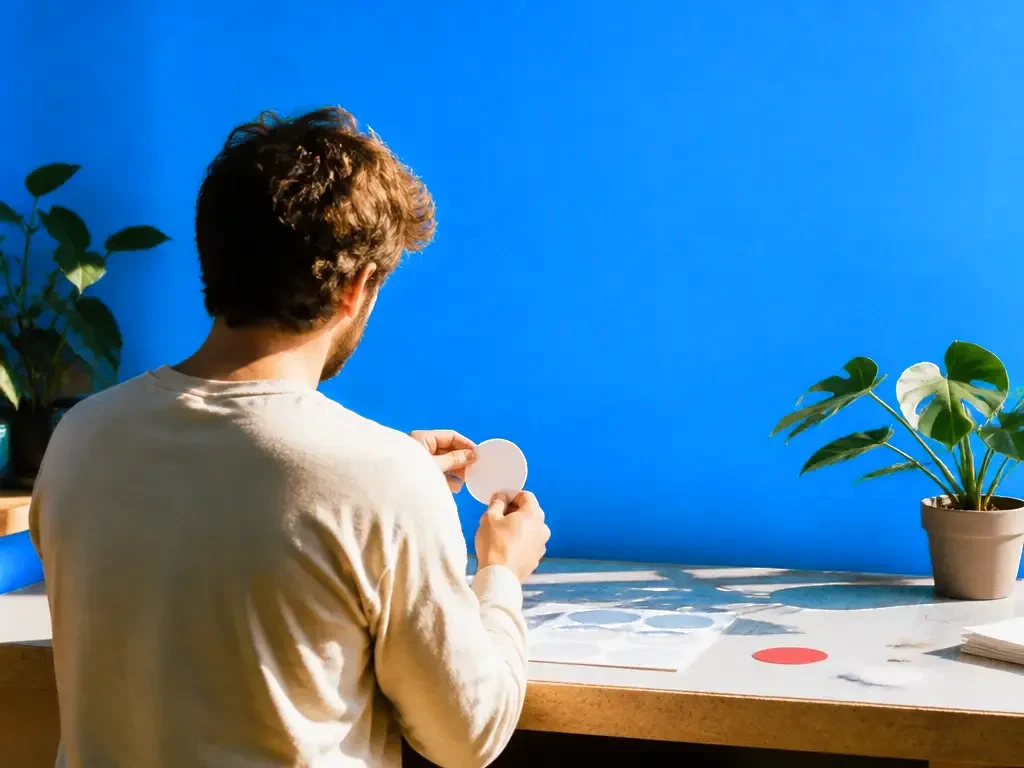
Small sticker shops
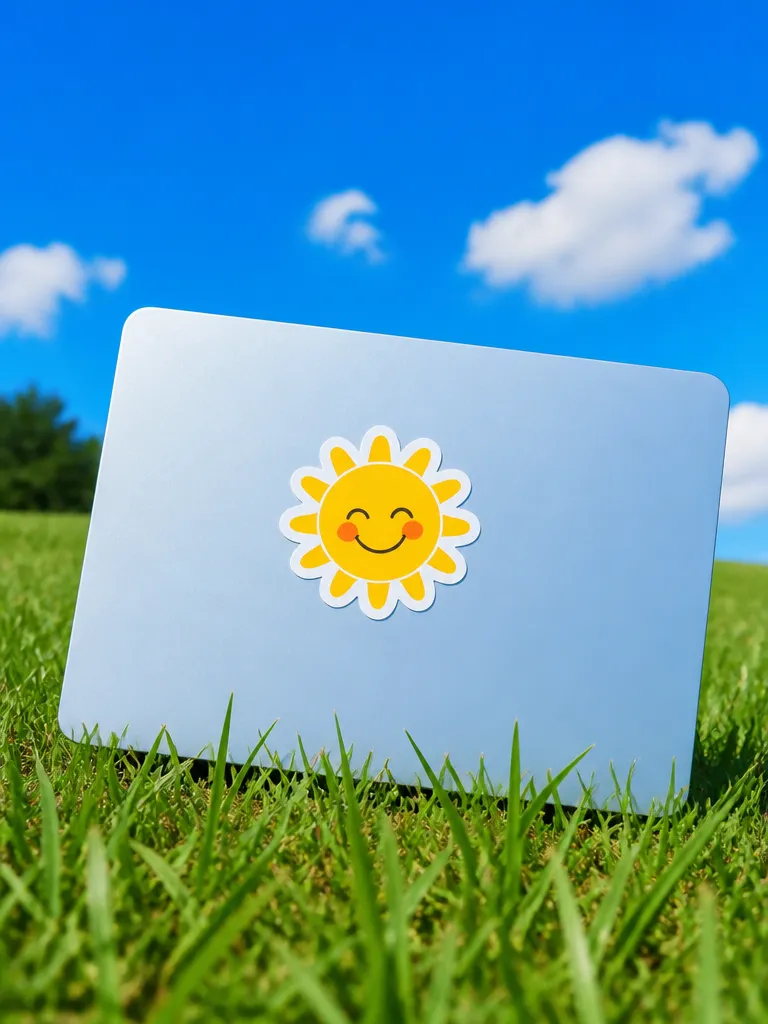
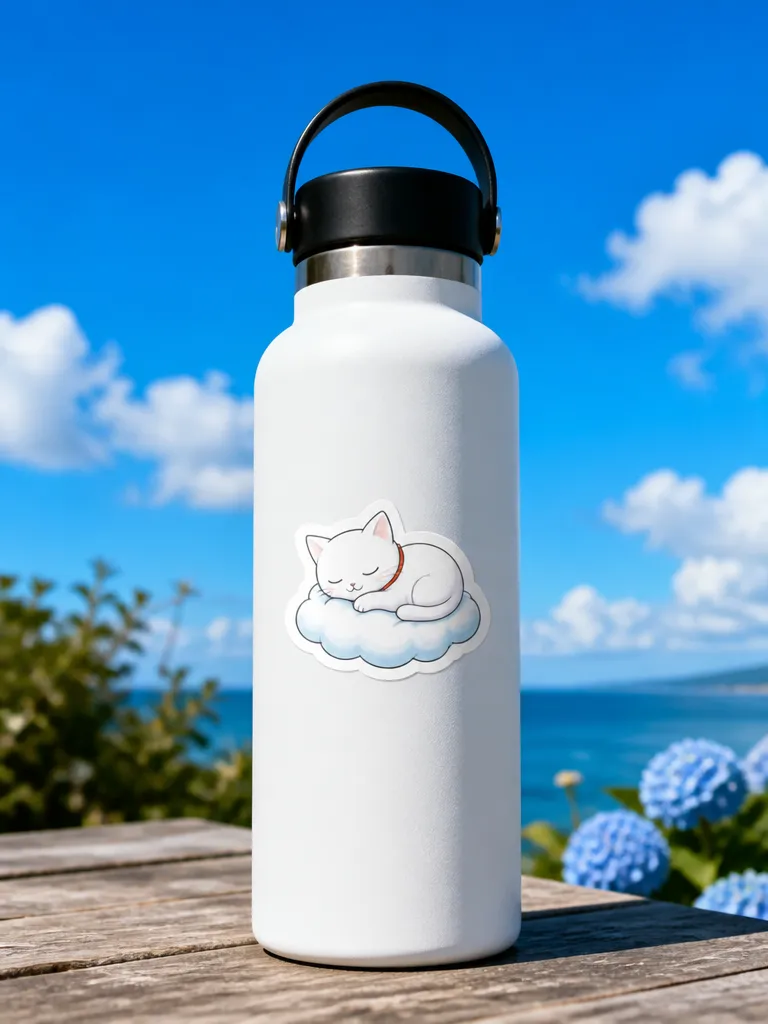
Design and test a new collection quickly, with listing mockups, before committing to a vinyl print run.
Brand and event merch
Logo stickers, laptop stickers and event giveaways in your brand colours, ready to hand to the printer.
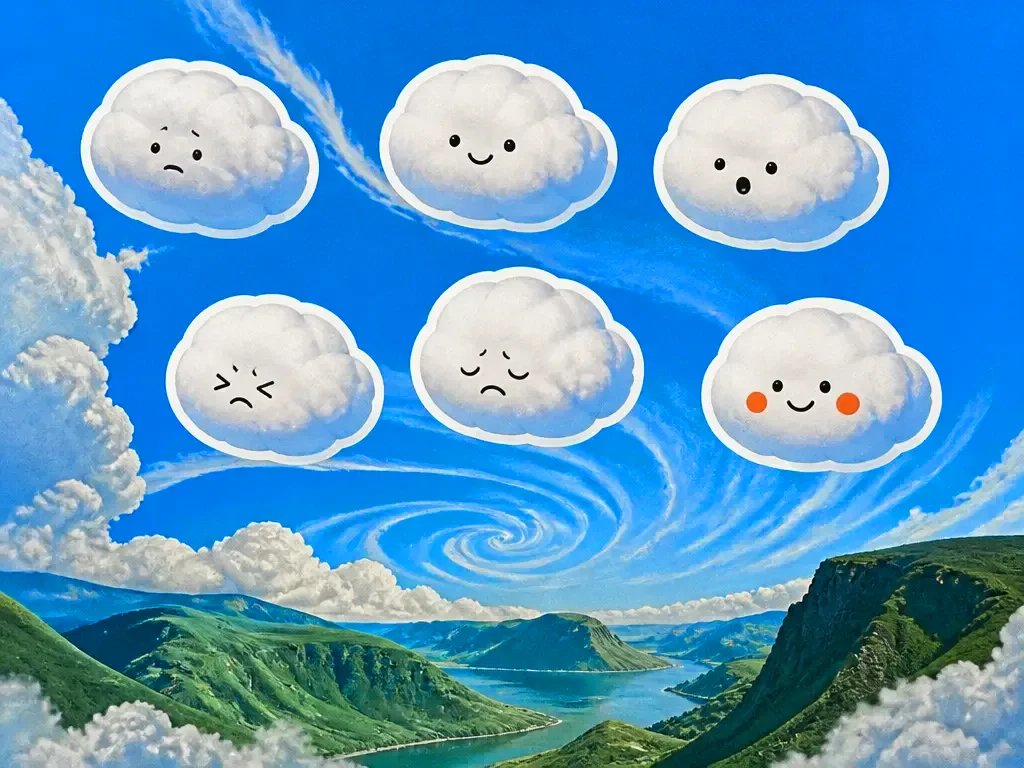
Characters and mascots
A consistent set of expressions for one character, exported as transparent images for a custom messaging pack or a merch range.
Frequently asked questions
Are the stickers print-ready?
Yes. You get transparent PNGs at print resolution with a white border and a separate cut line, ready for a home cutting machine or a print shop.
Can I turn my own photo into a sticker?
Yes. Upload a photo of a pet, a person or a product and EverAsk turns it into an illustrated sticker that keeps the likeness.
What styles can I make?
Kawaii, cartoon, retro badge, hand-drawn, pixel art, flat vector and more. Describe a style or upload a reference and EverAsk matches it.
Can I sell stickers I generate?
Yes. Designs you create are yours to sell. Avoid prompting for trademarked characters or logos, those belong to someone else however they were made.
Can I make a full sticker pack?
Yes. Generate a set in one style and EverAsk keeps line weight, palette and sizing consistent across every sticker in it.
EverAsk on your phone and your Mac
EverAsk for iPhone
Describe the picture on the train, pick the model, and post it from your phone. Every image you make here is on your phone.
Download on the App Store

EverAsk for Mac
AI Images on your desktop, with the reference photos and brand files you already have to hand.
Download for macOS