AI flyer maker
Flyers with every date, time and price spelled right.
Examples
Laid out to be read in two seconds.
- From one prompt
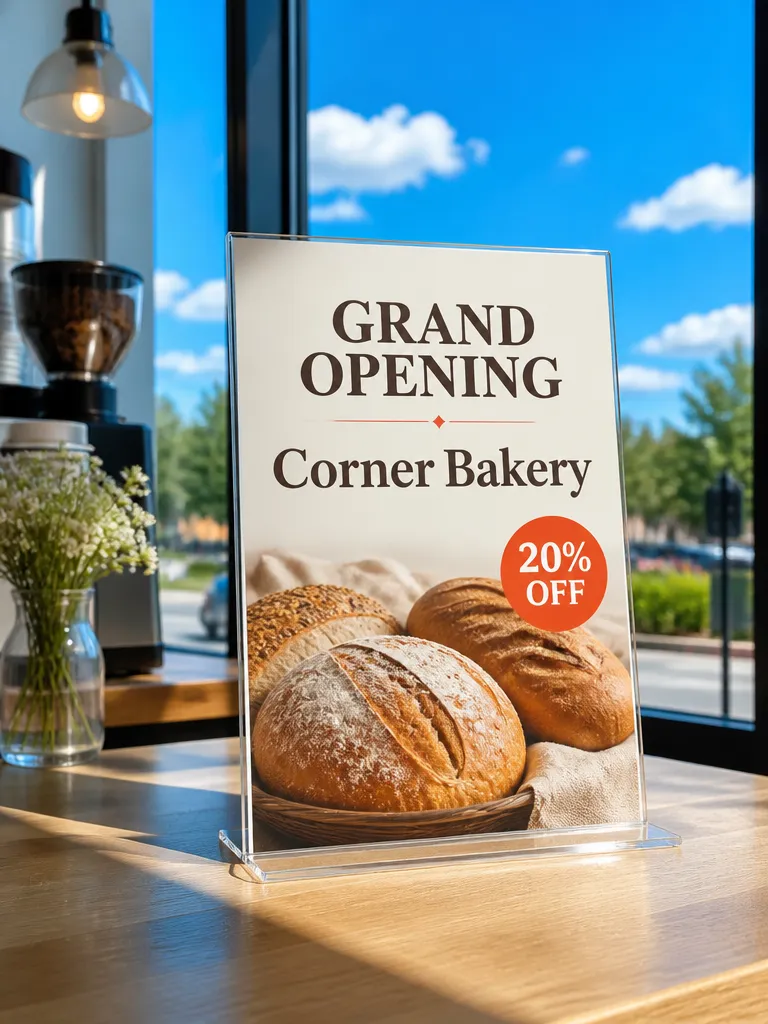 Describe the headshot
 - Typed to designed
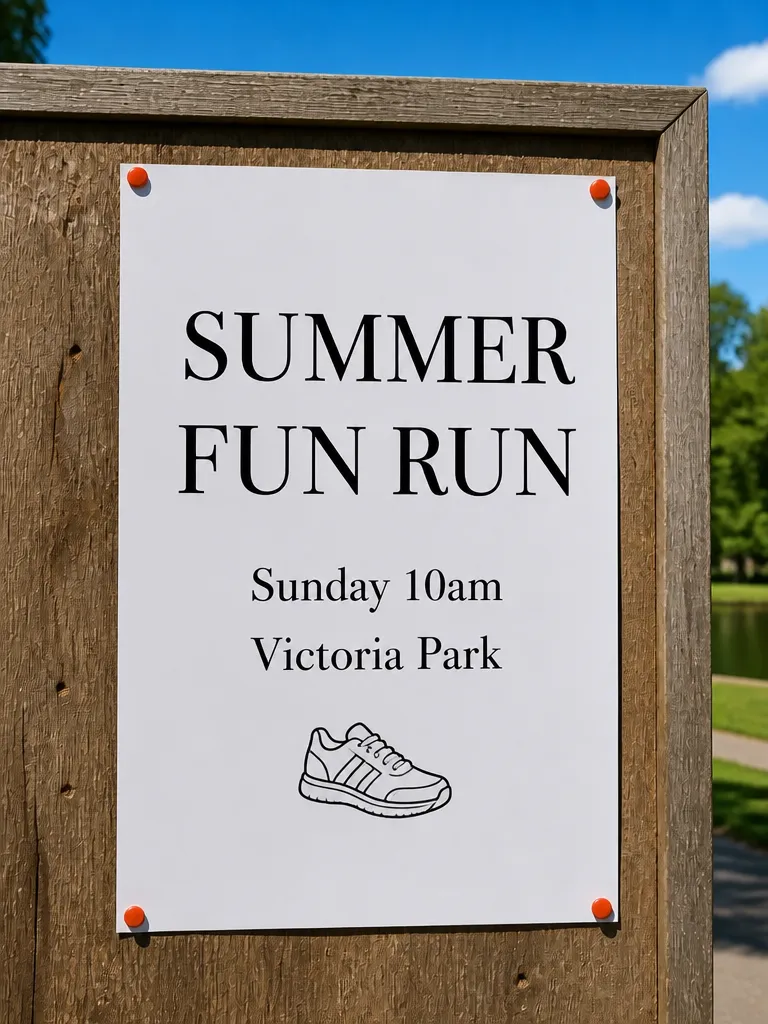
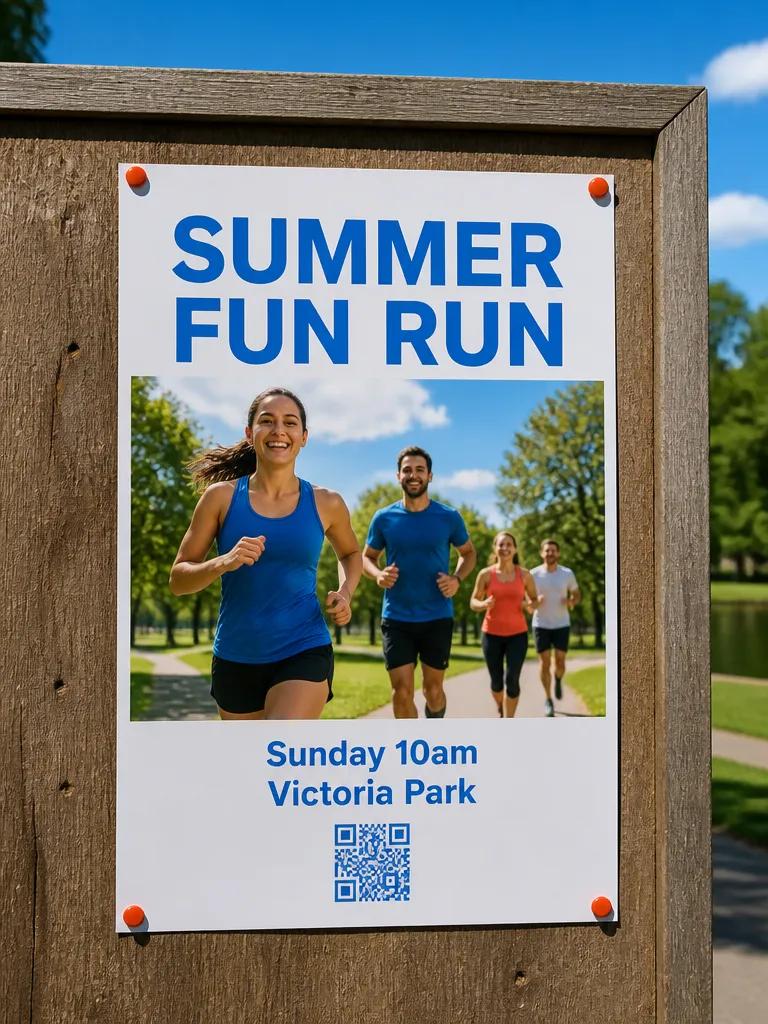 TypedDesigned
 - Every look
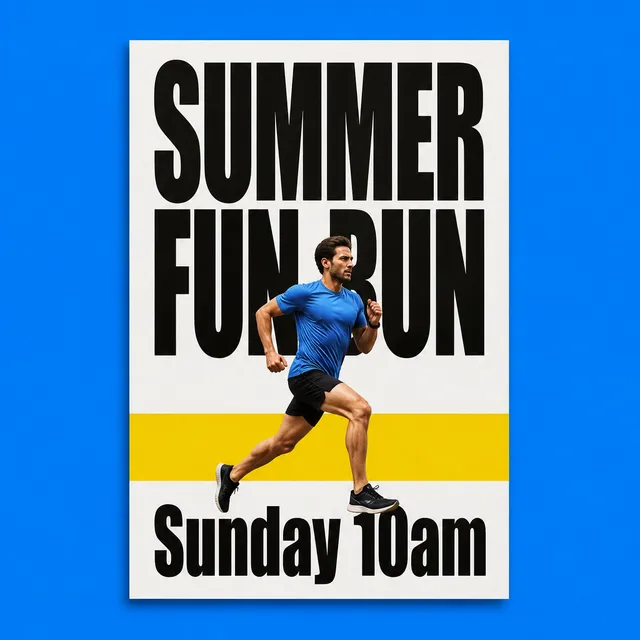 Bold
Bold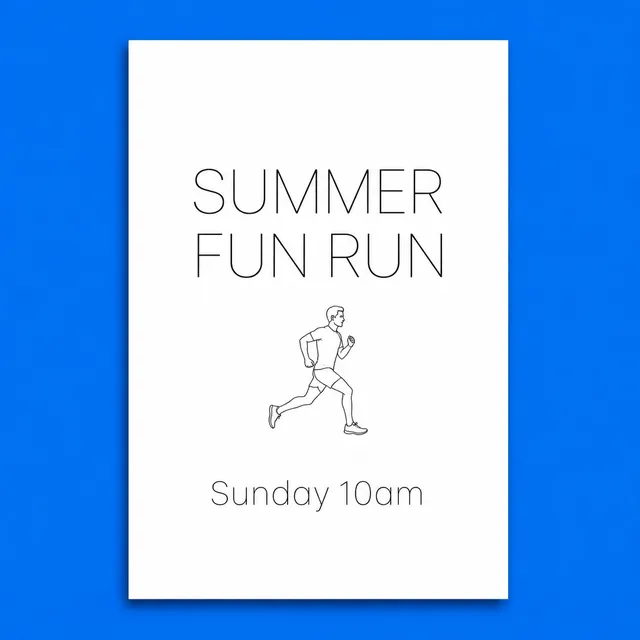 Minimal
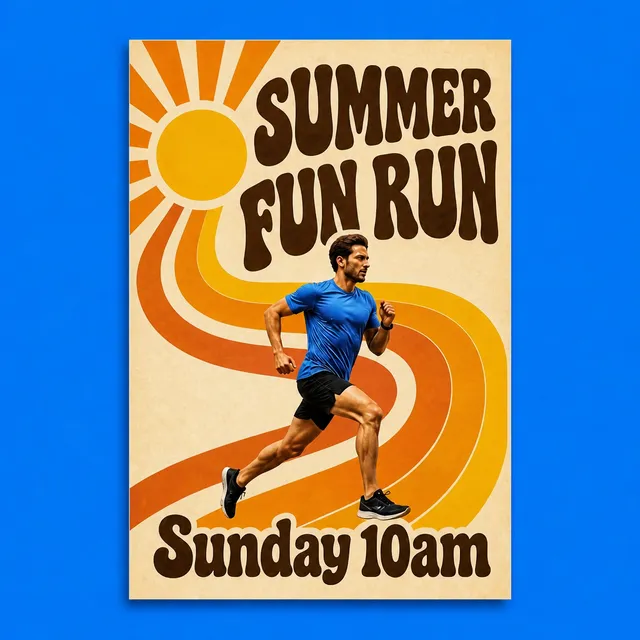 Retro
Retro PlayfulSummer fun run, Sunday 10am4 looks
 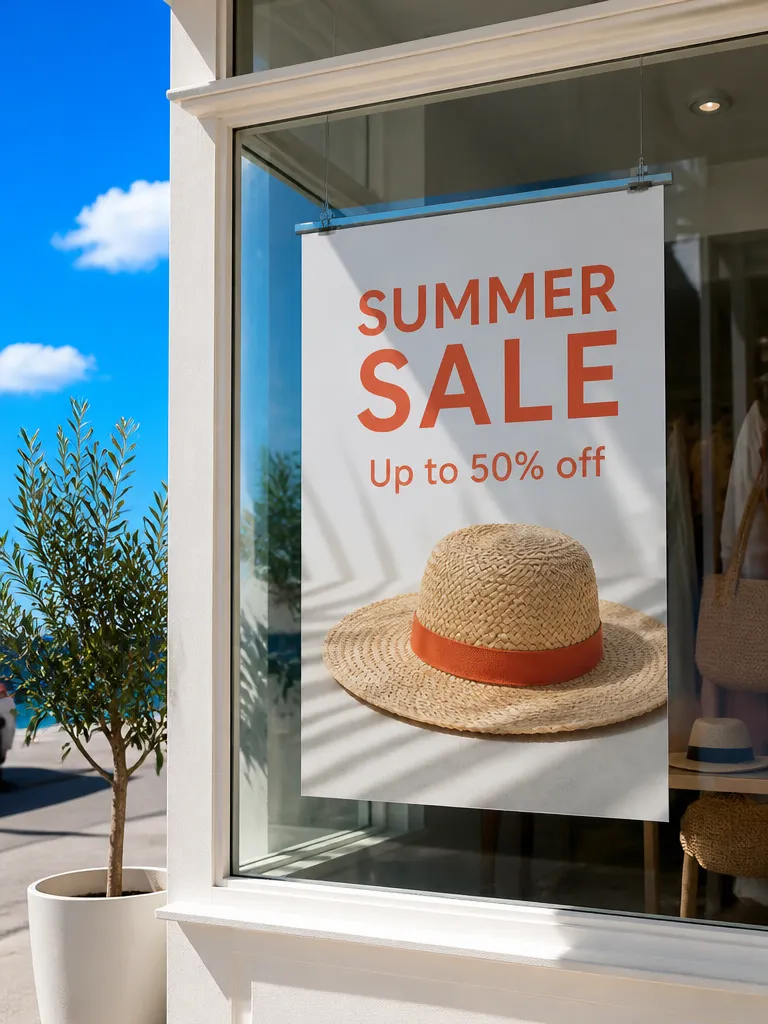 Window poster
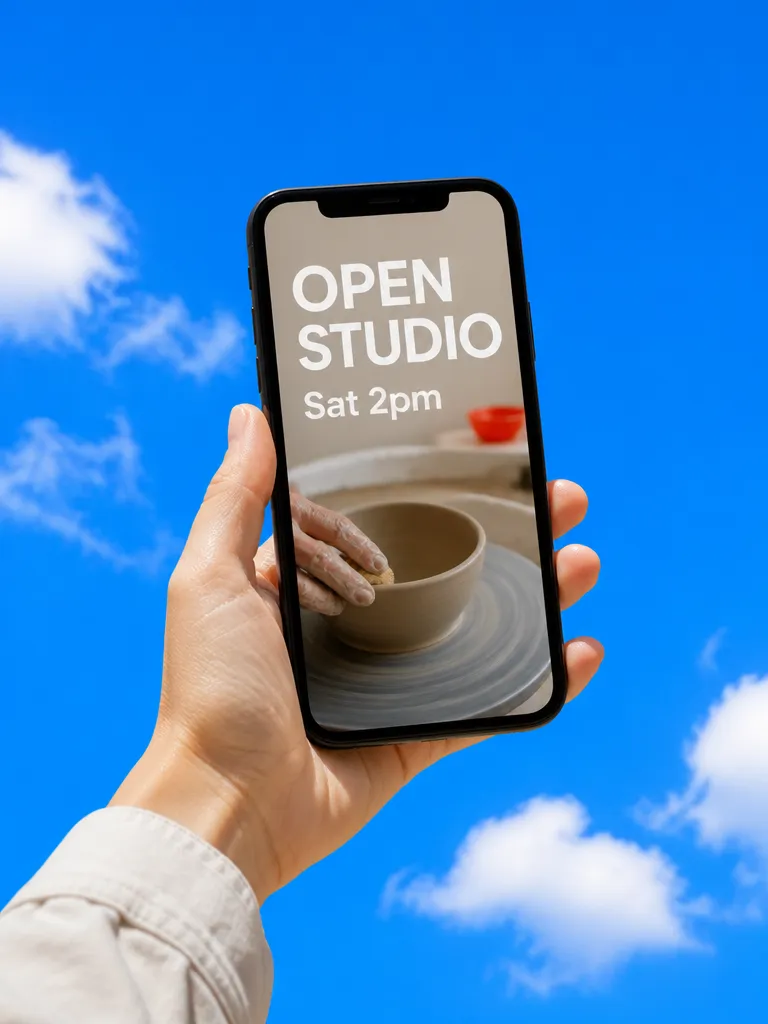 Story
Story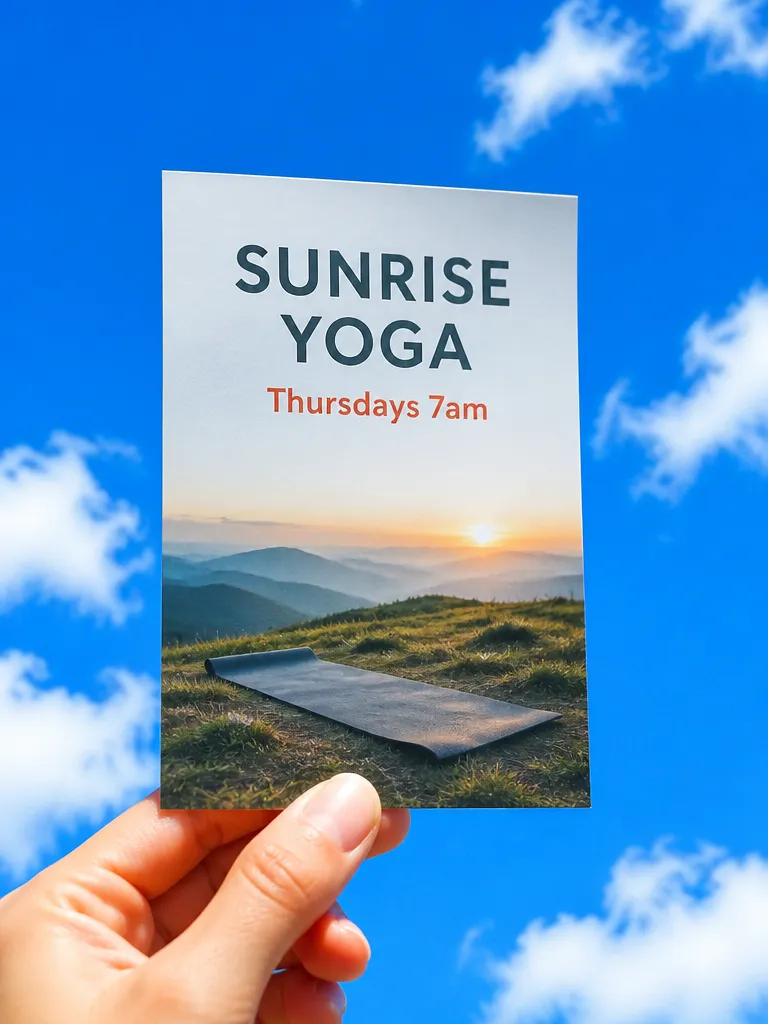 Handbill
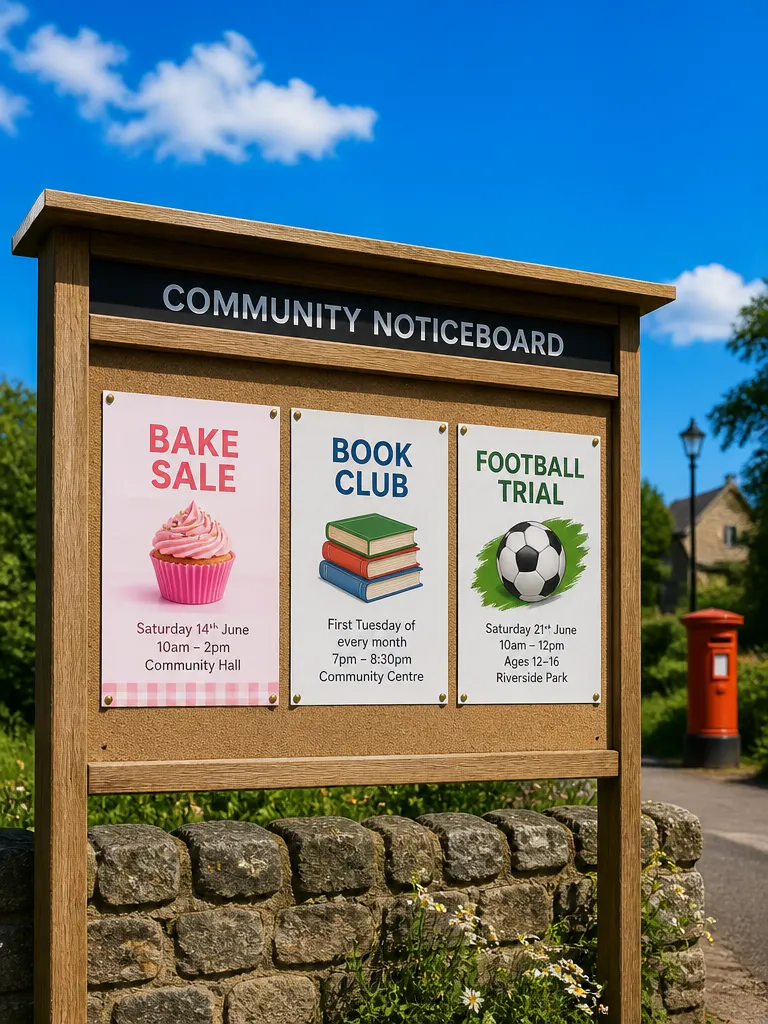 Noticeboard
How it works

Give the details
What is happening, when and where, the price and how to book. Add a photo or a logo if you have them. EverAsk works out what goes biggest.

Pick a look
Several layouts come back, each with the headline, the date and the call to action in the right order. Keep one and change the colours, the image or a line.
Print or post it
Download A5 or A4 with bleed for the printer, or a square and a story-sized version for social, from the same flyer.
Features
Every detailspelled right
Learn more about every detail spelled rightLaid outto be read
Learn more about laid out to be readPrint-readyfiles
Learn more about print-ready filesSized forsocial too
Learn more about sized for social tooYour photosand logo
Learn more about your photos and logoA QR codethat works
Learn more about a qr code that works
Who it’s for

Local businesses
A sale, a new menu or an opening night, on the counter and in the window by the afternoon.
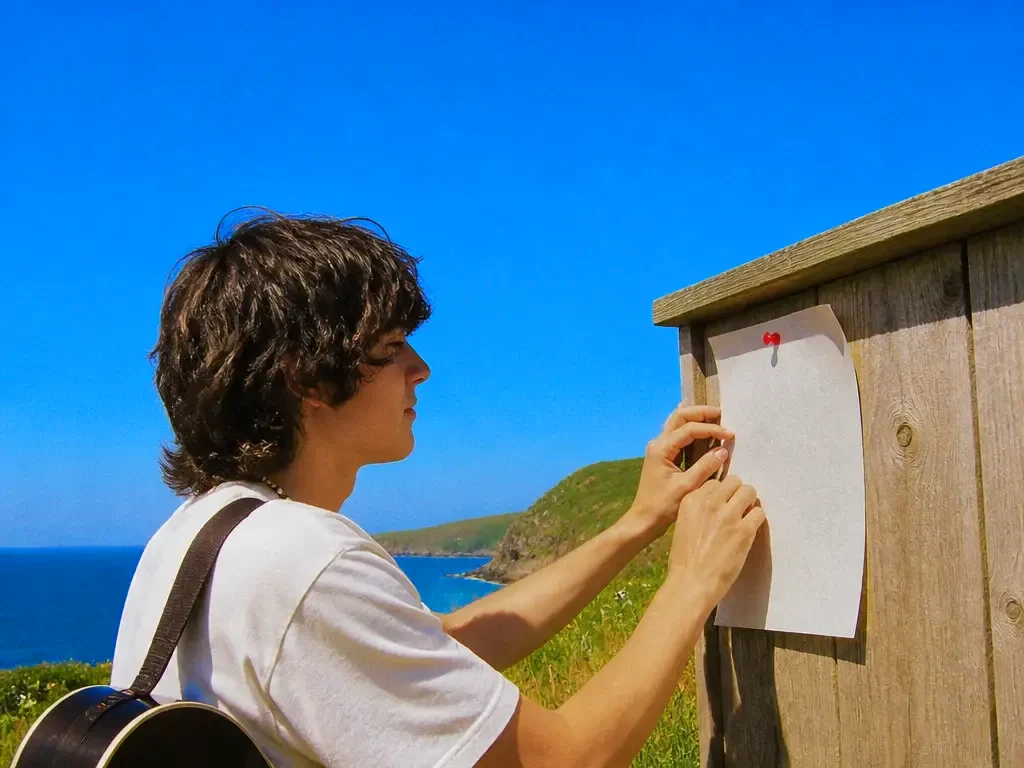
Events and venues
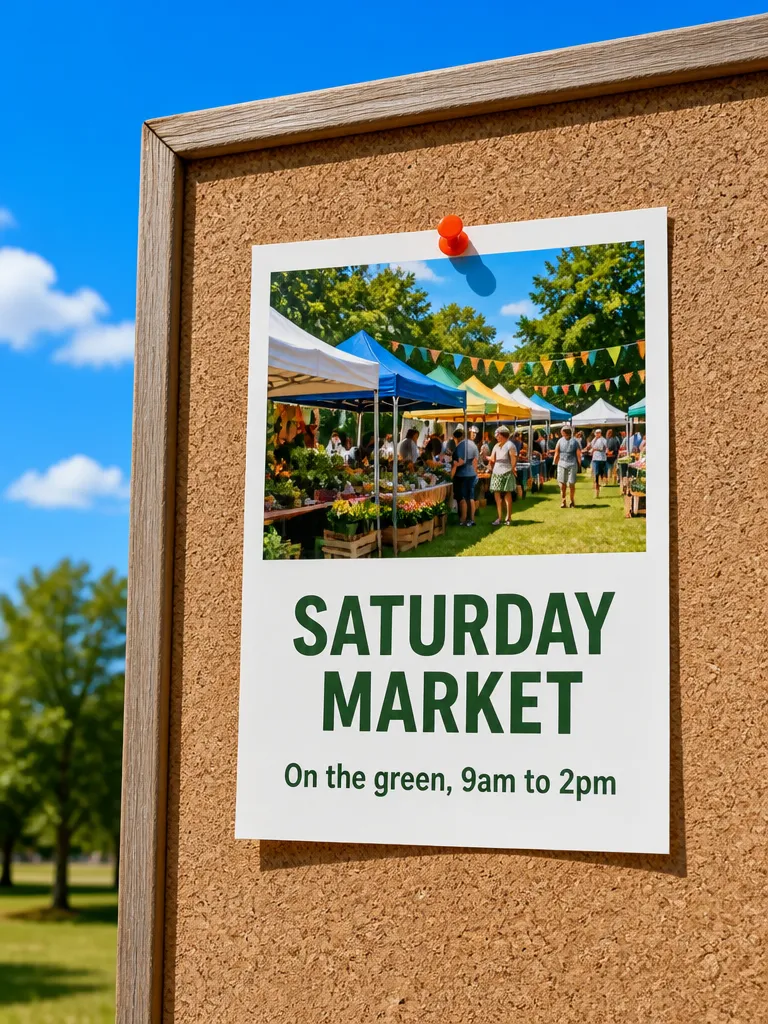
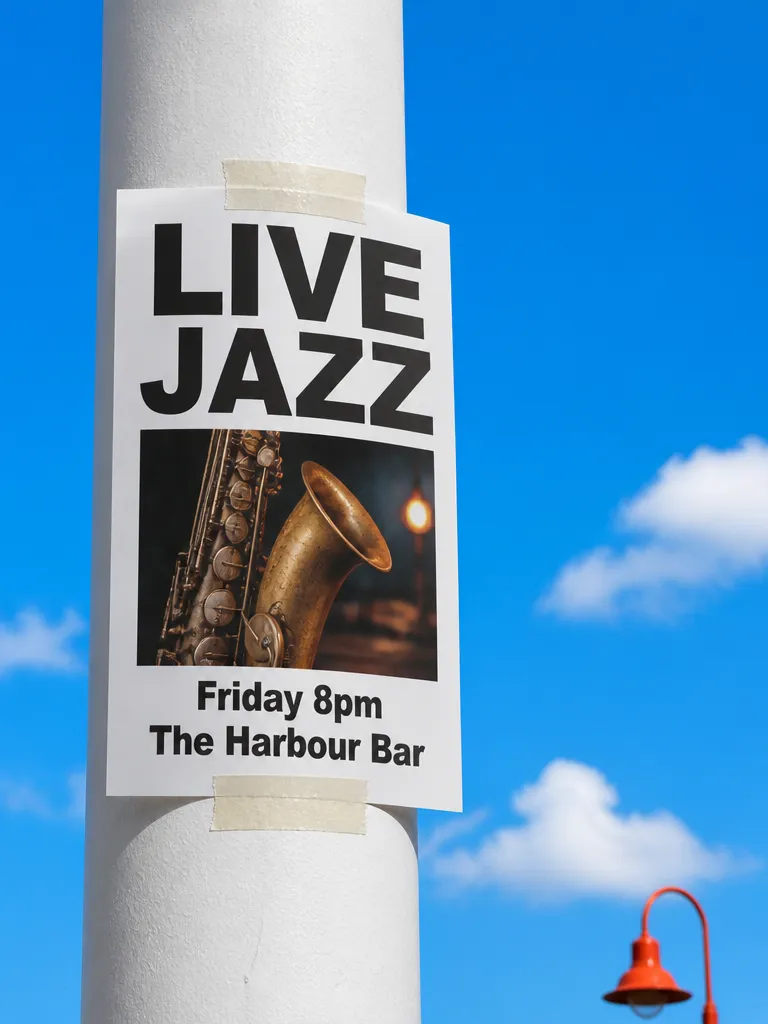
Gigs, classes, markets and workshops with the details right, in print and on every social channel at once.
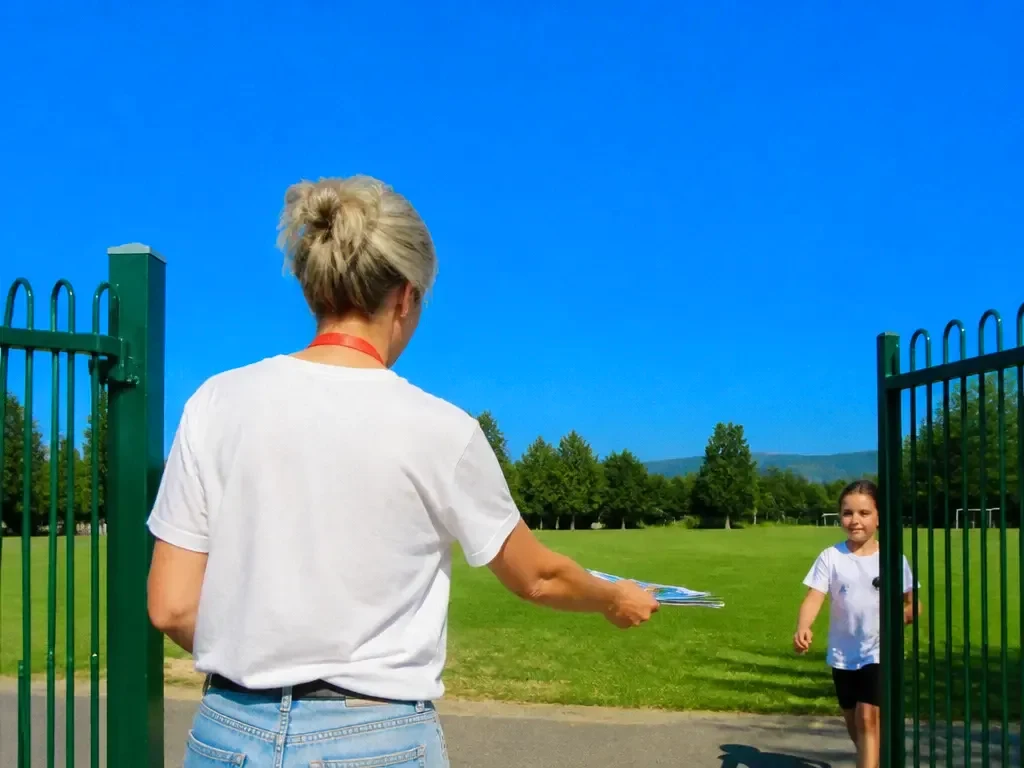
Schools, clubs and charities
Fundraisers, open days and team trials, made by whoever has ten minutes rather than whoever knows design software.
Frequently asked questions
Will the dates and prices be spelled correctly?
Yes. All the details are set as real text exactly as you typed them, and you can edit any of them after the flyer is made.
Can I print the flyers?
Yes. Download A5, A4 or US letter with bleed and crop marks, ready for a print shop or a home printer.
Can I make a version for Instagram?
Yes. The same flyer exports as a square post and a story, with the layout reflowed for each shape.
Can I add my own photos and logo?
Yes. Upload them and EverAsk places them in the design. You can also generate a photo or illustration to fit the flyer.
Can I add a QR code?
Yes. Paste a link and a QR code is added to the flyer, sized so it scans reliably once printed.
One prompt in.
Real work out.
Flyers with every date, time and price spelled right.
EverAsk on your phone and your Mac
EverAsk for iPhone
Describe the picture on the train, pick the model, and post it from your phone. Every image you make here is on your phone.
Download on the App Store

EverAsk for Mac
AI Images on your desktop, with the reference photos and brand files you already have to hand.
Download for macOS