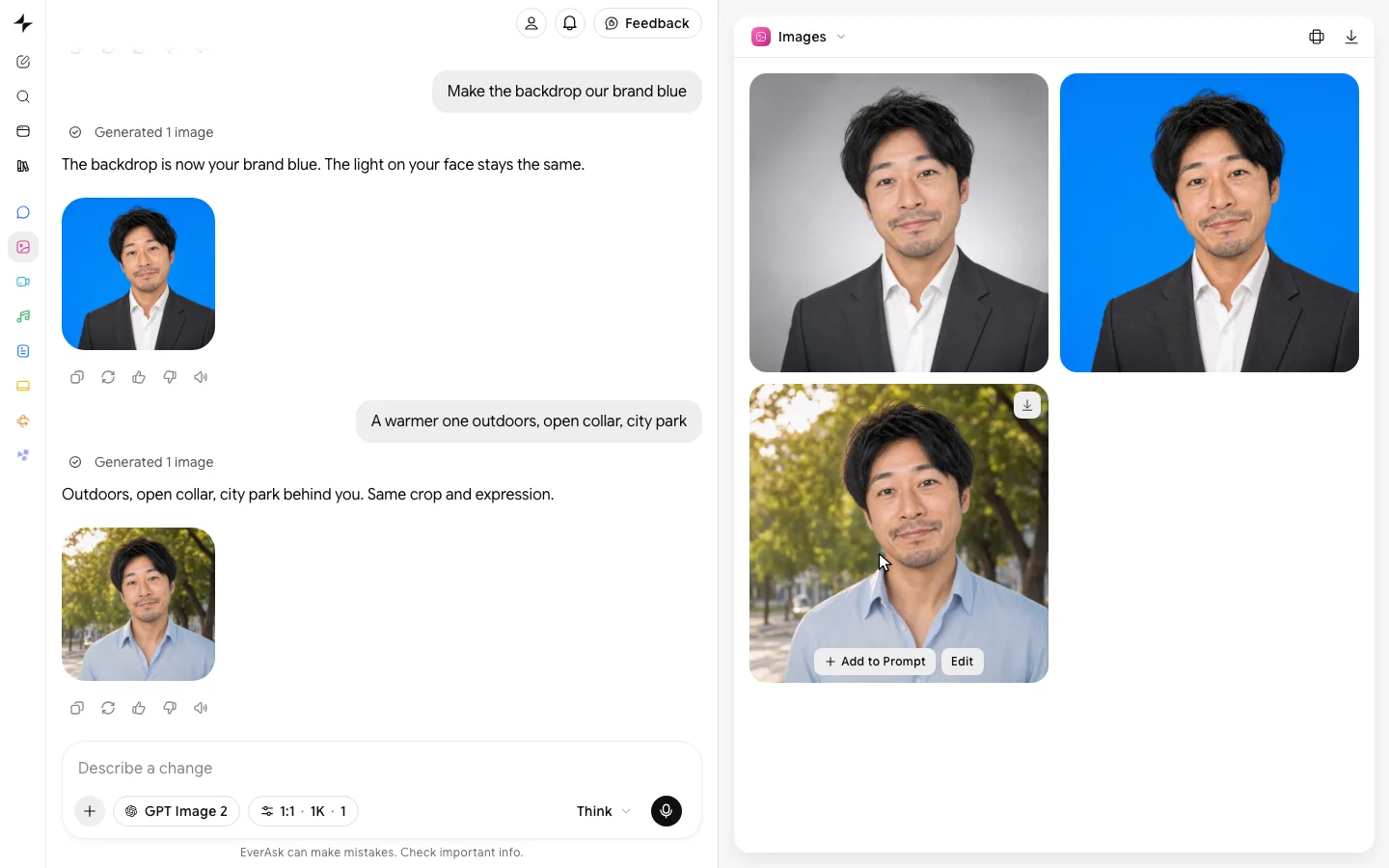
AI book cover generator
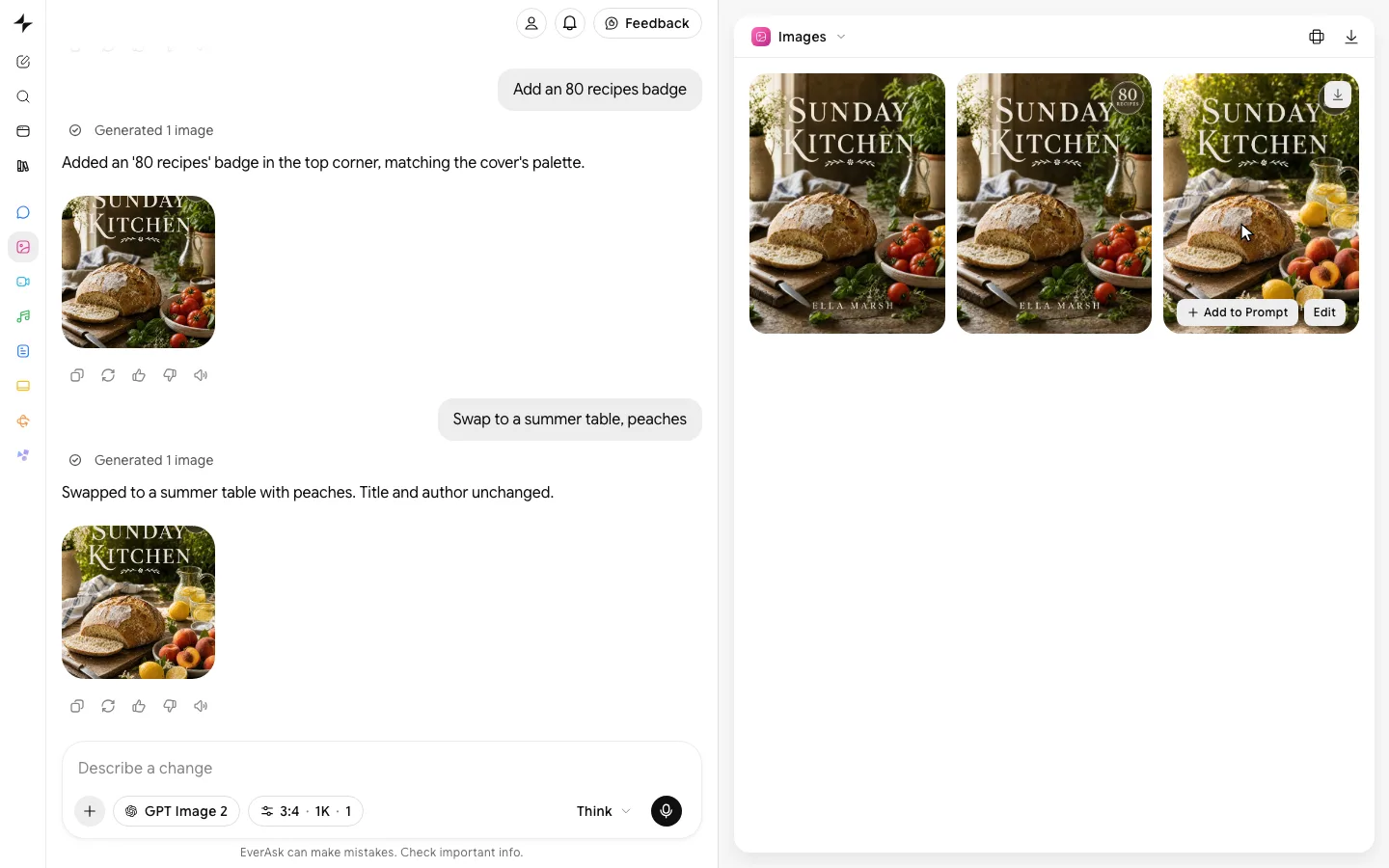
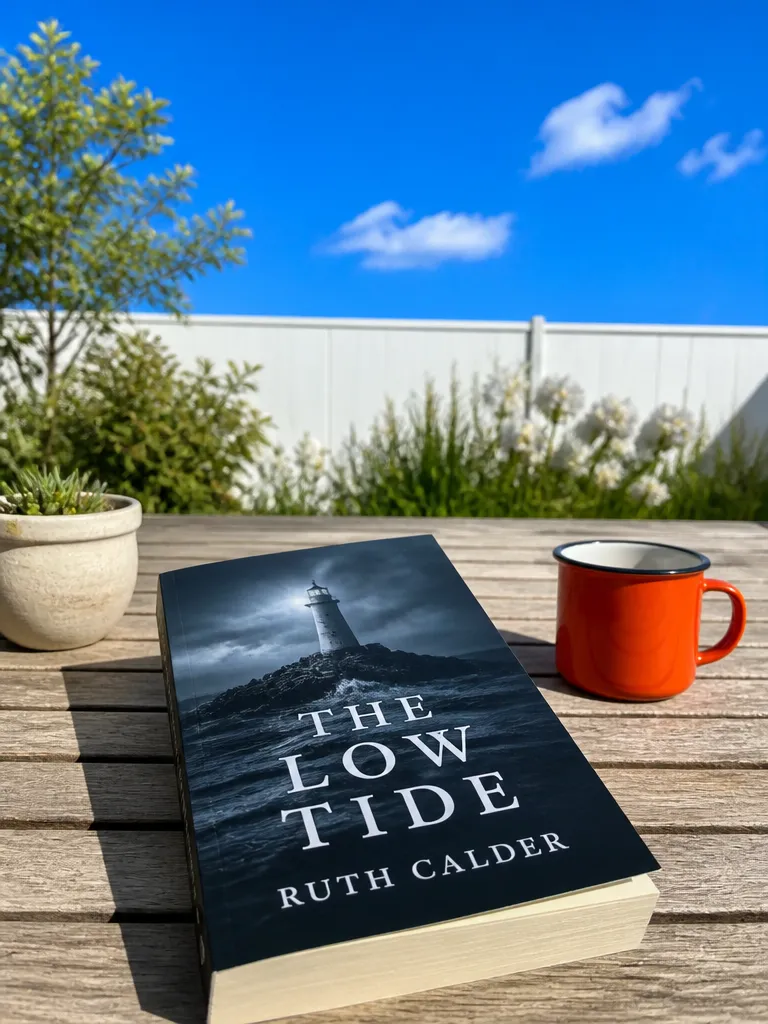
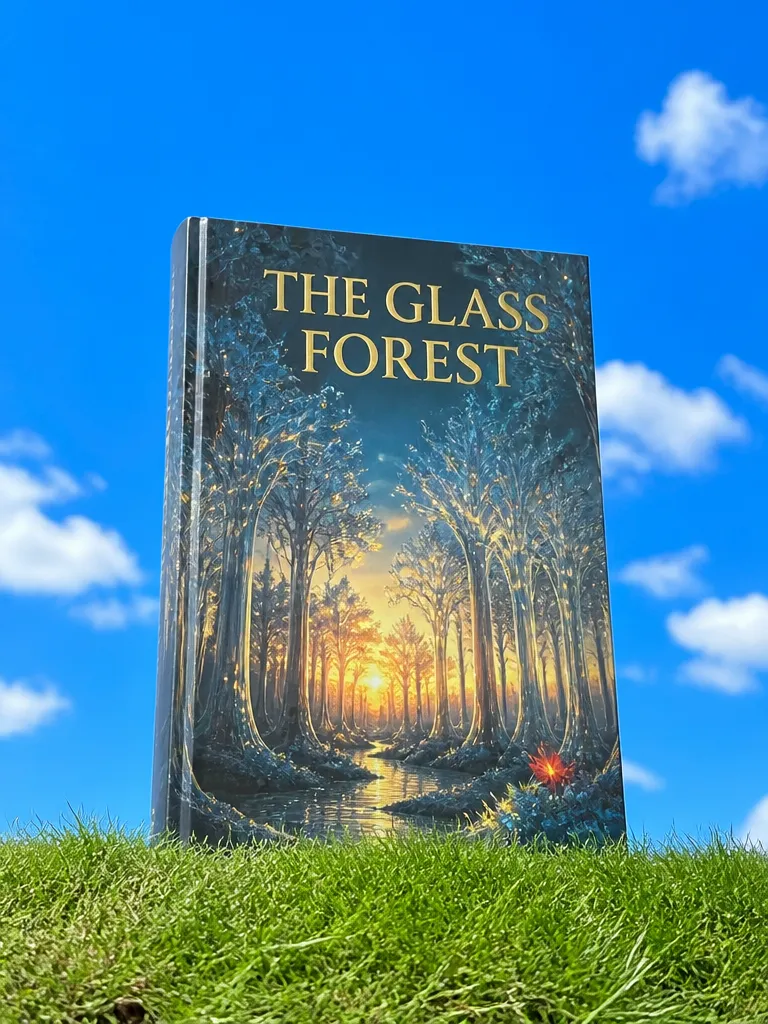
Covers that read as their genre, titles spelled right.
Examples
Made for the shelf and the thumbnail.
- From one prompt
 Describe the headshot
 - Sketch to cover
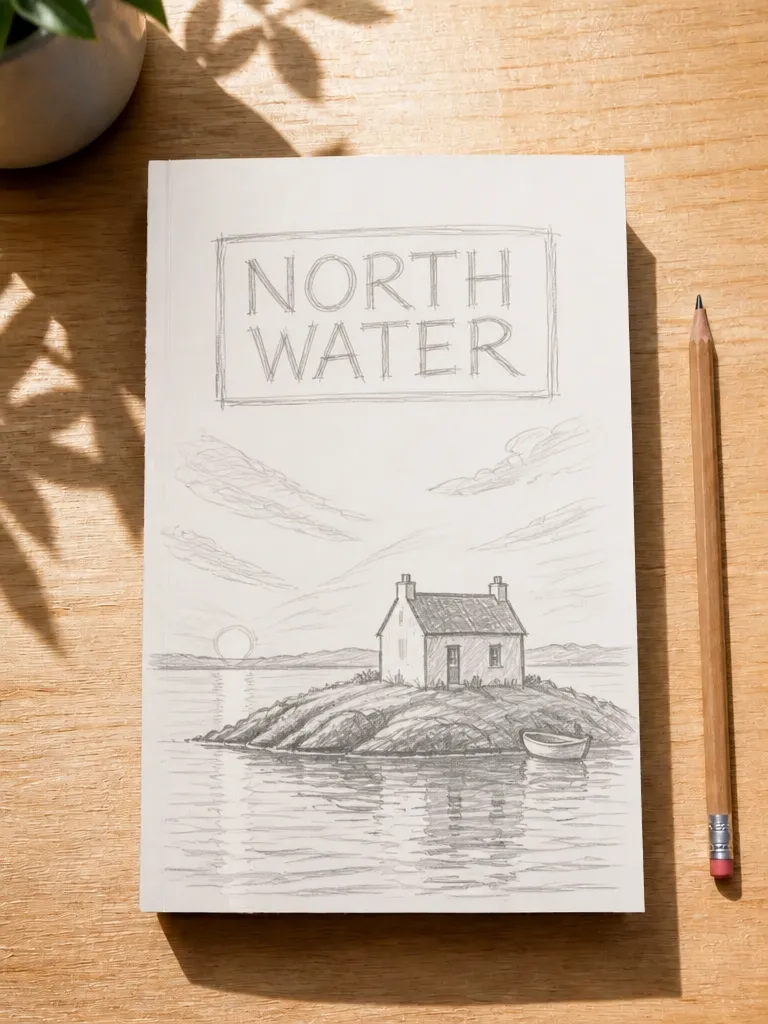
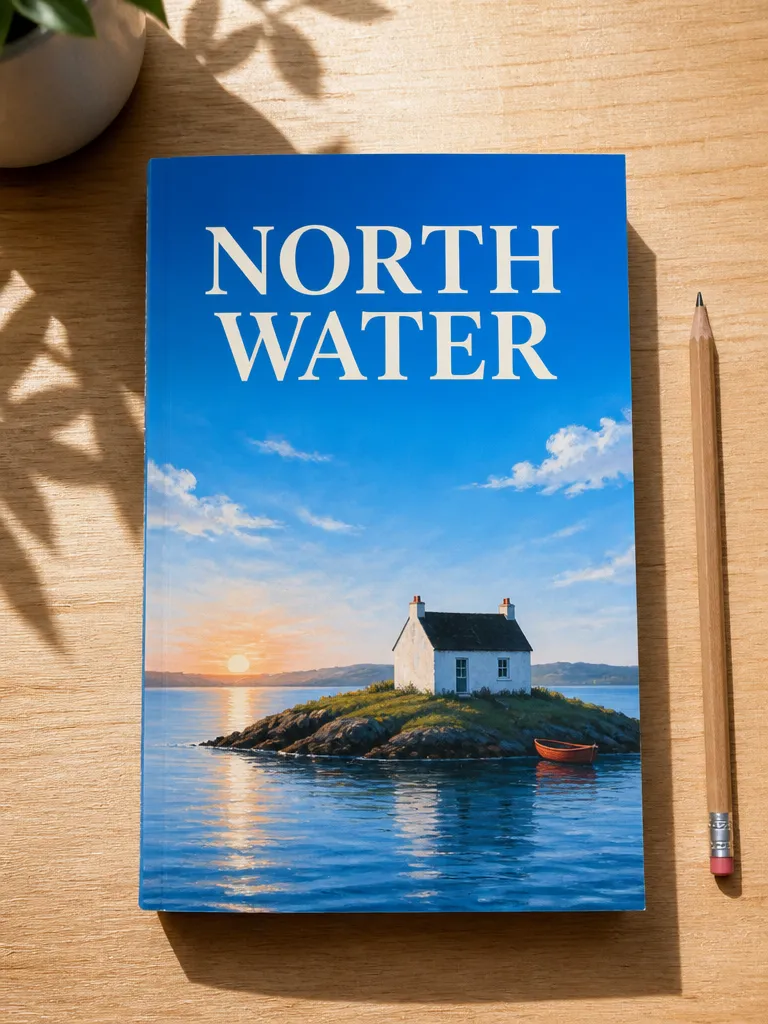 SketchCover
 - Every genre
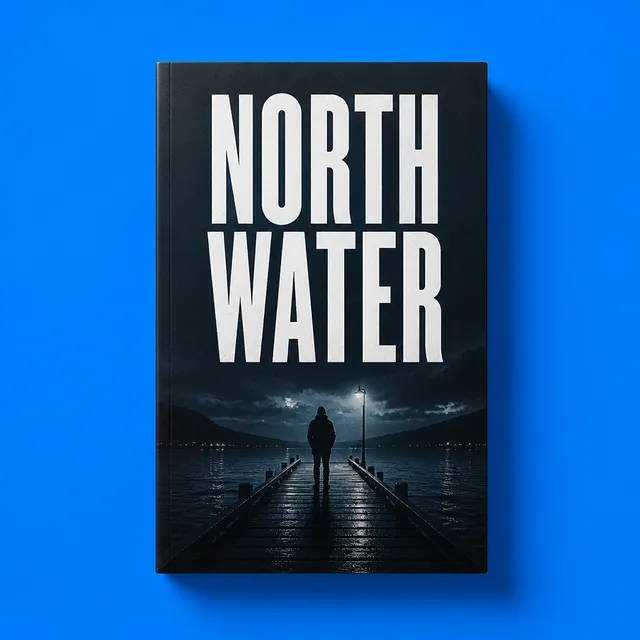 Thriller
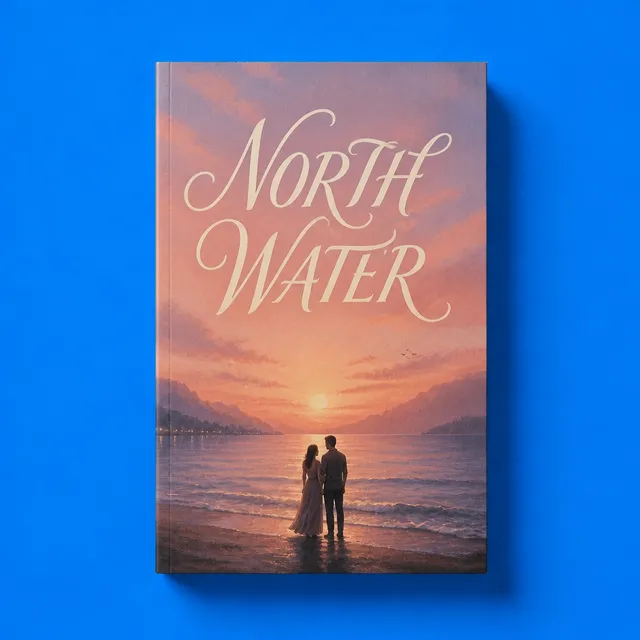 Romance
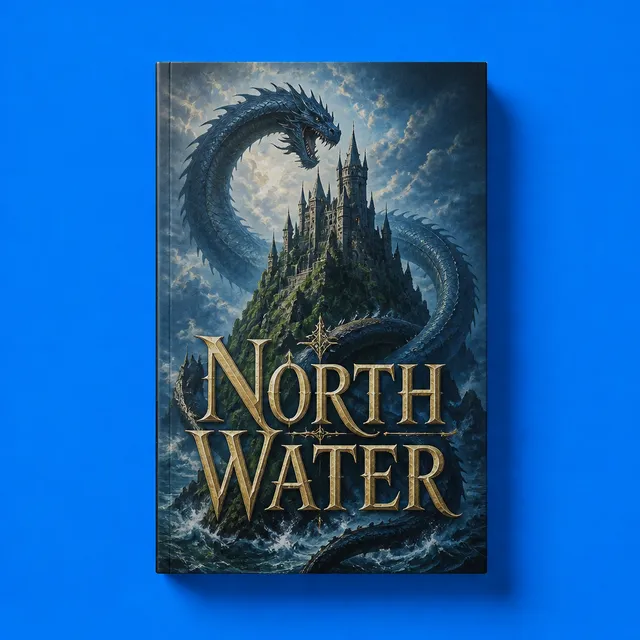 Fantasy
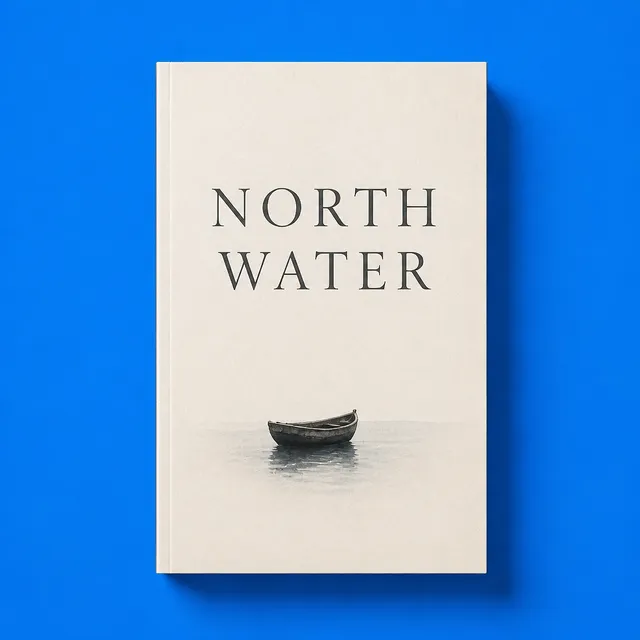 LiteraryNorth Water4 genres
 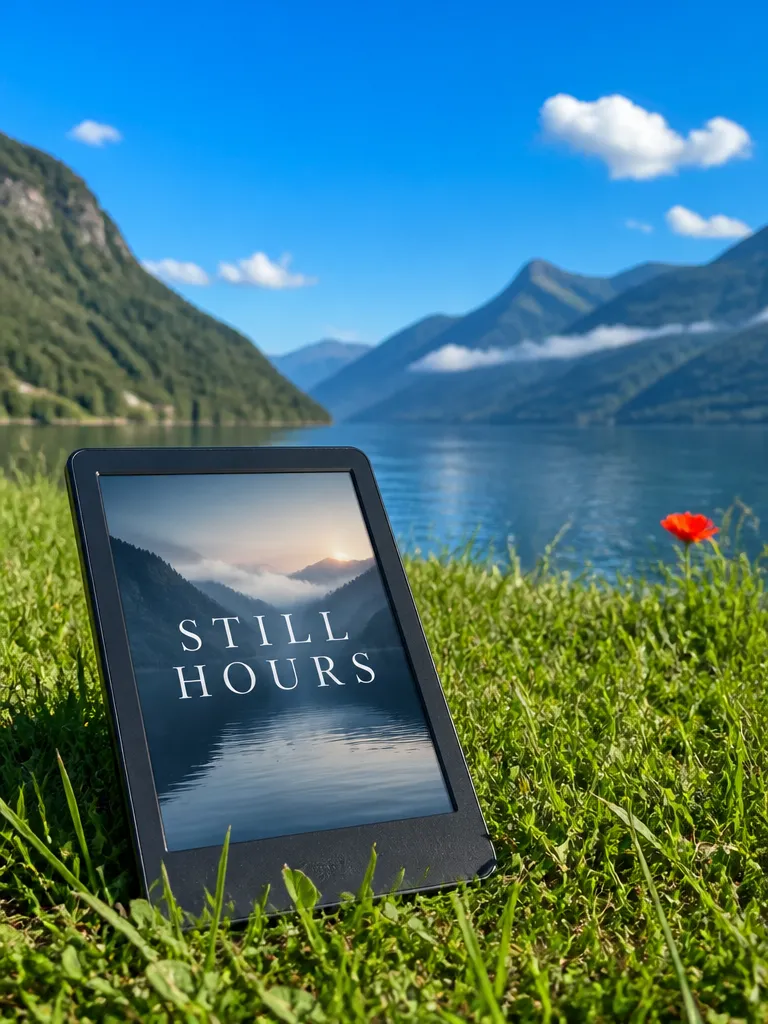 Ebook
Ebook Paperback
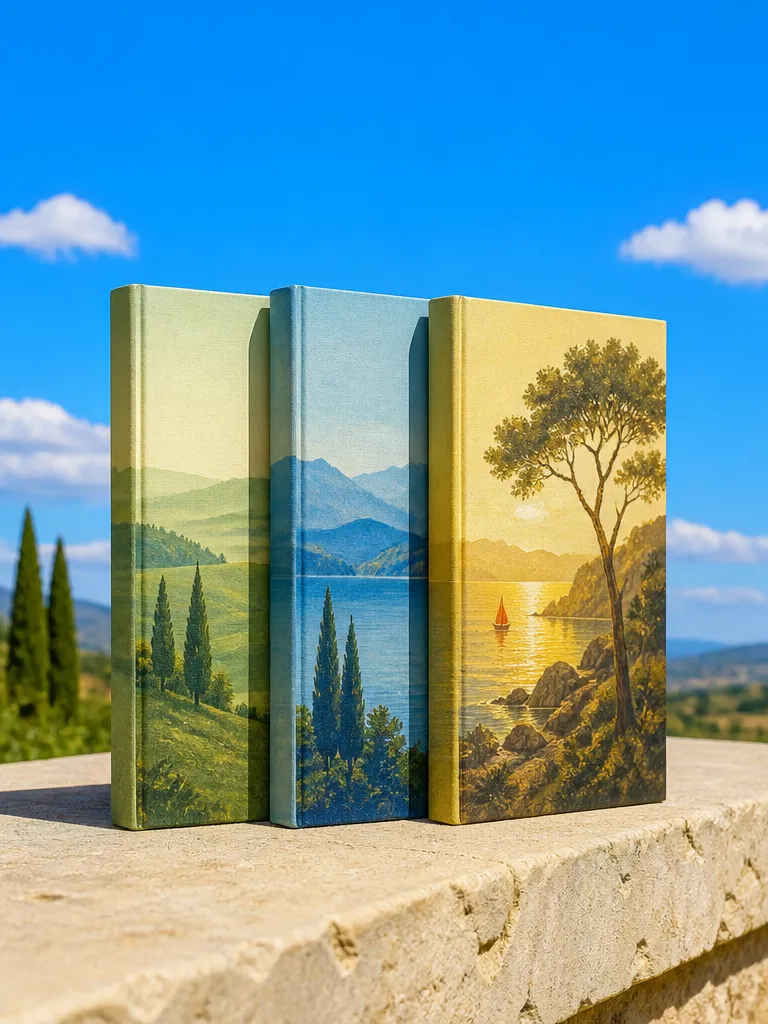 Series
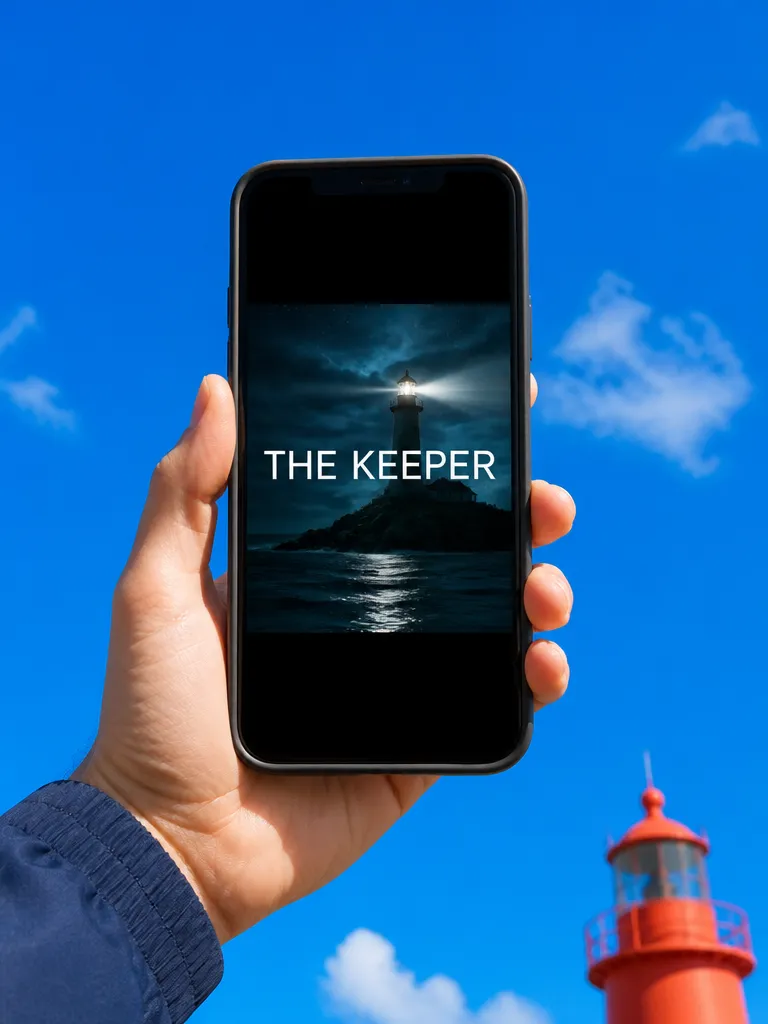 Audiobook
How it works

Describe the book
Genre, setting, mood and the title and author name exactly as they should print. Paste the blurb if you have one and EverAsk reads the tone from it.
Pick a direction
Get several covers that each look like they belong on the right shelf. Keep one and adjust it: a darker sky, a bigger title, the figure further away.
Export for print and ebook
Download the front cover for Kindle and stores, and a full wrap with spine and back for paperback, sized from your page count and trim.
Features
Looks likeits genre
Learn more about looks like its genreTitlesspelled right
Learn more about titles spelled rightReadable asa thumbnail
Learn more about readable as a thumbnailSpine andback cover
Learn more about spine and back coverA seriesthat matches
Learn more about a series that matchesEdits inplain words
Learn more about edits in plain words
Who it’s for

Self-published authors
A professional cover for a first novel or a backlist relaunch, without a four-week wait or a designer's invoice.
Small presses
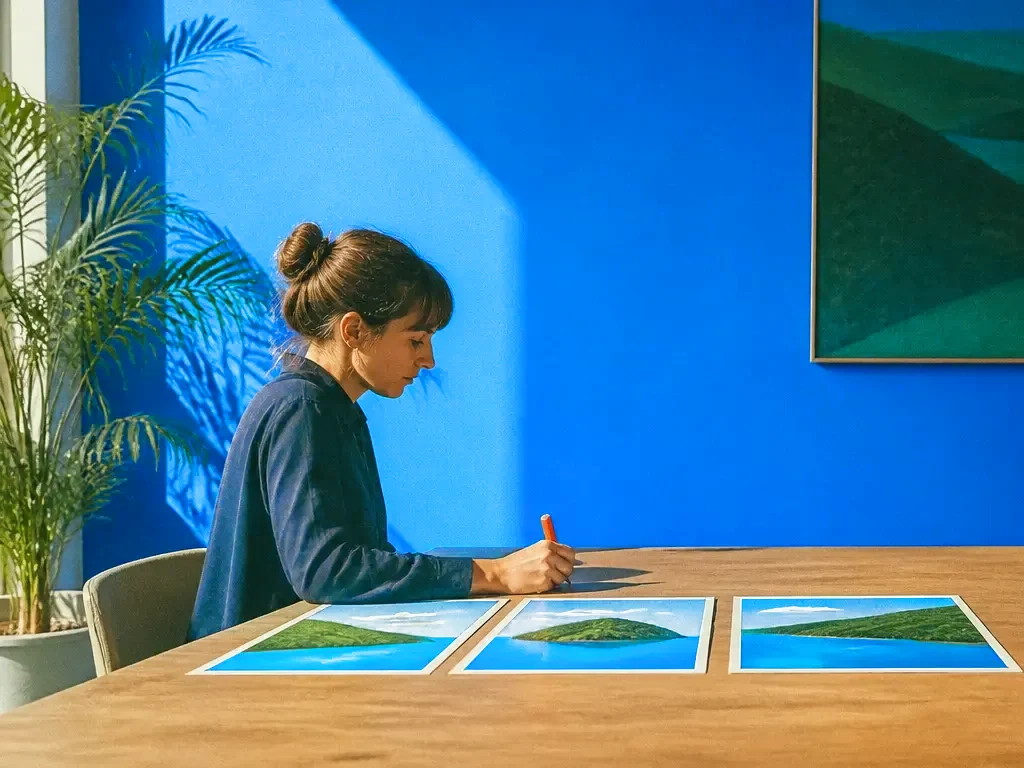
Explore three directions for a new title before the cover meeting, and brief the designer from the one everyone picked.

Non-fiction and course creators
Clean, confident covers for guides, workbooks and lead-magnet ebooks that look as considered as the content inside.
Frequently asked questions
Will the title be spelled correctly?
Yes. The title, subtitle and author name are set as real text in the fonts you pick, so they print exactly as you typed them and you can change them at any time.
What sizes can I export?
Front covers at the sizes Kindle, Apple Books and other stores ask for, and full print wraps for common paperback and hardback trims, with bleed included.
Can it make the spine and back cover?
Yes. Enter the page count and trim size and EverAsk works out the spine width, then lays out the back with space for the blurb and a barcode.
Can I use the cover commercially?
Yes. Covers you make are yours to publish and sell with your book, in print and as an ebook.
Can I keep a series consistent?
Yes. Start book two from book one's cover and EverAsk keeps the type, layout and colour system, changing only the art and the title.

One prompt in.
Real work out.
Covers that read as their genre, titles spelled right.
EverAsk on your phone and your Mac
EverAsk for iPhone
Describe the picture on the train, pick the model, and post it from your phone. Every image you make here is on your phone.
Download on the App Store

EverAsk for Mac
AI Images on your desktop, with the reference photos and brand files you already have to hand.
Download for macOS