

ImagineArt 2.0
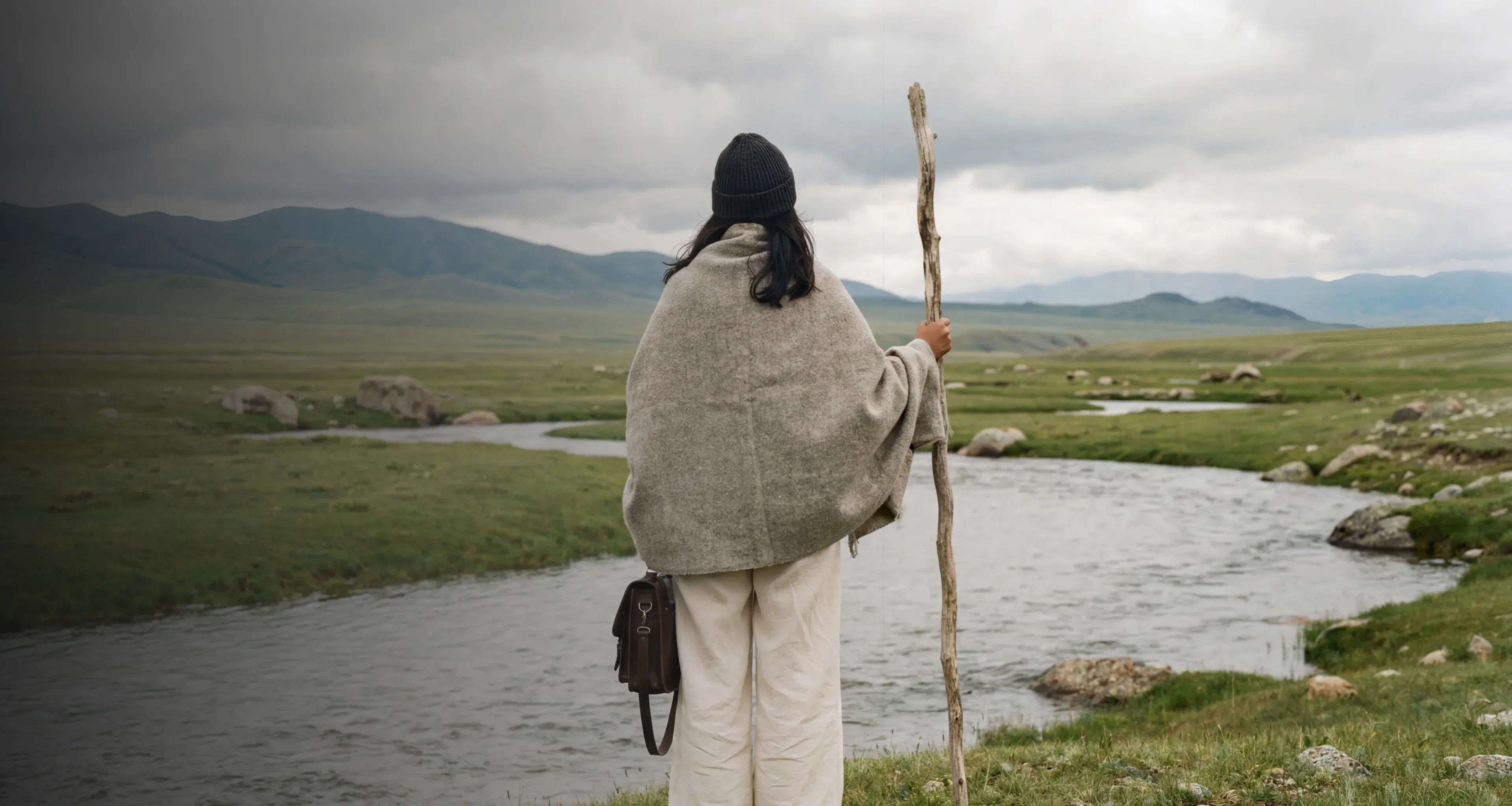
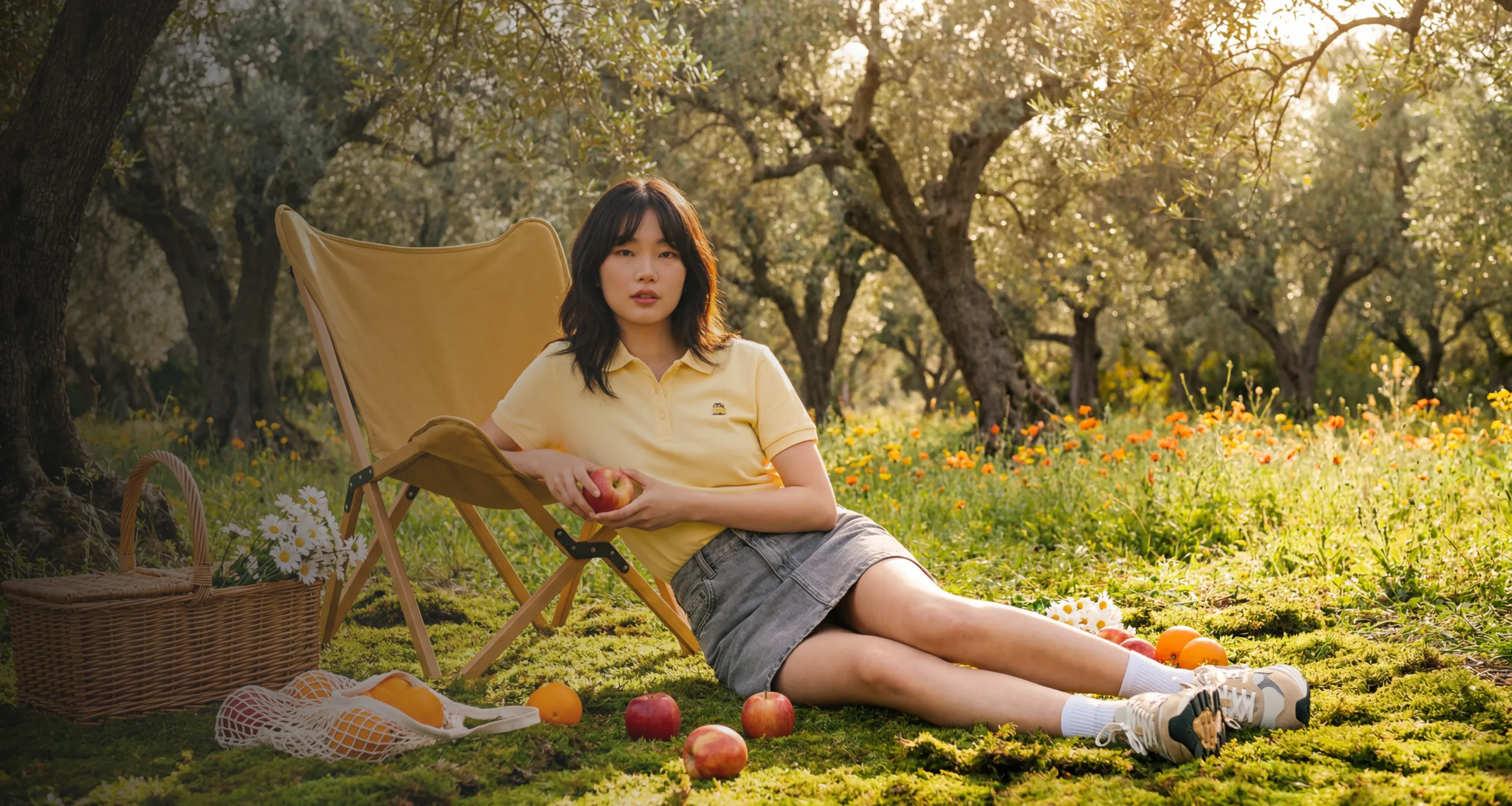
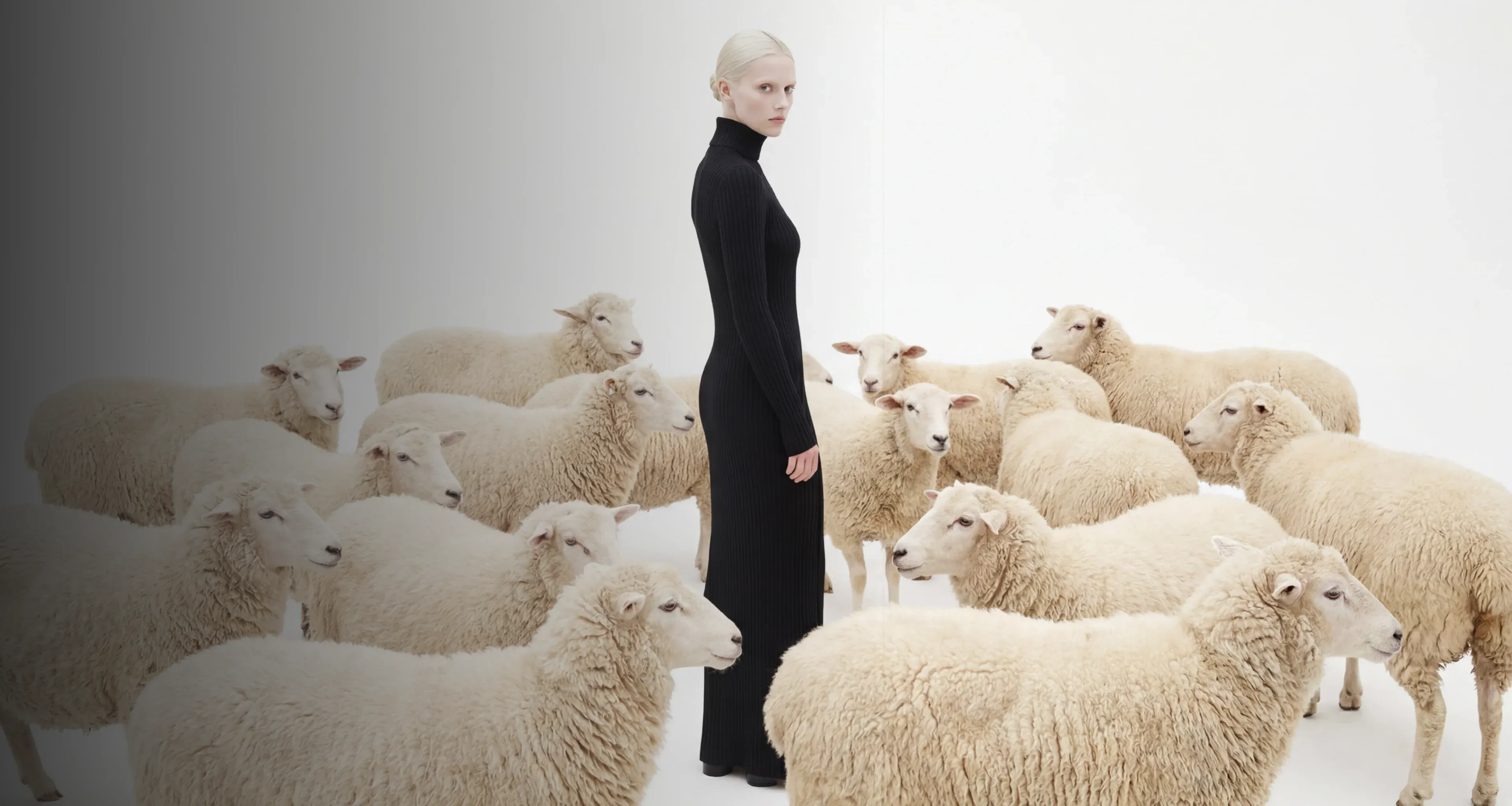
ImagineArt 2.0 is the first reasoning-based AI image generation model from ImagineArt, built for true life-like realism, cinematic output, and precise instruction-following. Available now inside Chatly.
ImagineArt 2.0 Generates Any Visual Style From One Prompt
Photorealistic portraits, product photography, cinematic scenes, poster design, anime, editorial layouts, and multilingual branded content. All from the same model, no switching tools.
Common Usecases
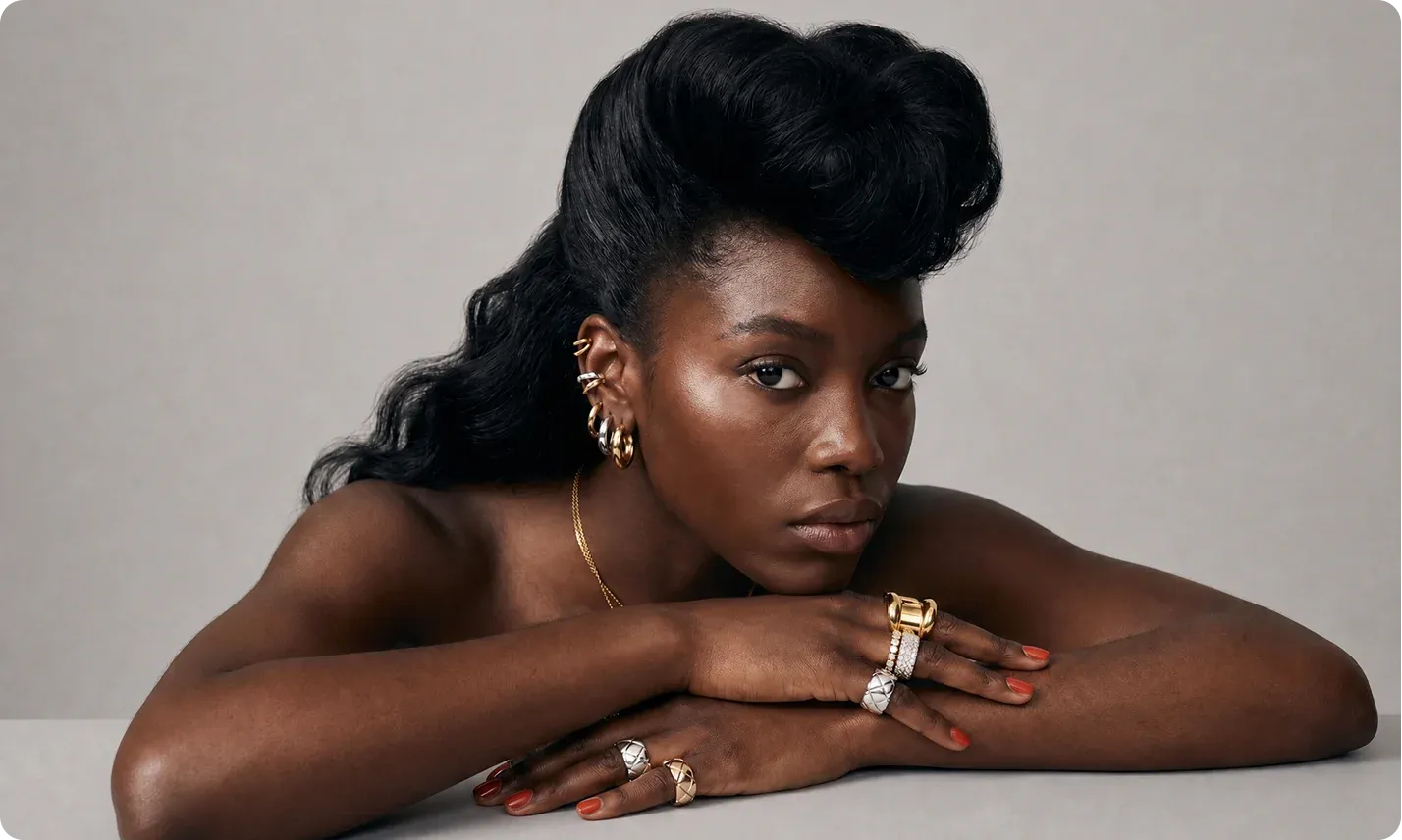
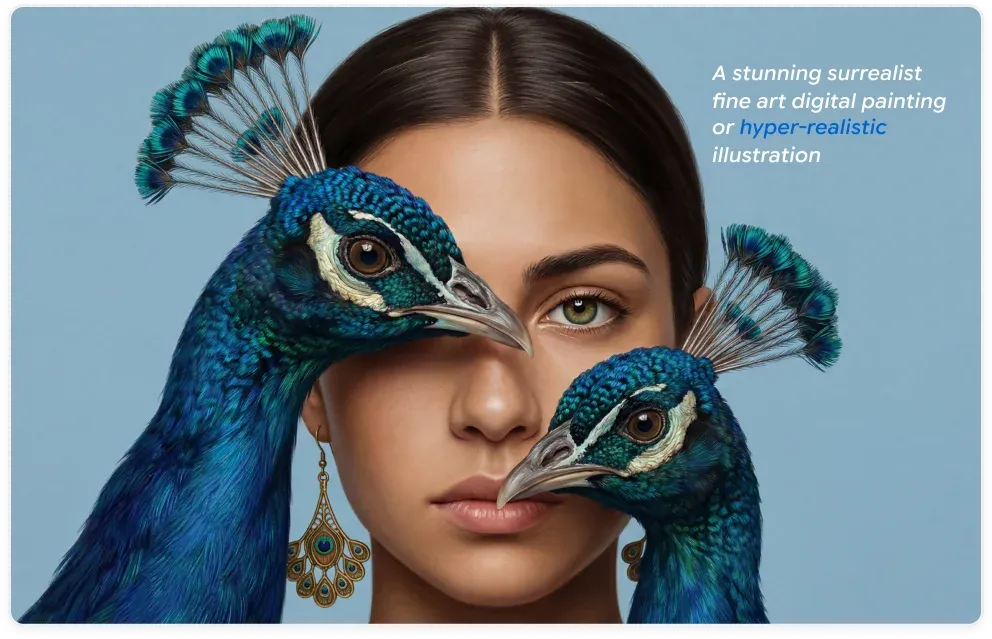
Portraits That Pass for Photography
When you describe a subject, setting, and lighting, ImagineArt 2.0 processes all of it as a unified scene before rendering begins. The reasoning layer resolves spatial logic, subject interaction, and composition the way a director would before calling action, so what comes out looks intentional rather than assembled from independent elements.
The Value ImagineArt 2.0 Delivers
ImagineArt 2.0 is built to fill in the limitations of other text-to-image models to unlock new creative capabilities.
A Reasoning Layer Other Models Do Not Have
ImagineArt 2.0 applies a reasoning layer that evaluates your full prompt as a scene brief before a single pixel is rendered, resolving spatial relationships, lighting logic, and composition structure as a unified whole. That architectural difference is what produces the 96% prompt accuracy score and what makes the output look directed rather than generated.
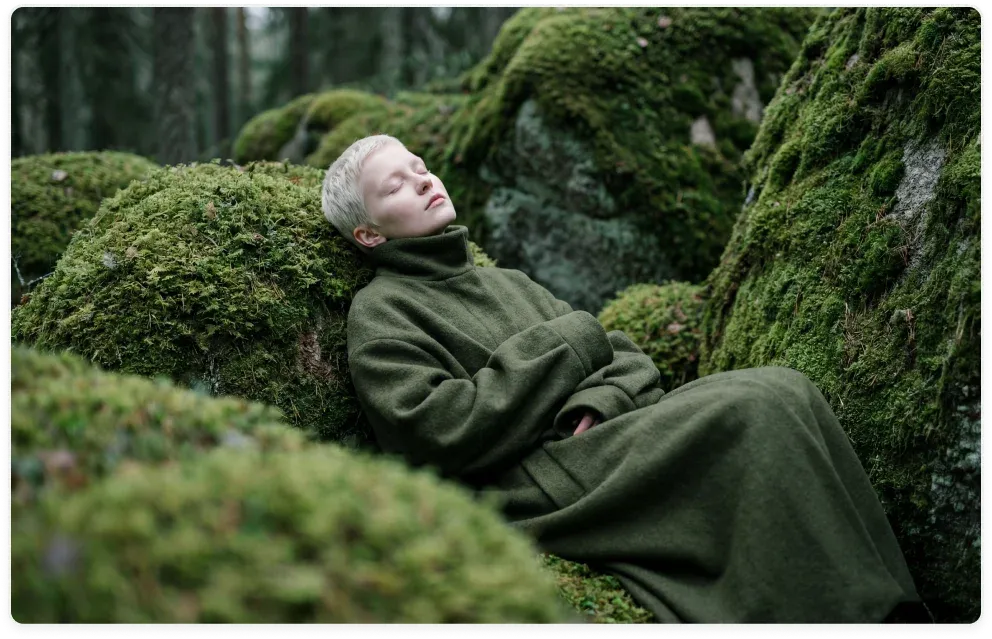
Generation to Delivery in One Step
Most AI-generated images need at least one post-production step like correcting in-image text, fixing desaturated color, or retouching surface detail. ImagineArt 2.0 handles all three at the generation stage, so accurate multilingual typography, vibrant true-to-life color, and production-grade surface detail are already in the output.
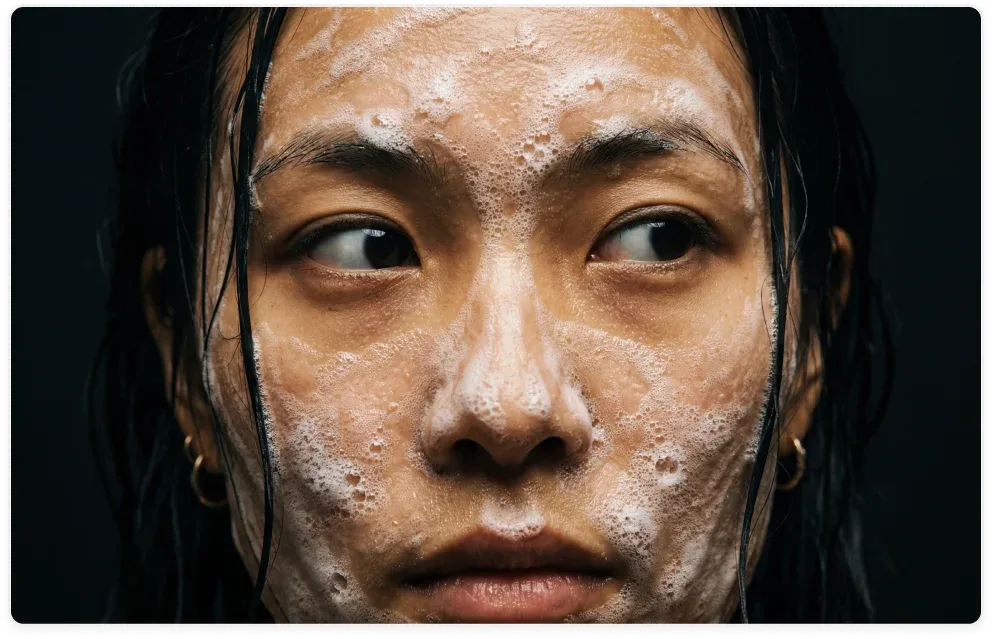
From Photorealism to Fine Art
ImagineArt 2.0 handles photorealism, anime, poster design, fine art, and product photography from the same interface, without separate checkpoints, additional pipelines, or model switching. Every visual direction your project needs is available from one prompt.
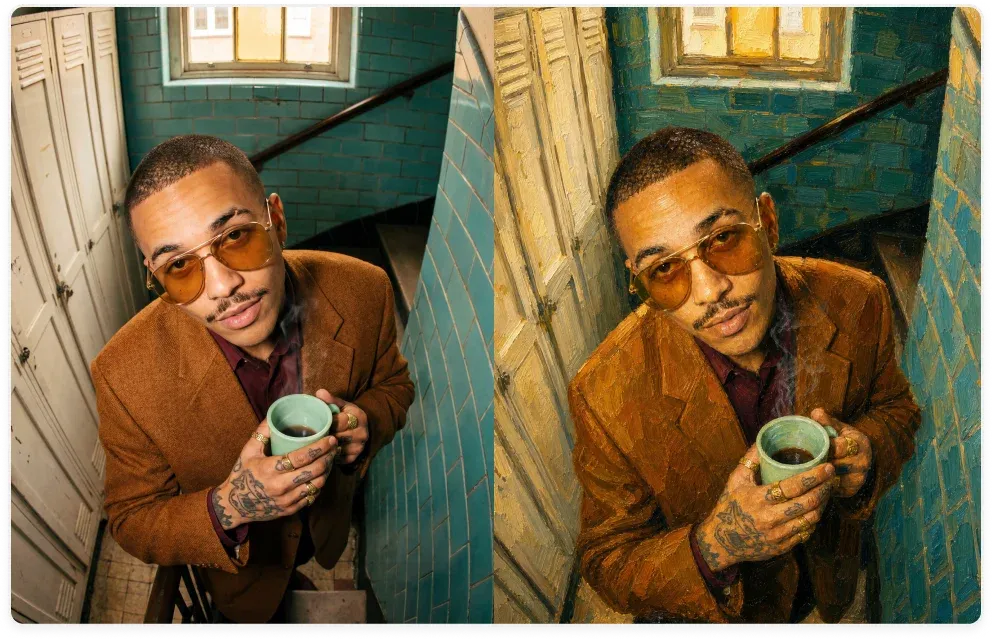
Consistent Across Every Frame in the Batch
Seed-based generation control in ImagineArt 2.0 locks character appearance, compositional logic, and visual identity across every output in a run, making it genuinely practical for product series, branded character work, and storyboards where consistency across frames is a hard requirement.
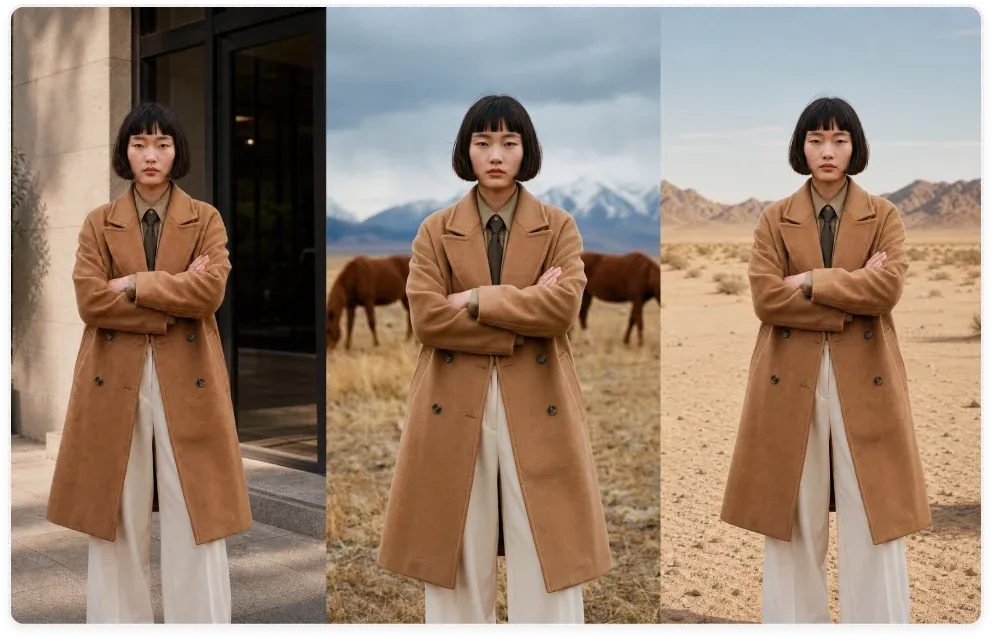
Output Matches the Brief
ImagineArt 2.0 treats your lighting condition, color treatment, subject placement, and embedded text as simultaneous hard constraints rather than suggestions, which is what a 96% prompt accuracy score actually means in practice. What you described is what you get.
Steps to Generate With ImagineArt 2.0 on Chatly
No API keys, no setup. Open Chatly, write your prompt, and generate.
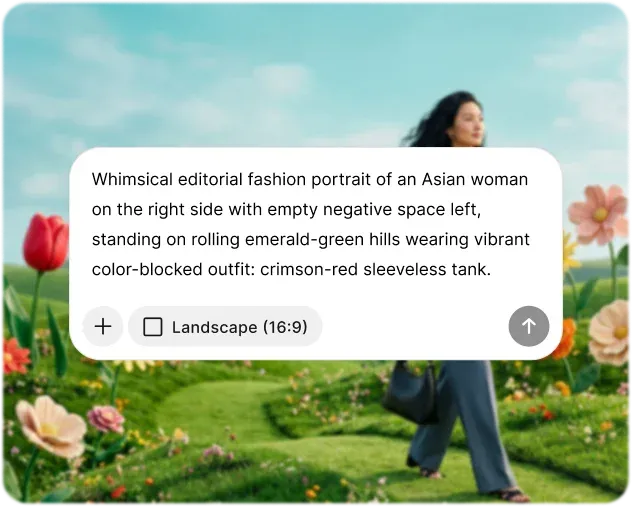
Write a Specific Prompt
Include subject, setting, lighting, composition, color, embedded text, and style. ImagineArt 2.0 reads the entire brief. The more specific your input, the more accurate the output.
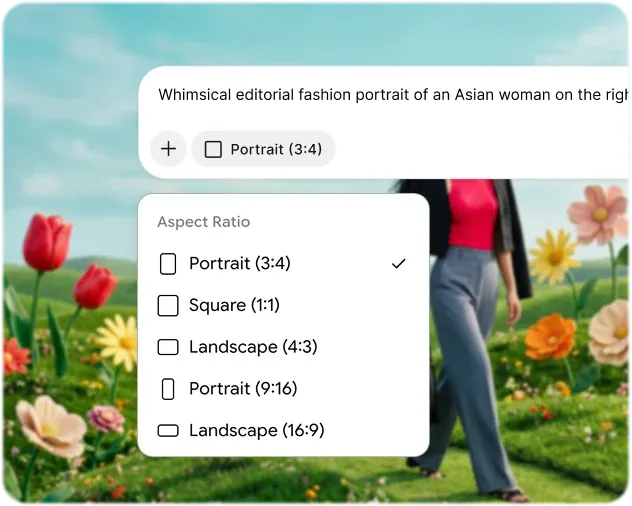
Set Format and Parameters
Pick your aspect ratio from 15+ options. Set reasoning to High for complex scenes, Low for faster simple generations. Fix a seed value for reproducible batch outputs.
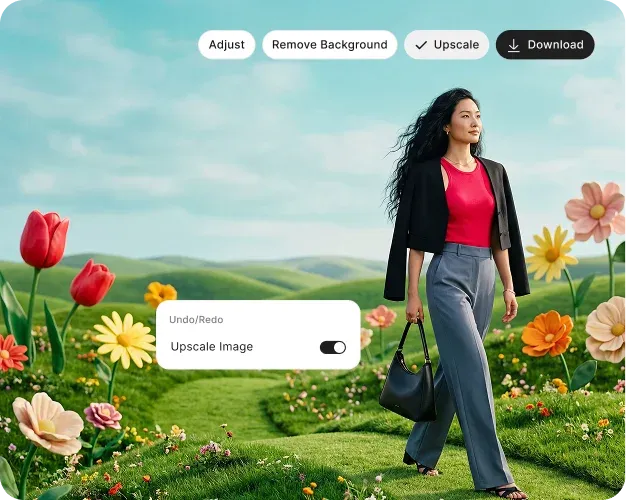
Generate, Refine, Download
Output arrives in seconds. Describe a change in a follow-up prompt to adjust color, lighting, text, or composition. No need to restart. Iteration is instant and conversational.
ImagineArt 2.0 Complete Capability Specification
A complete reference of ImagineArt 2.0's technical parameters, architecture, and platform details in one place.

Subject Consistency
Characters and objects retain visual identity across sequential generation sessions, making the model practical for storyboards, branded character work, and multi-image product series.

Every Visual Style
Photorealism, anime, oil painting, watercolor, ink wash, claymation, film grain, and poster illustration are all accessible from a single model without separate checkpoints.

Commercially Supported
Outputs generated via Chatly can be used for advertising, branded content, and client deliverables, subject to Chatly's Terms of Service.

Output Format
PNG preserves lossless quality and is recommended for print and client delivery. JPEG is suited for web and social where file size takes priority over lossless quality.

Editing Roadmap
ImagineArt 2.0 is currently text-to-image only. Image editing is planned for a future release. Within Chatly, outputs can be refined through follow-up prompts without restarting generation.

Built-In Content Moderation
Harmful, violent, sexually explicit, and policy-violating content is filtered automatically on every generation. Safety filtering cannot be disabled.

Generation Time
Most generations complete in seconds. High reasoning mode adds slightly more time due to deeper scene analysis before rendering. Pairing a fixed seed with consistent prompts keeps generation time predictable across batch runs.

Vibrant Color Codec
A dedicated processing layer preserves hue fidelity and true-to-life saturation across all visual styles, eliminating the washed-out output common at this quality tier.

Multilingual Typography
Latin, Arabic, CJK, Devanagari, and Cyrillic scripts are rendered accurately in single and multi-script compositions. +20 pts vs ImagineArt 1.5.
All Your AI Tools, Finally in One Place
Avoid jumping between different applications. Chatly integrates multi-model AI chat, intelligent search, and image generation in one platform, allowing you to stay focused and seamlessly transition from ideas to outputs.
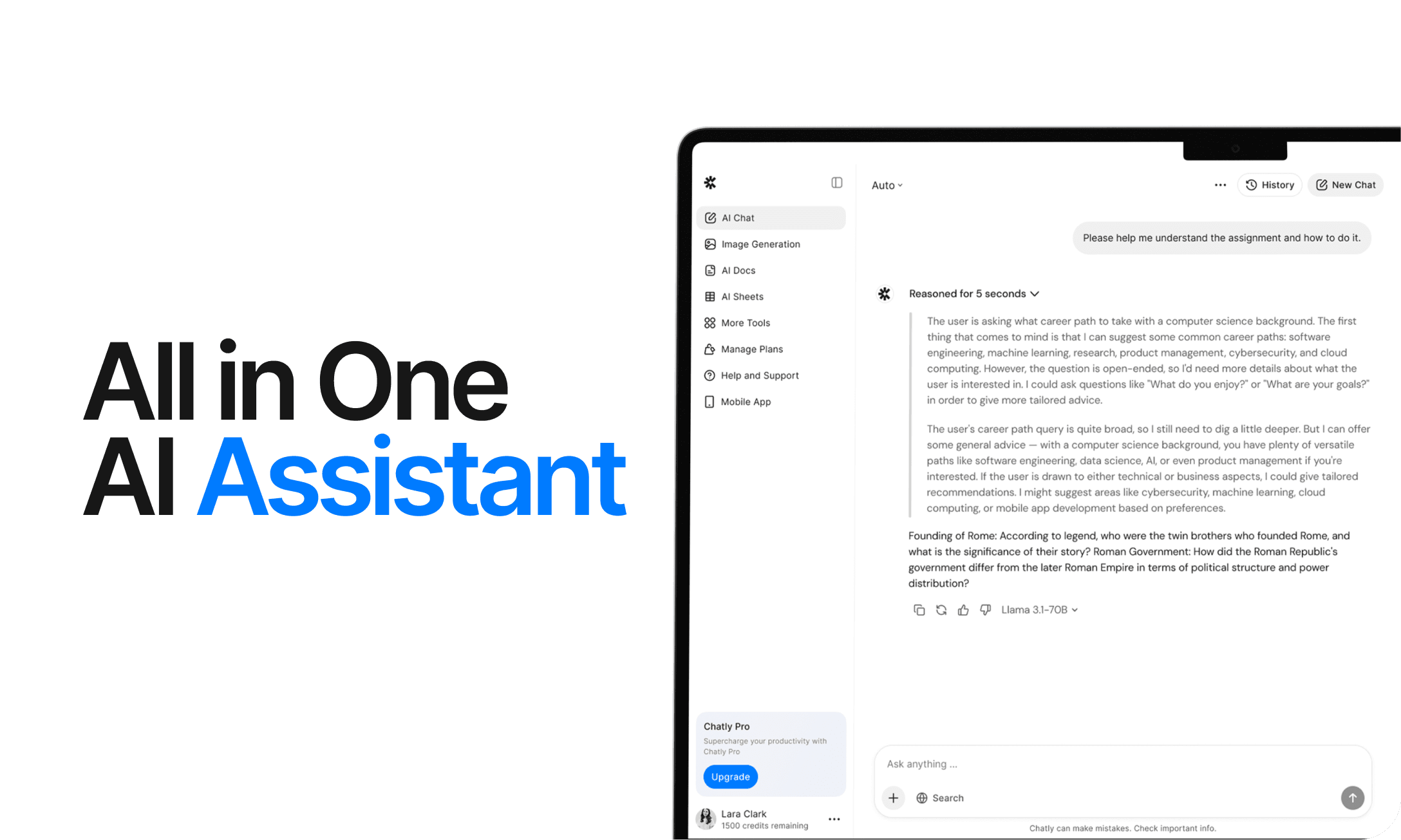
AI Chat
Chatly's AI Chat is designed to align with your thought process. Whether you're deciphering a complex issue, investigating a new concept, or deliberating a decision, it provides the clarity and context you require.

AI Web Search
Chatly's AI Web Search allows you to pose questions as you naturally would and receive answers sourced from real-time information. There’s no need for manual browsing or dealing with multiple tabs. Just precise, current information.
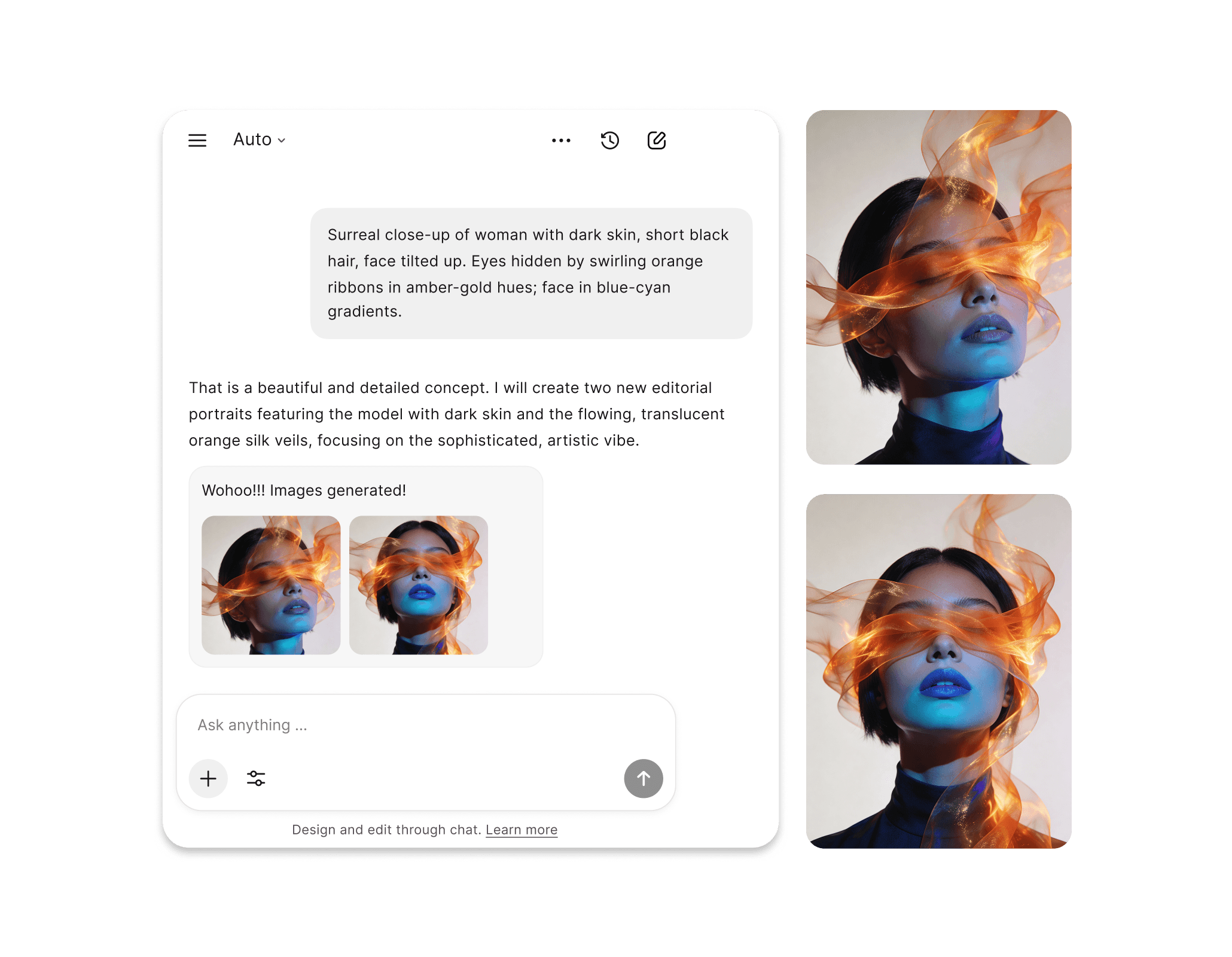
AI Image Generation
Chatly's AI Image Generation bridges the gap between concept and visual representation. Simply write a prompt, define your parameters, and receive high-quality images tailored to your specific needs. Perfect for presentations, campaigns, or creative experimentation.
What Creators Say About ImagineArt 2.0
From independent designers to production studios, here is what professionals using ImagineArt 2.0 in real workflows have to say.
Frequently Asked Questions
Here are answers to some fo the most common inquiries users have online.
Start Creating With ImagineArt 2.0 on Chatly Today
ImagineArt 2.0 inside Chatly gives you the realism, prompt accuracy, cinematic lighting range, and style flexibility to bring any visual concept to life. No design experience required and no compromises on output quality.